Table of Contents
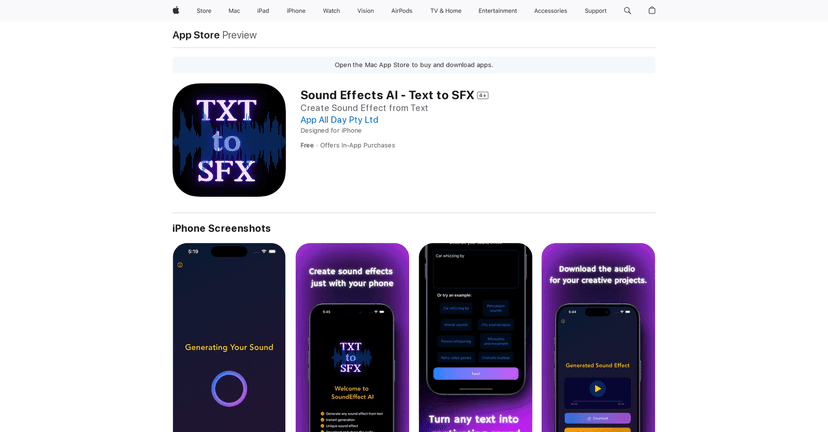
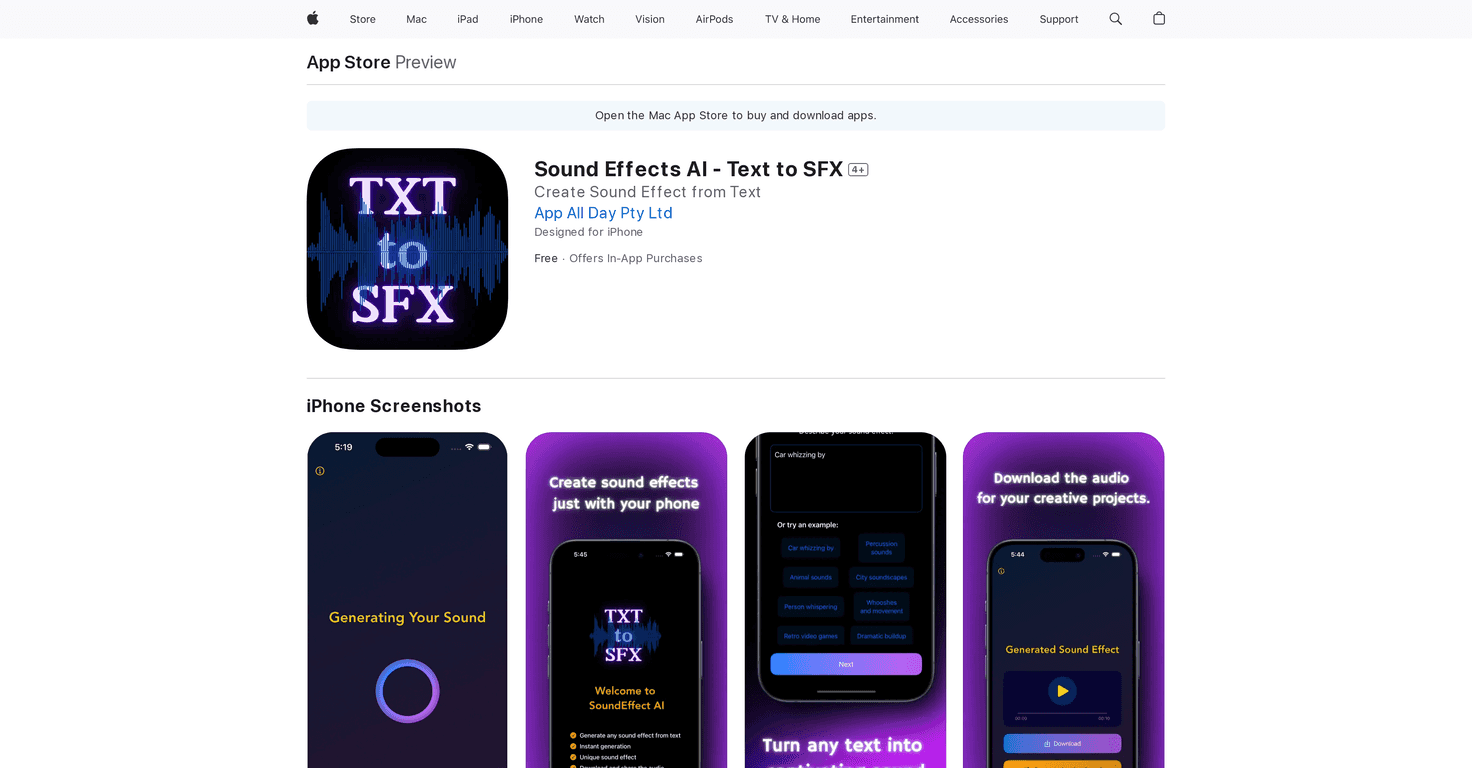
If you’ve ever stared at a script and thought, “Man… this would hit harder with the right sound,” Sound Effects AI is exactly the kind of app that scratches that itch. I tested it by feeding it short lines of text and seeing whether it could turn my words into actual sound effects—without me hunting through libraries for hours.
Here’s the basic idea: you type (or paste) text, and the app generates sound effects that match what you’re trying to say. It’s meant for quick wins—podcasts, short videos, reels, even little UI-style moments where you want a pop of audio. And honestly, the interface is pretty friendly. Even if you’re not an audio person, you’re not thrown into a complicated setup.

Sound Effects AI Review: Text to SFX, Fast
When I say “instant,” I mean you don’t sit there for ages waiting for something to render. You type your line, pick your vibe (when available), and it generates a sound effect you can use right away. That speed matters, especially when you’re making content on a schedule.
What I noticed most is that it’s best when your text is clear and specific. If you type something vague like “interesting,” you might get something… but it won’t always match your intent. On the other hand, if you give it a more direct cue—like “door slam,” “rain on window,” “cartoon pop,” or “whoosh”—the output tends to feel more on-target.
It also feels built for creators who want quick audio flavor without turning it into a whole production workflow. You’re not downloading packs, previewing samples, and dragging everything into your editor for hours. You’re generating something and moving on.
And yes, you can customize the sound effects. That’s important, because one generated effect rarely fits every project. Sometimes you want it punchier, sometimes softer, sometimes more stylized depending on the platform.
Key Features
- Instant Text to Sound Effect Generation — type text and get SFX output quickly.
- Customizable Sound Styles — adjust the vibe so it fits your video/podcast tone.
- AI-Powered Generation — uses AI to interpret your text and turn it into audio cues.
- Customization Options — tweak results instead of accepting the first output.
- Easy Sharing — get your generated sounds out where you need them.
Pros and Cons (What I Liked vs. What to Watch Out For)
Pros
- Quick and beginner-friendly — I didn’t have to learn a bunch of audio jargon to get usable results.
- Sound quality is solid for quick SFX — for short moments (transitions, action beats, UI pops), it works well.
- Customization helps a lot — being able to adjust the style makes it easier to match different content vibes.
- Free trial is a good test — you can try it before committing, which I always appreciate.
Cons
- Free tier is limited — you won’t get unlimited generations, so you may hit the cap fast if you’re experimenting.
- Subscription needed for regular use — if you plan to generate a lot, you’ll probably end up paying.
One more practical note: like any AI audio tool, it won’t read your mind. If you want a “specific” sound, you usually need “specific” text. Try adding context like “soft,” “metallic,” “cartoon,” “nighttime,” or the action (“door slam,” “glass clink,” “footsteps”). It’s not magic—but it is convenient.
Pricing Plans
Sound Effects AI has a free version that allows one sound generation during onboarding. After that, pricing is subscription-based:
- Weekly: $4.99
- Monthly: $9.99
- Yearly: $44.99
In my experience, the free option is enough to figure out whether the app’s style matches what you want. If you’re planning to use it consistently for content, the monthly plan is usually the safest “try it for real” step before going yearly.
Wrap up
Sound Effects AI is a simple way to add audio flair to text without turning your workflow into a scavenger hunt. The interface is easy, the results are usable for quick SFX moments, and the customization options make it easier to match different content styles.
Just keep expectations realistic: the free plan is limited, and if you’re generating often, you’ll want a subscription. Still, if you create videos, podcasts, or social content and need sound effects fast, it’s worth checking out—especially if you’re tired of hunting through libraries for the “perfect” clip.