Table of Contents
Let me be honest—most text-to-speech tools sound “almost right” until you listen closely. The pauses feel off, the tone drifts, and suddenly you’re editing audio instead of making it. Voicegen caught my attention because it’s positioned as a platform that focuses on natural delivery (not just robotic reading). So I tested it with a mix of short marketing copy, a longer script, and a few paragraphs with punctuation and dialogue—basically the stuff that usually breaks “AI voice” tools.

Voicegen Review: How It Sounds in Real Use
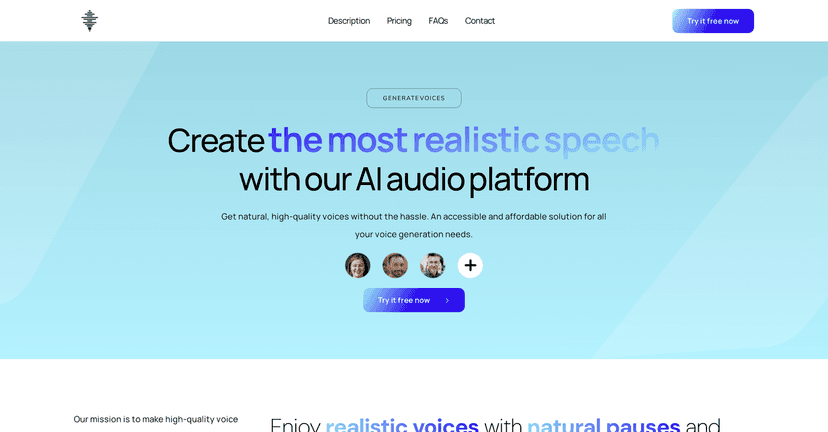
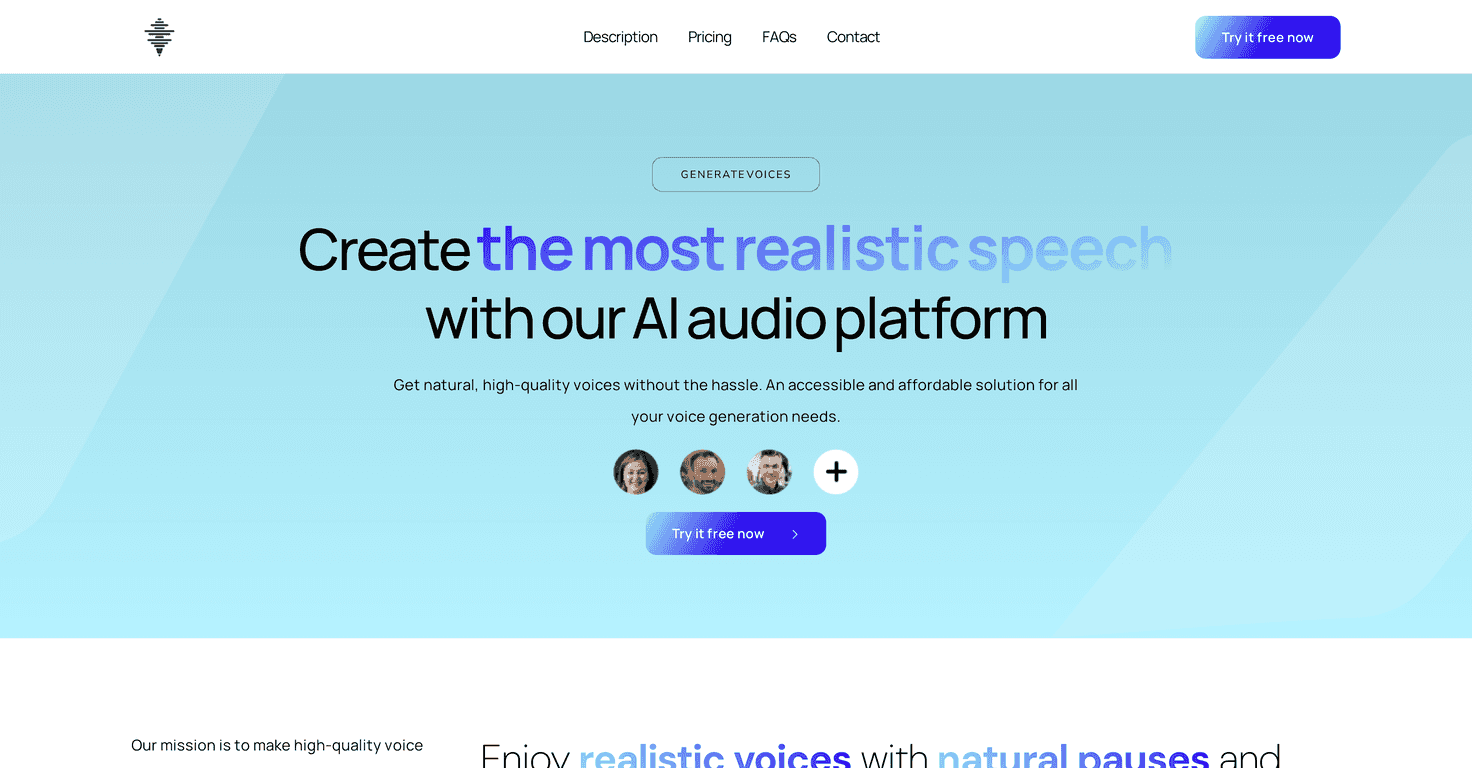
VoiceGen is built around AI voice generation, and it’s marketed as using models from well-known providers like OpenAI, Google, AWS, and Azure. What I care about, though, is whether it actually produces speech that feels “human enough” for the average listener.
In my experience, the best results come when you write like you want it spoken. If your text is one giant wall of words, any TTS tool will struggle a bit. But when I used normal punctuation—commas, periods, and short sentences—the voice output felt smoother, with better rhythm and more natural pauses.
It’s also a solid option if you need multi-language support. I tried a couple of different languages to see whether the pronunciation sounded consistent, and it did a decent job staying understandable instead of turning into that “random accent” vibe some tools get.
So yeah, if you’re making YouTube narration, creating training content, or just trying to turn blog posts into audio, Voicegen is worth a look. But keep reading—there are a few practical limitations you should know before you commit.
Key Features That Matter (Not Just Marketing)
- Natural delivery (pauses + intonation)
The voices don’t just read—they vary slightly with sentence structure. When I used shorter lines and proper punctuation, the pacing felt more “story-like.” - Multi-language support
If you’re localizing content, having multiple languages and accents in one place saves a lot of switching between tools. - Context handling for longer scripts
You don’t want to split everything into tiny chunks. Voicegen supports large text inputs depending on the voice/provider you choose, which is a big deal if you’re narrating a full article or a training module. - Commercial use license
This matters if you’re using voiceovers for client work or business marketing. It’s not just “for fun” generation. - Privacy/security
The platform mentions advanced encryption for privacy and security. I can’t verify encryption details from the outside, but it’s at least positioned as a serious service rather than a weekend demo.
Pros and Cons From My Testing
Pros
- Easy to use: I didn’t need to mess with settings to get usable results. That’s huge if you just want audio and don’t want a tech project.
- Fast for short text: For short scripts, generation felt quick and predictable. I could iterate without waiting forever.
- Quality is genuinely listenable: The voices sounded more “performance” than “reading.” If your goal is narration, that difference matters.
- Free trial available: I like that you can test before you buy. It reduces the risk of paying for something you don’t actually like.
Cons
- Character limits depend on the voice/provider: This is the part that can surprise you. If you’re planning to drop in a full-length script, you may need to split it based on the selected option.
- Pricing can get confusing: The more you generate (especially premium voices), the more you’ll want to pay attention to how the pricing applies. It’s not “one simple number” for every scenario.
Pricing Plans (What You’ll Actually Pay)
Voicegen starts at 10€. The platform advertises different character limits depending on whether you choose standard versus premium voices and which provider is selected.
Here’s the gist of what I saw in the plan description:
- Up to 400,000 characters with standard voices
- Up to 37,500 characters with premium voices
It’s described as a pay-as-you-go setup, which I generally prefer. You can see costs before generating audio, and you’re not locked into a plan that doesn’t match your usage.
Quick tip: if you’re producing content weekly, do a small test run first. Generate one sample script, listen back, and then estimate how many characters you’ll use per episode/video. That way you won’t get stuck halfway through a project with the wrong voice tier.
Wrap up
Overall, I think Voicegen is a practical text-to-speech option when you care about natural-sounding narration, not just “good enough” speech. The interface is straightforward, the voices are easy to listen to, and the multi-language angle is a real plus if you publish internationally.
Just go in knowing the character limits can vary and the pricing structure may take a little attention—especially if you’re using premium voices often. If you want a tool that turns scripts into audio without making you fight settings, Voicegen delivers what it promises.