Table of Contents
If you’ve ever tried to study from a messy pile of lecture notes, you already know the problem: it’s not that you don’t have information—you just can’t find it fast enough, or it’s not organized in a way your brain can use. That’s why I was curious about NoteX. I tested the idea of an AI note-taking app that can turn raw content (especially voice) into something you can actually study from.

So, what is NoteX, really? It positions itself as an AI-powered study companion—something that helps you capture information quickly and then reshapes it into structured notes. In my experience, that “capture → organize → review” loop is where most note apps either shine… or fall flat.
NoteX Review: Is It Actually Useful for Studying?
Here’s what stood out to me about NoteX: it’s trying to reduce the friction between “I heard something important” and “I can review this later.” A lot of apps stop at taking notes. NoteX goes a step further by using AI to turn different kinds of input into organized study material.
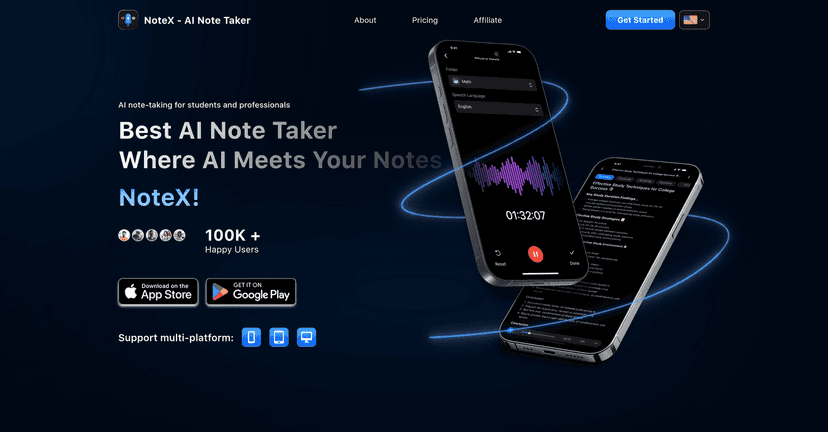
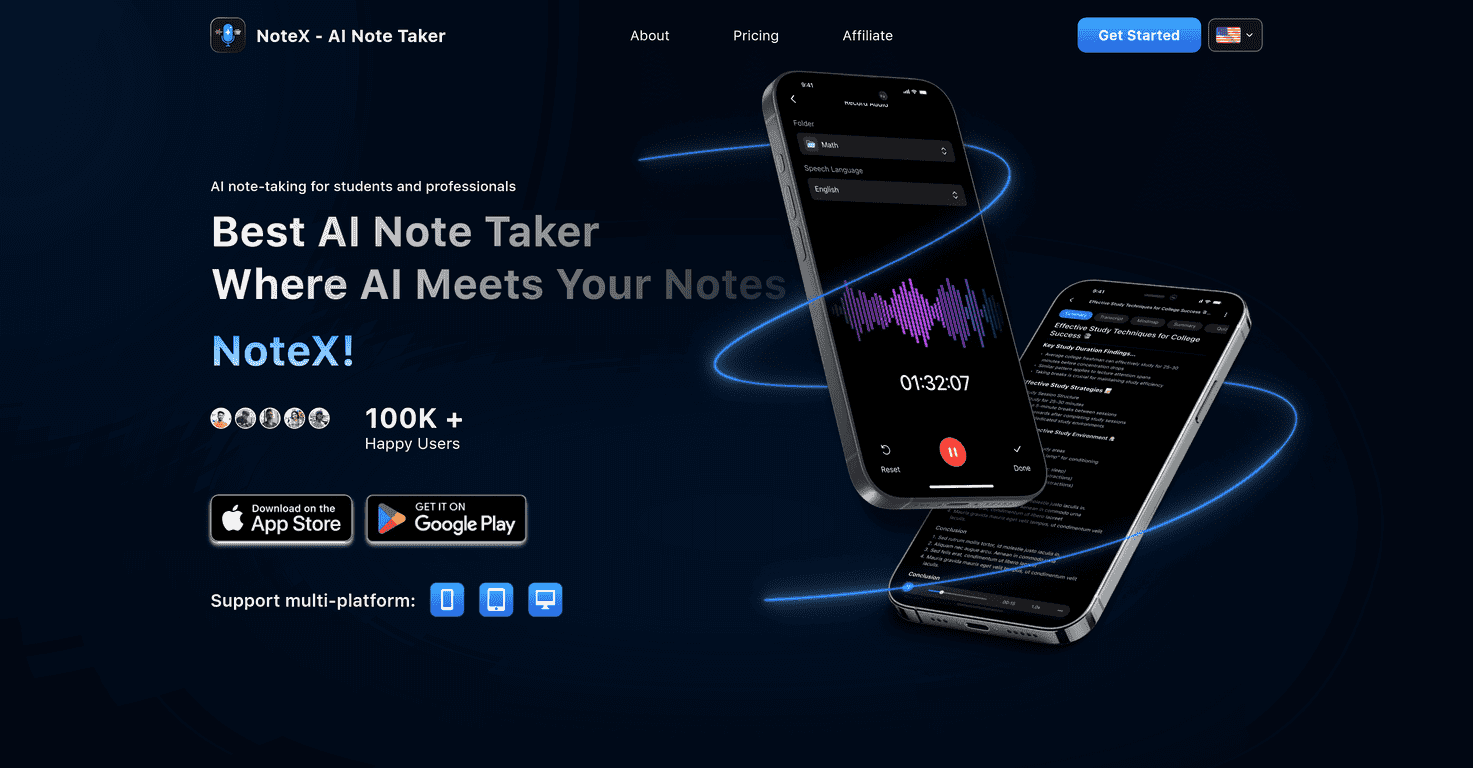
For example, the voice-to-text angle is a big deal if you sit in lectures, attend meetings, or even record quick explanations to yourself. I like voice notes because my hands don’t always keep up—but transcription is where things can get messy. NoteX’s promise is that it’ll convert voice notes into text so you don’t lose details while you’re focused on the content.
Then there’s the “organized study materials” part. That’s the part I really care about. Anyone can dump words into a document. What I want is structure—things like headings, summaries, and a format that makes review feel less painful. NoteX is clearly aiming at that workflow.
Key Features That Matter (Not Just Buzzwords)
- AI-driven note-taking for studying
NoteX isn’t just storing notes—it’s designed to help you process information so it’s easier to understand later. In practice, that matters when you’re dealing with dense topics like biology lectures, economics readings, or any class where the “important” parts aren’t obvious right away. - Voice-to-text capture
If you record during class, you’ll appreciate the idea of turning spoken notes into text. I’ve found that even a basic transcription workflow can save time during review, because you’re not stuck re-listening to audio just to find one sentence. - Tools to create structured study materials
The app is built to take content and reshape it into something more study-friendly. I’m especially interested in this for exam prep—when you need a clean set of notes you can scan in 10 minutes instead of reading a 30-page transcript. - Intuitive interface
This is one of those “small” features that can make or break whether you actually use the app. If navigation is annoying, you’ll stop using it. NoteX’s interface is positioned as easy to learn, which is a solid sign if you’re not trying to become a power user.
Pros and Cons From a Real-World Perspective
Pros
- AI helps with organization
The biggest advantage is that it aims to turn raw notes into study materials, not just a text dump. If you’re the type who struggles to turn lecture content into revision notes, this could genuinely help. - Voice-to-text is convenient
Recording is faster than typing during live sessions. When transcription works well, it makes review way easier. - Designed for structured studying
When the output is organized, you spend less time “reformatting” and more time actually learning.
Cons
- Not enough detail on limitations
This is the part I don’t love: the current info doesn’t clearly spell out where NoteX struggles. For example, transcription accuracy can vary with accents, background noise, or fast speakers. I’d want to see more specifics on how it handles those situations. - Pricing details aren’t clear
If you’re comparing note apps, price matters. Right now, it’s hard to judge value without knowing what plan you’re actually getting.
Pricing Plans (What I Could and Couldn’t Verify)
At the moment, I couldn’t find clear, up-front pricing details for NoteX’s plans in the information provided. That means I can’t responsibly tell you “it’s $X for Y features” or compare it fairly against competitors.
If you’re considering it, I’d recommend checking directly on the official site and looking for things like:
- Whether transcription/AI processing is limited by plan
- How many minutes or notes you can process per day/month
- Whether exports, sharing, or advanced study tools are locked behind a paid tier
- Any free trial (and how long it lasts)
Want the fastest way to confirm? Start at the product page from NoteX and look for the pricing section—then compare what’s included with your actual study habits.
Wrap Up
Here’s my honest take: NoteX looks like it’s built for people who want less time sorting information and more time using it to study. The voice-to-text idea alone can be a big time saver, and the focus on turning content into structured study materials is exactly what I look for in a note-taking app.
That said, I’d like to see clearer details on limitations (especially transcription accuracy in noisy environments) and more transparency around pricing. If those pieces line up, NoteX could be a really practical companion for students and anyone who regularly turns lectures or meetings into study notes.