Table of Contents
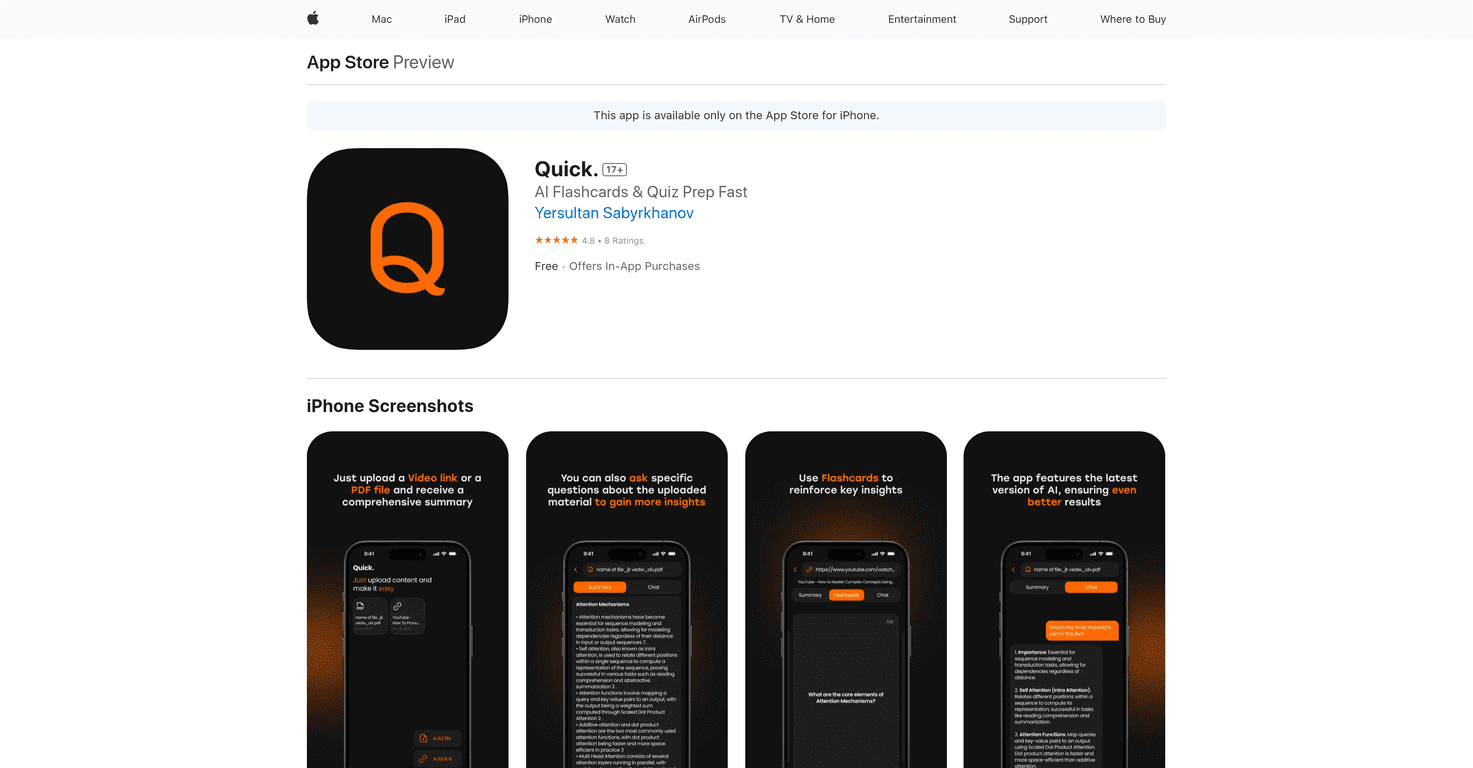
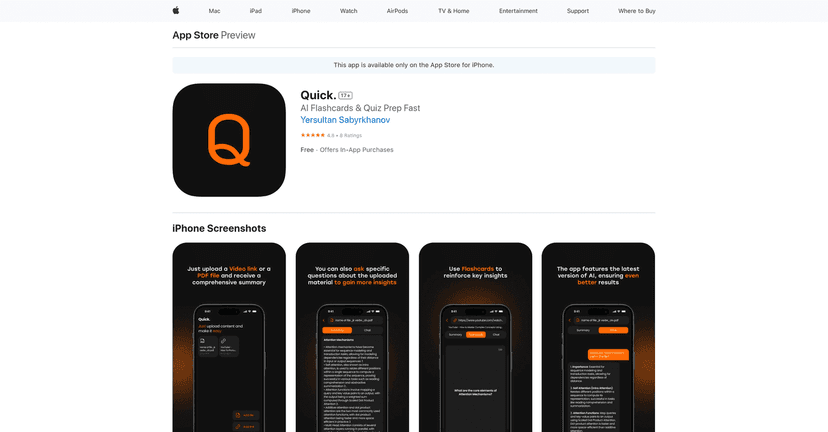
Studying can sometimes feel overwhelming, but what if there was a way to make it more enjoyable and interactive? Quick is an innovative educational app that helps you transform your study sessions. With its focus on AI flashcards and collaborative learning, Quick promises to make studying not only easier but also more effective. In this Quick review, we will explore its features, pros, cons, and pricing to see if it’s the right fit for you.
Quick Review
Quick is designed for students, educators, and professionals who want a simple yet powerful way to organize their study materials. You can easily upload PDFs and video links while engaging in conversations through interactive chat features. This turns studying from a solitary task into a collaborative opportunity. With daily content management and customizable study sessions, Quick ensures that your study experience is tailored to your needs. Plus, the app uses encryption for secure and private data handling, giving you peace of mind while sharing materials.
Key Features
- Easy Upload and Organization for seamless document management
- Interactive Chat and Collaboration to boost discussion
- Daily Content Management for tracking study activities
- Customizable Study Sessions with notes and bookmarks
- Secure and Private with data encryption and cloud storage
Pros and Cons
Pros
- User-friendly interface that is easy to navigate
- Enhances productivity with integrated features
- Free and premium options available
- Collaboration tools foster communication
Cons
- Limited advanced features behind a paywall
- Requires internet access for uploading and sharing
Pricing Plans
Quick offers a free version with basic features, alongside in-app purchases for additional features: a Weekly Plan at 3,490.00₸, a Monthly Plan at 7,990.00₸, and a Quarter Plan at 17,990.00₸.
Wrap up
In summary, Quick is a well-rounded educational app that enhances your study experience with its intuitive features and collaborative tools. Whether you’re a student, educator, or professional, Quick allows for flexible study sessions that cater to your unique needs. If you’re looking to make studying fun and effective, consider giving Quick a try!
Promote Quick