Table of Contents
I’ve been testing LunarLink for a bit, and the first thing I noticed is how “normal” it feels compared to a lot of AI tools. No constant upsells. No weird hoops. Just a place where you can jump between models and get work done.
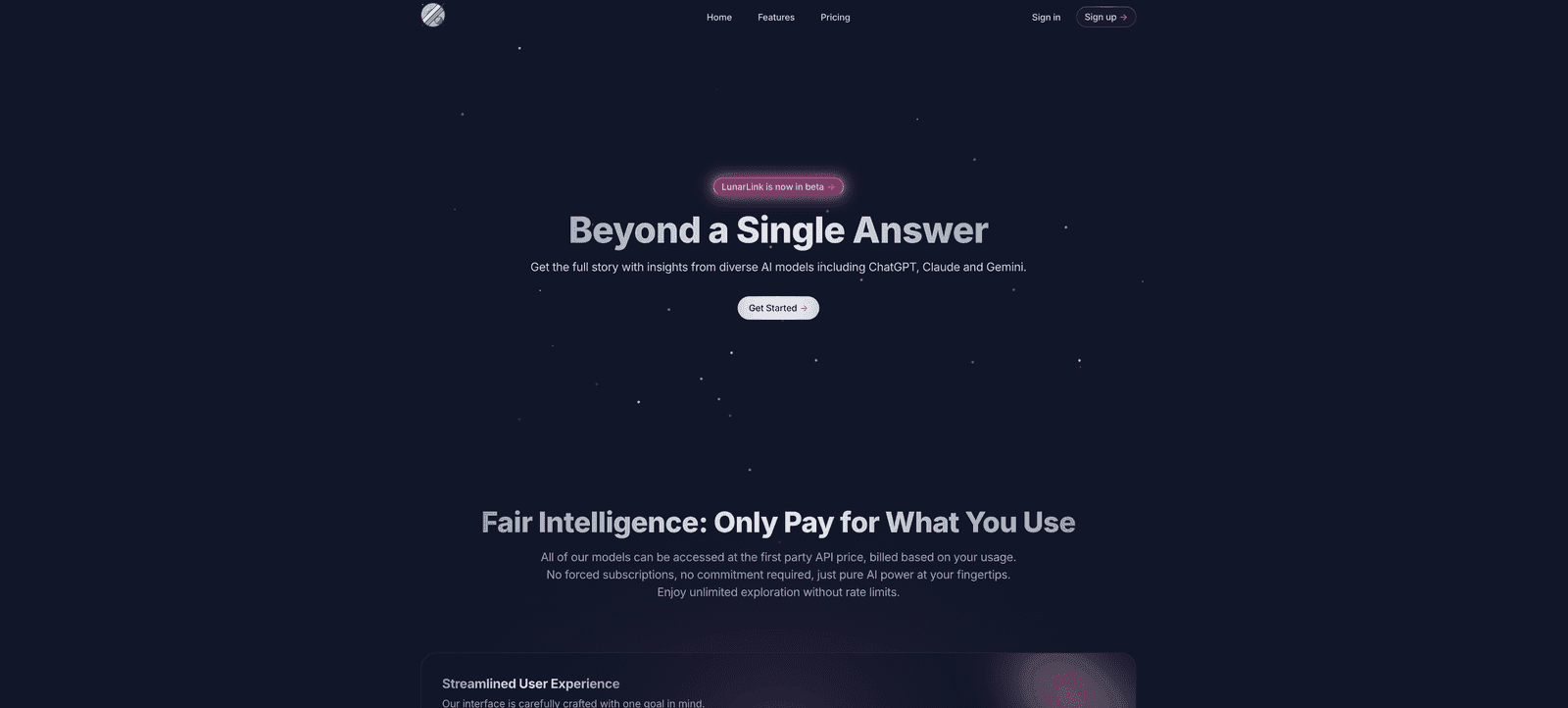
What really caught my attention is the promise of access to multiple AI models (like ChatGPT, Claude, and Gemini) without the usual rate limits or forced subscriptions. I’m not saying every single user will have the same experience, but in my testing, the switching and usage felt straightforward—more like using a utility than signing up for yet another service tier.
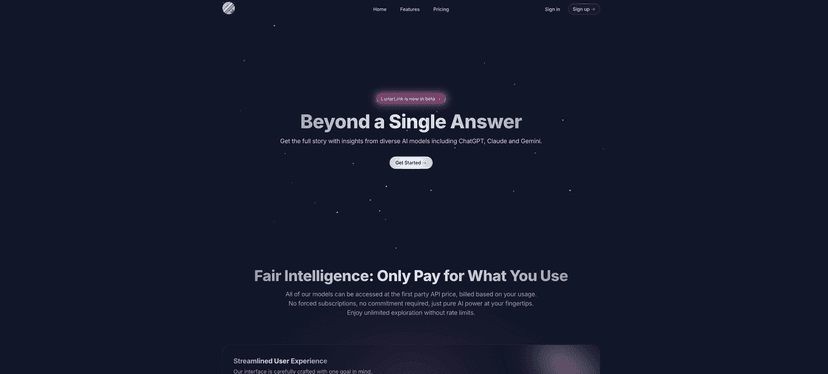
LunarLink Review
LunarLink is basically an AI access hub. Instead of picking one model and living with it, you can work with multiple popular models in one place. In practice, that matters when you’re trying to get the “best fit” for the task—like using one model for brainstorming and another for more structured writing.
One thing I appreciate is the transparency around spending. A lot of AI platforms make costs feel like a surprise. LunarLink, on the other hand, gives you a clear breakdown so you can see what you’re using and why the bill is what it is. That’s a big deal for me, especially when I’m testing prompts or running through multiple iterations.
They also include a privacy mode. I’m not going to pretend that “privacy mode” automatically makes everything perfect (no tool can guarantee what every user does), but it’s reassuring to see an option that’s clearly trying to keep your data more controlled. If you’re working on client drafts, internal notes, or anything you don’t want floating around, you’ll likely care about that.
On the usability side, I liked the personalization touches—things like dark/light mode. It sounds small, but if you’re staring at an interface for hours, it’s not small. And unlimited file uploads are a practical feature, not a gimmick. If your workflow includes documents, screenshots, or reference materials, you don’t want to hit a cap mid-project.
So, does LunarLink feel like the “future” of AI access? It feels like a sensible attempt at it: model flexibility, clearer costs, and fewer annoying constraints. The real question is whether the beta stage holds up under heavy use—and that’s where the pros and cons come in.
Key Features
- Multiple AI Models access side-by-side — switch between models without starting over from scratch.
- Streamlined User Experience — the interface is built for actually using AI, not just browsing it.
- Full Transparency in spending — you can track usage instead of guessing what each run costs.
- Privacy Mode keeping user data secure — an option for more controlled handling of your inputs.
- Personalization Options for better usability — dark/light mode and UI preferences that make day-to-day use easier.
- Unlimited File Uploads for flexible needs — helpful when you’re working with documents and attachments.
Pros and Cons
Pros
- Cost efficiency with pay-as-you-go — you’re not locked into a subscription just to experiment.
- No rate limits (in my experience) — I didn’t hit the same “you’ve used too much” wall that some tools throw up quickly.
- Diverse model access — it helps reduce the “one-model bias” problem where you keep getting the same style of output.
- User-centric design — it feels practical. The UI doesn’t get in the way of writing, editing, or iterating.
Cons
- Beta status — I saw moments where features felt less polished than you’d expect from a fully mature product. If you rely on it for mission-critical work every day, I’d keep a backup plan.
- Pricing can feel complex at first — even if it’s transparent, the way costs are structured may take a little time to fully understand. Once you get it, though, it’s easier to manage.
Pricing Plans
LunarLink uses a pay-as-you-go approach. What stood out to me is the simplicity of the “one cent per answer” framing. That’s the kind of pricing model that’s easier to reason about when you’re doing lots of small tests—like rewriting sections, generating variants, or running multiple prompt iterations.
They also mention that their rates align with first-party API pricing, which is reassuring if you’re used to the typical cost structure of using models directly. If you’re coming from the world of API keys, this will probably feel familiar.
If you want to estimate costs, I’d suggest keeping a rough count of how many responses you generate in a session and which model you’re using. Then compare it with the spending breakdown LunarLink shows you. That’s the fastest way to avoid surprises.
Wrap up
Overall, I think LunarLink is worth considering if you want flexible AI access without getting trapped in a single-model workflow or a subscription that doesn’t match how you actually use AI. The transparent spending and privacy mode are the two features I’d personally point to first.
That said, since it’s still in beta, it’s not the kind of tool I’d treat as untouchable for high-stakes production without testing it yourself. If you’re the type who likes to experiment, compare outputs, and keep costs under control, LunarLink has a lot going for it.
Promote LunarLink