Table of Contents
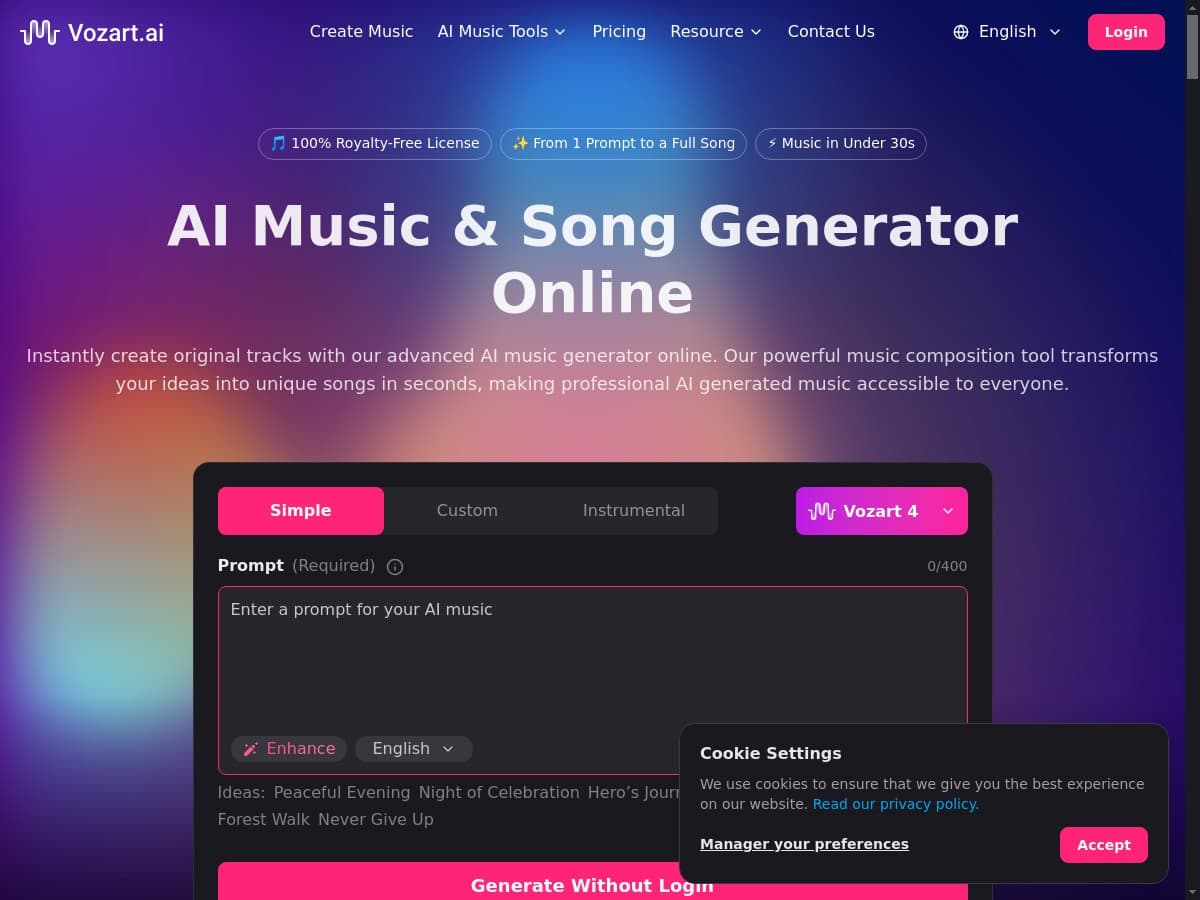
Are you a musician or content creator struggling to come up with unique tunes? The AI Music Generator could be the intuitive solution you’ve been looking for. This innovative platform uses advanced AI technology to craft original songs tailored to your specific needs. In this review, we will explore the features, pros and cons, and pricing options that make AI Music Generator a standout in its category.
AI Music Generator Review
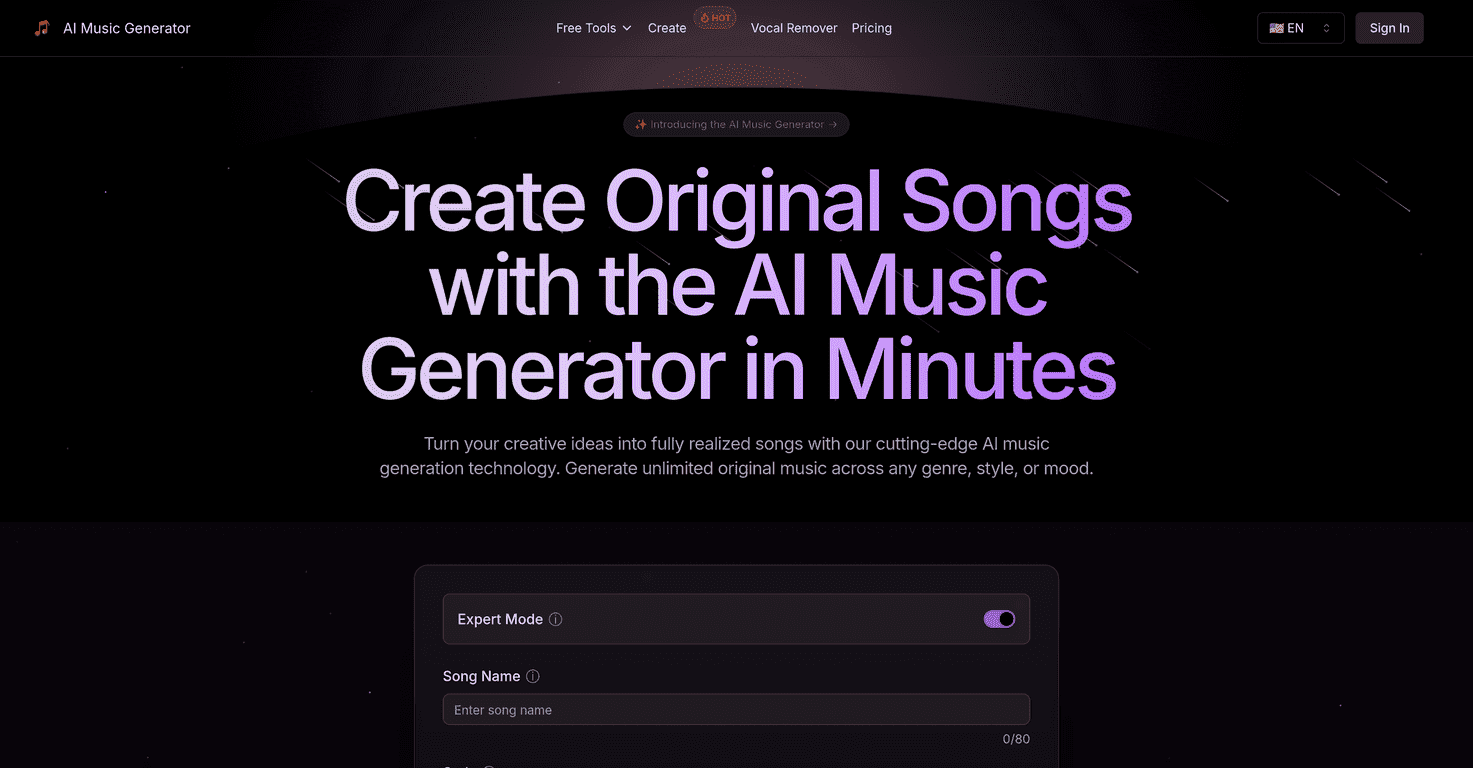
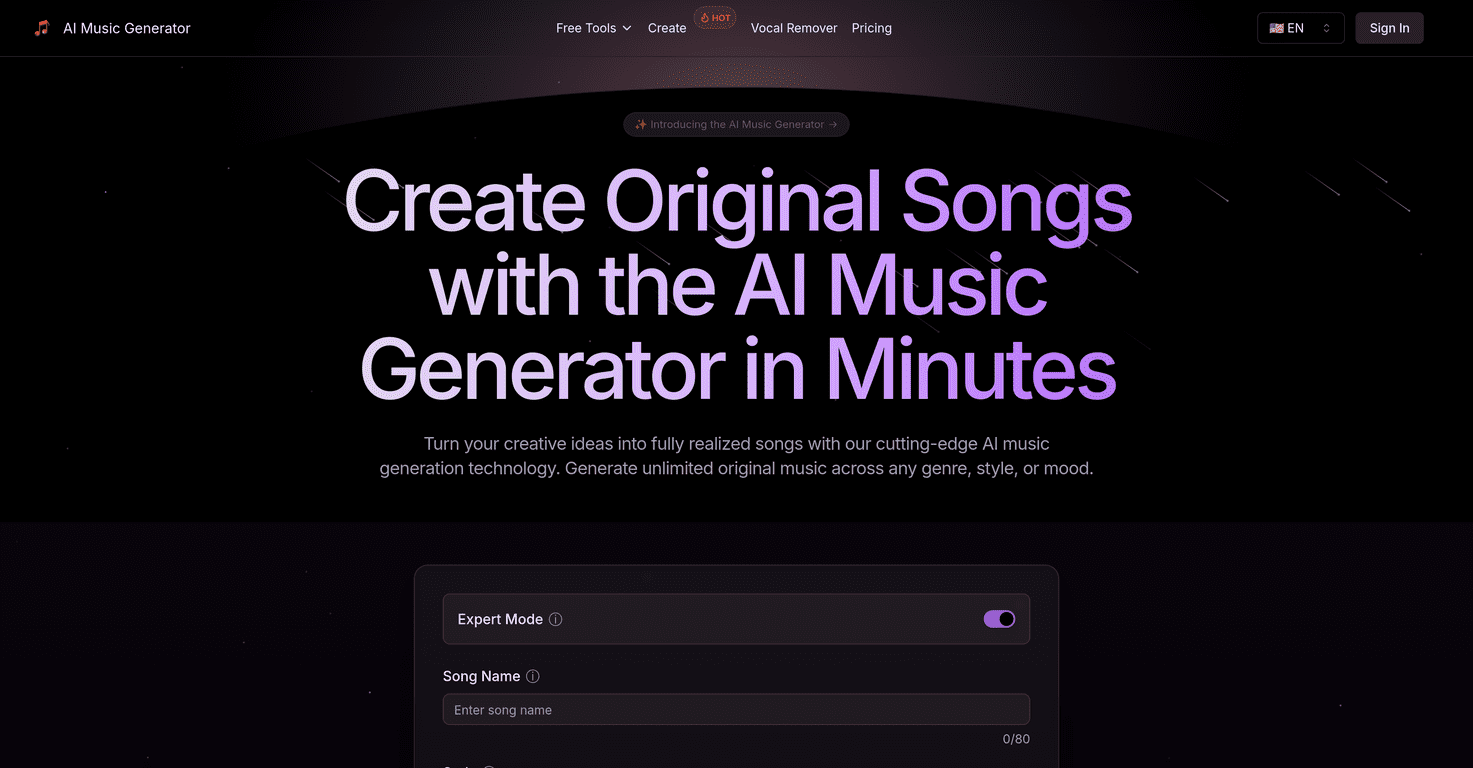
AI Music Generator offers a seamless and fun experience for users at all skill levels. With its intuitive interface, you can describe your song ideas or upload lyrics, and watch as the AI transforms your thoughts into beautifully composed music. Whether you’re generating songs for personal projects or business gigs, this platform delivers an impressive range of genres and styles. Plus, professional audio processing ensures that your creations sound polished and radio-ready.
One of the coolest aspects is the AI Song Cover Generator, allowing you to reimagine existing tracks and add your unique twist. With features like the Vocal Remover and Music Extension, the possibilities are practically endless, making it a fantastic tool for creativity and collaboration. All in all, the AI Music Generator stands out as a reliable partner for any music-making endeavor.
Key Features
- Text To Song: Transform ideas into complete songs with ease.
- Lyrics To Song: Turn your lyrics into musical masterpieces.
- AI Song Cover Generator: Rework existing songs uniquely.
- Vocal Remover: Get instrumental versions by removing vocals.
- Music Extension: Seamlessly extend tracks to add more flair.
- Lyrics Generator: Create engaging lyrics in various languages.
- Voice Control: Choose from different vocal types.
- Customization Options: Tailor music style and genre to fit your needs.
- Collaboration Tools: Work with others to foster creativity.
- Professional Audio Processing: Enjoy polished sound quality.
Pros and Cons
Pros
- User-Friendly: Accessible for both beginners and professionals.
- Versatile: Works with multiple music genres and styles.
- Time-Efficient: Quickly produce songs, ideal for busy creators.
- Customization: Shape music to your precise preferences.
- Regular Updates: Frequent improvements and new features integrated.
Cons
- Limitations on Free Version: Restricted to a limited number of songs and features.
- Potential Learning Curve: Some features may take time to master.
- Dependence on AI: Creativity can sometimes feel limited by its capabilities.
Pricing Plans
The platform offers several structured pricing plans: a Free Plan ($0.00/month) with basic limits, a Basic Plan ($8.25/month) with more generous allowances, the most popular Standard Plan ($24.91/month) for extensive usage, and a Pro Plan ($41.58/month) for professionals and enterprises. An annual subscription option is available, giving you two months free.
Wrap up
In conclusion, AI Music Generator is a powerful tool that caters to aspiring musicians, seasoned producers, and content creators alike. Its innovative features, such as the AI-driven song generation and customization options, make it a fantastic solution for anyone looking to streamline their music-making process. While there are some limitations on the free version, the benefits far outweigh the cons, making it a valuable addition to your music toolkit.
Promote AI Music Generator