Table of Contents
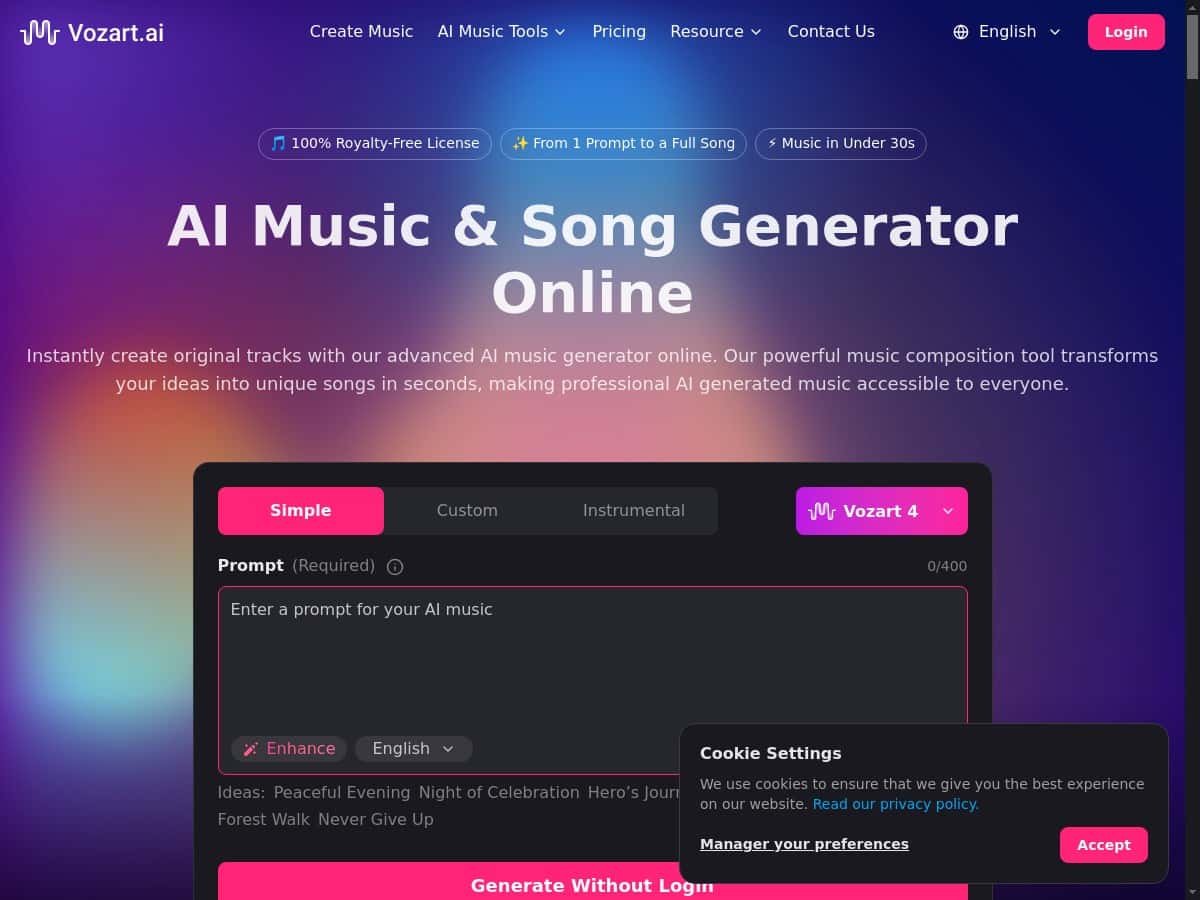
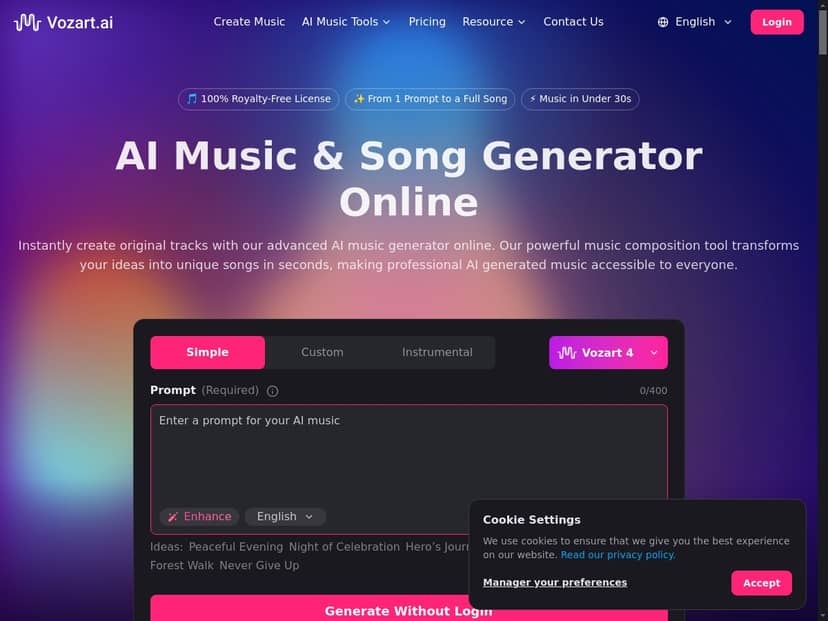
I tried Vozart.ai with the kind of prompts most people start with—short, simple, and a little vague. What surprised me wasn’t just that it could generate tracks and lyrics, but how quickly I could go from “idea in my head” to something I could actually play back and tweak. The interface is clean enough that I didn’t feel lost, even without a music-production background.
For example, I typed “upbeat pop, bright synths, catchy chorus, 120 BPM” and generated a full track. The result leaned into that polished pop vibe—steady rhythm, clear lead melodies, and a chorus section that felt more “hooky” than random. Then I tried a second prompt: “lo-fi chill beat, rainy night mood, warm vinyl texture, mellow drums”. That one came out slower and moodier, with a softer, more atmospheric feel (the drums stayed in the pocket instead of getting too busy).
One more thing I liked: the lyrics generator is theme-based, so I didn’t have to write anything complicated. I could give it a direction, get lyrics back fast, and then decide whether to keep them or refine the wording.
That said, I wouldn’t call it “push-button perfect.” If your prompt is generic, the output can feel generic too. And like most AI tools, some of the more advanced production features (voice cloning, stem splitting, and similar workflow tools) are tied to a paid plan.
Vozart AI Review
Here’s what I focused on when testing Vozart.ai: output quality, how much control you actually get, whether the workflow feels fast, and what you can do commercially without accidentally stepping into licensing trouble.
On the quality side, the biggest win is how consistent the generations feel for common genres. Pop prompts tend to produce a clear lead + chorus structure. Lo-fi prompts generally keep things laid back without turning into a chaotic mess. And when you ask for specific elements (like “rainy night mood” or “bright synths”), the tool usually tries to match that vibe instead of ignoring it.
On control: you don’t need to be a producer to get results, but if you want better outcomes, you do have to be a little more intentional with your prompt. A vague prompt like “make me a song” will work, sure, but it’s much more likely to feel generic. A prompt that includes tempo and mood (“120 BPM”, “mellow drums”, “catchy chorus”) gives you something you can build on.
And yes—features like vocal cloning and stem splitting are where it starts to feel closer to a real production workflow. Being able to separate vocals from instruments is a big deal if you want to remix, adjust levels, or repurpose parts of a track for different videos.
Key Features
- AI Music Generation: Create custom tracks from genre, mood, or instrument prompts (I found tempo/mood cues matter a lot).
- Lyrics Generation: Auto-write lyrics based on themes or emotions. Great for starting points, not always final drafts.
- Voice Cloning: Generate AI voice clones for personalized vocals. (I recommend only using voices you have the rights to.)
- Music Extending: Lengthen short clips into fuller songs or loops, useful when you like an intro but need more.
- Vocal Remover & Stem Splitter: Separate vocals and instruments for remixing and editing.
- MIDI Studio: Free online MIDI creator and player, which is handy if you want to sketch ideas before audio generation.
- Commercial Rights: Royalty-free licensing for commercial projects (details matter—see below).
- User-Friendly Interface: Easy to navigate for beginners, with clear sections for each tool.
- Advanced Control: Fine-tune instruments, structure, and personalization (this is where paid plans usually start to shine).
Pros and Cons
Pros
- Fast to get usable results: I could generate a track and lyrics quickly enough to iterate without losing momentum.
- Beginner-friendly: The interface doesn’t assume you already know music theory.
- Tools that actually support production: Stem splitting and vocal cloning are the kind of features you’d want if you’re remixing or building content.
- Commercial use is part of the pitch: The platform positions outputs for monetized projects (but read the specifics).
Cons
- Some features are locked behind a subscription: If you only use the free tier, you’ll hit limits fast.
- Prompt quality affects output: Bad prompts → generic tracks. Better prompts → more “on vibe” results.
- Collaboration is limited: I didn’t see robust team workflows like shared projects with comments/version history (at least not in the way you’d expect from a real studio tool).
- Licensing clarity can be confusing: “Royalty-free” sounds simple, but the fine print (attribution, restrictions, voice cloning rules) is what you should verify before you publish.
Pricing Plans
Vozart.ai has a free tier, but it’s not the full experience. In my testing, the free access felt like a way to try the basics (lyrics generation and limited music generation), while the more production-heavy options—things like high-quality music output, stem splitting, and voice cloning—push you toward a paid plan.
Important: I can’t see the exact live prices and plan names from the content provided here, and I don’t want to guess. What I suggest (and what I did on my side) is to check the official pricing page on the site right before you subscribe, because these tools change pricing more often than people expect.
If you’re deciding between free vs Pro, here’s the practical way I’d think about it:
- Free tier: Good for experimenting, testing prompts, and getting a feel for the sound.
- Pro subscription: Better if you need advanced tools (stem splitting, voice cloning) and want higher-quality output for projects you plan to actually publish.
One more thing to verify on the pricing/licensing area: what “commercial rights” covers. “Royalty-free” usually means you don’t pay royalties per use, but there can still be rules about redistribution, monetization, attribution (if any), and restrictions around voice cloning. Don’t skip that section—especially if you’re using the voices of real people.
Wrap up
After testing Vozart.ai, my take is pretty straightforward: it’s a solid way to generate original music and lyrics quickly, and the advanced tools (especially stem splitting and vocal cloning) are what make it feel more than a toy. If you’re a hobbyist or a content creator who needs background music fast, you’ll probably get value right away.
Who should be cautious? If you need rock-solid licensing certainty for commercial releases, or you’re expecting a full collaboration suite like a cloud-based DAW with team workflows, you might feel limited. And if you don’t want to spend any time refining prompts, you may get results that feel “fine” but not particularly memorable.
For me, the best use case was simple: start with a prompt that includes tempo + mood, generate a track, then use the production tools to reshape it into something I can actually use. That workflow is where Vozart.ai starts to earn its keep.