Table of Contents
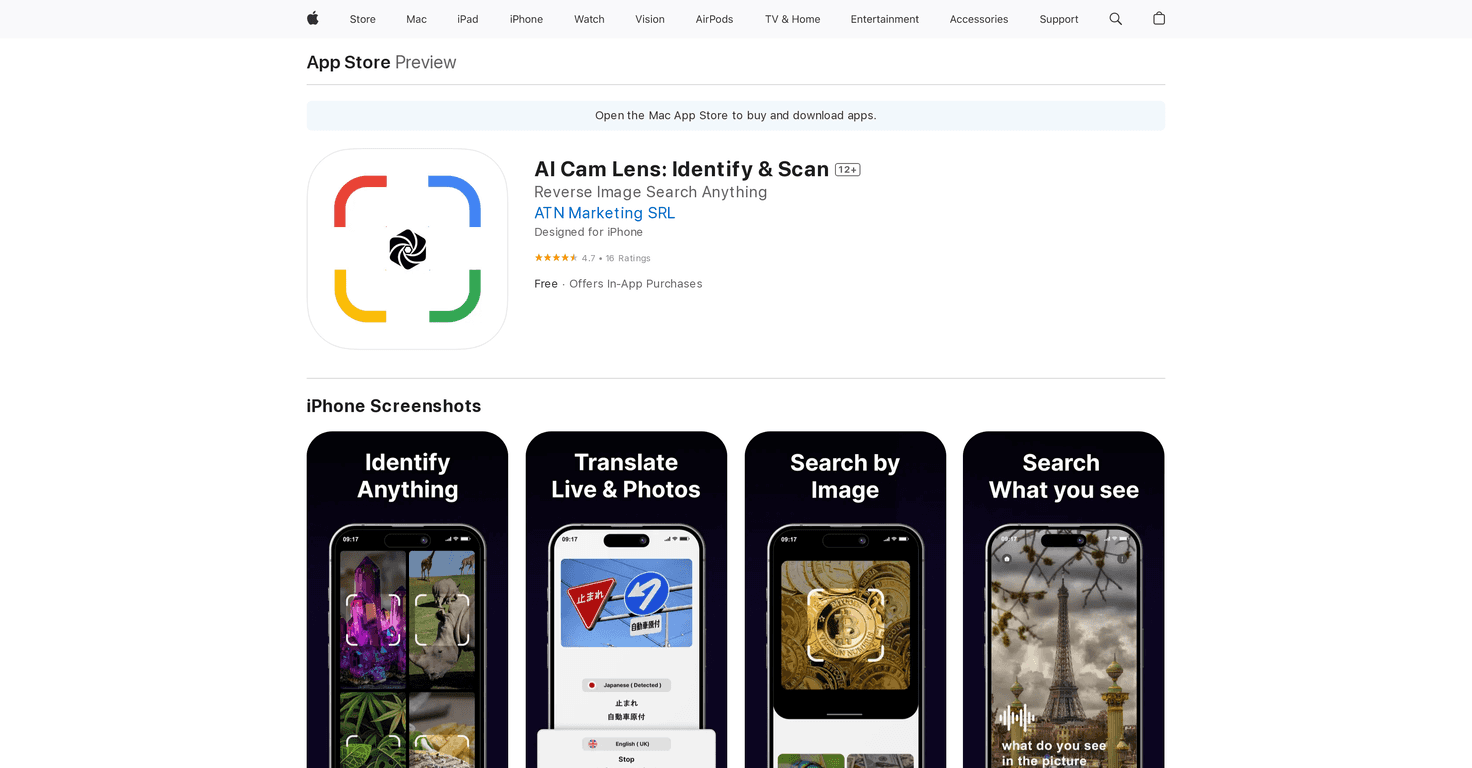
In today’s fast-paced world, having advanced tools at your fingertips can make all the difference. AI Cam Lens offers a unique mobile scanner experience that combines object recognition, translation, and creative expression. This innovative app promises to transform the way you explore your surroundings and interact with objects through smart technology.
Using AI Cam Lens, you can quickly snap a photo and gain insights about what you see, all while enjoying the added fun of creating memes. Let’s dive deeper into this exciting app to see if it lives up to its promises.
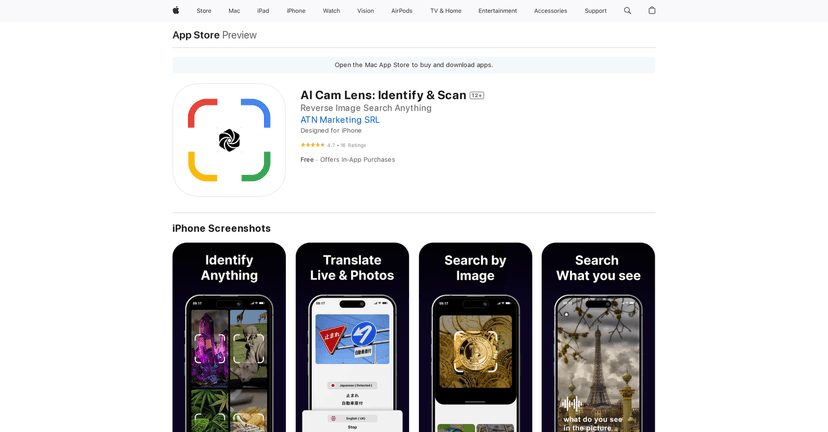
AI Cam Lens Review
AI Cam Lens is a remarkable app that merges technology with everyday tasks. Once you start using it, you’ll be amazed at how easy it is to translate foreign text or identify objects simply by snapping a photo. The image recognition technology empowers you to create a treasure trove of knowledge anytime you want.
Not only can you ask questions via voice commands, but you can also engage in fun activities like meme creation. The expert insights provided on various subjects can enrich your understanding, making this app beneficial for both casual users and professionals looking to analyze documents.
If you’re into food, the app also helps you recognize meal ingredients and their calorie counts, which is perfect for those monitoring their diets. Overall, AI Cam Lens positions itself as a handy companion for enhancing your visual and learning experiences.
Key Features
- Instant Translations & Identifications
- Create & Share Memes
- Expert Insights on Photographed Subjects
- Voice Interaction for Easy Queries
- AI Vision for Instant Guidance
- Food Recognition for Ingredients & Calorie Counts
- Document Analysis for Scanning & Converting Text
Pros and Cons
Pros
- Versatile functionalities including translation and identification
- User-friendly interface for quick usage
- Encourages creative expression with meme tools
- Suitable for both casual and professional tasks
Cons
- Relies on high-quality images for accurate results
- Advanced features may require in-app purchases
- Needs internet connectivity for certain functionalities
Pricing Plans
AI Cam Lens provides a free version with basic features. For those looking for more, in-app purchases are available, including a weekly subscription for $2.99 and a yearly subscription for $39.99 to access premium features.
Wrap up
To sum it up, AI Cam Lens is a powerful app that integrates various functionalities into one user-friendly platform. Its ability to translate, identify, and analyze makes it invaluable for explorers, students, and professionals alike. With flexible pricing options, it offers great value, especially if you frequently engage in tasks requiring visual recognition. Whether you’re wanting to explore new things or simply manage your daily tasks better, AI Cam Lens is worth considering.