Table of Contents
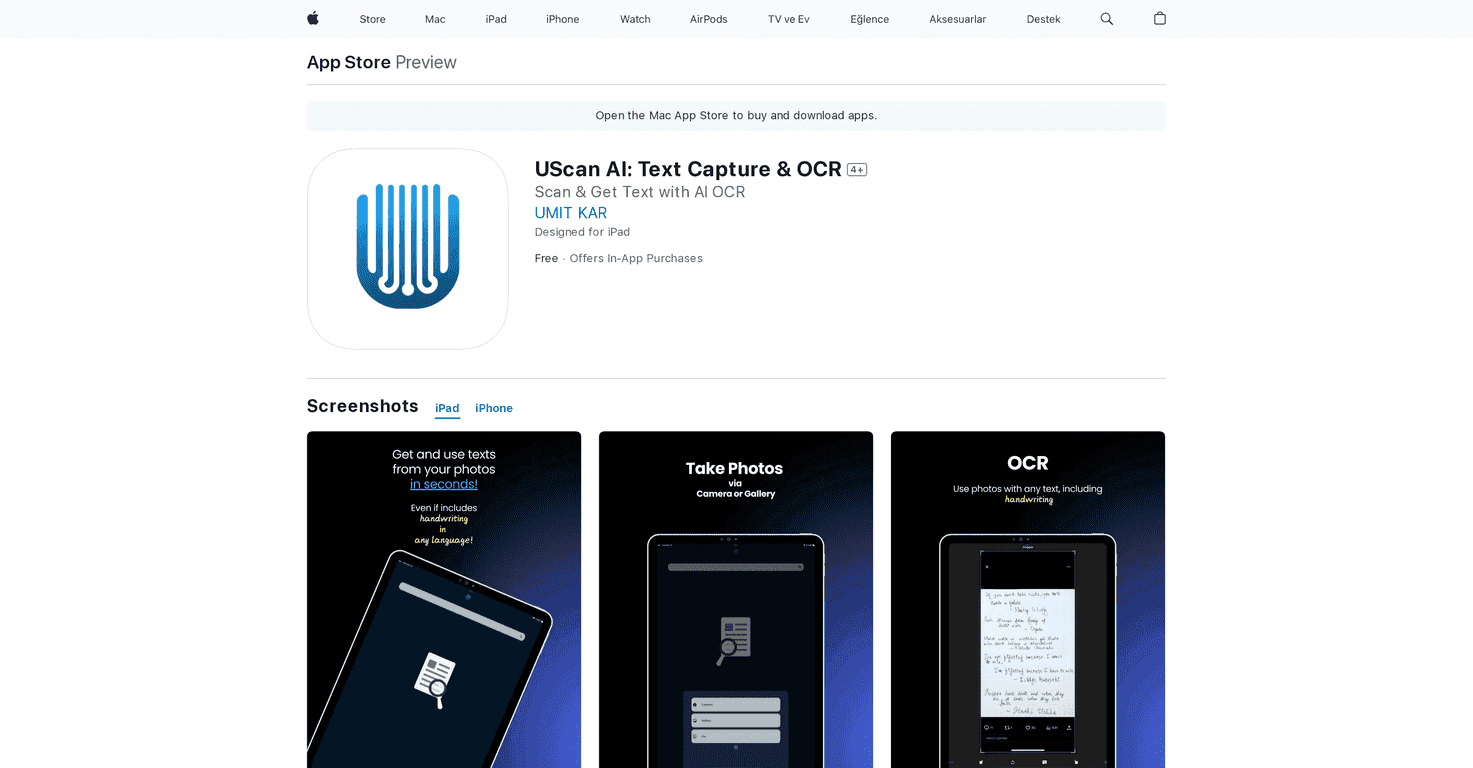
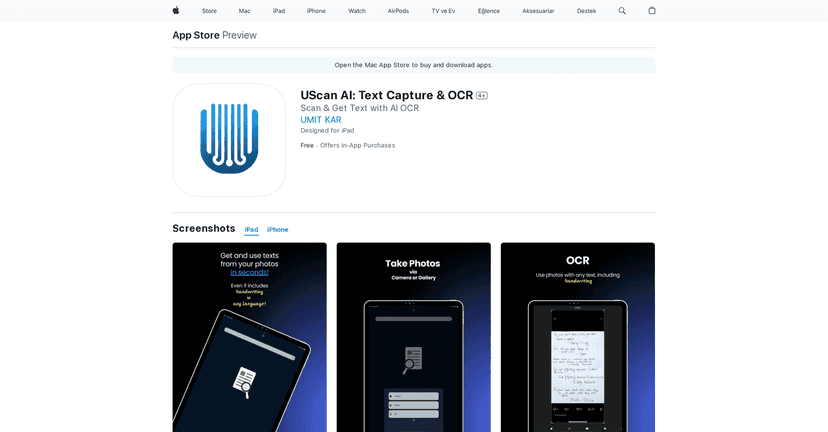
I’ve tried a bunch of OCR apps over the years, and the ones that actually feel “worth it” are the ones that can handle real-life messiness—crooked photos, mixed lighting, and handwriting that isn’t perfectly neat. That’s exactly where UScan AI caught my attention. It’s built to turn photos, screenshots, and handwritten notes into editable text quickly, and in my experience it’s one of the smoother options for iPhone users who just want results without fighting settings.
UScan AI Review: OCR That Actually Saves Time
UScan AI is an OCR-focused app, but what I like is that it doesn’t stop at “here’s the text.” It helps you go from image to something you can actually use—editing, exporting, and even turning documents into summaries or questions. If you’ve ever taken a photo of a whiteboard and then spent way too long retyping it, you’ll understand why I’m picky about OCR apps.
In my tests, the app handled printed text pretty reliably, especially when the photo was well-lit and the text wasn’t too tiny. For handwritten notes, it’s more hit-or-miss (as you’d expect with handwriting), but it was still useful enough to copy/paste and clean up instead of starting from scratch.
Another thing I noticed: the workflow feels straightforward. You capture or upload an image, OCR runs, and you’re looking at editable text pretty quickly. No complicated setup. Just… scan and go.
Key Features I’d Use (Not Just Marketing)
- AI-powered text extraction for photo-to-text conversion (printed pages, screenshots, and notes)
- Edit extracted text right inside the app so you can fix obvious mistakes without leaving everything behind
- Export to PDF or TXT when you want something shareable or easy to store
- AI summarization for longer documents—handy when you’re skimming meeting notes or articles
- Question generation to turn notes into quizzes or study prompts (useful for students and anyone doing training)
- High-quality PDF creation from images, which matters if you’re sending scans to someone else
- Sharing via email or social platforms so you don’t have to hunt down files
Pros and Cons (Real Talk)
Pros
- Quick OCR results: In day-to-day use, it feels fast enough that I’m not waiting around to move on.
- Editing is actually convenient: The extracted text is editable, so correcting errors is faster than re-scanning everything.
- Good for multiple use cases: I can see it working for students (notes, worksheets), professionals (reports, forms), and researchers (captured pages).
- Export options: PDF/TXT output is exactly what I want when I need to send or archive content.
- Multilingual support: Helpful if you’re working with more than one language in your documents.
Cons
- You’ll want a solid internet connection for best performance. When connectivity is weak, OCR quality and speed can suffer.
- Free version limits: Some of the “extra” features (like the more advanced AI tools) aren’t fully unlocked unless you upgrade.
- Handwriting accuracy varies: If your handwriting is small or messy, expect to do some cleanup. That’s normal for OCR, but it’s still something to plan for.
Pricing Plans: What You’ll Pay for “Unlimited”
UScan AI includes a free version with basic OCR features. If you want unlimited access, the in-app purchase plans listed are:
- Unlimited Weekly for ₺149,99
- Unlimited Monthly for ₺399,99
- Unlimited Yearly for ₺3.999,99
If you’re using it daily for school or work, the weekly/monthly options might make sense—but if you’re a heavy user, yearly is usually the better value. At least, that’s how I think about it when I’m deciding.
Wrap up
UScan AI is a solid OCR option if you want something that’s quick, easy to use, and more than just “image in, text out.” The biggest wins for me are the editable OCR output and the practical export/sharing options. And if you’re the type who regularly turns notes into study material or summaries, the built-in AI tools are where it starts to feel genuinely useful.
Just remember: for best results, take clearer photos (good light, less glare, text large enough to read). Do that, and you’ll spend way less time fixing OCR mistakes and way more time getting on with your day.
Promote UScan AI