Table of Contents
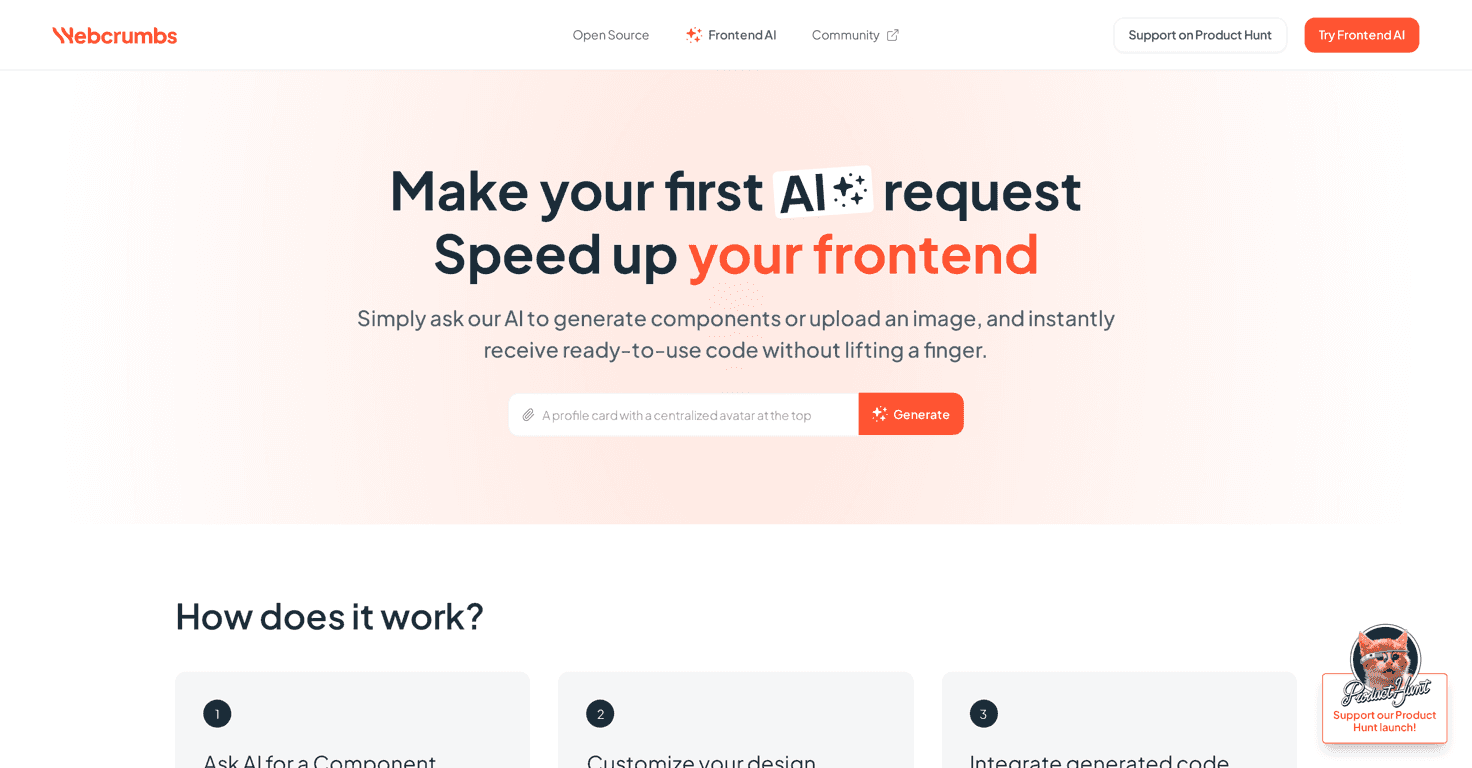
Have you ever stared at a nice mockup and thought, “Cool… now how do I turn this into real components without losing half the day?” That’s exactly the pain Webcrumbs Frontend AI is trying to solve. It’s a frontend-focused tool that takes images and text and turns them into usable UI components—basically aiming to cut the gap between design and implementation.
In my experience, the most annoying part of component work isn’t even coding. It’s translating intent (layout, spacing, typography, states) into something consistent in your codebase. Webcrumbs claims it can help with that translation, and the idea of an open-source JavaScript plugin builder is a big deal because it suggests you won’t be locked into one workflow forever.
That said, it’s also in early access, so you should expect some rough edges. Still, if you like experimenting and you’re okay with limitations while things mature, it’s worth checking out. Here’s the official page for the Webcrumbs Frontend AI tool.
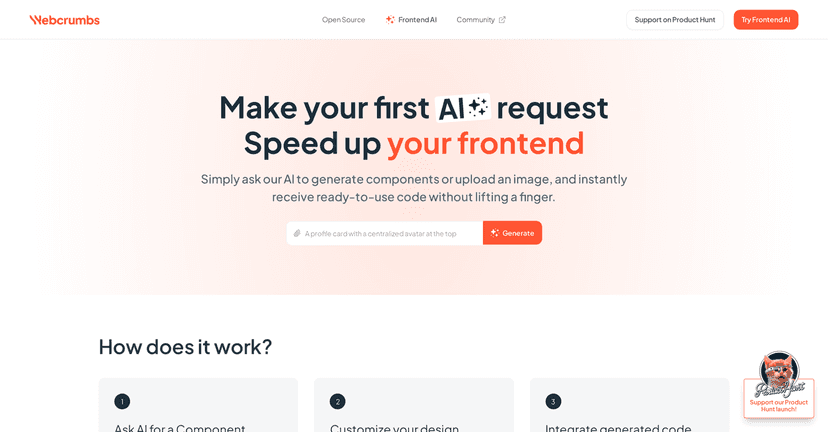
Webcrumbs Frontend AI Review: Does It Actually Help?
Here’s how I think about Webcrumbs Frontend AI: it’s not trying to replace your entire frontend workflow. It’s trying to accelerate one specific bottleneck—turning design-ish inputs into component code.
So instead of starting from a blank file and recreating everything by hand, you can feed it:
- Images (think screenshots or design references)
- Text (descriptions of layout, content, and UI intent)
What I like in the concept is that it’s built around component generation, not just “pretty text” or vague suggestions. If the output is even roughly aligned with your target structure, it can save real time—especially for repetitive UI like cards, hero sections, settings panels, and form layouts.
Also, the open-source angle matters. An open-source JavaScript plugin builder means there’s a chance to customize how the tool behaves (and potentially extend it). In my experience, that’s what separates “cool demo” tools from ones you can actually build on.
One caution, though: early access tools can be inconsistent. You might get great results for one component type and then have to tweak prompts, adjust inputs, or clean up output for another. That’s not a dealbreaker, but it is something to plan for.
Key Features
- AI component generation from images and text
- Open-source JavaScript plugin builder
- Early access sign-up option for users
Pros and Cons
Pros
- Faster starting point — If you’re building common UI sections, generating a base component can cut down the “blank canvas” time.
- Open-source customization potential — The JavaScript plugin builder suggests you can extend or tailor the workflow instead of treating it like a black box.
- User-friendly enough for different skill levels — The overall positioning is accessible, which matters if you’re not purely a power-user.
Cons
- Early access limitations — Feature set and reliability may vary. You may hit cases where the output needs cleanup.
- You’ll likely need frontend knowledge — Even with AI generation, you still have to validate things like spacing, responsive behavior, and component structure.
- Pricing clarity isn’t available yet — If you’re budget-conscious, not knowing the cost up front can be annoying.
Pricing Plans
At the moment, the site doesn’t list clear pricing details. What it does offer is an early access sign-up option, which often means there could be a free period or a limited launch offer—but that’s not guaranteed.
If you’re considering it, I’d treat pricing as “unknown until you sign up.” Once you’re in, look for any notes about:
- Free vs paid tier limitations
- How many generations you can run (daily/weekly)
- Whether exporting code or using plugins changes the plan
Wrap up
Webcrumbs Frontend AI feels like the kind of tool I’d keep around for quick UI scaffolding—especially when you want to go from a design reference to something that looks like a real component fast. The combination of image/text-to-component generation plus an open-source JavaScript plugin builder is a promising direction.
Just don’t expect it to be perfect on day one. Since it’s early access, you may need to iterate, refine inputs, and do some cleanup like you would with any AI-generated code. If you’re okay with that (and you like experimenting), it’s a tool worth trying.