Table of Contents
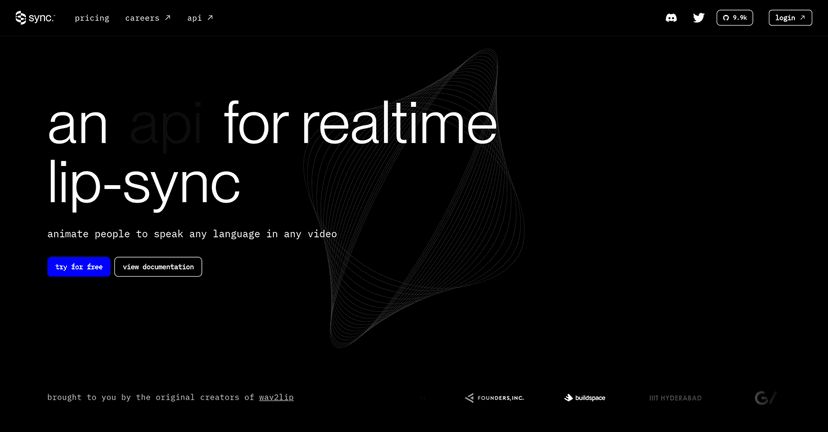
If you make videos for a global audience, you already know the pain: translating the script is one thing, but getting the character to actually talk like they mean it is where projects slow down. SyncLabs is an AI lipsync tool that promises to animate characters so their mouth movements match speech in multiple languages. I tried it with a few different kinds of clips, and what stood out to me was how quickly I could go from “we need this localized” to “okay, it actually looks like the character is speaking.”

SyncLabs Review: AI Lipsync for Localized Videos
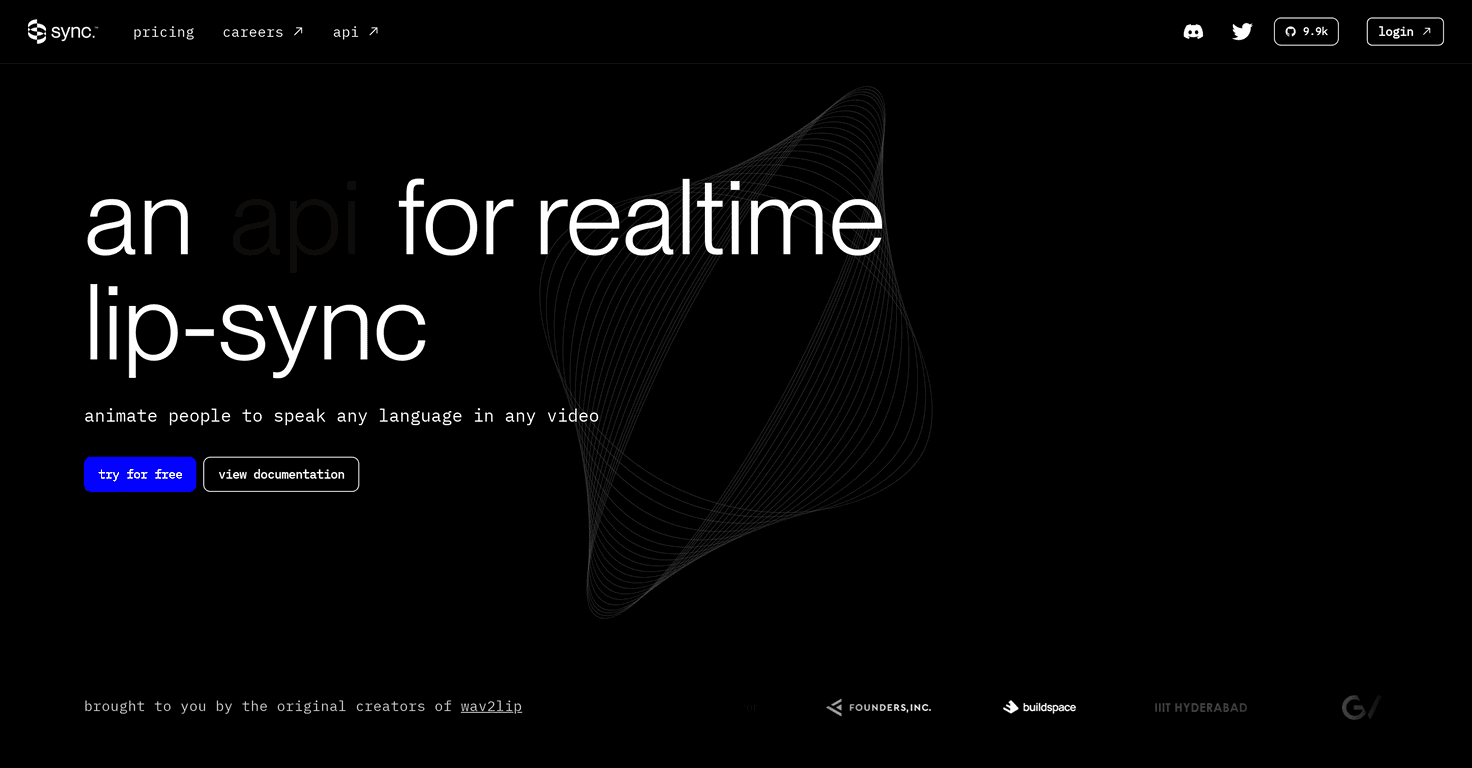
SyncLabs positions itself as a localization shortcut for creators who already have characters, dialogue, and a need to ship in more than one language. The basic idea is simple: you provide a character video and speech (or a text-to-speech workflow), and SyncLabs handles the mouth animation so it lines up with the spoken audio.
In my experience, the biggest win isn’t “it can do lipsync” (lots of tools can claim that). It’s the speed-to-result. When I’m working on a multilingual promo or a short-form series, I don’t have time to hand-edit every phoneme. With SyncLabs, the output is fast enough that I can iterate—swap languages, tweak the script timing, and re-export without turning localization into a week-long task.
That said, it’s not magic. If the original clip has awkward framing (head turns, extreme angles, or lots of mouth occlusion), the lipsync can look less convincing. Also, the tool performs best when the source video has clear facial visibility and consistent lighting. If your character’s mouth is hard to see, you’ll feel it in the result.
Key Features That Matter (Not Just Marketing)
- API integration for real pipelines
If you’re already using a content pipeline (uploads, transcription, translation, rendering), the API approach is a big deal. It means you can trigger lipsync jobs automatically instead of doing everything manually. In other words: it fits production, not just experimentation. - High-quality lipsync across multiple video types
I noticed the output tends to hold up better when the character is consistent—same face, similar camera distance. For animated characters and talking-head style footage, the mouth movements read as natural more often than not. - Real-time animation / quick turnaround
Localization is about momentum. The faster you can generate the lipsync pass, the faster you can review it and decide what needs fixing. Even when you plan to do a second pass, faster is still better. - Compatibility with multiple platforms and media formats
This is one of those “quiet” features that saves you headaches later. If you’re pushing content to different channels (web, social, internal training), format flexibility matters.
Pros and Cons From a Creator’s Perspective
Pros
- Works for lots of content scenarios
Movies, podcasts, games, explainers—if you’re localizing character speech, this is the kind of tool you reach for. - API-centric design
If you have dev support (or you’re comfortable with basic integration), you can plug it into your workflow instead of treating it like a standalone toy. - Fast iteration
In practice, being able to generate and review quickly is what makes multilingual content actually doable on a schedule.
Cons
- Not beginner-friendly if you don’t know APIs
If you’re expecting a “upload and click” experience with no technical steps, you might find the setup a bit intimidating. The learning curve is real. - Output quality depends on the source context
Clear facial visibility helps. If the source video is messy—poor lighting, extreme angles, rapid motion—the lipsync can look less accurate.
Pricing Plans (Where to Check the Latest)
SyncLabs doesn’t show pricing details directly in this review, so the best move is to check their official page for the most up-to-date numbers: Sync Labs pricing page.
Quick tip: if you’re planning to localize regularly, look for pricing that scales with usage (per minute, per job, or per character). That’s usually where the real cost difference shows up.
Wrap up
Overall, I like SyncLabs for one reason: it makes multilingual lipsync feel achievable instead of “only for big studios.” The API-first approach is a strong fit if you’re building a repeatable workflow, and the turnaround time helps you iterate without losing momentum. Just don’t ignore the limitations—if your source footage doesn’t show the mouth clearly, you may need extra cleanup or re-shoots.
If you’re ready to produce engaging, localized character dialogue at speed, SyncLabs is worth testing. Start with a short clip, review the lipsync closely, and then scale up once you see how it performs with your specific video style.