Table of Contents
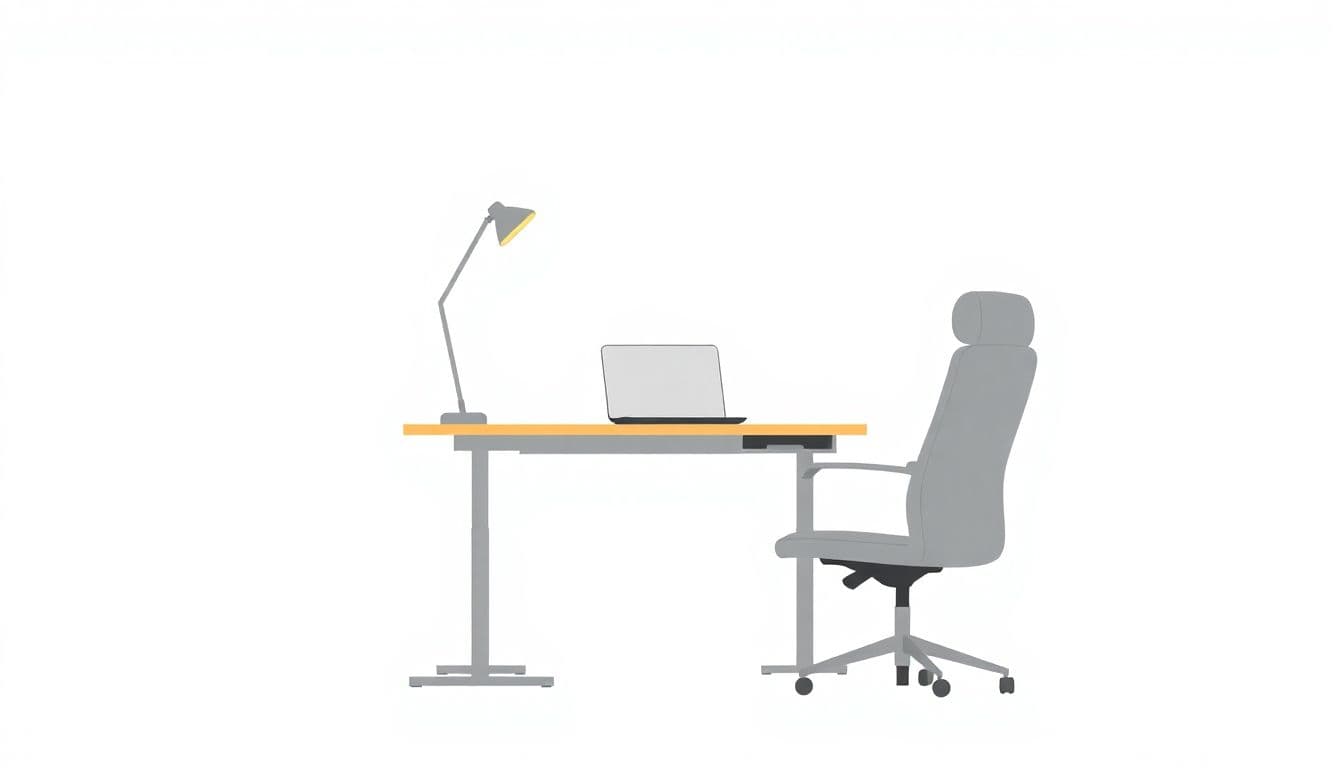
If you write for a living (or even just for long stretches), you’ve probably noticed how quickly your body gets cranky. One hour you’re fine. Two hours in and suddenly your lower back feels tight, your shoulders creep up, and you start hunching without even realizing it. That’s why the “standing vs sitting desk” question comes up so often for writers.
In my experience, the best setup isn’t “stand all day” or “sit forever.” It’s having the option to change positions without breaking your flow. And yes—there are some real, practical tweaks you can make that actually affect how you feel and how consistently you can work.
Key Takeaways
Key Takeaways
- A sit-stand desk is usually the sweet spot for writers because it lets you alternate between postures instead of forcing one “default” position for hours.
- Standing can help you feel more alert and may support higher output—especially when you’re drafting or doing quick, momentum-heavy tasks. But standing too long can make your legs tired fast.
- Don’t just “switch when you remember.” I recommend a ramp-up schedule in the first week and then a simple cadence (like 20–30 minutes) you can stick to.
- Desk setup matters more than the desk type. Monitor at eye level, keyboard close enough that you’re not reaching, and elbows around 90° go a long way.
- Track discomfort like it’s part of your writing process. If your back, wrists, or neck start complaining, adjust height, posture, and break timing—no guilt, just iteration.

1. Which Desk Type Supports Better Health for Writers?
Let me start with what I’ve seen in real writing sessions: sitting isn’t “bad” on its own. The problem is what happens when you sit for too long with the same posture—especially when you’re hunched over a keyboard, eyes angled down at the screen, and you’re not moving because you’re in a drafting zone.
Standing desks get recommended a lot because they encourage more movement and can reduce time spent in prolonged sitting. In one study commonly cited in ergonomics discussions (for example, work summarized in the standing/sit-stand context), participants using sit-stand setups reported less lower-back discomfort compared with all-sitting setups [1].
On the sitting side, there’s also evidence linking long sitting periods with higher cardiometabolic risk. That’s why many health-focused workplace guidelines focus on reducing total sitting time and breaking it up [3].
So what’s the “better” choice for writers?
In my opinion, a sit-stand desk wins for most writers because it lets you keep the comfort of sitting for detail work, but swap to standing when your body starts to stiffen. If you can’t do sit-stand, then you’re basically choosing between two imperfect options—so you’ll need a smarter break routine either way.
2. How Does Standing or Sitting Impact Writing Productivity?
Productivity is tricky because “more output” doesn’t always mean “better quality.” Still, I do think standing can help writers in specific phases.
For example, summaries of workplace data often point to increased output with standing during shifts—call center employees standing during work periods showed higher productivity in one report, and other workplace trials reported noticeable improvements after switching to standing [3][7].
How does that translate to writing?
- Drafting / idea dumping: Standing can make you feel more “switched on,” which helps you keep momentum. When I stand, I’m less likely to spiral into perfectionism early.
- Editing / line-by-line revision: You might want to sit more often here. Editing is slower and more detail-heavy, and I personally type more accurately when I’m stable and relaxed.
- Typing speed vs accuracy: Some findings suggest standing users may type more but can also make more typos—likely because you’re more alert and moving while writing [1]. If you edit while standing, you may need to slow down or do a separate “accuracy pass” while seated.
One thing I noticed right away: if I stand for too long, I start doing weird micro-adjustments—shifting weight, rolling shoulders, re-aiming my eyes at the screen. That’s not “productive energy.” That’s fatigue. So standing can help, but only when it’s managed.
3. Why Alternating Between Standing and Sitting Is Best
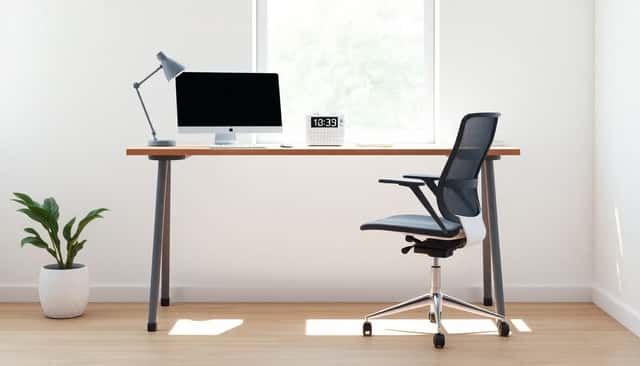
Here’s the blunt truth: whether you stand or sit, staying in one position for too long is what usually causes discomfort. Alternating helps because you change load and posture—so your body isn’t stuck in the same pattern.
My go-to approach is a ratio, but I make it realistic for writers:
- Weeks 1–2 (ramp-up): start with 15 minutes standing followed by 45 minutes sitting during your main work block. Repeat 2–3 times. Don’t try to “power through.” Your legs need time to adapt.
- After week 2: aim for something like 1:1 or 1:2 (sit to stand). For example, 30 minutes sitting / 30 minutes standing or 30 minutes sitting / 60 minutes standing depending on comfort.
And yes—use timers. Not the “every 2 hours” kind that you ignore. I use a quick 20–30 minute reminder, then I do a 30–60 second reset each time: roll shoulders back, stand tall, breathe out slowly, and adjust the keyboard position if needed.
If your body starts sending signals (hot spots in the back, tingling wrists, neck tightness), that’s your cue to change sooner. There’s no medal for endurance here.
Also, don’t underestimate micro-movement. A short walk to the kitchen, a couple stretches, or even shifting your stance every few minutes keeps circulation moving and helps your mind stay sharp.
4. Practical Ways to Use a Standing or Sitting Desk Effectively
When I tested this with my own desk setup, the biggest improvements didn’t come from “standing vs sitting” alone. They came from getting the heights right and matching posture to the task.
1) Set your typing position first. When you’re seated, your elbows should be around 90° and your wrists should feel neutral (not bent up or down). If you’re reaching forward, you’ll feel it in your shoulders within a short time.
2) Use standing strategically. Standing is great for:
- Brainstorming and outlining (when you want energy and momentum)
- Reading aloud or reviewing notes
- Short bursts of focused drafting (10–25 minutes)
It’s not always great for long editing marathons. When I edit for hours, I usually sit more because it’s easier to keep accuracy and stay relaxed.
3) Anti-fatigue mat = worth it. If you stand, an anti-fatigue mat can reduce pressure on your feet and legs. I noticed less “throb” and less fidgeting when I used one compared to standing directly on hard flooring.
4) Plan your work like a routine, not a vibe. Try this simple structure:
- Morning: drafting or quick passes while standing (when you feel freshest)
- Midday: mix in sitting for deeper editing
- Late afternoon: shorter blocks and more breaks—your posture tends to degrade when you’re tired
5) Adjust monitor height every time you switch. If you don’t, you’ll compensate with your neck. In practice, that means either a monitor arm or a riser that keeps the screen at eye level in both positions.
5. Common Challenges with Standing and Sitting Desks and How to Avoid Them
Let’s talk problems, because standing desks aren’t automatically “better.” They just give you options.
- Back and neck pain from poor posture: This usually comes from a monitor that’s too low (neck strain) or a keyboard that’s too far away (shoulder strain). Fix the setup first—don’t just blame standing.
- Leg fatigue while standing: It’s common. The fix is shorter standing intervals, a mat, and a more gradual ramp-up.
- Stiff hips and reduced circulation while sitting: If you sit too long, your hips tighten and you feel sluggish. Build movement into your breaks (even 1–2 minutes helps).
- Slouching when you’re deep in writing: Writers do this constantly because we’re focused. Use reminders every 20–30 minutes and do a quick posture reset.
- “I keep forgetting to switch”: Make it automatic. Timers beat willpower. If you’re using a laptop, consider a workflow where you stand during certain tasks and sit during others.
One more thing: if you have existing pain (especially lower back issues), don’t treat desk changes like a cure-all. You might need a physical therapist or at least ergonomic guidance specific to your condition.
6. Tips for Setting Up Your Desk for Comfort and Efficiency
Here are the setup details that actually make a difference for writers—because we spend a lot of time staring at the same screen and typing the same way.
- Monitor at eye level: If you’re constantly tilting your head down, your neck will pay for it. Aim for the top of the screen around eye height.
- Keyboard close enough: Keep your shoulders relaxed. No reaching. If your elbows creep forward, your shoulders will too.
- Forearms parallel when typing: Whether you’re sitting or standing, adjust the desk height so your forearms feel level. (This is one of the easiest ways to reduce wrist and shoulder strain.)
- Support for standing: Use a footrest if you like it, or a mat. The goal is to reduce pressure and avoid “locked-knee” standing.
- Arrange tools within easy reach: Put your reference material, phone (if needed), and water where you don’t have to twist or reach. Less reaching = fewer posture breaks you didn’t plan.
- Chair isn’t optional: Even if you stand a lot, you still need a supportive chair for sitting intervals. A decent seat back and correct height matter.
If you want a quick self-check: do a 10-minute writing sprint in each posture. If your wrists, neck, or lower back starts to complain, that’s your setup telling you what to change.
7. Final Advice: Finding the Right Balance for Your Writing Routine
My advice is simple: balance beats extremes. You don’t need perfect posture—you need a routine you can maintain on busy days.
Set goals for each session, too. For example: “Write 700 words” or “Edit 3 pages.” Then match the posture to the task. Drafting can be more energizing standing up. Editing can be calmer seated.
And please track your comfort like you track word count. If standing makes your legs feel heavy after 20 minutes, that’s not failure—that’s data. Adjust your standing interval. If sitting makes your lower back tight after 40 minutes, shorten sitting blocks or add a quick movement break.
Consistency is more important than perfection, but you still need measurable tweaks. I’d rather see you ramp from 15 minutes standing to 30 minutes standing over a couple of weeks than jump straight into “standing all day” and then quit because your body revolts.
Keep experimenting until your routine feels natural. Your output will follow—and so will your comfort.
FAQs
For most writers, a sit-stand desk is the best choice because it helps you avoid prolonged sitting without forcing you to stand all day. Sitting can be comfortable for deep work, but the key is breaking up long stretches and changing posture regularly.
Not usually. Editing for hours is detail-heavy and often benefits from stability and relaxed posture. In my experience, standing is great for drafting and quick reviews, but for long editing sessions, alternating is better—more sitting for accuracy, plus short standing breaks to reset your body.
If lower back pain is your main issue, prioritize posture + movement. A sit-stand desk helps because you can change positions before your back tightens. Also set your monitor at eye level, keep the keyboard close, and ramp up standing gradually—standing too long can make other areas tired and your posture worse.
Start small. In week one, try 15 minutes standing followed by 45 minutes sitting during your main work block. Use a timer so you don’t overdo it. Then increase standing time by 5–10 minutes every few days if you feel okay. If you notice wrist, neck, or back discomfort, adjust your monitor/keyboard height immediately and shorten intervals.
If budget is tight, you can still reduce the “always sitting” problem. Use a laptop stand or monitor riser to create a temporary standing setup, and commit to shorter sitting blocks with movement breaks. Even a simple plan—like changing posture every 20–30 minutes—can make your workday feel less stiff.