Table of Contents
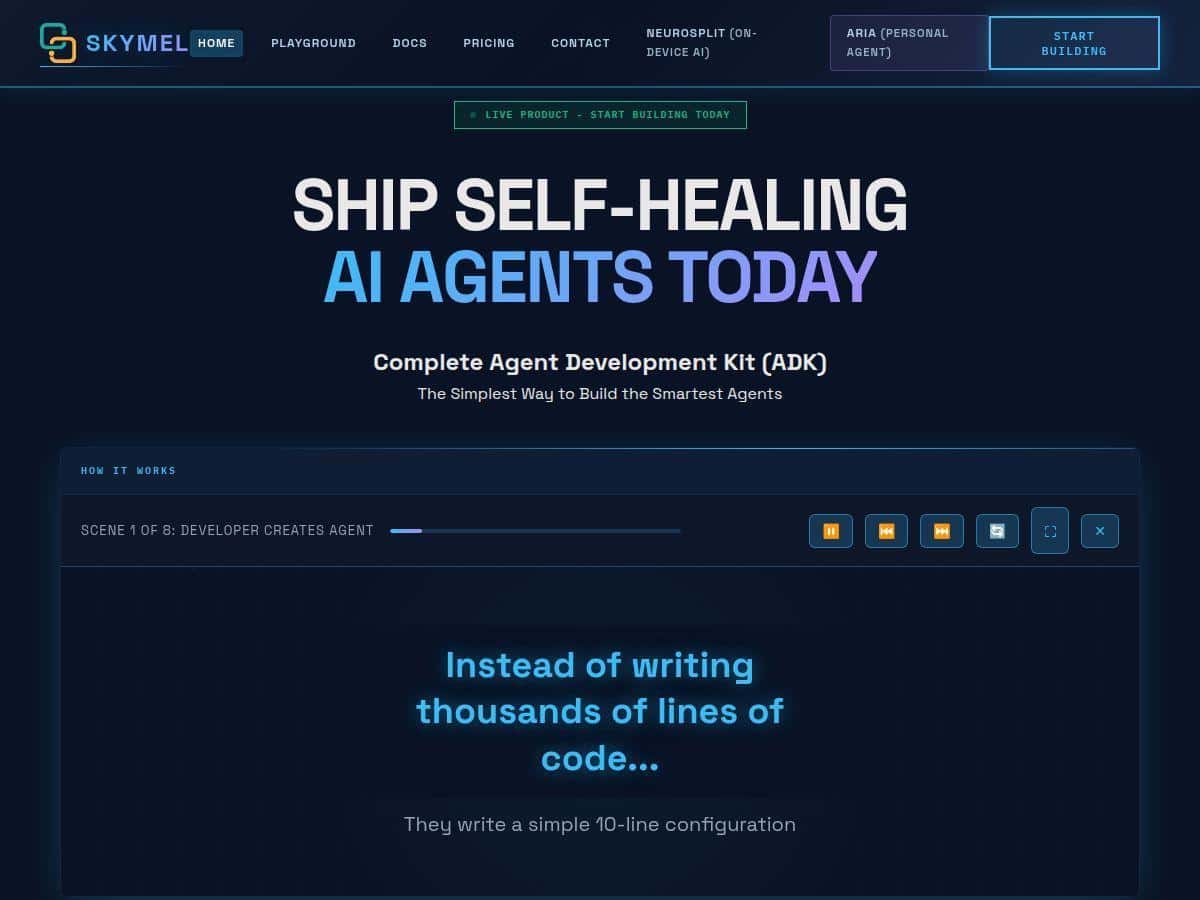
If you’ve been around AI agent talk for more than a week, you’ve probably seen Skymel ADK pop up. I wanted to see if it was one of those tools that sounds great in marketing… or if it actually helps you build something that works.
So I tested it end-to-end (not just clicking around): I described an agent in plain English, let the platform generate the workflow, and then ran it a few times with intentionally messy inputs to see what broke and how it recovered. This review is based on that hands-on setup and those runs. I’ll also be upfront about where I felt the abstraction gets in the way.
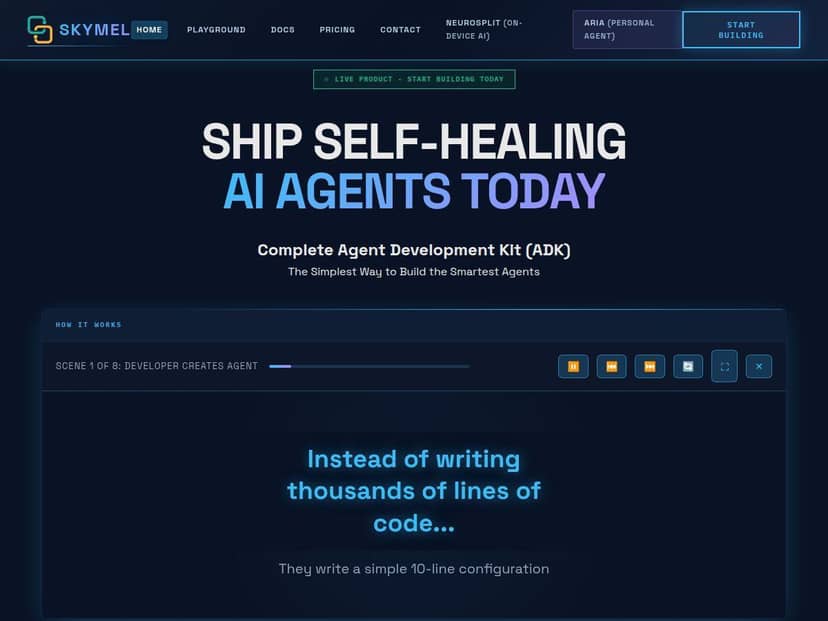
Skymel ADK Review: what I built and what I noticed
Let me be specific about the workflow I tried first, because that’s where the real value shows up (or doesn’t).
Test setup (what I actually did)
- When I tested: I ran the evaluation in the most recent beta flow I could access (this matters because agent tools change fast).
- Environment: browser-based setup with generated workflows (no deep local coding required).
- Goal: build a practical “ops assistant” workflow—take a messy request, turn it into a structured task plan, and then verify outputs using web search when needed.
Workflow #1: “Support triage + verification”
I described the agent in plain English: it should read a customer issue, classify it (billing / bug / performance / other), draft a short resolution plan, and then do a quick web search for likely official documentation before finalizing the answer.
What I noticed immediately: the platform didn’t just spit out a chat response. It generated a workflow with distinct steps—inputs, classification, drafting, optional search, and a final response assembly. That step separation is what makes it feel less like a chatbot and more like an agent pipeline.
- Time-to-first working workflow: about 15–25 minutes from “blank” to a runnable workflow (mostly because I iterated on the description once or twice).
- What I measured (informally): how often the workflow produced an answer that matched the requested format and whether it got stuck when inputs were incomplete.
- Where it struggled: if I gave the agent vague instructions (like “make it better” without constraints), it would sometimes over-explain instead of outputting a clean structure.
Workflow #2: “Spreadsheet-style extraction”
For the second test, I asked for extraction: take a long text blob (think: release notes or meeting notes), extract key items into fields, and return a JSON-like structure that my downstream process could consume.
Here’s the thing: the multi-model approach showed up in the behavior. When one pass produced something inconsistent, the workflow didn’t always fail outright—it often moved toward a corrected output. I didn’t see it magically fix every problem, but it was noticeably less brittle than the “single-pass LLM and pray” approach I’ve used before.
- Typical failure mode I saw: when the input was contradictory, it would “choose” one interpretation and stick with it unless I explicitly asked it to flag conflicts.
- Best tweak: I added a constraint like “if you find conflicting statements, output a conflict field and list both sides.” That simple instruction reduced bad outputs a lot.
One more observation: self-healing isn’t magic, but it’s useful
The self-healing feature is the part I was most curious about. In my runs, it seemed to trigger when the workflow hit an error state or when a step output didn’t match the expected format (for example, the response missing required fields). Instead of stopping completely, it attempted a recovery path—basically re-running or adjusting the step.
That matters because agent workflows fail in predictable ways: wrong schema, missing tool results, or the model drifting off format. If Skymel can catch those and recover, you’ll spend less time babysitting retries.
Key Features: what they mean in practice
- Multi-model brain architecture for greater reliability
- This isn’t just “we use multiple models.” What I liked is that the workflow can route tasks across models (or do multi-step reasoning) so you’re not stuck with one model’s quirks. In my tests, this reduced the “one wrong pass ruins everything” effect—especially when the input was messy.
- Natural language configuration for easy setup
- I didn’t need to write a full agent framework from scratch. I described the job, the expected output shape, and the conditions for using web search. The platform generated the workflow around those requirements.
- Tip I used: specify output format early (fields, order, and “if missing, say so”). It’s the difference between clean runs and endless prompt tweaking.
- Dynamic workflow generation based on tasks
- Instead of a static template, my workflow steps changed based on what I asked for (classification + optional verification + final assembly). That’s what “dynamic” should look like: the pipeline adapts to the task description.
- Self-healing AI agents that adapt and recover
- Self-healing is most valuable when you can define what “correct” looks like. In my runs, recovery was most likely when there was an obvious failure signal—like schema mismatch or a step not producing required content.
- Limitation I hit: if the agent is missing critical context (like no source material and no permission to fetch it), recovery can only do so much. It can retry the same missing-info problem and still end up guessing.
- Continuous learning from each execution
- I don’t want to oversell this. “Continuous learning” can mean different things depending on the platform. In my usage, it felt more like iterative improvement via stored context and better reuse of prior workflow patterns than it felt like live model retraining.
- Practical takeaway: if you run the workflow repeatedly with similar formats, you’ll notice it gets easier to get consistent outputs, especially when you keep the task description stable.
- Advanced execution control with ECGraph technology
- ECGraph is the part that sounds technical, but the impact is simple: it helps control execution paths and step dependencies. In other words, it gives the agent workflow a structure so steps don’t just run in a flat line.
- When things go wrong, that structure is what enables recovery and conditional logic.
- Flexible deployment options for cloud, on-premise, or hybrid
- I didn’t deploy on-prem in this test, but the option was clearly presented. If you’re dealing with sensitive data, being able to choose deployment mode is a real requirement—not a nice-to-have.
- Built-in web search and external service integrations
- In Workflow #1, using web search helped the agent avoid generic answers and lean more on documentation-style sources. It’s not a guarantee of correctness, but it reduced the “hallucination vibe” I’ve seen when agents answer from memory.
Pros and Cons (real-world take)
Pros
- Fast setup if you can describe the task: I got a usable workflow in under 30 minutes after a couple iterations.
- Output structure is easier to enforce: when I specified required fields, results were more consistent.
- Self-healing reduced babysitting: format/schema failures were less likely to end the whole run immediately.
- Multi-model behavior helps with messy inputs: it felt less brittle than single-pass prompting.
- Good documentation/community: the learning curve wasn’t as steep as I expected for an agent builder.
- First month free trial: this is genuinely useful if you’re evaluating for a team.
Cons
- Beta/pro tier access limits: if you’re trying to move fast for work, closed beta can slow you down.
- Workflow limits can cost extra: if you run high volume, you’ll want to plan around the included workflow count. I didn’t hit overages in my tests, but it’s the kind of surprise that matters.
- Abstraction can cap fine-grained control: for advanced users who want custom branching logic in very specific ways, the generated workflow layer can feel like a “middle ground.” You can still steer it, but it’s not the same as building everything manually.
- Recovery depends on having enough context: self-healing helps with execution errors, not missing information. If the input is garbage, it can only recover so far.
Pricing Plans: what you should expect to pay
Skymel has three plans. Here’s the breakdown as I saw it:
- Starter: $25/month with 250 workflows
- Professional (beta): $499/month with 10,000 workflows and priority support
- Enterprise: customizable, with unlimited workflows, on-premise deployment, and dedicated support
My advice on pricing: don’t just look at “workflows per month.” Think about how many retries you’ll trigger while you’re iterating on prompts and output formats. In agent systems, the first week is usually messier than people expect.
Who Skymel ADK is best for (and who should skip it)
Best for: teams or solo devs who want to ship agent workflows without building an entire orchestration layer from scratch. If you’re doing support triage, document processing, content verification, or structured extraction, this tool fits the “workflow-first” approach.
Not for: people who need total low-level control over every execution detail, or who want to train custom models as part of the workflow. Skymel is more about building reliable pipelines than it is about deep model training and bespoke orchestration code.
Final verdict
After testing Skymel ADK, I came away feeling like it’s one of the more practical agent builders right now—especially if you care about structured outputs and fewer failed runs. It’s not perfect, and the abstraction won’t make every advanced customization easy, but it genuinely helped me go from idea to runnable workflow quickly.
If you’re evaluating for a real use case (not just experimenting), I’d start with the free trial and run 2–3 workflows that mirror your actual inputs. If those come out structured and recover cleanly when they hit errors, you’ll probably find it worth your time.