Table of Contents
Trying to keep up with research can be brutal. One week you’re reading a paper for a class, the next week you’re looking at a 30-page PDF that somehow references five other papers you haven’t even opened yet. I’ve been there—by the time I get to the “important” sections, I’ve already lost track of what the authors were actually trying to prove.
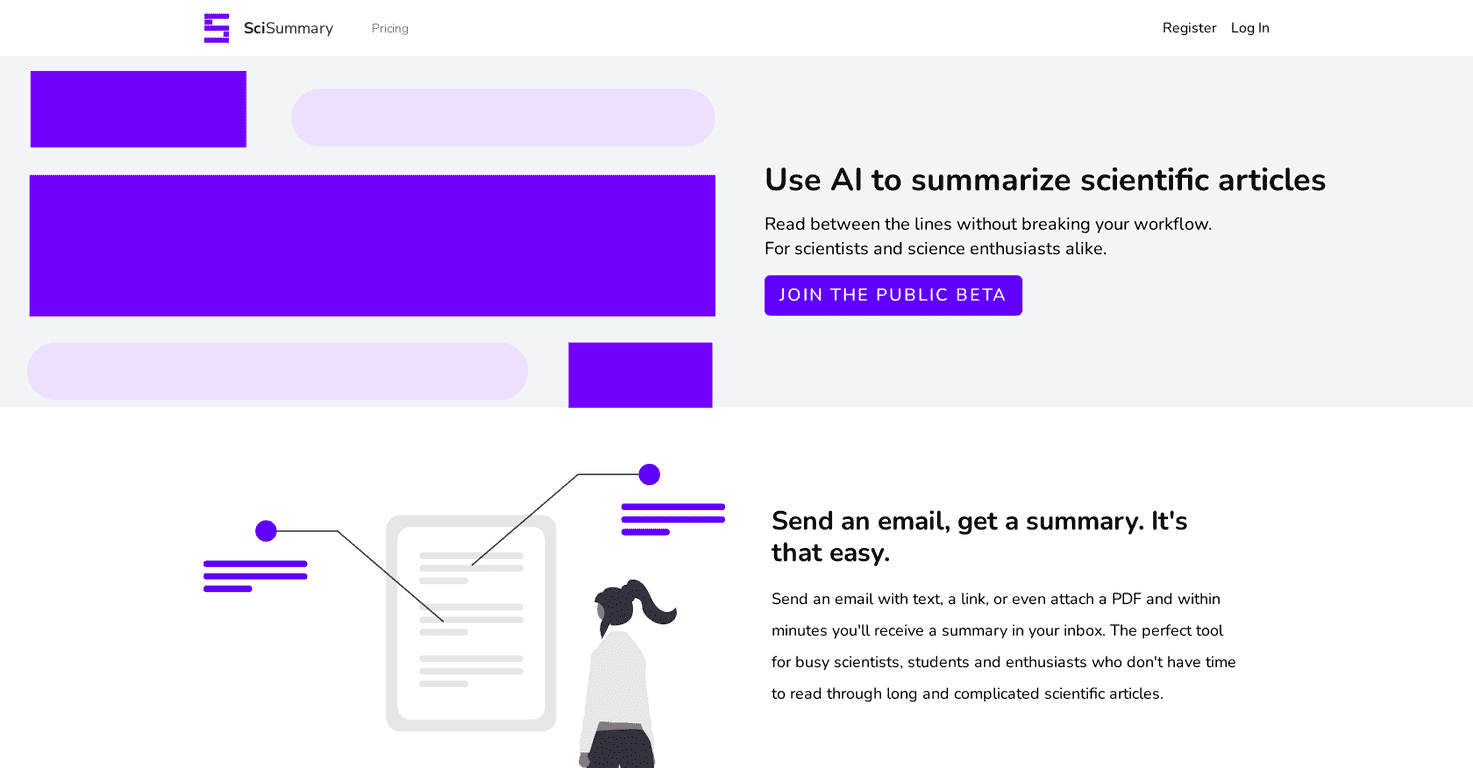
That’s why I tested Scisummary. It’s an AI tool built specifically to summarize scientific literature, and the big promise is simple: you feed it an article (upload it or email it) and you get a clean, condensed summary back—without spending hours hunting through jargon.
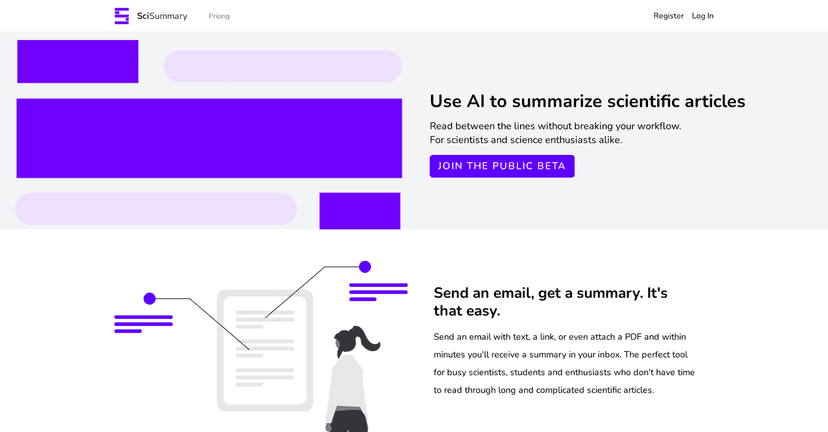
In my experience, the most helpful part isn’t just that it shortens the text. It tries to surface the key points you’d normally look for: the goal of the study, what they did, the results that matter, and the conclusions. It also includes extra ways to interact with what you’re reading, like chat and article searching, so you’re not stuck with a one-time summary.
Scisummary Review: Does It Actually Help You Read Less?
Scisummary is designed to condense long academic documents—up to 200,000 words, which is honestly more than most people will ever throw at a tool like this. When I uploaded a lengthy PDF, I was looking for two things: (1) a summary that doesn’t miss the main claims and (2) a breakdown that makes it easy to decide whether the paper is worth deeper reading.
Here’s what stood out to me: the summaries feel structured around the study’s purpose and results, rather than just spitting out a generic “the paper discusses…” paragraph. It also uses advanced AI models (including GPT-3.5 and GPT-4), which matters because the quality can vary a lot with weaker models.
And yes, there’s more than just “send text, get summary.” Scisummary also includes:
- Chat functionality so you can ask follow-up questions like “What were the limitations?” or “How did they measure X?”
- Article search so you can dig into related topics instead of starting from scratch every time
- Figure and table analysis, which is huge if you’ve ever stared at a chart wondering what you’re supposed to take away from it
- Reference management so you’re not juggling citations in a dozen places
One quick tip I’d give anyone using a summarizer: treat the output like a “map,” not the entire trip. Read the summary first, then jump to the parts that match your questions (methods, results, limitations). That’s where tools like this really save time.
Key Features That Matter (Not Just Buzzwords)
- Email & Upload Summaries for easy submission (I like that you don’t have to fight with formatting)
- Unlimited summaries up to 200,000 words (useful for long review articles and big datasets of text)
- AI analysis of Figures and Tables so you can understand what the visuals are actually saying
- Unlimited chat messages for questions and clarification
- Unlimited searches through articles to find related work without reopening everything
- One-click reference management for citations
- Semantic search to index documents based on meaning, not just keywords
In practice, semantic search is the feature I end up using most when I’m doing literature review work. Keyword search can be misleading—two papers might describe the same idea with totally different phrasing. Meaning-based indexing helps cut down the “why can’t I find it?” frustration.
Pros and Cons (My Honest Take)
Pros
- Fast summaries for scientific documents—enough speed that you can actually keep momentum while studying
- Student-friendly options including a free trial and discounts (this matters if you’re on a budget)
- User-friendly dashboard—it doesn’t feel like you need a tech manual to get started
- Good summarization quality thanks to stronger AI models (GPT-3.5/GPT-4) and better structure
Cons
- Free trial limits some features—you may not get the full “try everything” experience
- Free trial word limit (so if you throw in a massive PDF right away, you might hit the cap fast)
One limitation I noticed with summarizers in general: if a paper is extremely dense or poorly organized, the summary can still reflect that chaos. It’s not magic—it’s just very good at compressing what’s already there. If the original study is unclear, the summary won’t magically make it clearer.
Pricing Plans: What You’ll Pay and What You Get
SciSummary (Scisummary) offers a few tiers, and the numbers are pretty straightforward:
- Student Plan: free for the first month, with access to all features including unlimited summaries
- Free Trial: 7 days, summarizing up to 30,000 words
- Unlimited Summaries: $6.99/month or $34.99/year
If you’re deciding whether to try it, I’d start with the free trial and upload one paper you already know well. That way, you can sanity-check whether the tool is capturing the parts you care about—especially results, limitations, and the main takeaway.
Wrap up
Overall, I think Scisummary is a practical tool for anyone who has to read a lot of scientific writing and doesn’t want to spend their whole day buried in PDFs. The combination of fast summaries, figure/table analysis, and chat follow-ups is what makes it feel genuinely useful—not just “another AI summary generator.”
If you’re a student, researcher, or even a curious reader trying to keep up with new studies, it’s worth a test run. Just don’t expect it to replace reading entirely. Use it to get to the right sections faster, then go deeper where it counts.
Promote Scisummary