Table of Contents
Have you ever stared at a blank slide deck thinking, “I know what I want to say… I just can’t get it into a script that sounds good”? Yeah, me too. That’s usually where my energy drops—writing the narration, tweaking the pacing, then trying to make the voiceover sound natural instead of robotic.
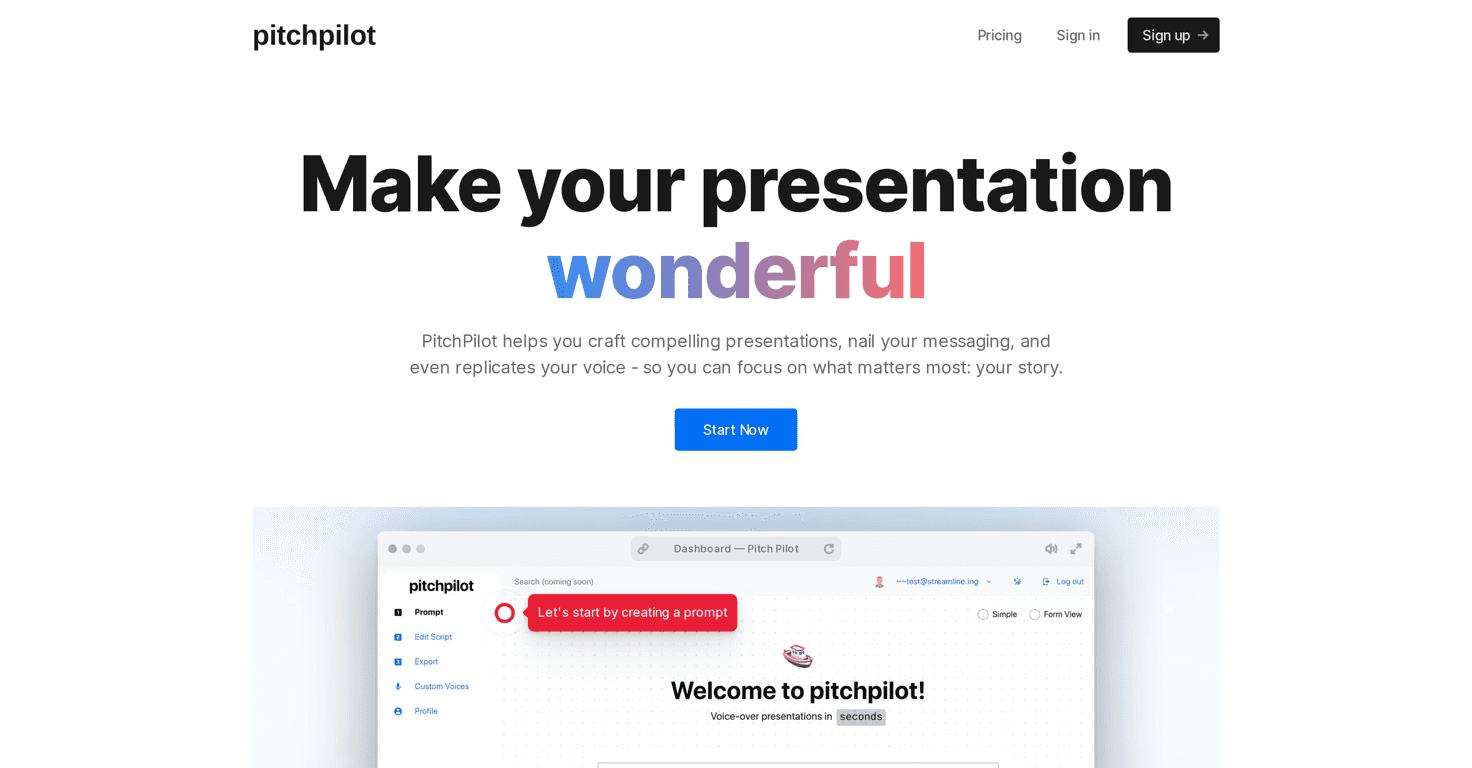
PitchPilot caught my attention because it’s built around one thing: turning your presentation into an actual narrated story. Not just “here’s some text.” It generates a script and then helps you add voice synthesis so you can get to a finished presentation faster.
In my experience, the biggest win isn’t that it magically makes you a great speaker. It’s that it gives you a solid first draft you can actually edit—so you’re not starting from zero every time.
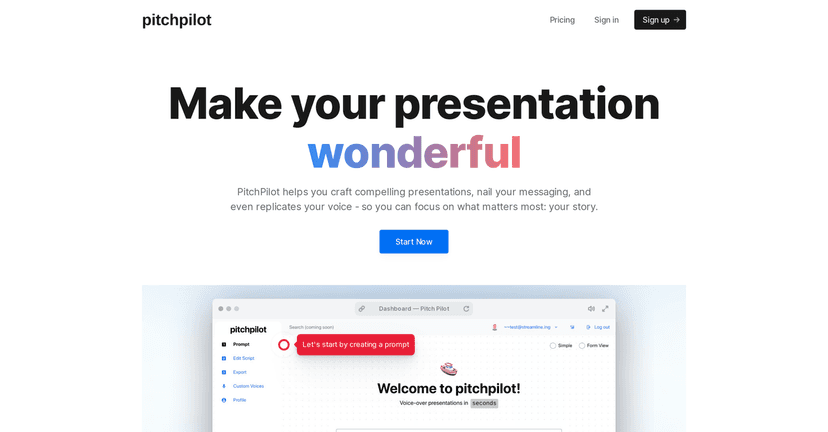
PitchPilot review: does it actually help you finish faster?
PitchPilot is focused on storytelling. That means it’s not just rearranging slide text—it’s trying to turn your deck into a narrated flow your audience can follow. The core idea is pretty straightforward: you upload your presentation, it generates a script, you edit it, and then you download the finished output with voice synthesis.
When I tested a few decks, what I noticed right away was how much easier it was to get “narration-ready” language. Instead of my usual approach (copying bullet points into something that sounds like… bullet points), PitchPilot pushed the script toward something closer to spoken phrasing.
That said, you still need to review. AI can get the vibe right, but it doesn’t always nail your exact tone—especially if your deck has very specific phrasing, niche terminology, or a brand voice you’re trying to keep consistent.
Key features that matter in real presentations
- AI-Driven Scripting: This is the heart of PitchPilot. It generates a script designed to match the narrative of your slides. In practice, it helps you avoid the “too robotic / too vague” problem that happens when you write narration manually from bullets.
- Natural Voice Synthesis: You can add synthesized narration so your presentation doesn’t rely on you recording everything from scratch. I found this especially helpful for quick demos and internal updates where you just want something polished without booking time for voice recording.
- Seamless Integration: PitchPilot aims to let you incorporate voiceovers into what you already have. The practical takeaway? You’re not forced to rebuild your slides from zero—you’re enhancing the existing presentation.
- Three-Step Process: Upload → edit the script → download. I like workflows like this because they reduce decision fatigue. You’re not stuck bouncing between five different tools just to get to a final file.
Pros and Cons (what I liked vs. what to watch out for)
Pros:
- Faster first draft: If you’ve ever spent an hour turning slide bullets into narration, you’ll appreciate how quickly PitchPilot can get you to a usable script.
- Less blank-page stress: I didn’t have to start from scratch. It gave me something I could shape, which is honestly the best kind of AI—assistive, not replacing your judgment.
- Voiceover makes it feel complete: The synthesized narration helps the deck feel like a finished story, not just a slideshow with “we’ll narrate this later.”
- User-friendly: The interface feels built for people who don’t want to learn a new workflow just to create a presentation.
Cons:
- You may need to refine the script: If you’re picky about wording, pacing, or branding, you’ll probably edit. AI scripts can drift into generic phrasing unless you guide them with your own notes or corrections.
- Quality can vary: On some sections, the voice synthesis and wording feel great. On others, it can sound a bit “too smooth” or slightly off in tone—like it’s trying to be friendly when you wanted confident and direct.
- Not a substitute for your expertise: PitchPilot can help with presentation structure and narration, but it can’t replace your real understanding of the topic. If your deck has complex claims, you’ll still want to double-check what the script says.
Pricing Plans: where to check the current cost
Pricing can change, and the content I reviewed doesn’t include exact numbers. So instead of guessing, I’d recommend checking the Pricing page directly. That’s where you’ll see the latest tiers and subscription options based on how often you plan to generate scripts and voiceovers.
If you’re deciding whether it’s worth it, I suggest thinking about your use case: are you making presentations weekly, or only for occasional demos? For me, tools like this feel most valuable when you’re producing multiple decks and want consistency without spending hours on narration.
Wrap up
PitchPilot is a solid option if you want to turn slide decks into narrated presentations with less effort. The AI scripting and voice synthesis help you get from “draft deck” to “ready-to-share story” faster than doing everything by hand.
Just don’t expect perfection straight out of the gate. In my experience, the best results come when you treat the generated script like a starting point—then tweak it so it sounds like you.
If you’re tired of wrestling with narration and want a smoother way to present your message, it’s definitely worth a try.