Table of Contents
Meeting scheduling sounds simple… until you’re the one trying to pick a time that works for everyone. I’ve done the “what about Tuesday?” ping-pong enough times to know how quickly it turns into wasted hours and annoying follow-ups.
That’s why I was interested in Jane Cal. It’s a calendar assistant that focuses on one thing: getting meetings booked with minimal back-and-forth—mostly right from your inbox.
In this Jane Cal review, I’ll walk through what it actually does, what I noticed during setup and use, and where it might not fit everyone. If you’re tired of email threads for scheduling, you’ll probably like the approach.
Jane Cal review: scheduling that actually feels lighter
Jane Cal is built for busy people who live in email but want less scheduling chaos. The core idea is simple: you trigger meeting scheduling from your inbox, and Jane handles the mechanics—finding a time, sending invites, and keeping things moving.
What I liked right away is that it doesn’t ask you to change your whole routine. You’re still emailing like normal. The difference is that instead of coordinating time slots manually, you can let Jane do it based on natural language.
Also, the “inbox-first” concept isn’t just marketing—it’s the whole workflow. If you schedule meetings all day, that matters.
Key features (what you’ll use most)
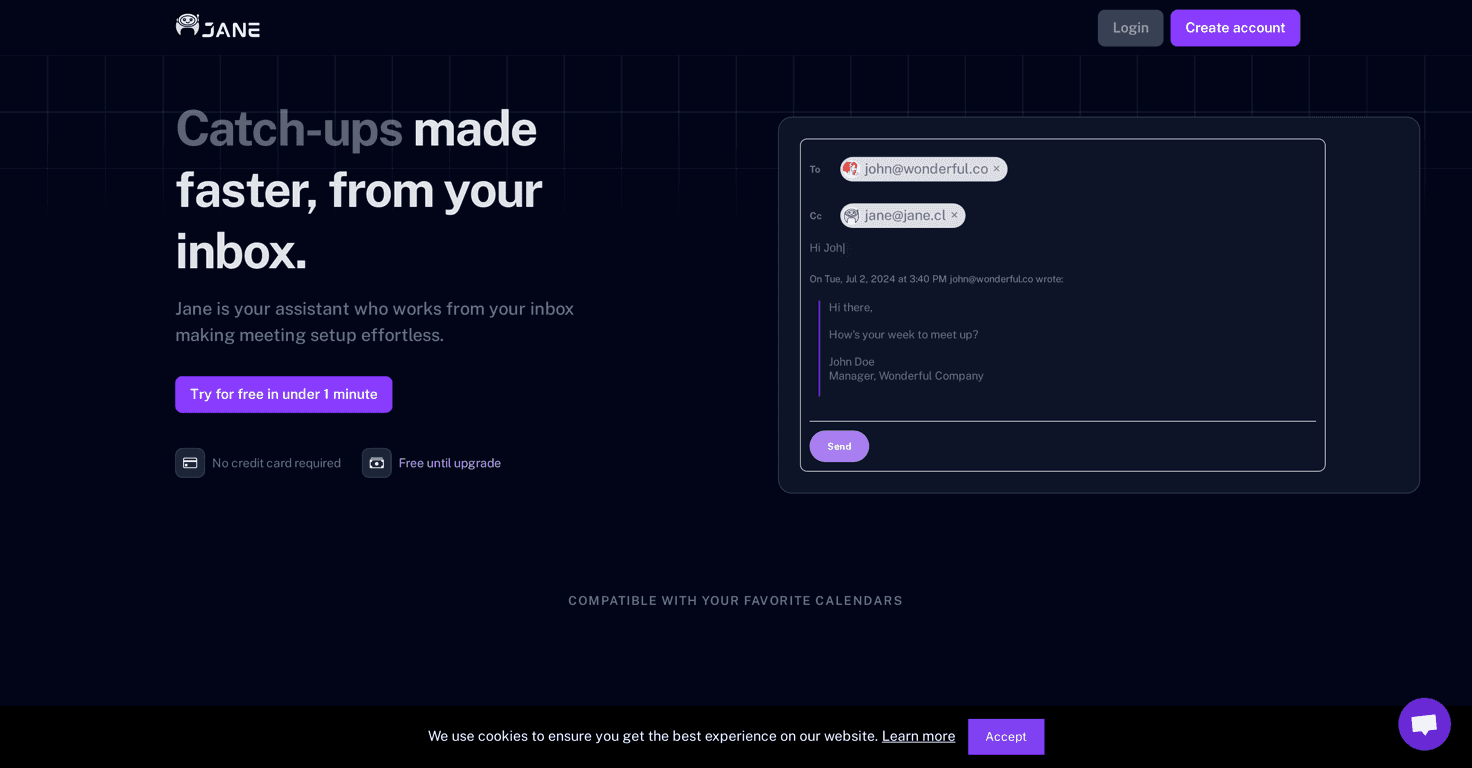
- Inbox First: You schedule meetings by cc-ing Jane in an email thread. That’s the moment where everything shifts from “messages” to “calendar invites.”
- Fast Setup: The claim is under 1 minute with no complicated installs. In practice, it felt like a quick connect-and-go setup rather than a multi-step project.
- Smart Scheduling: You can request times in plain language. For example, you can say something like “Tomorrow afternoon” or “Next week” and Jane will interpret it instead of forcing rigid time formatting.
- Agenda Creation: Jane can send an agenda draft to attendees before the meeting. I actually think this is one of the most underrated features—people show up more prepared when there’s at least a starting outline.
- Auto Attachments: If you need to share files with the invite, Jane can attach them to the calendar event without you doing extra copy/paste steps.
- Flexible Attendee Management: You can schedule with people using different organizations and email setups. It’s not limited to one “ecosystem,” which is usually where scheduling tools get annoying.
Pros and Cons (the honest version)
Pros
- No credit card required to try it: I appreciate this. You can test it for real without committing upfront.
- Free plan available: The service is free while you’re exploring, which is great if you just want to see whether it fits your workflow.
- Scheduling feels faster: The biggest win is cutting out the back-and-forth. Instead of “Are you free at 2?” and “How about 3?” you can move toward an actual invite much quicker.
Cons
- Pricing details aren’t fully clear: I couldn’t find a complete breakdown for paid upgrades. If you’re the type who likes to plan ahead, that might be a sticking point.
- Email-based scheduling won’t be everyone’s preference: Some people just want a standalone scheduling link or a dedicated booking page. If that’s you, Jane Cal’s inbox workflow may feel less natural.
Pricing Plans (what I could verify)
Jane Cal offers a free plan so you can test the core scheduling features before upgrading. At the moment, specific pricing for the paid tiers isn’t clearly listed, so I can’t give you exact numbers.
That said, the free plan is still useful because it lets you answer the real question: does this reduce your scheduling time? For me, it was the “sending an invite without coordinating every slot manually” part that made it worth trying.
If you’re comparing tools, I’d recommend checking the Jane Cal site directly for the latest paid plan details before you commit—especially if you need multiple teammates or higher-volume scheduling.
Wrap up
After using Jane Cal’s inbox-first approach, it’s easy to see why it appeals to people who hate scheduling threads. It’s not trying to reinvent your day—it just helps you book meetings faster, sends agendas ahead of time, and keeps file sharing attached to the invite.
If you’re constantly coordinating times and you’d rather spend your energy on the meeting itself (instead of arranging it), Jane Cal is definitely worth a look. The free plan makes it even easier to test before you decide.


