Table of Contents
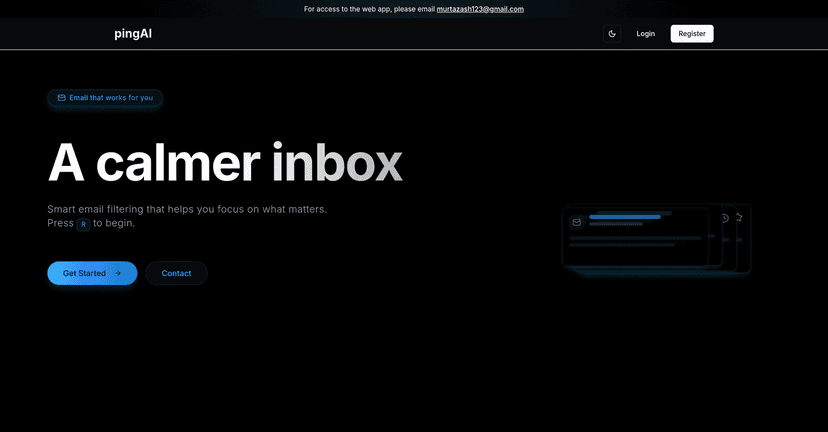
Email is supposed to make life easier… but somehow it turns into a never-ending scroll of “just checking in” messages. I’ve been there—open my inbox, see 200+ unread, and suddenly I’m stressed before I even start my day. That’s why I was curious about Ping. It’s built to cut through inbox noise so you can spend time on the emails that actually matter.
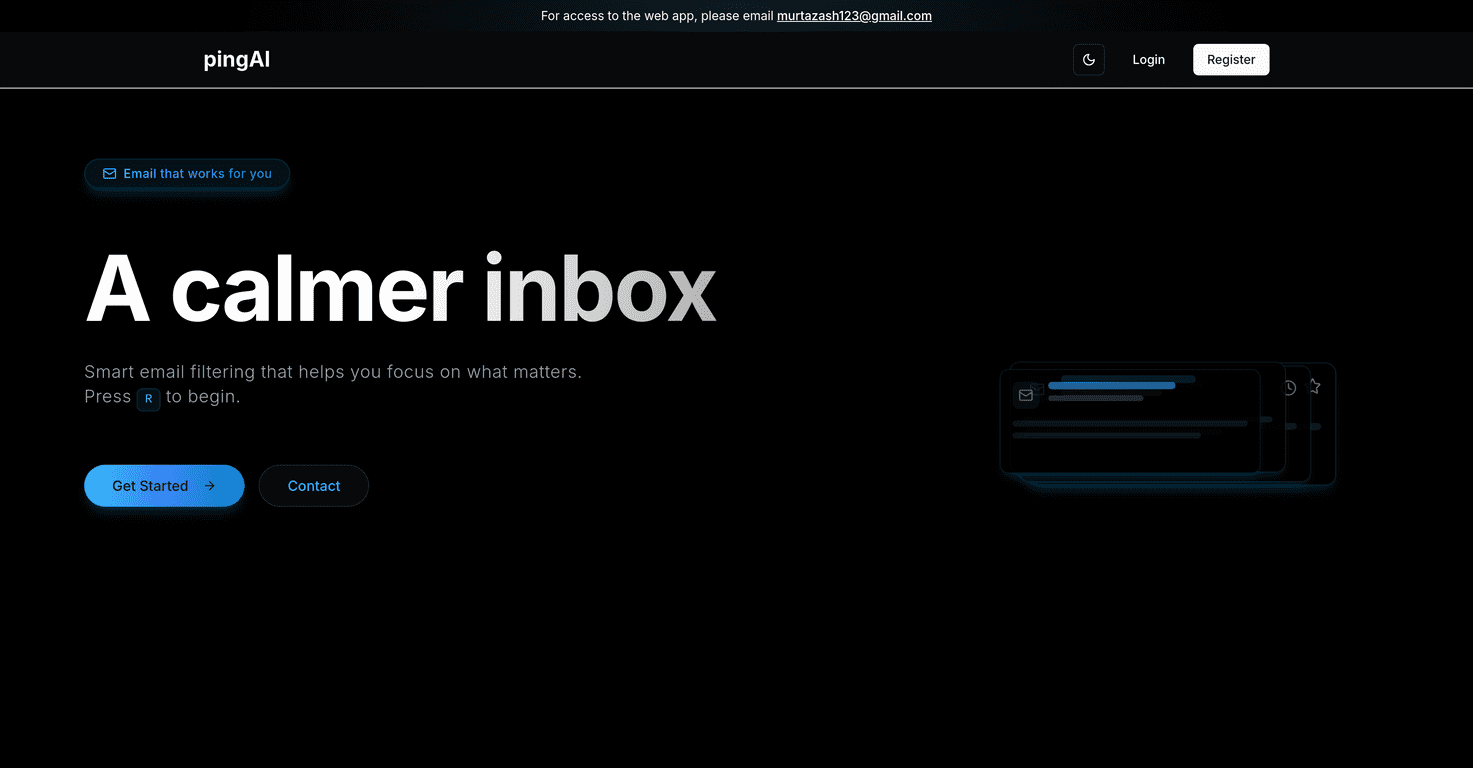
Ping’s main idea is simple: it filters your emails based on a personal knowledge base, then surfaces what it thinks is important. Instead of treating every message like it’s urgent, it helps you focus on the ones worth your attention. In my experience, that mental shift alone makes a big difference—because you stop reacting to everything and start responding to the right things.
When I first used Ping, the interface felt pretty straightforward. No complicated dashboards to decode. I didn’t have to “learn the product” for hours—most of it made sense right away. The notification approach also stood out. You still get alerts, but it’s not the kind of constant ping-pong that makes you feel like you’re always behind. If you’re the type who checks email every time your phone buzzes, this kind of control is honestly refreshing.

Ping Review: What I Liked (and What Took Some Time)
Ping is an email management tool aimed at inbox chaos. The core feature is the filtering system, which uses your personal knowledge base to decide what’s important. Instead of relying on generic rules, it’s more about capturing what you actually care about—so your inbox stops feeling like a random feed.
After spending time with it, here’s what I noticed most:
- Important emails show up faster: The whole point is that you shouldn’t have to dig through everything to find the one message you actually need to reply to.
- Navigation feels simple: I didn’t get lost in menus or settings. It’s the kind of layout that works even if email isn’t your “tech hobby.”
- Notifications feel less distracting: The alerts are there, but it didn’t feel like I was being interrupted every few minutes by low-priority stuff.
Now, let’s be real—email tools are only useful if they match your workflow. If you’re the kind of person who reads everything anyway, Ping might feel unnecessary. But if your inbox regularly spirals out of control, this approach is worth considering.
Key Features That Matter in Real Life
- Email Filtering to highlight important messages
- This is the heart of Ping. Instead of treating every sender and subject line the same, Ping helps separate “must reply” from “can wait.” In practice, that means less time hunting and more time responding.
- User-Friendly Interface for ease of use
- I appreciated how quickly I could get oriented. There aren’t a ton of moving parts to manage day one, which is a big deal when you’re trying to reduce stress, not add another system.
- Notification System to minimize distractions
- Notifications are where many email tools fail—too many alerts, too much noise. Ping’s approach is more “stay informed” than “interrupt constantly,” which helps if you want to check email without getting derailed.
Pros and Cons (From a Practical Standpoint)
Pros
- Reduces email overload: If your inbox is packed, filtering makes it feel manageable again.
- Improves efficiency: You spend less time sorting and more time actually working on replies, scheduling, and decisions.
- Simple design: It’s easy to use without needing a manual or a tutorial every time you open it.
Cons
- Knowledge base setup takes effort: If you want the filtering to be accurate, you’ll likely need to spend some time shaping that personal knowledge base. It’s not always instant.
- Limited details on advanced functions/integrations: I didn’t see much public info about advanced workflows or deeper integrations. If you rely on specific tools (CRM, automation stacks, etc.), you may need to ask support before committing.
Pricing Plans: What’s Available Right Now
Here’s the honest part: the website doesn’t show clear pricing publicly at the moment. If you want access to the web app and pricing details, the current instruction is to contact support at murtazash123@gmail.com.
Before you reach out, I’d suggest you jot down what you need—like whether you’re looking for personal use, team use, or any specific integration. That way you can get a quicker, more useful answer.
Wrap up
Overall, Ping feels like it’s built for people who are tired of inbox chaos. The filtering concept is the big win, and the notification approach helps keep things from becoming another source of stress. If you’re willing to put in a bit of time upfront to set up the knowledge base, it could genuinely make email feel more organized and less chaotic.
If you’re constantly behind on messages or you dread opening your inbox, Ping is worth a try. Just don’t expect everything to be perfect on day one—email systems usually need a little tuning before they really click.