Table of Contents
Planning a trip can often feel overwhelming with countless options and details to consider. But what if there was a way to simplify the entire process and create a personalized experience just for you? That’s where the AI Travel Planner by Planify steps in. In this review, we’ll explore its capabilities and help you decide if it’s worth your time. Get ready to discover how this innovative app can enhance your travel planning journey.

AI Travel Planner Review
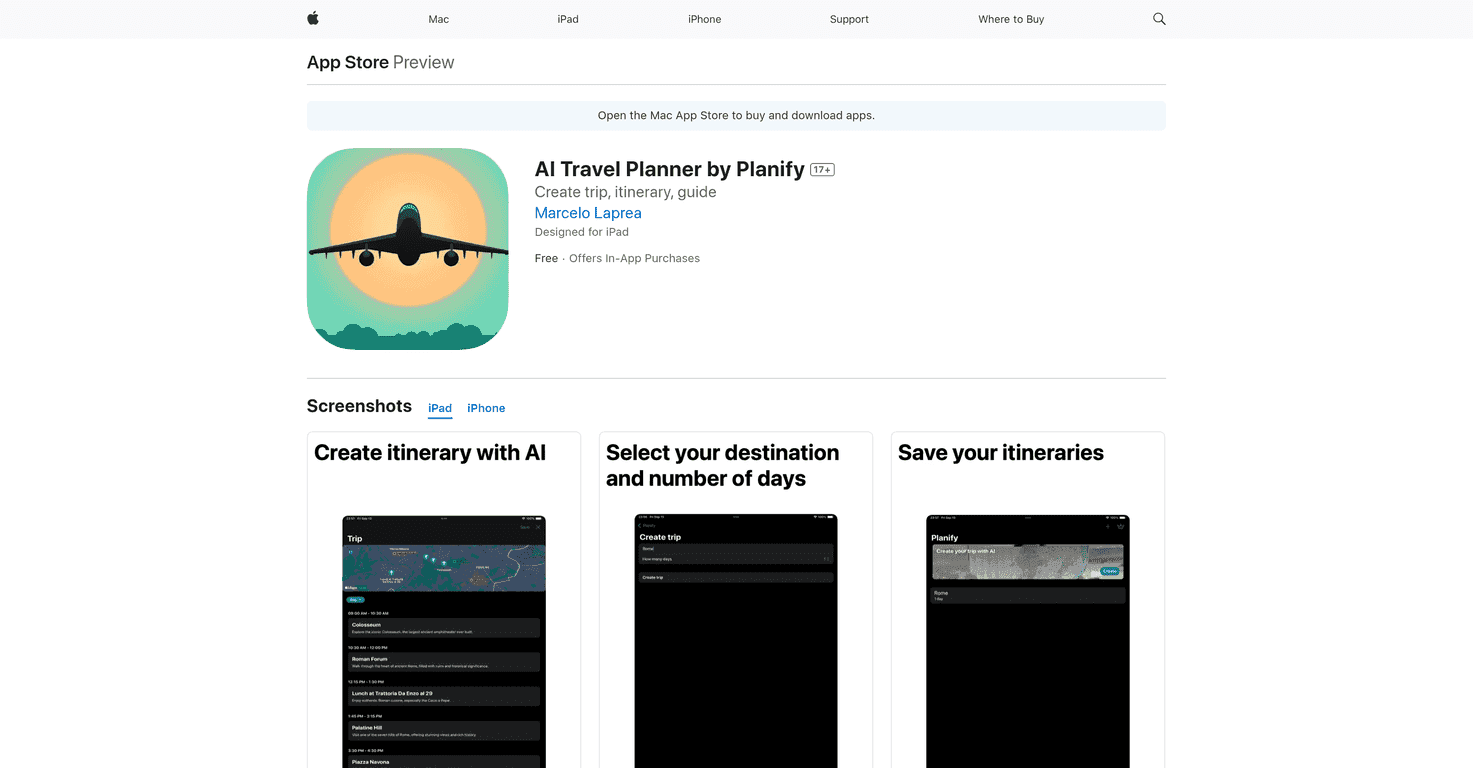
The AI Travel Planner is a game changer for anyone looking to take the hassle out of trip planning. With its intuitive design, it generates customized itineraries based on your interests and time constraints. The AI technology ensures you get the most out of every moment during your travels, allowing for detailed hour-by-hour planning that’s simple to follow. Whether you’re an adventure seeker, a foodie, or a culture enthusiast, this app tailors your travel experience like never before.
The interface is user-friendly, making it easy to navigate even for those who may not be tech-savvy. As you explore various destinations, the app adapts to your preferences, optimizing routes to help you make the most of your time. Should you want to add or change activities, customization is just a few taps away. Also, the availability on iPhone and iPad ensures that you can plan on-the-go, giving you ultimate flexibility.
Key Features
- Generate personalized travel itineraries
- Creates detailed hour-by-hour plans for trips
- Adapts to user interests for a tailored experience
- Optimizes routes and schedules for efficiency
- Allows adjustment of activities and customization
- Available on multiple platforms including iPhone and iPad
Pros and Cons
Pros
- Easy to use and efficient for trip planning
- Highly personalized based on user preferences
- AI-driven features enhance the overall experience
- Free to download with optional in-app purchases
Cons
- Certain features may require a paid subscription
- Users need to spend time learning how to use the app effectively
Pricing Plans
The AI Travel Planner offers a free basic version with essential features. For those wanting more, in-app purchases are available: a weekly subscription at USD 4.99, a monthly subscription at USD 5.99, and a yearly subscription at USD 29.99. This pricing strategy provides users with flexibility to choose what suits them best.
Wrap up
In conclusion, the AI Travel Planner by Planify stands out as an effective tool for anyone looking to streamline their travel itinerary. With its innovative features, personalized approach, and user-friendly design, it takes the stress out of planning. While some functionalities may require a subscription, the free version is still a great starting point. If you want to elevate your travel experience, consider giving the AI Travel Planner a try.
Promote AI Travel Planner