Table of Contents
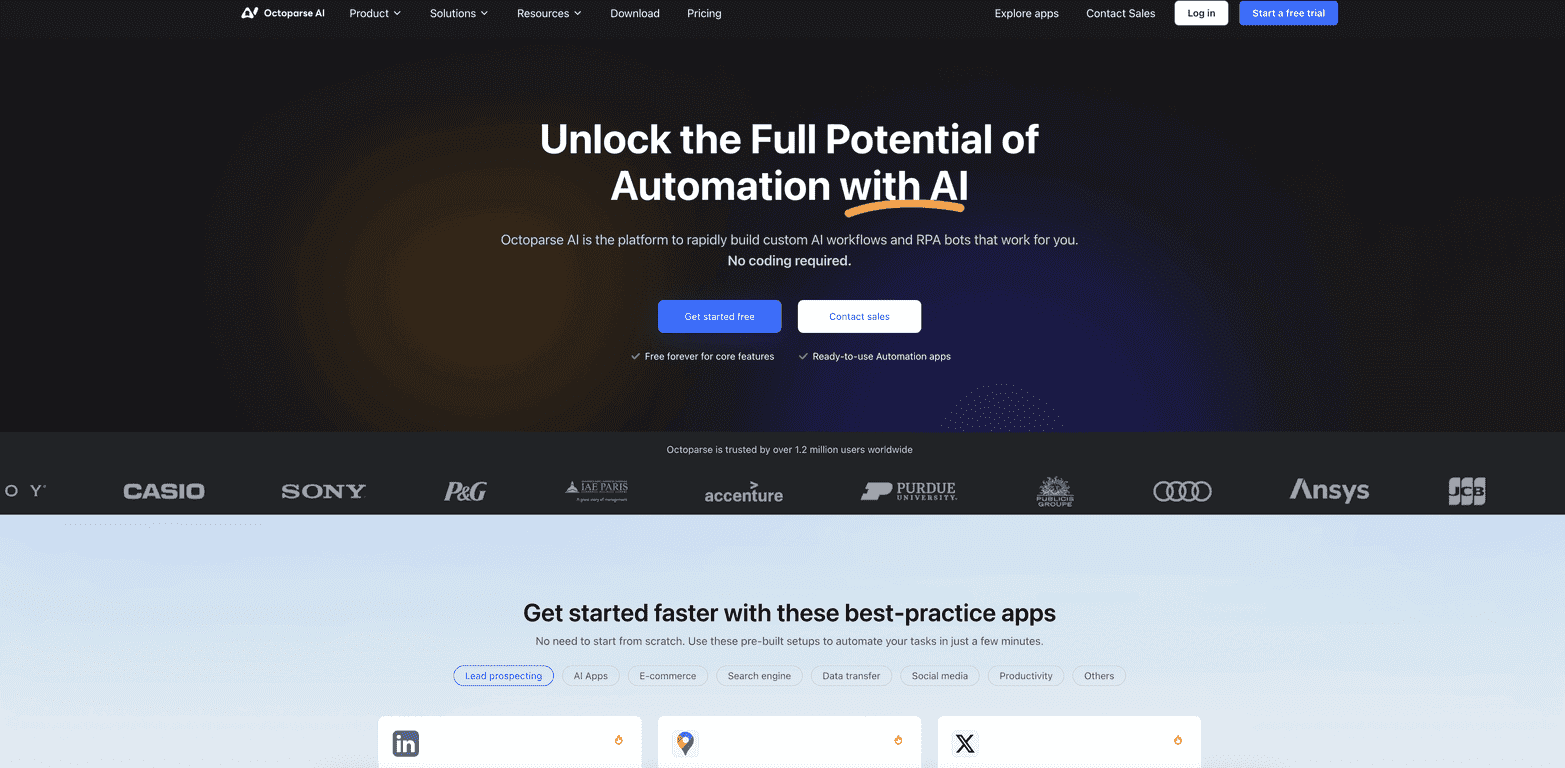
If you’ve ever tried to automate something and ended up stuck reading documentation for hours… yeah, I get it. That’s why I was interested in Octoparse AI. The pitch is simple: build workflows without writing code, then let the AI handle the heavy lifting.
After spending some time testing it, what stood out to me right away was the drag-and-drop setup. It’s the kind of interface where you can usually figure out the next step without a tutorial every five minutes. And if you’re working with a team, the workflow sharing/collaboration aspect is genuinely useful—because automation projects tend to stall when only one person can touch them.
Octoparse AI Review
Octoparse AI is aimed at teams that want automation without the usual “hire a developer first” bottleneck. The platform focuses on a no-code workflow builder, and it layers AI models on top so you can do things like classify data, extract fields, and route results to the next step.
What I liked most is how quickly you can get from idea to something running. For example, instead of starting from a blank canvas, you can often use a ready-to-use automation as a base and tweak it. That matters, because the hardest part of automation isn’t the final step—it’s getting started without getting lost.
Also, collaboration is not just a checkbox here. If you’re working with marketing, ops, or support folks, shared workflows mean less “tribal knowledge” locked in one person’s account. In my experience, that’s when automation actually sticks.
Key Features
- No-code workflow builder: Drag-and-drop steps so you can build automations without writing scripts.
- AI model support: Access to AI models from major providers so you can plug AI tasks into your workflow (like extraction or classification).
- Data and tool integrations: Connect different tools so data can flow from one step to the next instead of being manually copied around.
- Team collaboration: Shared workflows and collaboration features so multiple people can contribute and maintain automations.
- Free core features: A starting point that lets you test the platform before committing to a paid plan.
Pros and Cons
Pros
- Easy to approach: If you’re not technical, you can still build something useful. I didn’t feel like I needed a coding background to get basic workflows working.
- Ready-to-use automations: Having templates/examples saves a ton of time. You’re not starting from scratch, which is a big deal when you’re on a deadline.
- Flexible AI steps: You can tailor AI-related actions to your workflow instead of treating automation like a one-size-fits-all thing.
- Collaboration helps adoption: When teams can share and maintain workflows, automation becomes a process—not a one-off project.
- Large user base: Octoparse is used by over 1.2 million users globally, which usually means the platform has matured and people have found ways to make it work in real life.
Cons
- Some advanced features are likely paid: In practice, free tiers are often enough to test, but the “real power” tends to show up in higher plans.
- Complex workflows can get tricky: If you want something highly customized, you may need more technical thinking (even if you’re not writing code).
- Learning curve for edge cases: The basics are quick, but if your inputs are messy or your data sources change often, you’ll spend more time tuning the workflow.
Pricing Plans
Octoparse AI includes a free tier that gives you core features to start building and testing workflows. From there, premium options unlock more advanced capabilities and enhanced services.
One thing I’d recommend: before you decide on a plan, think about what you’re actually trying to automate. If you’re just validating a workflow idea (like extracting a few fields from a consistent source), the free tier may be enough to prove value. If you need heavier usage, more automation runs, or advanced features, you’ll likely want to check the paid plan details on the site or request pricing info directly.
Wrap up
Overall, I think Octoparse AI is a solid option if you want automation without the usual coding headache. The drag-and-drop builder is approachable, the AI integrations make it more than basic “if-this-then-that,” and the collaboration angle is a real advantage for teams.
Just don’t expect every advanced feature to be available on the free tier. If you hit a point where your workflow needs more power, you may have to upgrade. Still, for testing, iterating, and getting real work done faster, it’s worth a look.
Promote Octoparse AI