Table of Contents
If you’ve ever sat down to write an article and then spent the next two hours just staring at a blank page, you’re not alone. I’ve been there. That’s why I gave Nexus AI a real test—mainly to see how well it actually helps with day-to-day content work, not just big promises.
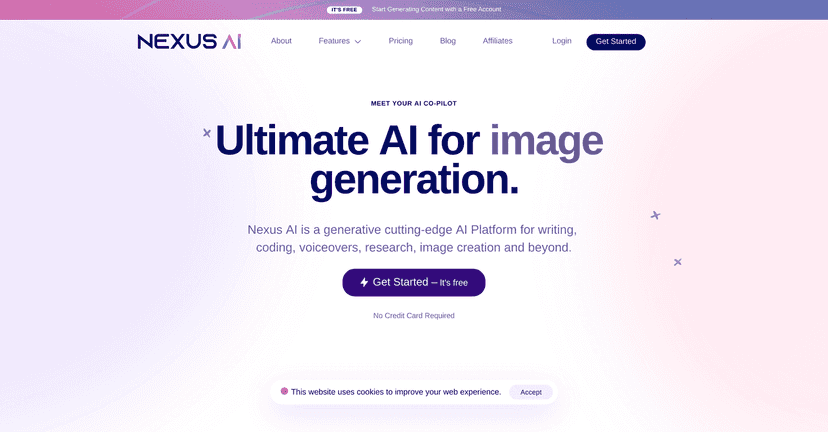
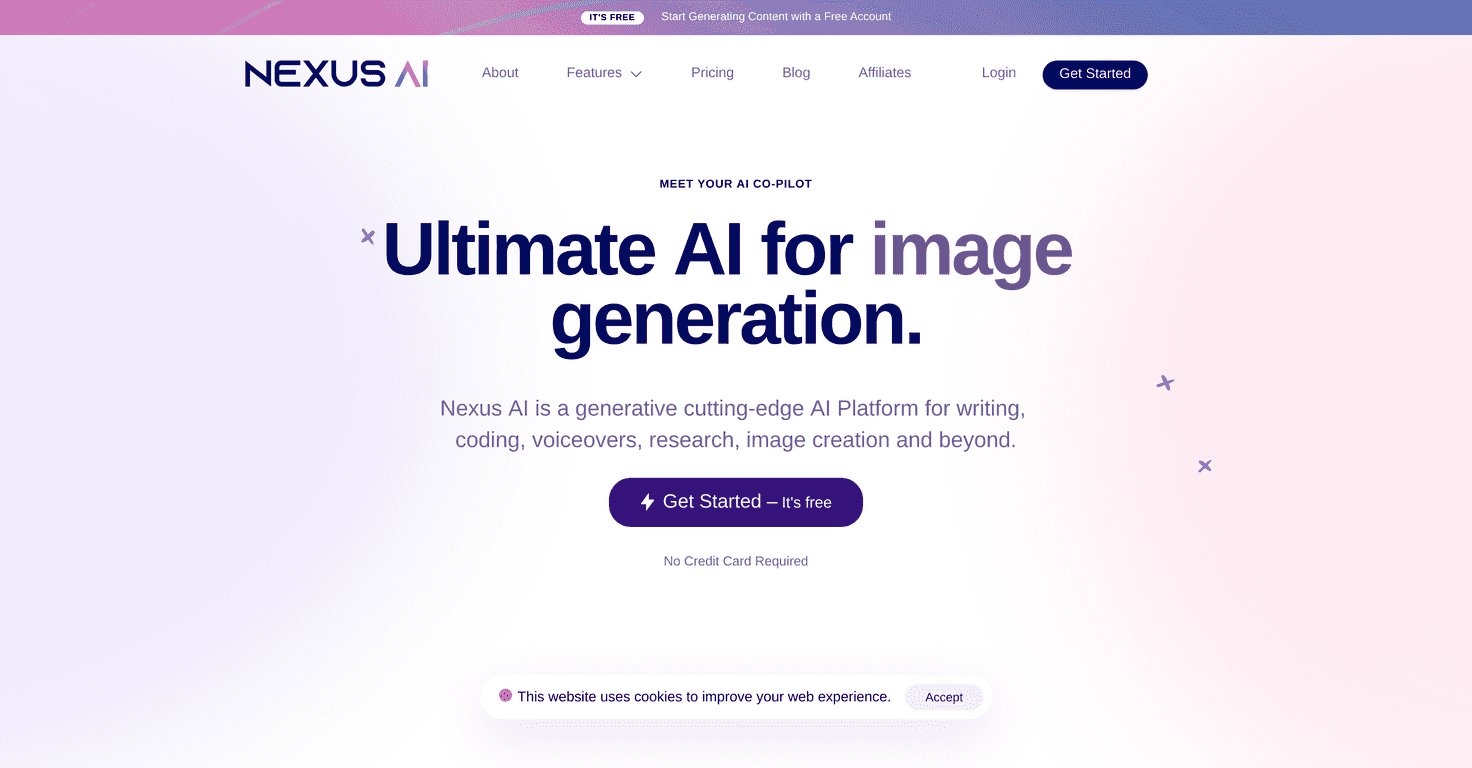
Nexus AI is a generative AI platform that covers a bunch of tasks in one place: writing, academic-style drafting, image generation, and even voiceovers. It’s the kind of tool that can work for writers and marketers, but I also think it’s useful for students and researchers who are trying to get from “idea” to “first draft” faster. The interface is straightforward too. I didn’t feel like I needed a tutorial just to get started.
One thing I liked right away: navigation is pretty clean. You can jump into the feature you need without digging through menus for five minutes. And if you’re working with a team, the collaboration features are a nice touch—everyone can contribute without everything turning into a messy version-control situation.
They also offer a free plan, which matters. I’m not a fan of tools that lock everything interesting behind a paywall on day one. With Nexus AI, you can at least try the workflow and see if it clicks for you.

Nexus AI Review: What I Liked (and What Didn’t) After Testing It
Nexus AI positions itself as an all-in-one generative AI tool for content creation. And yeah—it does a lot. But does it actually help with real work? In my experience, it’s strongest when you use it for the “messy middle”: brainstorming, outlining, drafting, and turning rough notes into something publishable (with editing).
Here’s what stood out to me while testing:
- It covers multiple content types: articles, images, voiceovers, and even document Q&A (“file chat”).
- It doesn’t feel overly complicated: I could move between features without constantly hunting for settings.
- Team collaboration is actually useful: if you’re working with other people on drafts, it’s easier to keep things coordinated.
- You can start with the free plan: I appreciate being able to test the workflow before committing money.
Now, I’ll be honest: like most AI tools, it won’t magically write your best piece for you. You still need to guide it. If you give it vague prompts, you’ll get vague output. But if you’re willing to refine your instructions and then edit the results yourself, it can save time.
Key Features (and How I’d Use Them)
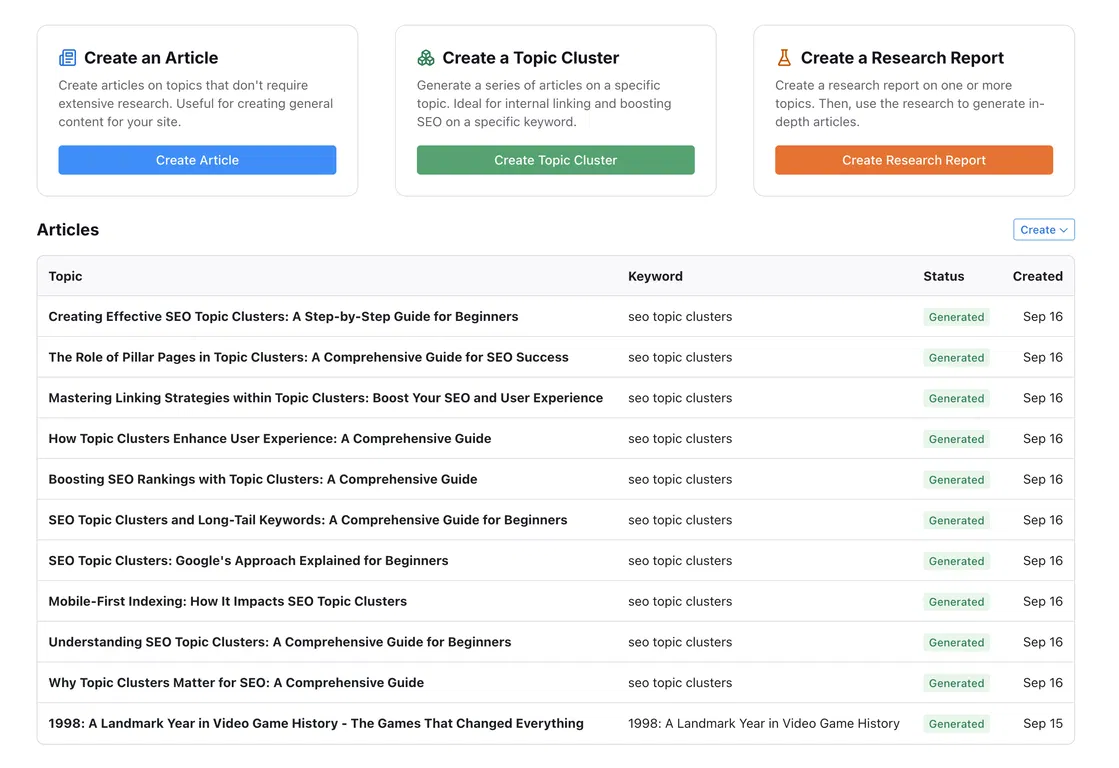
- AI Article Writer for quick and factual articles
- I used this for topic overviews and rough drafts. The output is usually a solid starting point—especially for structuring headings and getting a coherent flow. Still, I always recommend fact-checking anything that sounds “too specific.”
- AI Academic Writing to streamline research and writing efforts
- If you’re writing in a more formal style, this is where Nexus AI can help. It’s good for shaping argument structure and tightening up wording. Just don’t treat it as a substitute for your own research.
- AI Image Generator for creating stock images and art
- I tried generating a few visuals for blog concepts. It’s handy when you need something quickly for a draft or social post. The main limitation I noticed? You may need a couple of attempts to get the exact vibe you want.
- AI Text to Speech for natural-sounding voiceovers
- This is useful if you’re turning scripts into audio. In my testing, the voice options can help you move faster from “written draft” to “ready for recording.” You’ll still want to listen for pacing and pronunciation before you publish.
- AI Detector to check for AI-generated content
- This can be helpful if you’re trying to reduce AI-like patterns. But I wouldn’t rely on it as the only judge—sometimes detectors flag text that’s just well-written and not actually AI-generated.
- Plagiarism Checker to ensure originality of written work
- Good for peace of mind, especially if you’re using references or rewriting content. I still recommend doing your own review, though—don’t skip it.
- File Chat for extracting information from documents
- This one is underrated. When you have PDFs, notes, or docs, being able to ask questions and pull key points can save a lot of time. I found it especially helpful for turning long documents into smaller bullet summaries.
- Team Collaboration Tools for real-time teamwork
- If you work with others, collaboration matters. Nexus AI’s team features help keep drafts moving without everyone working in separate copies forever.
- SEO Tools to optimize content for search engines
- I like having SEO support inside the same platform instead of bouncing between tools. That said, you’ll still want to do real keyword and SERP research—AI can suggest, but it can’t replace strategy.
Pros and Cons (My Honest Take)
Pros
- Big toolkit in one place: writing, images, text-to-speech, document Q&A, and SEO support.
- Easy to navigate: I didn’t feel lost jumping between features.
- Team collaboration: helpful if you’re working with others on drafts.
- Free account option: good for testing the workflow before you pay.
Cons
- Free plan is limited: if you’re doing heavy writing or lots of generations, you’ll likely hit limits faster than you expect.
- Not every tool is “best-in-class”: some people may prefer specialized apps for image generation, SEO, or academic writing instead of a general platform.
So who is Nexus AI best for? In my opinion, it’s a good fit for people who want an all-in-one assistant and don’t mind doing some editing. If you want ultra-precise outputs with zero tweaking, you’ll probably still be disappointed.
Pricing Plans (What You Get for the Money)
Nexus AI offers multiple tiers:
- Free Plan: $0/month with limited features
- Standard Plan: $15/month with additional support and unlimited AI words
- Premium Plan: $25/month with advanced features, including team collaboration
- Ultimate Plan: $289/year aimed at larger teams, with generous image capabilities and early access to new features
If you’re just trying it out, start free. If you’re publishing regularly and need to generate a lot of content, Standard is the most straightforward entry point. For teams, Premium or Ultimate makes more sense—especially once collaboration becomes part of your workflow.
Wrap up
Nexus AI is the kind of platform that can genuinely speed up content creation—writing drafts faster, generating visuals, and helping with voiceover scripts. It’s not perfect, and the free plan won’t satisfy power users for long, but the overall mix of tools is solid. If you want one place to handle writing, SEO support, and media creation (instead of juggling a dozen separate apps), it’s worth checking out.