Table of Contents
In today’s fast-paced digital world, creating engaging content can be challenging. Generor provides a solution by offering a variety of AI generators to help users unleash their creativity. With this platform, you can craft everything from jokes to stunning images with ease. Join me as we explore the remarkable features of Generor and discover how it can elevate your content creation game.
Generor Review
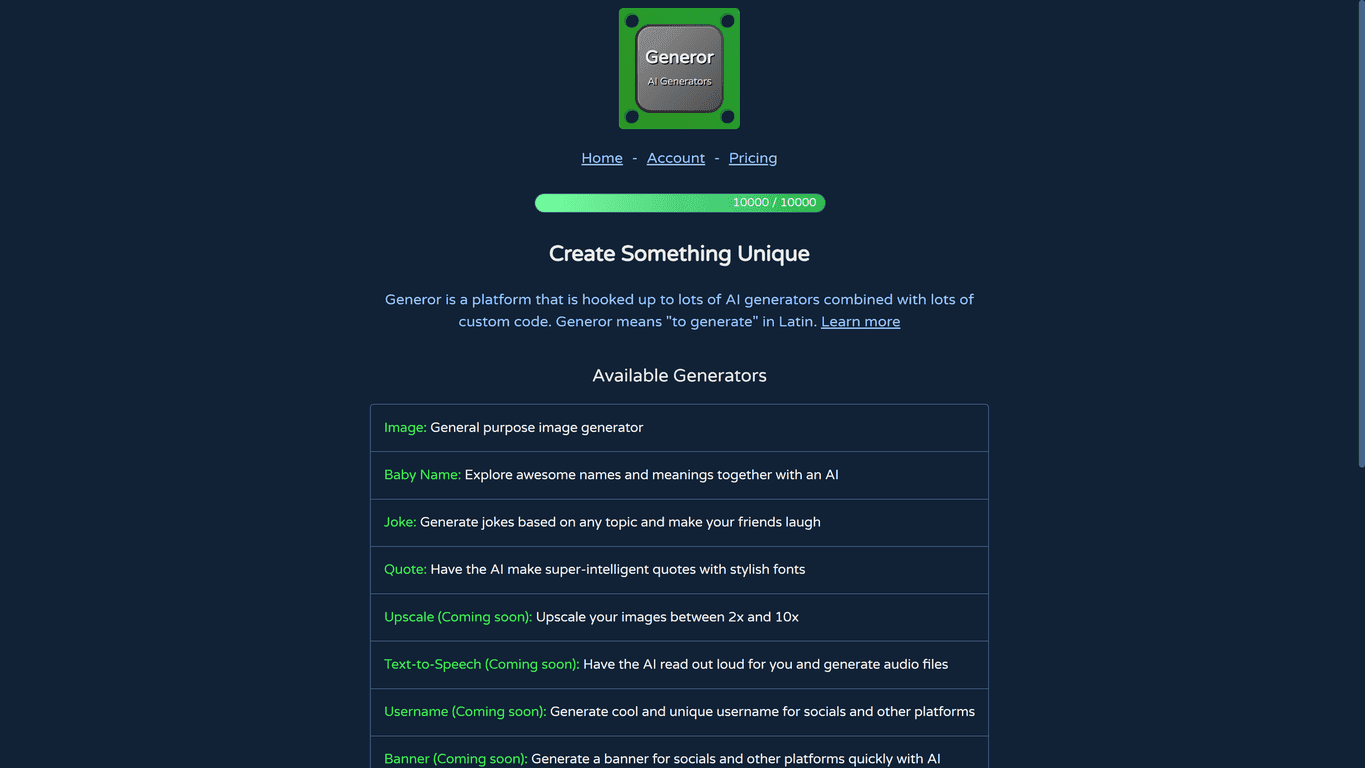
Generor stands out as a versatile content generation platform. It combines numerous AI generators and custom coding to produce unique content tailored to your needs. Whether you’re a writer seeking story ideas, a parent-to-be searching for baby names, or just someone looking for a good laugh, Generor has something for everyone. The user-friendly interface ensures that both tech-savvy individuals and novices can navigate the site comfortably without feeling overwhelmed.
Key Features
- Image generator: Create custom images.
- Baby name generator: Suggests names with meanings.
- Joke generator: Produces jokes based on chosen topics.
- Quote generator: Generates intelligent quotes in stylish fonts.
- Random image generator: Provides unexpected visuals.
- Upcoming features: Upscale image generation, text-to-speech, and many more.
Pros and Cons
Pros
- Wide range of creative tools for various content types.
- Continuously expanding features and improvements.
- User-friendly interface for easy navigation.
- Free tier available for users to explore basic functionalities.
Cons
- Many features are still ‘coming soon’ and not accessible yet.
- Tiered pricing model may require payment for additional functionalities.
Pricing Plans
Generor offers a tiered pricing model that caters to different users. The free tier gives you basic access with 250 oomph/month. For those seeking more features, Tier 2 offers 10,000 oomph/month at $9/month billed yearly or $10/month. Tier 3 provides 33,000 oomph/month priced at $27/month billed yearly or $30/month. Finally, Tier 4 is for power users offering 111,000 oomph/month at $81/month billed yearly or $90/month. Custom solutions are also available for larger needs.
Wrap up
Overall, Generor is a fantastic platform for anyone looking to generate unique content effortlessly. With its diverse features and commitment to continuous improvement, it’s worth exploring. Whether you’re creating blog posts, graphics, or just having fun with jokes, Generor has the tools to enhance your creativity. Give it a try and see how it can transform your content creation process!
Promote Generor