LIFETIME DEAL — LIMITED TIME
Get Lifetime AccessLimited-time — price increases soon ⏳
AI Tools

Supawork AI Review – Your Go-To Free Headshot Generator

Updated: April 20, 2026
5 min read
#Ai tool

Table of Contents

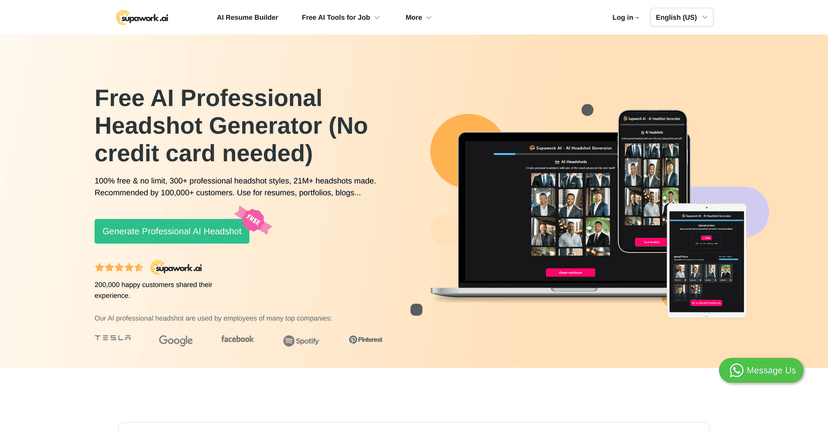
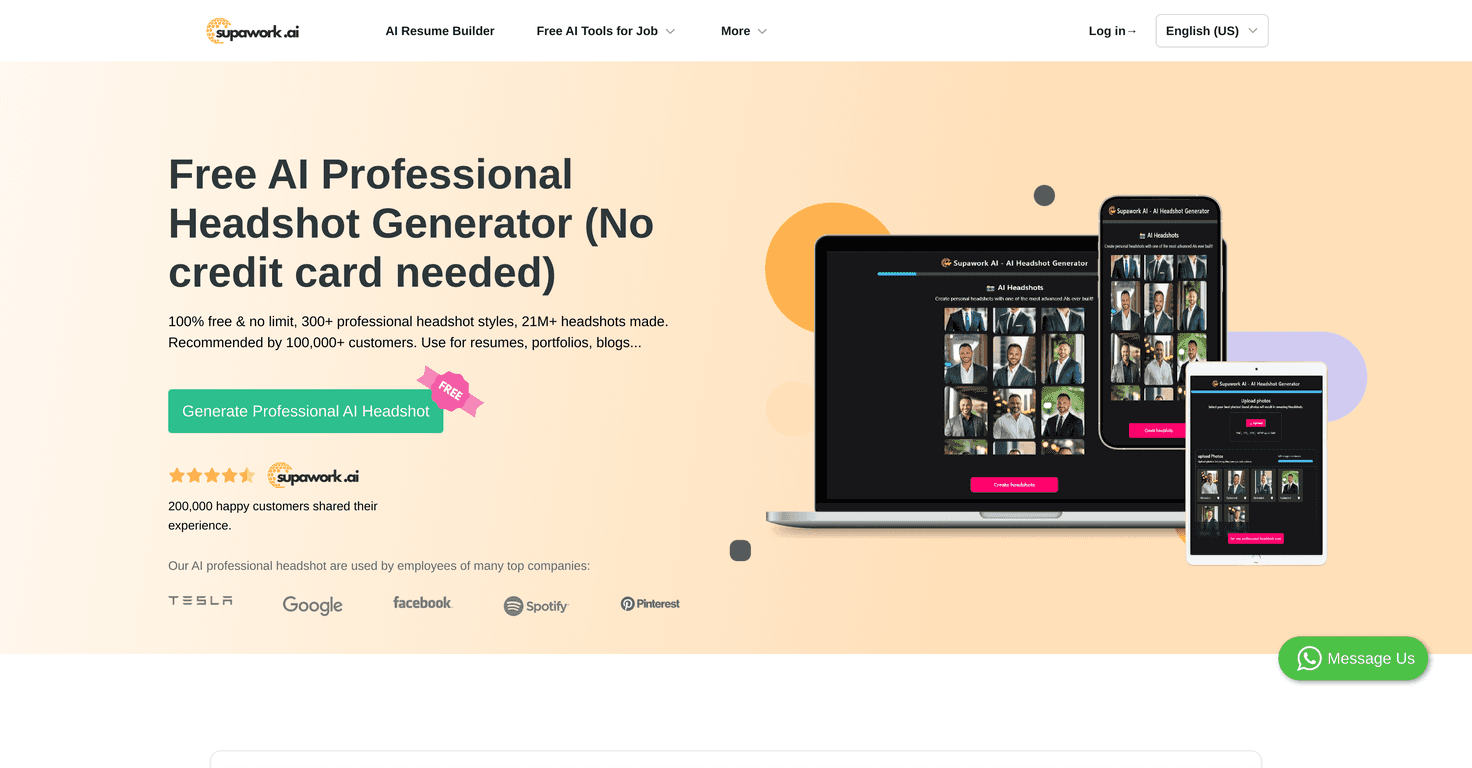
Looking for a professional headshot but don’t want to pay $50–$200 for a “good enough” result? I get it. I tried Supawork AI’s free AI Professional Headshot Generator because it sounded simple—and honestly, simplicity is what I care about when I’m trying to update my profile fast.

Supawork Ai

Here’s how it works in real life: you upload a selfie, pick a style, and the tool generates a headshot you can use for work-related profiles. No sign-up. No long forms. Just upload and go. After I uploaded my photo, I noticed the turnaround was surprisingly quick (fast enough that I didn’t feel like I was waiting around all day). The final image looks clean and “LinkedIn-ready” right away, especially for something that’s completely free.

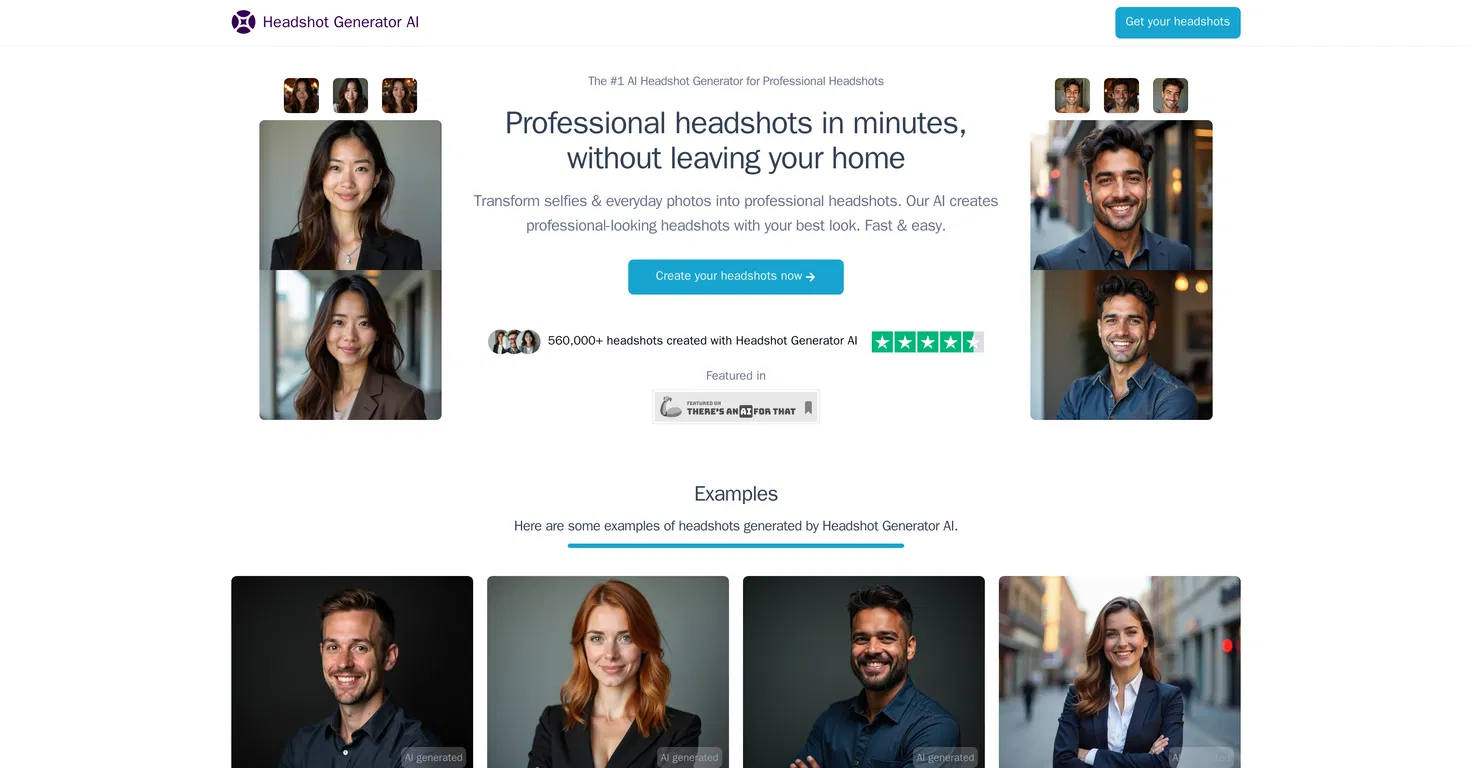
Supawork also claims it has already produced over 21 million headshots, which lines up with what you’d expect from a tool that’s actually useful to normal people—not just designers. It’s aimed at resume use, portfolio updates, and social media headshots, so it’s not locked to one single “corporate” look.

One more thing I appreciated: it’s built for variety. With 300+ styles, you’re not stuck with the same generic headshot background and lighting every time. That matters if you’re trying to match the vibe of a specific industry.

Table of Contents

Supawork AI Review

Let me be upfront: I’m not expecting this to replace a real photographer for high-stakes branding. But for quick updates? It’s genuinely convenient.

When I tested Supawork, the process felt straightforward from start to finish. I uploaded a selfie (nothing fancy—just a normal photo with decent lighting), and then I went through a few styles to see what would look best. What I noticed right away is that it tries to keep the “you” part consistent—your face stays recognizable—but it adjusts the overall headshot look (lighting, background, and outfit vibe depending on the style you choose).

Also, since it’s free, I didn’t feel bad experimenting. I tried a more corporate style and then something slightly more modern. The results were good enough that I could see myself using them on a resume or a job application without feeling awkward.

And yes, Supawork’s scale is impressive—21+ million headshots generated. That’s not just a marketing number to me; it usually means the tool has enough users to stress-test the workflow and keep it running.

Key Features

  1. No Cost – You can generate professional headshots without paying. For most people, that’s the main reason to try it.
  2. Diverse Styles – With 300+ styles, you can usually find something that matches your industry (tech, business, creative, etc.).
  3. High Demand – Supawork has generated 21 million+ headshots, which suggests it’s widely used and not just a one-off experiment.
  4. User-Friendly Flow – Upload a selfie, choose a style, get results. There’s no complicated setup.
  5. Data/Privacy Focus – Like most AI tools, privacy depends on how you share and what you upload, but Supawork positions itself around privacy. Still, I always recommend using a photo you’re comfortable having processed.
  6. Cross-Usage – These headshots can work for resume uploads, portfolio pages, and social profiles. I wouldn’t use them as my only “brand asset” for a major campaign—but for profile photos, they’re practical.

Pros and Cons

Pros

  • Free of Charge – Seriously, it’s one of the easiest “test and use” tools I’ve tried.
  • No Sign-Up Needed – You can generate a headshot without creating an account first, which removes friction.
  • Variety of Styles – Not just one look. I was able to switch between more traditional and more modern vibes.
  • Fast and Easy – I didn’t feel like I was waiting forever between steps.
  • Great for Quick Updates – If you need a headshot for a job post, a conference profile, or a resume refresh, it’s a strong option.
  • Looks Professional – The lighting and background treatment generally makes it feel like an actual headshot instead of a random AI image.

Cons

  • Selfie Quality Matters – If your selfie is blurry, dark, or taken from a weird angle, the results won’t magically fix that. I noticed that clearer, well-lit photos produce more convincing outputs.
  • Limited Customization – You can pick styles, but you’re not getting fine-grained controls like “exact background blur amount” or “shirt color adjustment” like you would with premium editing tools.
  • Internet Required – It’s an online generator, so you’ll need a stable connection.
  • Not Always Perfect – Like most AI headshot tools, sometimes you’ll get a version that’s “almost right” but not quite. I’d generate a few options and choose the best one.

Pricing Plans

Free: Supawork’s AI Professional Headshot Generator is available at no cost. In my experience, that means you can explore multiple styles without hitting a paywall or forcing a subscription just to get a usable result.

My quick tips before you upload

  • Use good lighting: face-forward, soft light if possible. Avoid heavy shadows.
  • Pick a clear selfie: if your face is partially blocked or the image is blurry, you’ll likely notice artifacts or awkward results.
  • Generate a couple styles: don’t assume your first pick will be the best. I usually pick 3–5 styles and compare.
  • Check the final image at profile size: what looks great full-screen can look slightly off when cropped into a circle. If you’re using it for LinkedIn, confirm it still looks natural when resized.

Wrap up

Supawork AI is a solid option if you want a free AI professional headshot that looks professional enough for resumes and profile photos. It’s easy to use, fast, and the style variety helps you avoid that “everyone looks the same” problem.

If you’re in a hurry and you don’t want to spend money on a traditional shoot, it’s absolutely worth trying. Just make sure you start with a decent selfie, generate a few options, and choose the one that looks best when cropped for where you’ll actually use it.

Stefan

Stefan

Stefan is the founder of Automateed. A content creator at heart, swimming through SAAS waters, and trying to make new AI apps available to fellow entrepreneurs.

Related Posts

Figure 1

Strategic PPC Management in the Age of Automation: Integrating AI-Driven Optimisation with Human Expertise to Maximise Return on Ad Spend

Title: Human Intelligence and AI Working in Tandem for Smarter PPCDescription: A digital illustration of a human head in side profile,

Stefan
AWS adds OpenAI agents—indies should care now

AWS adds OpenAI agents—indies should care now

AWS is rolling out OpenAI model and agent services on AWS. Indie authors using AI workflows for writing, marketing, and production need to reassess tooling.

Jordan Reese
experts publishers featured image

Experts Publishers: Best SEO Strategies & Industry Trends 2026

Discover the top experts publishers in 2026, their best practices, industry trends, and how to leverage expert services for successful book publishing and SEO.

Stefan

Create Your AI Book in 10 Minutes