Table of Contents
Bigjpg sounded promising, so I actually tested it the way I’d test any upscaler I’m recommending. I started with a mix of images: a low-res anime screenshot (roughly 640×360), a small illustration export (800×600), and a couple of photos pulled from my camera roll that were already compressed (around 1024px on the long edge). My goal was simple: upscale them without turning them into blurry, plastic-looking messes. Did Bigjpg deliver? In my experience, it mostly did—especially on line-heavy anime/illustration work—while still showing the usual AI artifacts when the input quality is really rough.
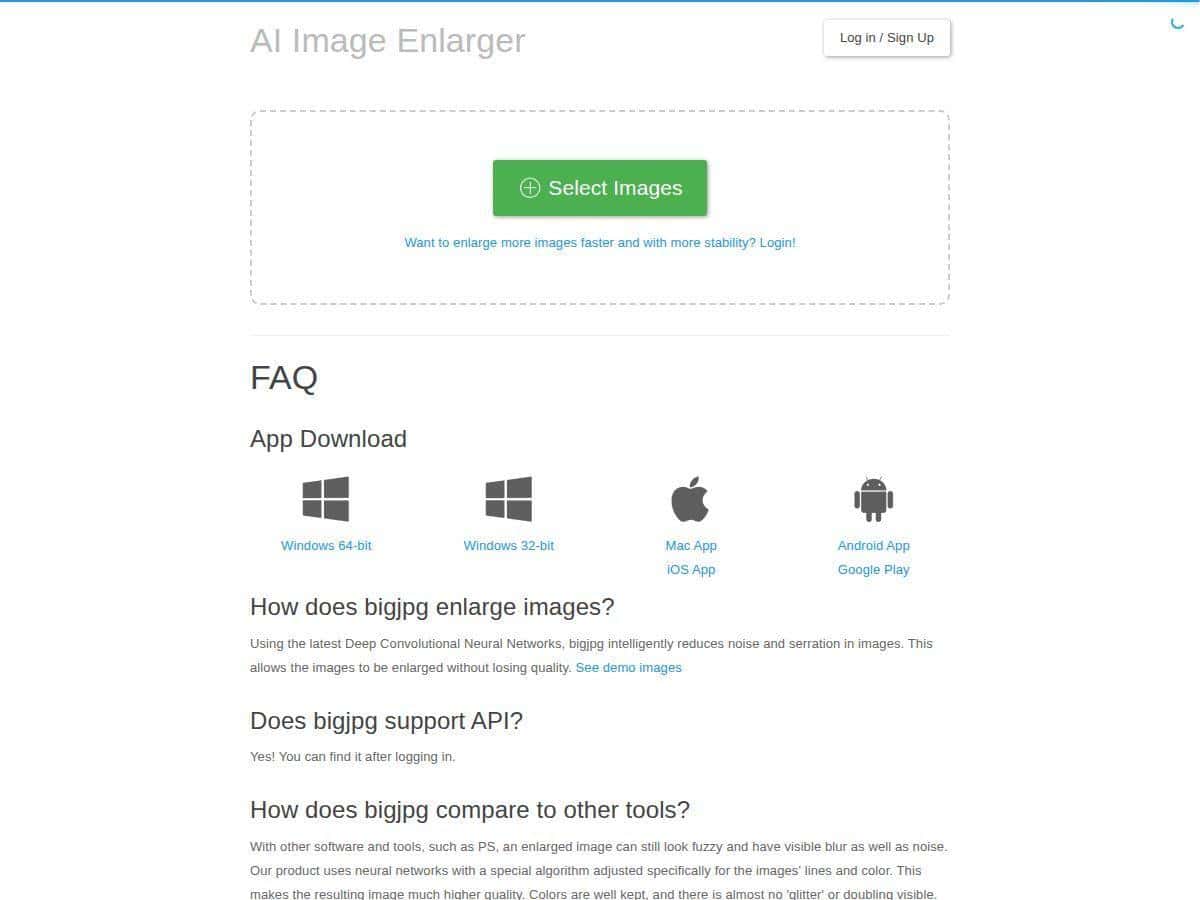
Setup was painless. You upload, pick Photo or Illustration mode, choose an upscaling ratio, and let it run. The interface is clean and it doesn’t try to confuse you. I also tried a couple of batch runs on a paid plan (more on that in the pricing section) because that’s where upscalers either save time… or waste it.
bigjpg.jpg”>
Bigjpg Review (2026): What I Saw After Testing It
I’ve used a bunch of “one-click” upscalers before, so I wasn’t expecting miracles. But Bigjpg really does feel tuned for anime, illustrations, and stylized images. Here’s what I noticed when I ran my test set through it.
1) Illustration mode vs. Photo mode (this matters)
On my anime/illustration images, Illustration mode produced cleaner edges and more believable linework. When I accidentally used Photo mode on the same image, the result looked softer and a bit less “inked.” It wasn’t unusable—just not as crisp.
2) Upscaling factor: 4x looked great, 16x got risky
I tested 4x, 8x, and 16x on the low-res anime screenshot (starting around 640×360). At 4x and 8x, the output looked sharp and readable without over-inventing details. At 16x, Bigjpg still improved clarity, but I started seeing more “AI texture” in flat areas (like hair shadows and gradients). It’s the tradeoff you’d expect—more enlargement means more guessing.
3) Artifacts: where the AI sometimes stumbles
The biggest artifact types I ran into were:
- Haloing around high-contrast edges (especially at higher ratios)
- Over-sharpened lines that can look slightly crunchy when the original is extremely compressed
- Texture weirdness in smooth gradients (sky backgrounds, skin shading)
So no, it doesn’t magically “restore” a badly degraded image into something perfect. But for the kind of work Bigjpg is designed for, it’s genuinely useful. And if you’re careful about picking the right mode and ratio, the results are very solid.
4) Speed: quick when it has room, slower when it’s busy
In my testing, turnaround time varied more than I expected. On paid runs, processing felt consistently fast (often just a few minutes per batch item). On the free tier, I hit noticeable waiting time and slower processing—especially during busier periods. Downloads also felt less smooth on the free plan.
Quick comparison example (described)
If you upscale a low-res anime panel from ~640×360 to 4x, you’ll see the line edges get cleaner and small text-like details become more defined. At 16x, you’ll get a much larger image, but some areas (like gradients and subtle shading) can start to look “painted” rather than naturally smooth. That’s the line between enhancement and over-generation.
Key Features That Actually Matter
- Supports up to 16x upscaling ratios depending on subscription
- Specialized modes for anime/illustration and regular photos
- Noise reduction options to clean up compression artifacts (useful, but don’t crank it blindly)
- Batch processing for multiple images at once (paid plans)
- Offline enlarging option so you don’t have to keep the browser open (handy for longer runs)
- API access for automation (if you’re building a workflow)
- Multiple platforms: web, Windows, Mac, iOS, Android
Pros and Cons From My Testing
Pros
- Consistently strong results on anime/illustrations—edges and linework improved a lot compared to the original low-res inputs
- Good color handling for stylized images; I didn’t see major color shifts in most of my tests
- Faster processing on paid plans—batch runs were noticeably less painful than free-tier usage
- Easy interface—upload, pick mode, choose ratio, done
- Cross-platform support if you don’t want to rely on just one device
Cons
- Free plan limits are real: slower processing and restricted usage made it annoying for big projects
- Upload size limits on free tier can force you to resize/recompress before you upscale
- No real “editing” beyond upscaling—you’re not getting color correction or retouching tools here
- Download speed can be sluggish on free, depending on timing/region (I noticed delays when the queue felt busy)
Pricing Plans (and What I Hit in Practice)
Bigjpg has a free plan and several paid tiers. Here’s what matched my experience:
- Free plan: up to 20 images per month, 5MB max upload, and 4x upscaling. I ran into both the upload cap and the monthly image cap during testing, so it’s fine for quick experiments but not for ongoing work.
- Paid plans: start at $6 for two months, then scale up in features and quotas. The top tier I tested against (annual premium) is listed at $22, and it includes up to 2000 images monthly with up to 16x enlargement.
What I’d tell a friend using this for real: if you’re upscaling a lot (or doing batch work), the paid plan is where the experience actually becomes smooth. The free tier is more of a “try it and see” option. Also, higher ratios like 8x/16x are not something I’d plan around on free because you’ll run into limits quickly.
Wrap up
If you work with anime, illustrations, or other stylized art and you want a fast upscaler that usually keeps edges and colors looking believable, Bigjpg is worth trying. My results were best at 4x and 8x—and that’s where it felt most “natural.” Push to 16x and you’ll get a bigger image, but you’re also more likely to notice AI-style texture or halos around tough edges.
Who should use it? People who upscale regularly, or anyone who needs clean outputs for sharing, printing, or rebuilding assets. Who should probably skip it? If you’re expecting full restoration of heavily damaged/compressed photos, or if you need real editing tools (retouching, color grading, object fixes), you’ll want something else alongside an upscaler.