Table of Contents
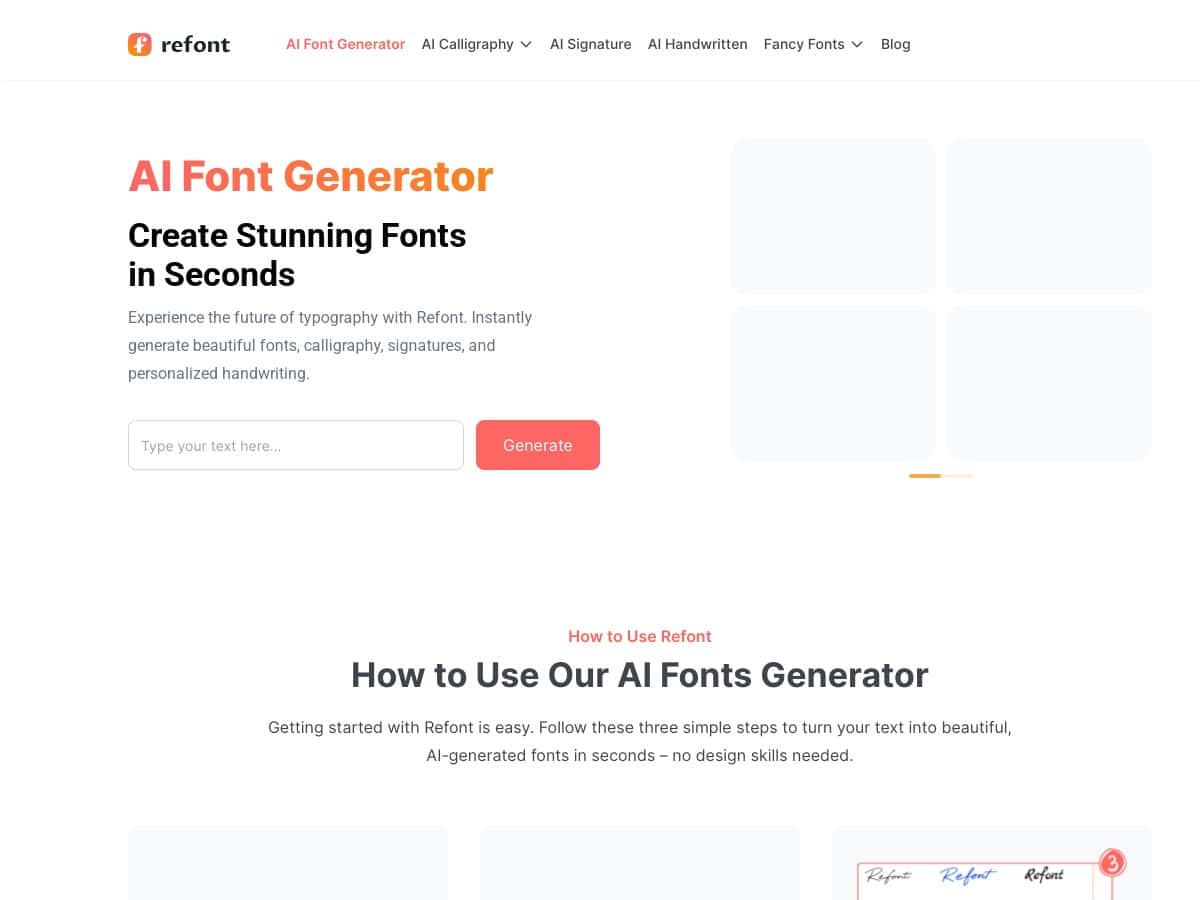
I’m always a little skeptical when a tool promises “beautiful fonts” with zero design skills. So I tested Refont.ai (Refont.ai) to see if it actually delivers—especially for calligraphy, signatures, and fancy text that you can use right away.
What I used: a regular desktop browser (no special setup), typed prompts directly into the generator boxes, generated outputs, and then downloaded the images to check quality and transparency. No account creation on my end either.
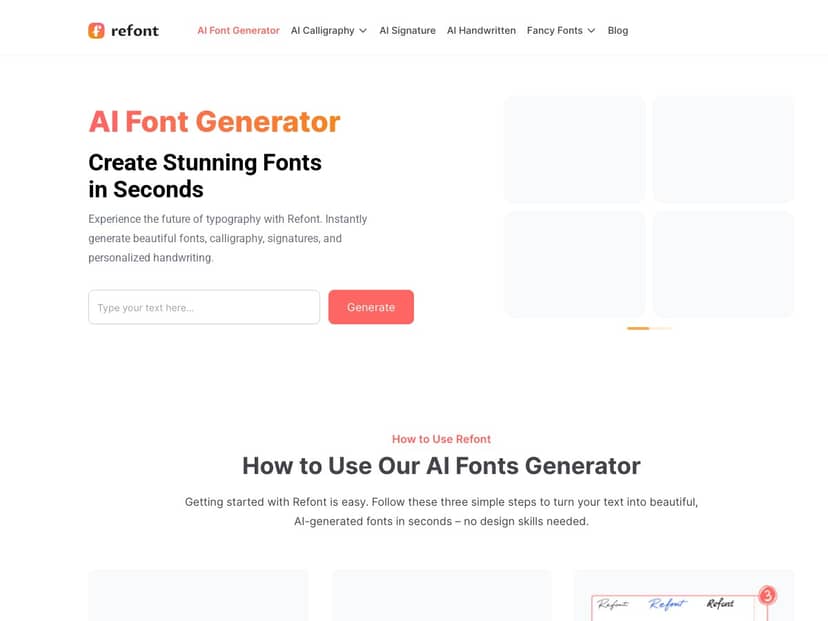
Refont.ai Review
Here’s the honest vibe: Refont.ai is built for quick, attractive text images—not for people who want to install a font into Canva/Photoshop and tweak it like a real typeface.
In my testing, the workflow was basically: pick a generator type → paste your text → preview → generate → download the result. I didn’t hit any confusing menus or “wait for the queue” nonsense. The previews show up fast enough that you can iterate a few times without getting annoyed.
Also, no sign-up was required for me. That matters—because I don’t want to create yet another account just to test a typography tool.
What I generated (real examples from my tests)
Example 1: AI Calligraphy Generator
I entered: “Theresa • 2026”
What I noticed: it produced a stylized script look that felt more “calligraphy poster” than “random font effect.” The strokes looked consistent, but the punctuation (the dot separators) came out slightly different across runs—so if you want perfect alignment, you may need 1–2 extra generations.
Example 2: AI Signature Generator
I entered: “Theresa A.”
What I noticed: the output looked like an actual signature style rather than just cursive text. The downstroke and loops were the strongest parts. That said, if your name is very short (like 2–3 letters), you might get a signature that’s a bit too “scribbly” compared to a more formal signature vibe.
Example 3: Fancy Font Generator
I entered: “Follow for design tips!”
What I noticed: it leaned into social-media readability first, then added flair. Some words looked great; others got slightly stylized to the point where I had to zoom in to make sure everything was still legible. If your text is long, keep an eye on small letters.
Example 4: Handwritten Font Generator (natural handwriting)
I entered: “Meet me at 5pm”
What I noticed: this one felt the most “human” compared to the cleaner calligraphy style. Still, handwriting-style generators can vary run-to-run—so don’t be surprised if you download one version and the next one is noticeably different.
Download format + transparency (the part people care about)
The main outputs I downloaded were images with transparent backgrounds. That’s exactly what I wanted for quick overlays on thumbnails, logos, or social posts. When you place the PNG on a colored background, the text sits cleanly—no ugly white boxes.
One limitation: you’re not getting installable font files (no .ttf/.otf). So if your goal is building a reusable font for design workflows, Refont.ai won’t replace that. It’s more like generating “ready-to-use typography art.”
Key Features
- AI Calligraphy Generator: turns your text into script/calligraphy-style lettering. In practice, it works best with names, short phrases, and titles. Long paragraphs get messy fast.
- AI Signature Generator: designed to look like a handwritten signature. I found it shines with 2–3 word names (or a name + initial). Very short text can look a little too chaotic.
- AI Handwritten Font Generator: outputs a more “real handwriting” look. It’s great for quotes and casual content, but again—expect small variations between generations.
- Fancy Font Generator: made for social bios, captions, and attention-grabbing headers. If your text is too small, some decorative flourishes can affect readability.
- Calligraphy Logo Maker: useful if you want a logo-style composition with calligraphy elements. I’d treat this as a starting point—sometimes you’ll want to regenerate until the spacing looks right.
- High-resolution downloads + transparent backgrounds: the downloaded results are image-based and transparent, which is ideal for quick branding and overlay work.
- No sign-up needed: I didn’t have to create an account to generate and download images, which makes it easy to test and use on the fly.
Pros and Cons
Pros
- Fast and easy: I could go from blank text box to a usable styled image in just a few minutes, with minimal clicking.
- Looks good for social + branding: the outputs are immediately usable as images—especially with transparent backgrounds.
- No account required: that reduces friction, and it’s honestly refreshing.
- Multiple styles to try: you can switch between calligraphy, signature, handwritten, and fancy text without starting over from scratch.
- Language support: it supports multiple languages (including Chinese). I didn’t test every language, but the presence of non-Latin support is a real plus if you create multilingual content.
Cons
- No actual font files: you can’t download .ttf or .otf. If you want to install fonts and use them across apps, you’ll be disappointed.
- Customization is limited: you’re mostly working within the generator’s style choices. There aren’t deep controls like exact stroke thickness, precise kerning, or “export this exact font style.”
- Image-only workflow: because the output is an image, you’ll need to regenerate for different sizes/placements instead of resizing a vector font perfectly.
- Text length can be a problem: short phrases and names look best. Longer sentences can lose clarity depending on the style.
Pricing Plans
Refont.ai is presented as free. In my test, I was able to generate styled text and download the images without paying or signing up.
That said, “completely free” can sometimes come with hidden limits (like daily generation caps, reduced quality, or changes after a trial). I didn’t see a paywall during my run, but I’d still recommend checking the site’s current terms/limits before you rely on it for a big batch of assets.
Who it’s best for: social media managers, creators, and small businesses who need attractive typography quickly and don’t need installable fonts.
Who should skip it: designers who want real font files for consistent typography systems, or anyone expecting deep editing controls like a professional type tool.
Wrap up
So… is Refont.ai worth it? If you want instant, good-looking typographic images (especially with transparent backgrounds), I think it’s a solid yes—particularly for calligraphy-style titles, quick logo elements, and signature-like text.
Just go in with the right expectations: it’s not a font downloader. It’s a “generate the image you need” tool. And for that job, it does it pretty well.