Table of Contents
Voice cloning technology is advancing rapidly, and AnyVoice is at the forefront of this exciting development. Imagine generating a voice clone that sounds remarkably like a human, and you can do it in just three seconds! If you’re curious about how this service works, you’re in the right place. In this AnyVoice review, we’ll explore its standout features, benefits, and what you need to know before getting started.
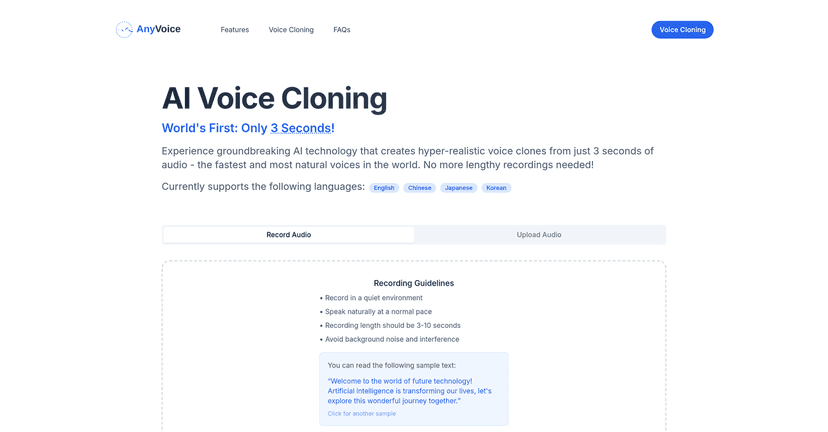
AnyVoice Review
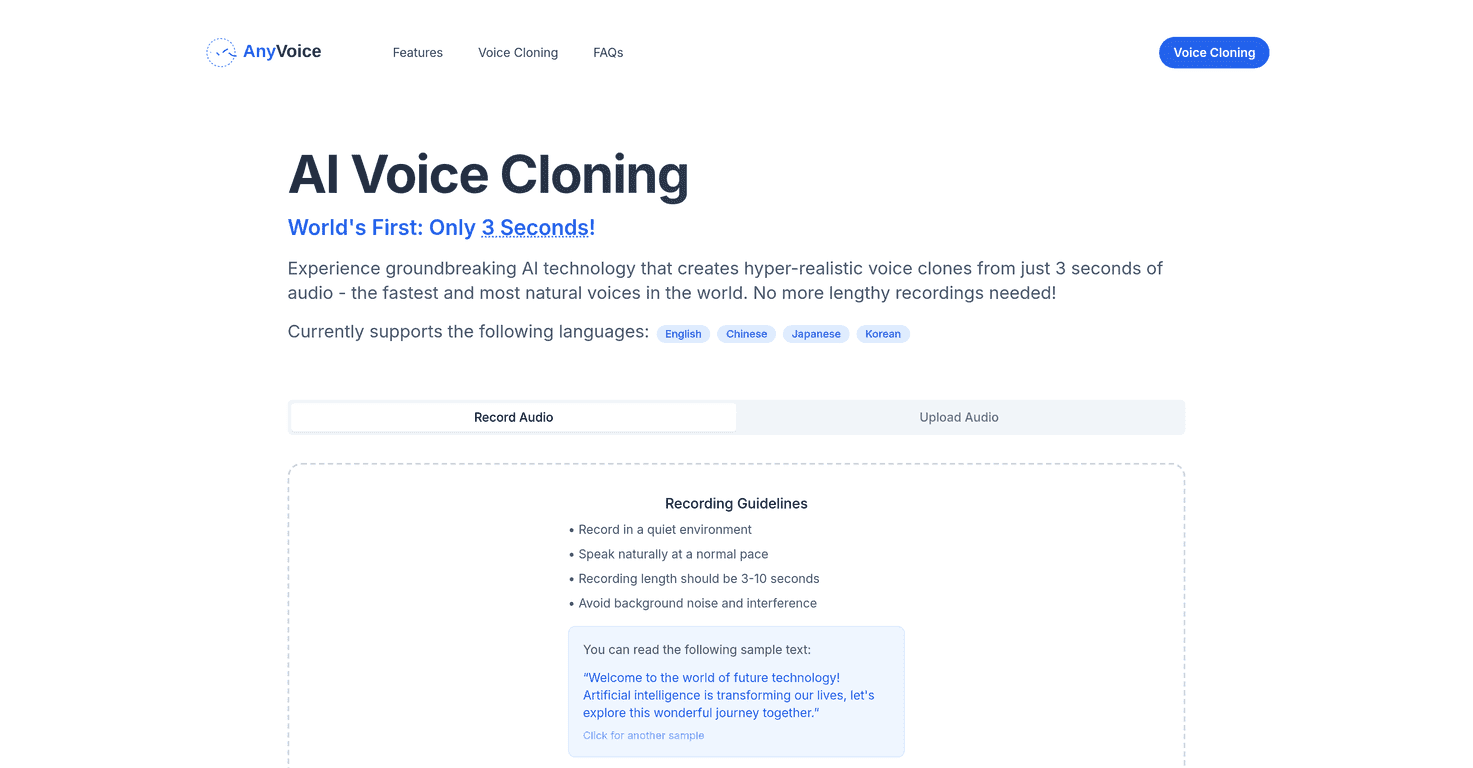
AnyVoice makes voice cloning accessible and simple. By using only three seconds of recorded audio, it delivers hyper-realistic clones that can adapt across various languages. Whether you’re a content creator, an educator, or a business, this tool can bring your ideas to life with stunning clarity. Users can record audio directly or upload existing files, making it versatile for different needs. Strict guidelines ensure that you capture the best quality audio, which is crucial for producing top-notch voice clones. Though the language offerings are currently limited, its quality and speed are certainly impressive.
Key Features
- Fast voice cloning in just 3 seconds of audio input
- Supports multiple languages including English, Chinese, Japanese, and Korean
- User-friendly recording options with direct recording and file upload
- Guidelines provided for capturing high-quality audio samples
- Commercial use licensing available for generated voices
Pros and Cons
Pros
- Quick voice cloning capabilities
- Ultra-realistic and natural-sounding voice output
- Supports multiple languages, appealing to diverse users
- Easy-to-use interface with clear recording guidelines
Cons
- Currently limited to a few languages
- Audio quality heavily relies on the quality of the input sample
Pricing Plans
For specific pricing information, including possible subscription or pay-per-use options, it’s best to visit the official AnyVoice website directly.
Wrap up
In conclusion, AnyVoice stands out as a revolutionary tool that simplifies the voice cloning process while ensuring high-quality results. Its ability to generate realistic voice clones in record time is impressive. If you require a reliable solution for voice cloning and need multilingual support, whether for personal or commercial projects, AnyVoice is worth checking out.
Promote AnyVoice