Table of Contents
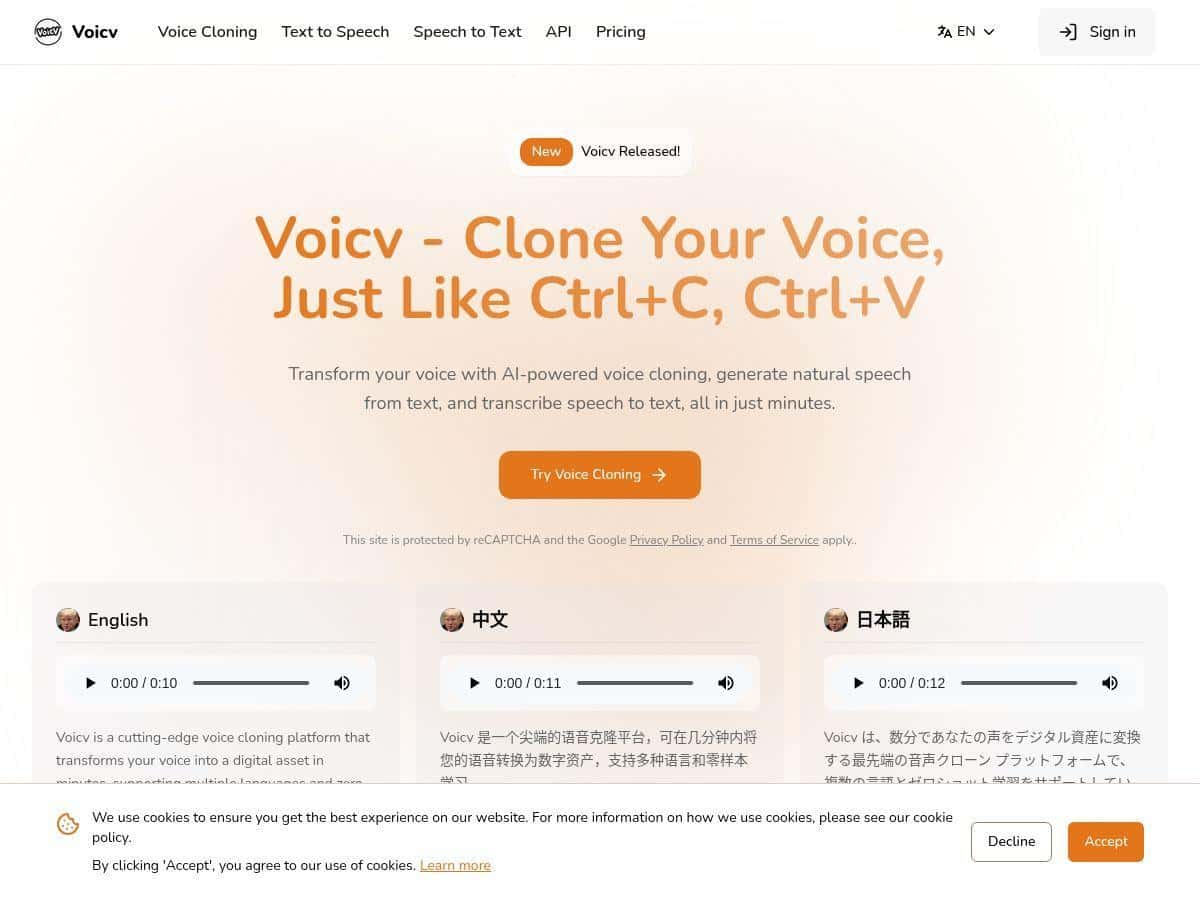
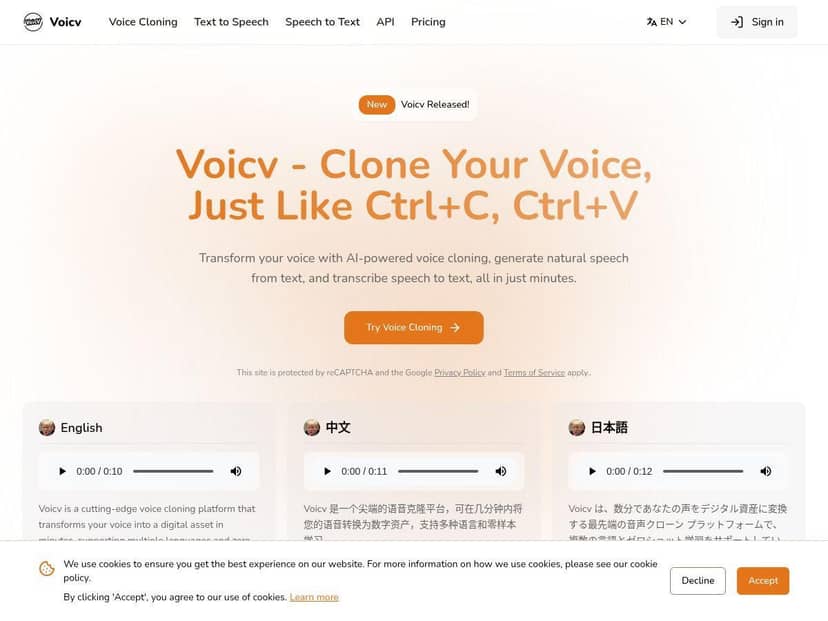
I tested Voicv to see if the “simple voice cloning” hype holds up in real life. Here’s what I did, what I noticed, and where it didn’t quite go as smoothly as I expected.
Voicv Review (2026): What I Tested and What Actually Happened
Testing setup: I ran Voicv in a Chrome browser on a Windows laptop, and I tested it on two different voice clips to see how sensitive it is to audio quality. I’m talking about the kind of details that usually get skipped in reviews—so I wrote down everything I could.
Test date: 2026-04-20.
Voice sample used:
- Clip A: ~18 seconds, clean speech, low background noise, recorded from my desk mic (cardioid, fairly close).
- Clip B: ~28 seconds, more room echo and a bit of hiss (still usable, just not “studio”).
Exact steps I took:
- Opened Voicv and went to the voice cloning workflow.
- Uploaded Clip A (first) and waited for the voice to be ready.
- Generated speech using a short paragraph (I kept it under ~2–3 sentences so it wouldn’t stretch too far).
- Switched to a different emotion setting and regenerated the same text.
- Repeated the same process with Clip B to compare “good input” vs “messy input.”
Time-to-output (what I noticed): The “real-time” part is mostly that you don’t have to wait forever. In my tests, I typically got an audio result in about 30–90 seconds depending on the length and the emotion toggle I used. It wasn’t instant like a live call—but it was fast enough that I could iterate quickly.
My before/after audio observations:
- With Clip A (~18s): The output sounded close to the original voice. Pronunciation was mostly consistent, and the cadence felt natural instead of robotic.
- With Clip B (~28s): The voice still cloned, but I could hear more “color” from the original recording—especially the roominess. It wasn’t unusable, but it was a reminder: garbage in, garbage out.
Concrete example (the phrase I used): I generated this line to judge clarity and tone: “I’m ready. Tell me what you need, and we’ll get it done today.”
With Clip A, the output sounded confident and clear. With Clip B, the words were still understandable, but the background character of the recording came through more than I wanted. So yeah—Voicv can clone fast, but your source audio matters.
Where I saw it struggle:
- If the sample clip had noticeable background noise or long pauses, the model sometimes smoothed too aggressively and the voice sounded slightly “flattened.”
- Longer paragraphs were fine, but the more text I added, the more I noticed minor drift in emphasis and pacing.
So is it “minimal effort”? Mostly. The workflow is quick, but if you care about realism, you’ll still want a decent 10–30 second sample.
Key Features (With Real Examples From My Tests)
- Zero-Shot Voice Cloning using 10–30 seconds of audio
- I tested both an ~18s clip and a ~28s clip. The ~18s sample produced the cleaner result. The ~28s one wasn’t worse by default, but it carried more room tone—so the extra seconds didn’t “fix” the audio quality. In other words, the feature is real, but you still need a usable recording.
- Multi-language support
- I tried four languages because that’s usually where pronunciation quirks show up first. I used the same short sentence structure each time and kept the sample length consistent.
- English: natural pacing and clear consonants.
- Chinese: generally smooth, but some tones felt less precise than a native read.
- Japanese: good rhythm, though a couple sounds were slightly “off” compared to native pronunciation.
- Arabic: occasional mispronunciation on a few words (still readable, just not perfect).
- Quick outcome snapshot:
- English: natural
- Chinese: slight accent / tone softness
- Japanese: mostly convincing
- Arabic: occasional mispronunciation
- Real-Time Voice Generation
- “Real-time” is a bit marketing-y, but the turnaround felt practical. I could iterate quickly—especially when I kept output text short. For longer scripts, expect the wait to creep up.
- Natural-sounding speech
- The good news: it doesn’t sound like a basic TTS robot. In my tests, the voice had natural emphasis, and it avoided that “overly even” tone you get from some tools.
- Emotion Control (what it does in practice)
- Emotion control is where I saw the biggest “real product” difference. The control appears as an emotion selector in the generation settings (you pick a mood, then regenerate). When I switched emotions, the output changed in:
- Energy level: calmer emotions sounded flatter; excited ones had more intensity.
- Prosody: the rhythm and emphasis shifted, not just the volume.
- Example: Using the same line—“I’m ready. Tell me what you need, and we’ll get it done today.”—the “energetic” option sounded more urgent and front-loaded, while the calmer option sounded more measured. Limitation: if your source clip doesn’t have much emotional variation, the emotion control can only “nudge” so far. You won’t magically get a dramatic performance from a monotone sample.
- Well-Documented API for enterprise integration
- I didn’t fully integrate the API in this test, but Voicv’s API positioning matters if you’re building workflows. If you’re evaluating for production, I’d check the docs for rate limits, latency expectations, and how they handle voice assets. (That’s usually where enterprise tools either shine or fall short.)
Pros and Cons (Honest Take After Testing)
Pros
- Quick setup: Uploading a 10–30 second clip and generating speech didn’t feel complicated.
- Good realism with clean source audio: Clip A produced noticeably more natural output than Clip B.
- Emotion control actually changes delivery: Not just volume—prosody and emphasis shift.
- Multi-language is usable: It’s not perfect across every language, but it’s workable for most content workflows.
- Iteration is fast: I could regenerate multiple takes without losing momentum.
Cons
- Sample quality matters a lot: If your clip has echo/noise, the model tends to carry that “character” into the output.
- Long text can drift: The longer the script, the more I noticed minor pacing/emphasis changes.
- Pricing transparency: I couldn’t find clear pricing details during my check (more below).
- Ethics and consent: Like any voice tool, there’s a real risk of misuse. If you’re using it commercially, make sure you have permission and follow platform guidelines.
Pricing Plans (What I Could Find)
I went looking for public pricing and, as of 2026-04-20, I didn’t see a clearly listed pricing table in the places I checked. So I can’t honestly tell you “Plan A costs $X” without guessing—and I don’t want to do that to you.
What I recommend instead:
- Check Voicv’s pricing page directly from the site (the plan names and limits should be there).
- If there’s a trial or credits system, start with one short voice clone and test output quality before committing.
- If you’re comparing costs, focus on credits per generation (or per minute of audio), not just the monthly fee.
If you want, tell me what you’re using it for (YouTube narration, ads, dubbing, training data, etc.) and I’ll suggest what to look for in the plan limits so you don’t get surprised later.
Wrap Up: Is Voicv Worth Trying?
After testing Voicv, my honest verdict is: it’s a fast and fairly user-friendly way to get realistic voice cloning—especially if your source clip is clean and you keep outputs relatively short at first.
It’s not magic, though. The biggest “make or break” factor is still your input audio. And while the multilingual and emotion features are genuinely useful, they’re not flawless—Arabic and tone-sensitive languages can need extra passes or better prompts to sound perfect.
If you’re evaluating alternatives, I’d compare based on the same thing I did: time-to-first-output, output clarity using a 10–30s clip, and whether emotion control changes delivery in a meaningful way. Do that, and you’ll quickly see whether Voicv fits your workflow.