Table of Contents
Let me be honest—when I first started looking into AI tools for business, I was expecting the usual “cool tech” stuff. You know the kind. The kind that sounds impressive in a demo but falls apart the second you try to use it with real deadlines and real customers.
That’s not what I found. In my experience, the best AI tools don’t replace everything. They take the repetitive, time-wasting parts of your day and knock them out for you—so you can spend your energy where it actually matters. And once you see that shift (fewer manual tasks, faster turnaround, cleaner insights), it’s hard to go back.
Here’s what I noticed after testing and comparing a bunch of these platforms: AI can turn everyday operations into something smoother and more measurable. It helps you automate routine workflows, pull patterns out of messy data, and respond to customers faster—without hiring extra headcount just to keep up. That’s the leverage people talk about.
And yeah, picking the “right” tool can feel overwhelming. There are so many options that you end up comparing features that sound similar but behave completely differently in practice. So what I did instead was narrow things down to tools that I’d actually recommend based on what they do well, what they cost (when it’s available), and where they save time.
Understanding the Significance of AI Tools for Business
Efficiency and customer satisfaction are still the two things that move the needle most. The difference now is that AI can help you improve both at the same time.
On the efficiency side, I’ve seen AI tools reduce the time spent on the boring work—drafting replies, sorting tickets, turning rough notes into something usable, and translating training content for global teams. Instead of spending hours every week on low-value tasks, teams can focus on execution and actual problem-solving. That’s productivity in the real world, not just a buzzword.
Then there’s customer engagement. The best AI implementations don’t just “talk.” They personalize. In my experience, tools that can recommend relevant content, answer common questions instantly, and route people to the right place tend to improve response times and reduce frustration. Customers notice that stuff. They don’t always say it, but you can see it in fewer repeat questions and smoother support workflows.
Finally, strategic decision-making gets easier when you can sift through data quickly. AI can help surface trends, highlight anomalies, and generate clearer forecasts from large datasets. It doesn’t magically guarantee perfect decisions—but it does cut down the time it takes to understand what’s happening and what might happen next.
Best AI Tools for Business
1. EdApp’s AI Create (Course Creation Tool)
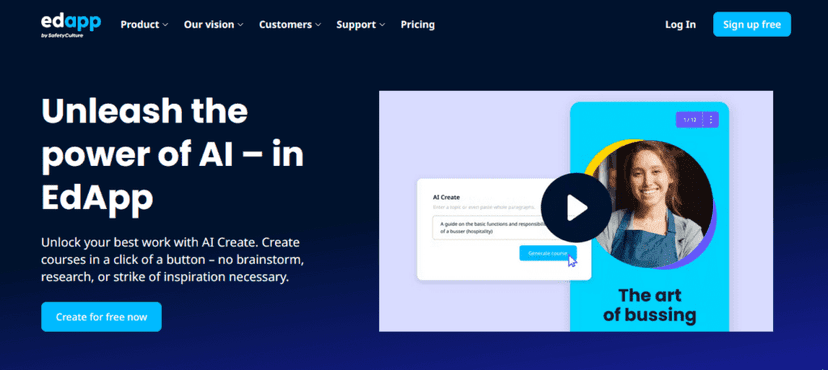
I’ve built training materials before, and I’ll tell you right now: course creation can eat entire weekends. That’s why I liked EdApp’s AI Create. In my testing, it’s a straightforward way to turn a topic (or even a link) into a course structure you can deliver without starting from a blank page.
What really stood out was how quickly I could go from “we need training for this” to something interactive. If you’re onboarding new hires, updating compliance content, or just trying to keep internal knowledge fresh, that speed matters.
Key Features
EdApp’s AI Create focuses on generating lessons and building quizzes. I found the AI lesson generator especially useful when I needed a solid first draft fast. You still want to review and tweak, of course, but it cut down the blank-page struggle.
The AI quiz maker also helped me assess understanding without manually writing every question. That’s one of those small time-savers that adds up quickly when you’re training a team.
Cost
One of the biggest perks: EdApp’s AI Create is free. For businesses that don’t want to commit budget before they know it’ll work for them, that’s a big win.
How It Stands Out
The ease of course creation is the headline here, but the details are what made it feel “real.” I liked that I could customize content and keep it aligned with our brand using the smart Creator Tool and the built-in Canva integration. It didn’t feel like I was fighting the platform.
If you’re looking for AI tools for business that actually reduce the time spent building training from scratch, this one’s worth serious consideration.
2. EdApp’s AI Translation Tool (Course Translation Tool)
If your team is spread across regions, you already know the translation problem: it’s not just “translate the words.” You need the meaning, tone, and context to stay intact.
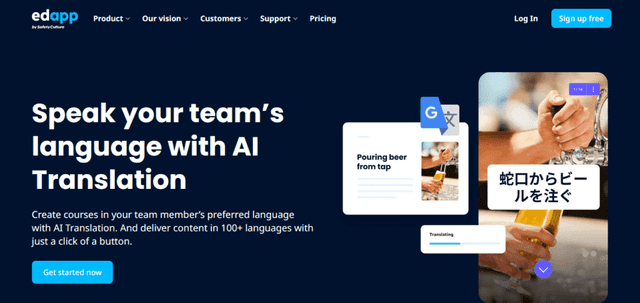
That’s why I tried EdApp’s AI Translation Tool. In my experience, it’s the kind of tool that helps you translate course material into over 100 languages quickly—without turning it into a weeks-long project.
Key Features
The AI-powered translation workflow is fast, and I liked the overwrite text feature because it lets you make manual adjustments after the initial translation. That’s important. Machine translation can be good, but it’s rarely perfect—especially for industry terms or training-specific phrasing.
The course library also helps if you need to translate existing content instead of building everything again from scratch.
Cost
Just like AI Create, the translation tool is available for free, which makes it easier to experiment before you roll it out widely.
How It Stands Out
What I appreciated most is how automated it is. Other platforms sometimes force you through too many steps, but this one gets you most of the way there quickly. Then you can review, edit, and customize so the translated course still sounds like your training—not a generic translation.
If you’re searching for AI tools for business to support global onboarding, this is one of the more practical options.
3. Talla (Task Automation Tool)
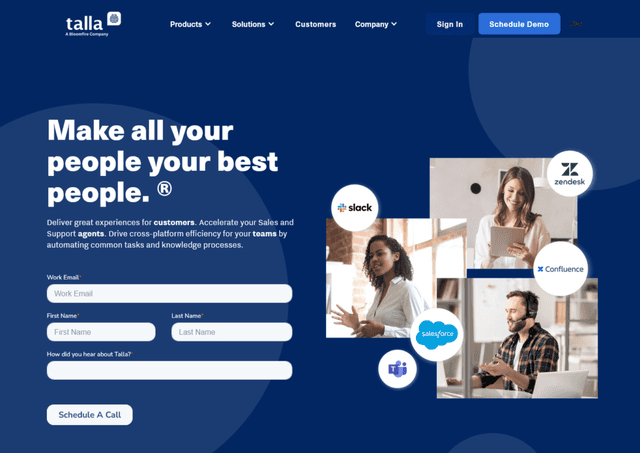
Automation isn’t optional anymore—it’s how teams keep up without burning out. Talla is one of those tools that focuses on actually handling work, not just “helping” with suggestions.
In my experience, it’s especially strong for support-style workflows. It helps reduce the load on your team by automating repetitive ticket and inquiry tasks, and it can also handle things like scheduling appointments through AI chatbots.
Key Features
The biggest value in Talla is its task automation for service and support. The AI chatbots can answer common questions quickly, provide consistent responses, and even schedule appointments—so your human team can focus on the messy, complex cases.
I also liked that the chatbots feel more like a conversation than a rigid FAQ. That matters when customers don’t phrase things the way your knowledge base does.
Cost
Pricing isn’t publicly listed, so you’ll need to contact Talla directly. That said, for teams handling lots of repetitive support work, it can be a worthwhile budget allocation.
How It Stands Out
Talla’s “smart automation” is the differentiator. It’s not only fast; it’s built to understand tasks in a way that feels more human than basic rule-based bots. Integration also seems to be straightforward, and the operational efficiency improvement can be noticeable pretty quickly.
If you’re trying to cut down response time and reduce ticket backlog, Talla is a strong contender among AI tools for business.
4. Drift (Lead Generation Tool)
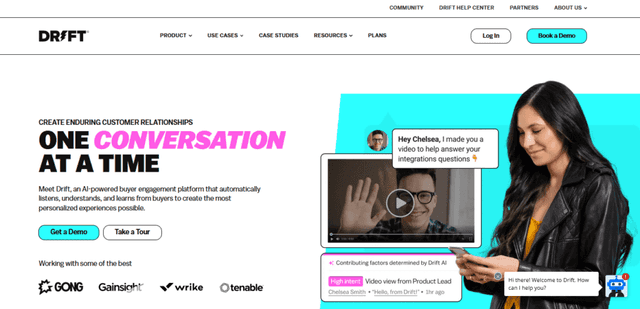
Lead generation is one of those areas where speed matters. If you wait too long to respond to prospects, you lose momentum. That’s why I’ve leaned on Drift for AI-driven engagement.
In my experience, Drift’s chatbot approach helps you start conversations right on your site. Visitors get answers faster, and you can guide them toward the next step without making them fill out forms just to get basic info.
Key Features
The standout feature is the AI chatbot. It can greet website visitors, answer questions, and guide them through the buyer’s journey. Honestly, it feels like having a sales rep on your website 24/7.
It also includes translation support, which is useful if you’re attracting international traffic and want the experience to stay smooth across languages.
Cost
Drift uses contact-based pricing. You’ll need to reach out for a plan that fits your needs. For many teams, the upside is faster lead engagement and better conversion rates, but you’ll want to confirm budget fit during the sales process.
How It Stands Out
What I like is that it doesn’t just capture leads—it helps warm them up first. That means when someone eventually talks to a human, they’re usually already a bit informed, which can shorten sales cycles.
Integration is also fairly painless, and the interface is intuitive enough that you won’t spend days configuring basic flows.
5. Tableau (Data Analytics Tool)
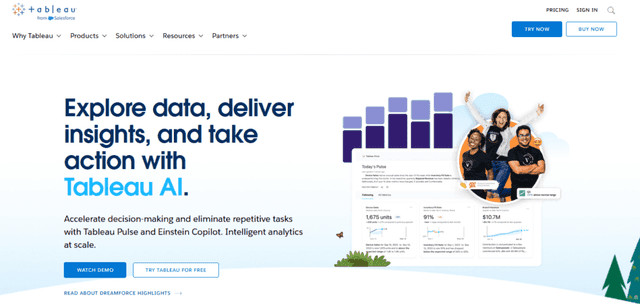
Data can be overwhelming fast. You can have “all the data in the world” and still not know what it actually means. That’s where Tableau helped me.
I used Tableau GPT for data analysis, and what I noticed is how much easier it becomes to interpret complex datasets when the tool helps highlight patterns instead of forcing you to manually dig through everything.
Key Features
Tableau’s AI-driven data visualization is the big one. It doesn’t just display numbers—it helps you see trends and correlations in a way that’s easier to understand.
Generative AI and predictive analytics are also key. They reduce the time spent on the heavy lifting of data processing, so you can spend more time asking better questions.
Cost
Tableau starts at 75 USD/month per user. For teams that need real analytics and want to reduce time-to-insight, that pricing can make sense.
How It Stands Out
In practice, I think Tableau’s strongest advantage is that it helps more people on the team understand the data. It’s one thing to have dashboards. It’s another to have visuals that make it obvious what to do next.
Tableau GPT makes that feel more accessible, especially when you’re not living in spreadsheets all day.
6. People.ai (Sales Insights Tool)
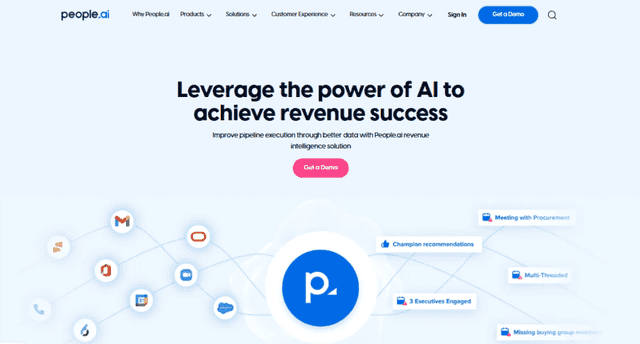
Sales teams live and die by visibility. If you don’t know what’s happening in your pipeline, you can’t coach, forecast, or prioritize effectively. That’s where People.ai caught my attention.
In my experience, it’s one of the more helpful tools for capturing sales activity automatically, so reps aren’t stuck doing constant manual data entry.
Key Features
People.ai focuses on AI-driven sales insights. It logs emails, calls, meetings, and customer interactions so sales reps can spend more time selling and less time updating CRM fields.
The pipeline view is also useful—it helps you spot trends and performance metrics that are hard to see when you’re drowning in spreadsheets or inconsistent notes.
Cost
Pricing isn’t publicly available, so you’ll need to contact People.ai. Still, if your sales team is large enough that manual tracking is a real problem, the ROI can be significant.
How It Stands Out
What I liked most is the clarity. You get a clearer view of what’s actually happening without the usual “did they log that?” uncertainty. It feels like an extra layer of oversight that keeps the pipeline healthier and more predictable.
And yes, it can be a big help for managers who want to coach with data instead of assumptions.
7. MonkeyLearn (Text Analysis Tool)
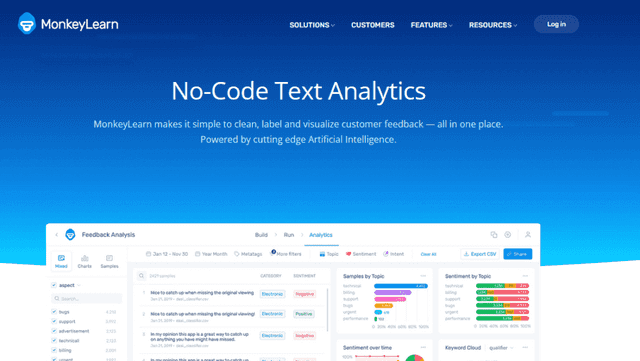
If you deal with lots of written feedback—reviews, support tickets, survey responses—then MonkeyLearn makes a lot of sense. Text analysis is one of those things that’s easy to ignore until you realize you’re manually reading hundreds (or thousands) of messages.
In my tests, MonkeyLearn helped extract insights from unstructured text and categorize what people are actually saying. Sentiment analysis is useful, but I also found the tagging and entity recognition features helpful when you want to segment feedback by theme.
Key Features
MonkeyLearn includes AI text analysis, sentiment analysis, and automation for handling large volumes of text. Beyond sentiment, you can do categorization, tagging, and entity recognition, which makes it easier to turn “raw comments” into structured reporting.
Cost
MonkeyLearn doesn’t list pricing publicly. You’ll likely need to request a quote to understand what it costs for your volume and needs. Still, if you’re drowning in unstructured text, the time savings can be real.
How It Stands Out
For me, the big advantage is turning unstructured text into structured insights consistently. When you can automate the “what are people saying?” part, you can move faster on product decisions, customer support improvements, and marketing messaging.
It’s not magic, but it’s practical—and it’s one of the more useful AI tools for business if your data is mostly text.
8. Aible (Business Forecasting Tool)
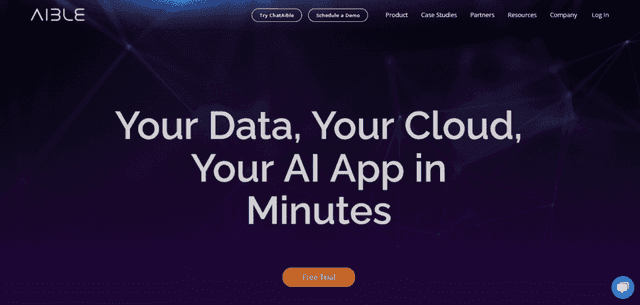
Forecasting is one of those tasks that sounds simple until you actually try to do it. Seasonality, channel changes, supply issues—there are always variables. Aible is built for that kind of complexity.
In my experience, it helps you upload historical data (sales, revenue, or other metrics), then it works to identify which variables matter most and generates forecasts from them. That’s the part that saves time—especially when you’re not a data science team.
Key Features
Aible includes enterprise generative AI and predictive analytics. It’s designed to automate building and fine-tuning predictive models, which can otherwise take a lot of effort and expertise.
I also appreciated the overall workflow of handling data and model development—it felt designed to get you to results instead of just collecting inputs.
Cost
Pricing isn’t publicly available, so you’ll need a quote. If accurate forecasting helps you make better decisions (hiring, inventory, marketing spend), the ROI can be worth it.
How It Stands Out
The main thing Aible does well is turning historical data into forecasts you can actually use. The automation in building and fine-tuning models saves time and can improve accuracy compared to manual forecasting approaches.
If you’re planning ahead and you want more confidence in your numbers, Aible is a solid option.
9. Zendesk AI (Customer Service Tool)
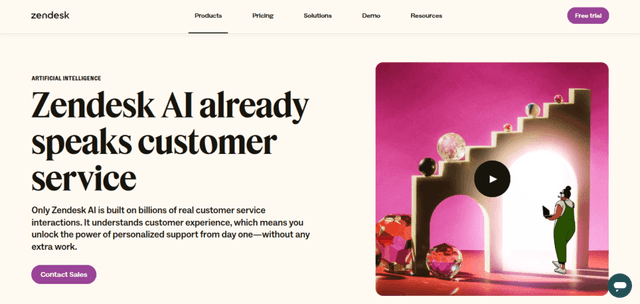
Customer service is where AI either helps a lot—or annoys customers. Zendesk AI is one of the more credible options because it’s built around real support workflows: chatbots, suggestions, and ticket management.
When I looked at it, the promise was clear: faster responses, better routing, and less manual work for agents. In day-to-day terms, that usually means shorter wait times and fewer “where do I send this?” moments.
Key Features
Zendesk AI includes AI bots, AI insights and suggestions, and a ticket management system. The bots handle inquiries efficiently, while the insights help you understand customer needs. The ticket management side routes questions to the right agent, which keeps the support process organized.
Cost
Zendesk AI offers a free trial. Paid plans start at 25 USD/month per agent, which is pretty straightforward if you already know roughly how many agents you’ll support.
How It Stands Out
In customer service, the biggest win is reducing manual work while still keeping quality high. Zendesk AI helps with instant responses and automated ticket routing, so customers get help quickly and agents spend less time on repetitive steps.
If your team is already using Zendesk, this is one of the easiest ways to add AI tools for business without rebuilding your whole support setup.
10. Voicera (AI Assistant Tool)
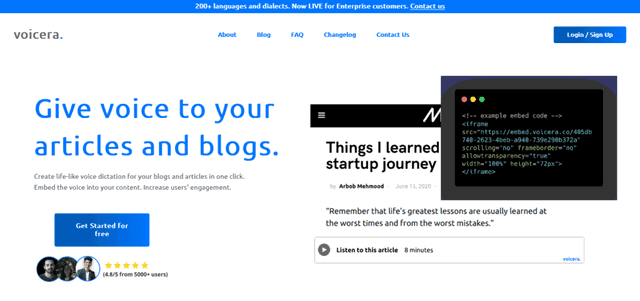
Meetings are productive… until you realize you’re spending the next hour rewriting notes that should’ve been captured in real time. That’s why I looked at Voicera and its AI assistant, Eva.
Eva doesn’t just sit there. In my experience, it can join meetings and take detailed notes so you don’t lose key decisions. What I liked most is the post-meeting highlights—those quick summaries that help you get back up to speed without rewatching everything.
Key Features
Voicera’s standout is Eva’s meeting support. Here are the features that matter day-to-day:
- Meeting Attendance: Eva can join meetings and listen in on the discussion.
- Note Taking: It captures important details automatically.
- Highlights Provision: After the meeting, it provides a summary of key points so everyone’s aligned.
Cost
Voicera doesn’t list pricing publicly, so you’ll want to contact them for a tailored quote based on your business needs.
How It Stands Out
The real win here is less manual note-taking and faster follow-ups. Instead of trying to capture everything yourself, Eva handles the recording and note capture, and then gives you a recap you can share.
If your calendar is packed and action items keep slipping through the cracks, Voicera is one of those AI tools for business that feels immediately useful.
11. Clearbit (Business Intelligence Tool)
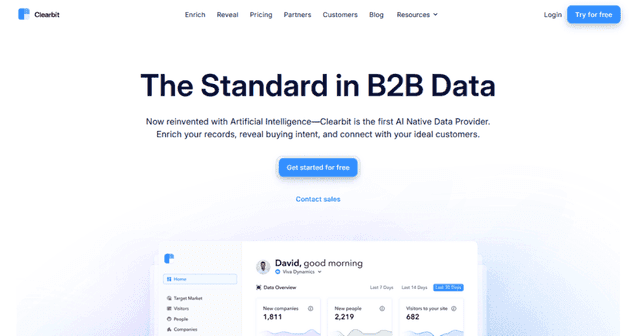
Understanding your customers and prospects isn’t a “nice to have” anymore. It’s how you personalize outreach, improve targeting, and stop guessing. Clearbit helps with that using business intelligence APIs.
In my experience, the value comes from enriching your existing data so you can get a clearer picture of who you’re actually talking to and what they might care about. That makes marketing and sales interactions more relevant.
Key Features
Clearbit’s core is business intelligence APIs that pull customer and prospect data. The features that stood out to me are:
- Business Intelligence APIs: Fetch detailed information about customers and prospects.
- Customer Insights: Get a deeper understanding of customer profiles so you can tailor your approach.
- Prospect Information: Enrich leads and improve prospecting strategies.
Cost
Clearbit pricing is subscription-based and typically depends on how many API requests you need and what level of information you’re looking for. You’ll want to contact them for a quote.
How It Stands Out
Clearbit’s edge is turning data into usable insights. It’s not just “collect more info”—it’s about helping you understand your audience more granularly so you can personalize outreach and make smarter targeting decisions.
That’s why it belongs on lists of AI tools for business, especially for teams doing outbound, account-based marketing, or sales development.
Conclusion
Business moves fast, and if you’re still relying on manual processes for everything, you’ll eventually feel the drag. The AI tools for business above aren’t just about novelty—they can actually reduce busywork, improve customer experiences, and make data easier to understand.
If you want a smarter, more efficient workflow, start by picking one area where you’re losing time right now—training, translation, support tickets, lead capture, analytics, sales logging, text insights, forecasting, customer service, meeting notes, or prospect intelligence. Then test one tool for a few weeks and measure what changes.
That’s usually the moment it clicks: AI isn’t replacing your business. It’s removing friction so your team can focus on the work that actually drives results.