Table of Contents
If you’ve ever stared at a blank LinkedIn post and thought, “I know what I want to say… I just can’t get it into words,” you’re not alone. I’ve had those days. And honestly, that’s usually when my drafts die in the notes app.
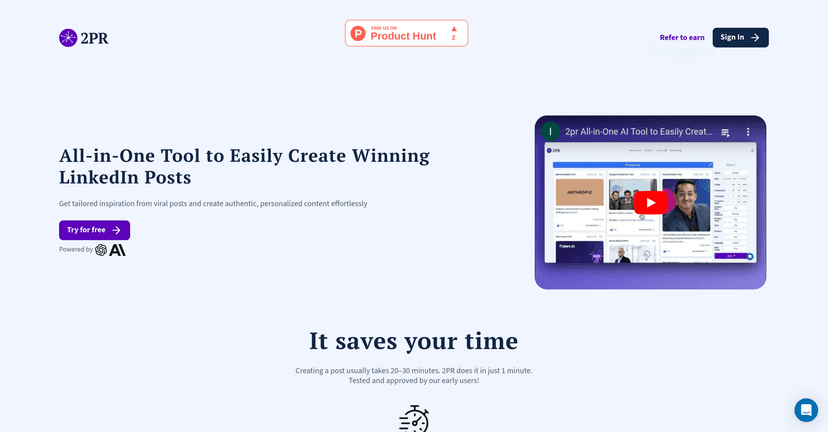
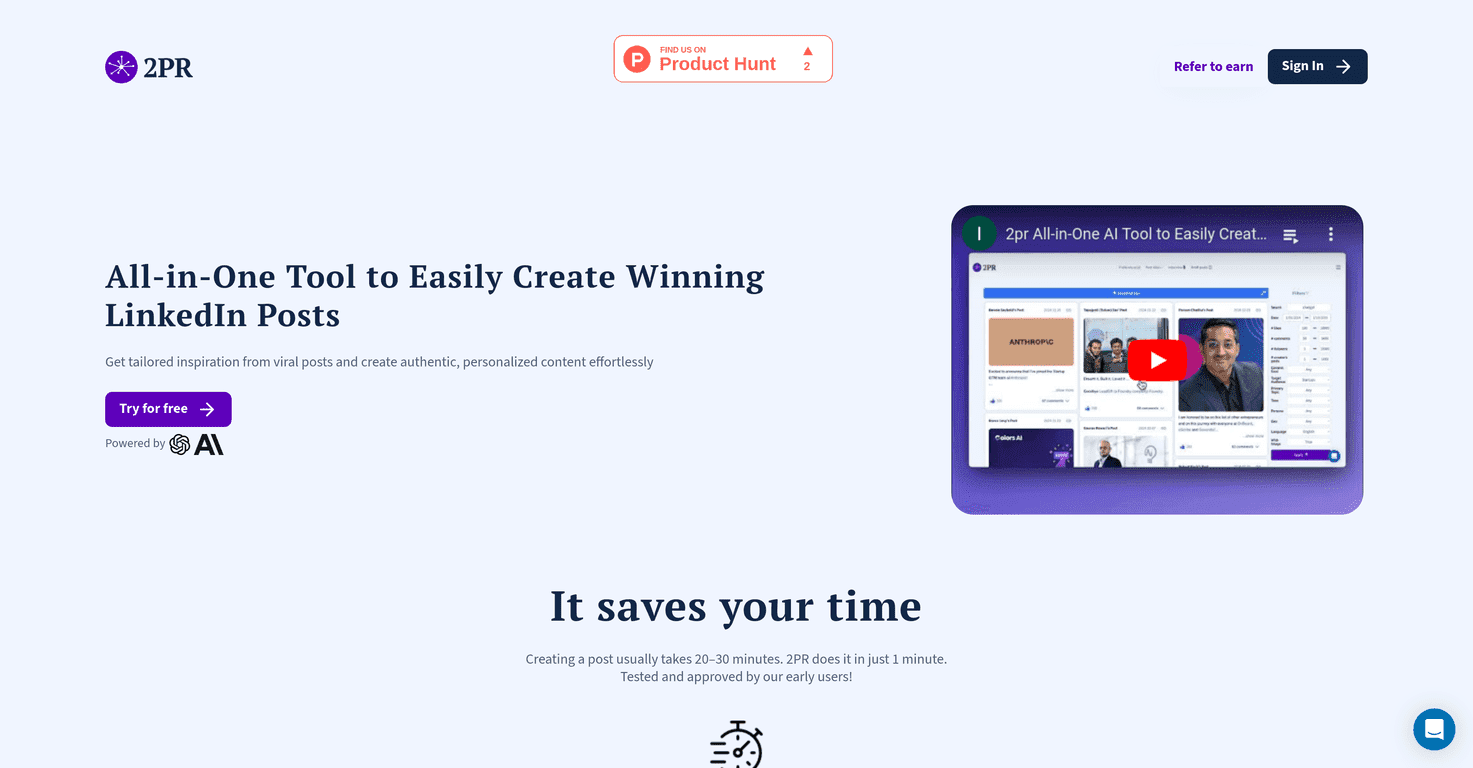
2PR is built for that exact moment. The idea is simple: you drop in your rough thoughts (even messy ones), and it helps turn them into a clean LinkedIn-style post fast—without you having to start from scratch every time.
In my experience, the big win isn’t just “AI writes a post.” It’s how quickly it gets you from idea → draft you can actually publish. And if you post consistently, that time savings adds up fast.

2PR Review: Does It Actually Help You Post Faster?
2PR positions itself as a LinkedIn-focused content tool, and that’s what it feels like when you use it. You’re not trying to “prompt engineer” your way into a perfect essay. Instead, you’re basically feeding it an idea and getting something structured back.
What I noticed right away is how much easier it is to keep momentum. If I’m trying to post 2–3 times a week, the hardest part isn’t having opinions—it’s getting them into a readable format with a good flow.
With 2PR, the output tends to land in that sweet spot where it’s:
- Readable (not a wall of text)
- Structured like a real LinkedIn post
- Close enough that you can tweak it rather than rewriting everything
That matters because LinkedIn engagement usually comes from your voice and your specific angle. AI can’t magically know your exact experience—so you still need to personalize. But it can absolutely reduce the time between “thought” and “publish.”
Key Features That Stand Out
- AI-generated content tailored for LinkedIn
The tool doesn’t just spit out generic marketing copy. It’s aimed at the LinkedIn format—hook, explanation, and a clear takeaway. - Quick turnaround time for post creation
In my testing, I could go from a rough note to a usable draft in minutes. That’s the difference between posting today vs. “I’ll do it later.” - Easy-to-use interface
You don’t need to be tech-savvy. The workflow feels straightforward, which is exactly what I want from a writing helper. - Converts unstructured thoughts into structured posts
If you dump a few bullet points, it helps turn them into something with a beginning, middle, and end.
Pros and Cons (Real Talk)
Pros
- It’s fast — if you’re posting regularly, shaving even 20–30 minutes per post is huge.
- Good starting point — the drafts are usually usable enough that you can edit instead of starting over.
- LinkedIn-focused structure — it’s built around the way people actually read and engage on LinkedIn.
- Helps you capture ideas you’d otherwise lose — you can write down a messy thought and come back later with a draft ready to polish.
Cons
- AI output quality can vary
If your input is vague (“leadership is important”), the result will be vague too. Garbage in, garbage out—just like any writing tool. - Personal touch still matters
You’ll likely want to add one specific detail: a number, a lesson learned, or what you’d do differently next time. Otherwise, it can feel a bit “template-y.” - LinkedIn timing and targeting aren’t handled for you
2PR can help with writing, but it can’t pick the right topic for your audience or tell you when to post. - Not a substitute for your experience
If you want “your story,” you still have to supply it. The tool can’t live your career for you.
Pricing Plans
The pricing details for 2PR aren’t listed in the content I received. For the most up-to-date pricing and plan options, you’ll want to check the official 2PR website.
If you’re comparing plans, I’d also pay attention to things like how many posts you can generate per month and whether you can reuse or edit drafts easily—those details are what usually determine whether a tool feels worth it.
Wrap up
So… is 2PR worth trying? If your main problem is getting stuck at the “start writing” stage, I think it can genuinely help. It’s quick, it produces LinkedIn-friendly drafts, and it saves you from the cycle of rewriting the same post structure over and over.
Just don’t treat it like a magic button. The best results happen when you give it a real angle (your experience, a specific situation, and a clear takeaway). Add a couple of concrete details, tweak the tone to match how you’d actually talk, and you’ll end up with something that feels like you—not like an AI trying to impersonate you.
If you want a faster way to turn ideas into posts and you’re willing to do light editing, 2PR is a tool I’d keep in rotation.