Table of Contents
If you run a Stripe business, you already know how annoying disputes can be. One minute you’re processing payments, the next you’re digging through emails, invoices, shipping proof, and platform policies just to respond on time. I tested WinDispute.pro with that exact problem in mind: reduce the back-and-forth, keep everything organized, and (ideally) improve your odds.
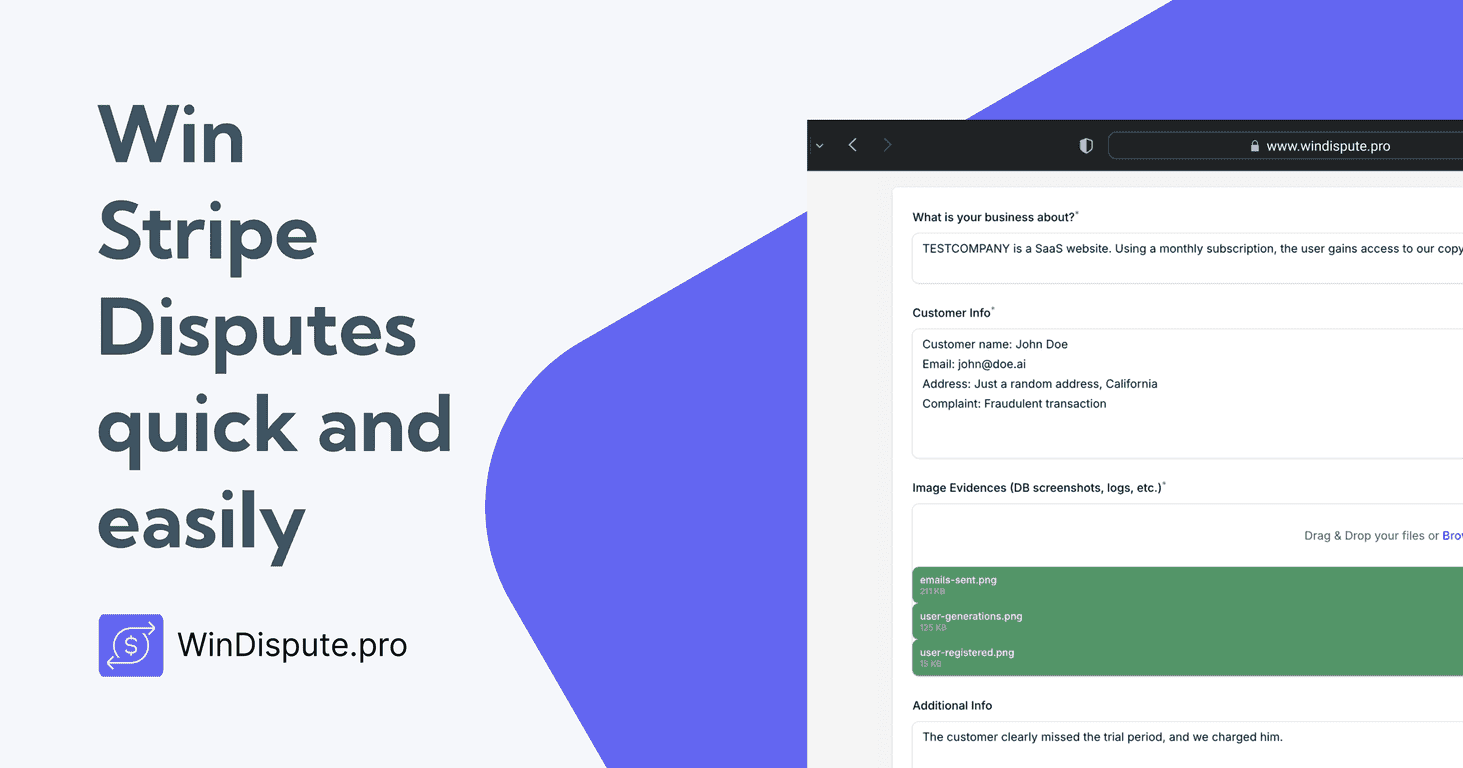
WinDispute.pro positions itself as an AI-powered dispute management tool built specifically for Stripe merchants. The big promise isn’t just “winning”—it’s making the whole dispute workflow less painful. In practice, what I cared about most was how quickly I could prepare a solid response and how easy it was to keep the evidence together.
WinDispute.pro Review
Here’s how disputes usually go for Stripe merchants: you get a notification, you realize the evidence isn’t where you thought it was, and you end up hunting across tools—email threads, order history, tracking pages, customer messages. That’s the “time sink” part. WinDispute.pro tries to tackle that by giving you a focused place to manage the response and organize documents.
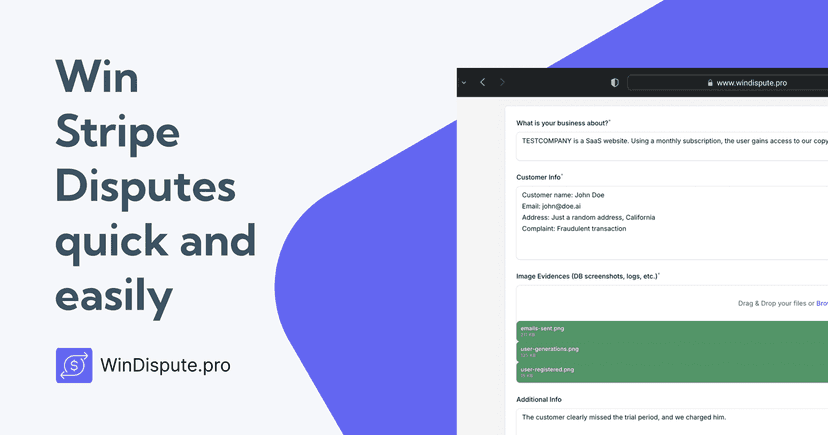
What I noticed right away is the emphasis on document handling. Disputes aren’t won with vibes—they’re won with proof. So if you’re the person in your business who always ends up collecting shipping confirmation, refunds/communications, and purchase records, you’ll probably appreciate how the workflow is set up to keep that material from getting scattered.
Also, it’s built for Stripe merchants only. That’s a plus if you’re in that camp, but it also means you shouldn’t expect it to work as a universal dispute tool for other processors.
Key Features
- AI-powered dispute resolution
- Unlimited document upload
- Unlimited file storage
- No commissions on disputed amounts
- No extra fees
- Option to cancel at any time
- Flexible monthly and annual pricing plans
- Sleek user interface for ease of use
Let me translate those features into “what it means day-to-day.” When you’re preparing a dispute, you usually need multiple files: order confirmation, customer communication, delivery/tracking evidence, and sometimes screenshots of the product/order details. Having unlimited document upload and unlimited file storage matters because you don’t want to play “did I hit the limit?” while the clock is ticking.
And the pricing structure is straightforward: no commissions and no extra fees. In my experience, that’s one of the things that can quietly wreck budgeting when you’re dealing with high dispute volumes.
Pros and Cons
Pros
- Faster dispute prep — the flow is built around getting evidence together without jumping between random places.
- Cost-effective — the monthly fee is low enough that you’re not paying “per dispute” or taking a cut.
- AI assistance — it helps structure the response so you’re not staring at a blank page wondering what to write.
- Document management — I liked that it’s centered on organizing the proof you actually need.
- No hidden fees — at least based on what’s listed, there aren’t surprise add-ons.
Cons
- Limited to Stripe merchants — if you’re using another payments processor, this likely won’t fit.
- AI dependence — if you don’t trust AI-generated wording or you have very specific dispute scenarios, you’ll still need to review carefully. AI can help, but it shouldn’t replace your judgment.
Pricing Plans
WinDispute.pro offers a Monthly Plan at $9/month and an Annual Plan at $5/month billed annually. That annual rate is the one I’d personally consider if you expect to submit disputes regularly (or if you’re running a store where disputes pop up consistently).
There’s also a launch offer mentioned: 50% off for the first 100 users. If that promo is still active when you sign up, it brings the monthly price down from $18 to $9 for those eligible users.
One thing I like about this pricing is that it’s predictable. You’re not paying extra each time you upload documents or each time a dispute happens.
What I Think After Using It
If you’re already organized, you might not “feel” much difference. But if you’re like most merchants—spreadsheets, inbox searches, screenshots saved in five different folders—you’ll probably notice the improvement immediately.
The biggest win for me wasn’t magic AI predictions. It was the reduction in chaos. Being able to keep your dispute evidence in one place, and having the process guided so you don’t miss key items, is the kind of thing that saves real time.
That said, I wouldn’t treat any AI tool as a guarantee. Stripe dispute outcomes depend on the specifics of the case and the quality of the evidence you submit. AI can help you package that evidence, but you still need to make sure it’s accurate and relevant.
Wrap up
WinDispute.pro is a solid option if you’re a Stripe merchant and you want a more organized, less time-consuming way to handle disputes. Between the document-focused workflow, the unlimited upload/storage claims, and the simple pricing (no commissions, no extra fees), it’s easy to see who it’s for.
If your goal is to spend less time scrambling and more time submitting a clean, evidence-backed response, it’s worth checking out—especially while the launch pricing offer is available.