Table of Contents
Engineering teams don’t usually struggle because people are lazy. It’s more like… the work gets noisy. Pull requests drag on, issues bounce between states, feature flags get messy, and suddenly nobody can answer the simple question: “Are we actually improving?”
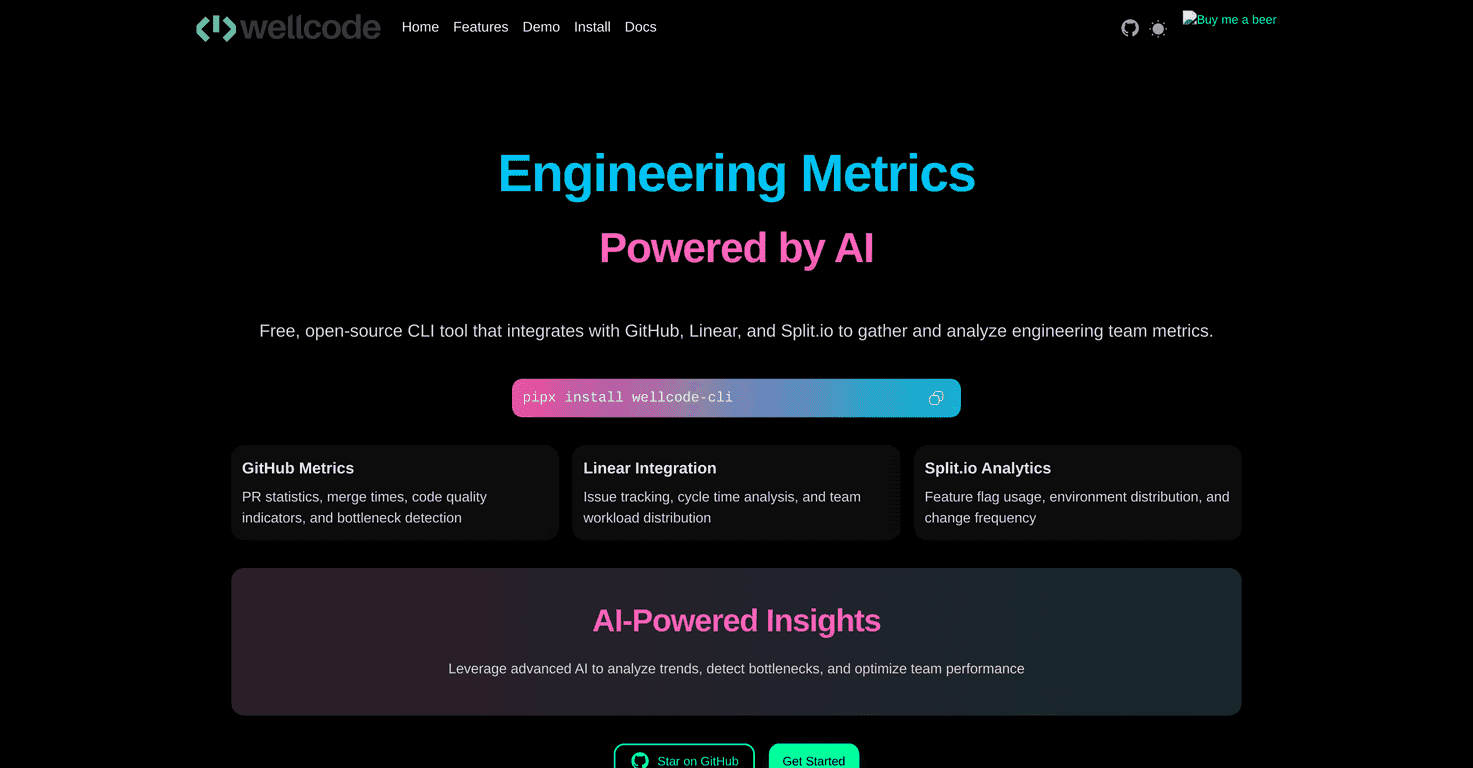
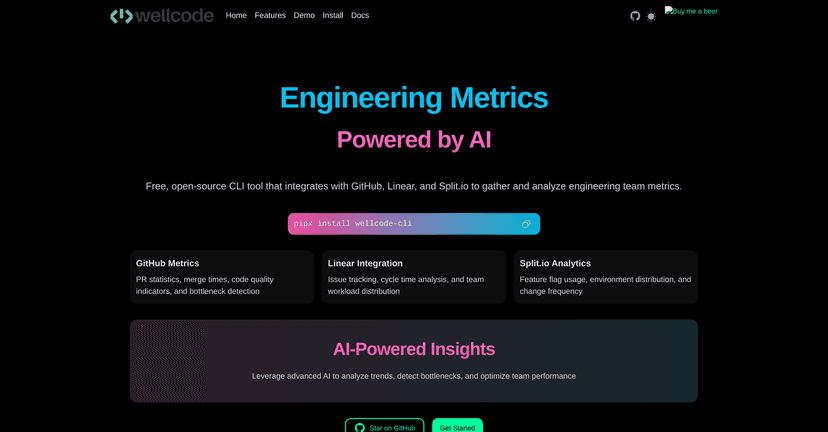
That’s where Wellcode CLI caught my attention. It’s an open-source command-line tool that pulls data from systems you already use—GitHub, Linear, and Split.io—and turns it into engineering metrics and “what’s going on” insights.
In my experience, the biggest win with Wellcode isn’t that it magically fixes your process. It’s that it helps you see where the bottlenecks are hiding so you can have better conversations in planning and retros. If you’re comfortable living in a terminal and you want practical signals (not vague dashboards), this review is for you.
Wellcode Review (What I Actually Look For)
Wellcode CLI is built for engineering teams that want to make data-driven decisions without hauling around a whole BI stack. It’s command-line based, but it connects to three big systems:
- GitHub for pull request and delivery signals
- Linear for issue flow and workload distribution
- Split.io for feature flag usage and rollout behavior
When I run tools like this, I’m not trying to collect metrics for the sake of it. I want answers to questions like:
- Which PRs are taking too long and why?
- Are issues stuck in the same stage week after week?
- Are feature flags actually being used, or are we just leaving dead weight behind?
Wellcode’s value is that it surfaces those patterns and then packages them into insights you can act on. It’s not “set it and forget it” magic, though. The output is only as good as the data you feed it and how consistently your team uses your workflows.
Key Features That Matter for Engineering Teams
- GitHub Metrics to analyze pull request stats and merge times
- Linear Integration to track issues and workload distribution
- Split.io Analytics for monitoring feature flag usage
- AI-Powered Insights that help identify trends and performance opportunities
Here’s what I’d expect to notice if you actually start using it with a real team:
- Merge time outliers: You’ll often see PRs that consistently take longer than the team’s average. That’s usually a sign of review bottlenecks, unclear scope, or “waiting on someone” issues.
- Issue flow friction: With Linear, it’s easier to spot where work piles up—like issues hanging around “In Progress” or “Ready for Review.”
- Feature flag hygiene: Split.io data can help you figure out which flags are actively used versus which ones have basically stopped mattering.
Pros and Cons (The Honest Take)
Pros
- Free and open-source: If you’re cost-sensitive (most teams are), this is a big deal.
- Installation is straightforward via pipx: That’s the kind of setup I like—clean, isolated, and not messing with system Python.
- Works with tools you already use: GitHub + Linear + Split.io is a pretty practical combo for modern product engineering.
- Gives detailed metrics: Not just vague summaries—enough signal to start asking better questions in meetings.
Cons
- CLI-first experience: If your team lives in dashboards and doesn’t want to run commands, adoption might be slower. You’ll probably need to be the “translation layer” at first.
- Integration quality matters: If your GitHub PR titles are messy, Linear statuses aren’t used consistently, or Split.io flags aren’t maintained, the insights won’t magically get cleaner. Garbage in, garbage out—same story as any analytics tool.
One more thing I’ll mention: command-line tools are great for engineers, but they’re not always great for stakeholders. If you need to share results with non-technical folks, you’ll want a simple way to summarize the output (even just copying the key numbers into a doc).
Pricing Plans
Wellcode CLI is completely free because it’s an open-source project. No tiers. No surprise “oops we need an upgrade” moments. If you already pay for GitHub/Linear/Split.io anyway, this is essentially adding visibility without adding another subscription.
Wrap up
Overall, I think Wellcode CLI is a solid option if you want engineering productivity insights tied to the tools you already use. It’s especially useful if your team has recurring pain around PR cycle time, issue flow, or feature flag sprawl. The CLI format won’t be everyone’s favorite, but if you’re comfortable running commands (or you’re willing to set it up once and share the results), it can make your workflow conversations a lot more grounded.
If you’re trying to improve without spending extra money—and you don’t mind starting with a terminal—Wellcode is worth a real try.
Promote Wellcode