Table of Contents
Let me guess—you’ve got a pile of receipts, invoices, and bills somewhere in the office, and someone’s still manually typing everything into a spreadsheet. Sound familiar? I’ve been there. It’s slow, it’s boring, and it’s the kind of work that quietly turns into mistakes when you’re busy.
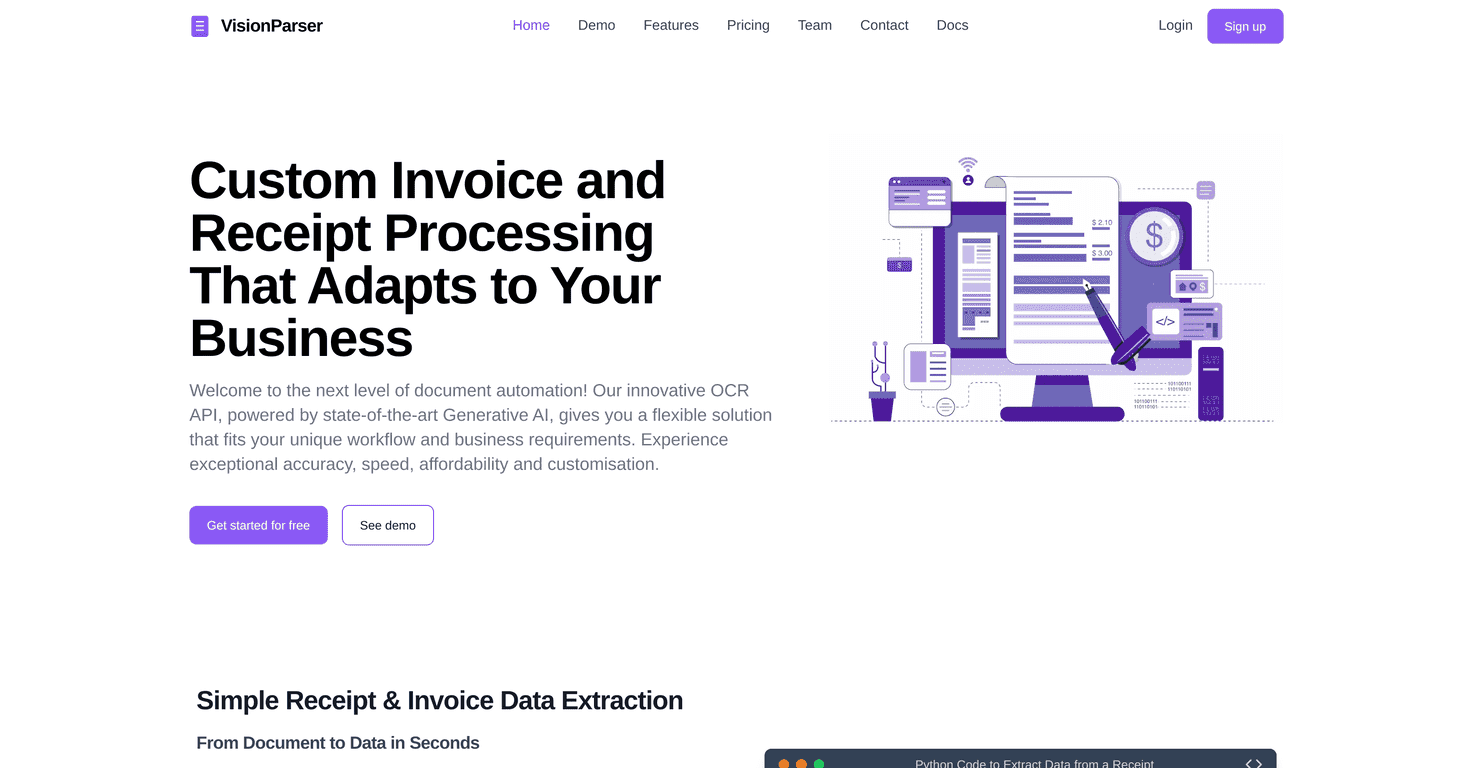
That’s exactly why I tested VisionParser. It’s an OCR API built to pull structured data out of documents (like receipts and invoices) so you can send the results straight into your system instead of retyping everything. In this VisionParser review, I’m going to cover what it does well, where it can be a little annoying, and what the pricing looks like if you’re trying to budget this for your business.
VisionParser Review: Does It Actually Save Time?
VisionParser is built for one main job: extracting data from documents like receipts, invoices, and bills—then returning it in a structured way you can use. No more hunting through PDFs and manually copying fields. That’s the promise, anyway.
In my experience, the biggest thing you notice right away is how quickly you get usable output. VisionParser processes documents in about 6–7 seconds per document, which is fast enough that it doesn’t feel like a “wait all day” workflow. And the accuracy for common fields is claimed to be over 95%—which, in practice, means you’re mostly reviewing instead of rebuilding everything from scratch.
Now, let’s talk about what “accuracy” really means. It’s not magic for every edge case. If your documents are blurry, skewed, or shot at weird angles, any OCR tool will struggle. But if you’re feeding it fairly normal scans (or decent-quality photos), VisionParser tends to pull out the information you care about—things like totals, dates, vendor names, and line-item-ish details depending on how you set it up.
Another part I liked: you can customize what fields you want. VisionParser supports customizable field extraction rules and lets you define output formats, so it doesn’t force you into one rigid template. If your business has its own way of categorizing expenses or mapping invoice fields to your accounting system, this flexibility matters.
And yes, batch processing is a real benefit. If you’ve got a backlog, running multiple documents at once is way less painful than doing them one by one. That’s where the time savings really show up.
One fair warning, though: getting started might require some technical know-how. Because it’s an API, you’ll likely need a developer (or at least someone comfortable with integration work) to wire it into your app. If you want custom logic, that can take a little time too. Still, once it’s connected, it tends to feel like “set it and let it run.”
Key Features That Matter in Real Work
- Generative AI-based data extraction for pulling structured fields from messy documents (not just raw text).
- REST API integration so you can plug VisionParser into your existing systems without rebuilding your whole workflow.
- Customizable field extraction rules—you choose what to extract and how it should be mapped.
- Support for multiple document types like bills, statements, and invoices (useful if your team handles more than one format).
- Efficient batch processing for handling lots of documents without babysitting each request.
Pros and Cons (My Honest Take)
Pros
- High accuracy for standard fields (VisionParser cites over 95%), which reduces manual cleanup.
- Fast turnaround—around 6–7 seconds per document in typical use.
- Good customization if your documents don’t match a single “perfect” template.
- Pricing tiers that can work for small teams up to bigger volume needs.
Cons
- Integration isn’t plug-and-play for non-developers since it’s delivered as an API.
- Custom solutions take time—if your documents are inconsistent or you need very specific mappings, expect some setup work.
Pricing Plans: What You’ll Pay
VisionParser uses a scan-based pricing model, which is pretty straightforward for budgeting. Here’s what the plans look like:
- Free trial: 100 scans for one month (great for testing your real documents).
- Basic Plan: $15/month for 500 scans.
- Pro Plan: $100/month for 5,000 scans.
- Business Plan: $200/month for 20,000 scans.
Each tier includes different levels of support depending on the subscription. In my view, the free trial is the move—because OCR accuracy depends heavily on document quality and consistency. If your receipts are all over the place, you’ll want to test before you commit.
Wrap up
If you’re trying to reduce manual data entry from receipts, invoices, and bills, VisionParser is one of the more practical OCR options I’ve come across. The combination of high claimed accuracy, fast processing, and customizable field extraction makes it a strong fit for businesses that need structured outputs—not just text.
Just be realistic about the setup. If you don’t have someone who can handle API integration, you’ll probably need help at the beginning. But once it’s wired in, it can genuinely cut down the time your team spends cleaning up documents.
Want to see how it performs on your own files? Start with the free trial and run a small batch first—you’ll know pretty quickly whether it fits your workflow.
Promote VisionParser