LIFETIME DEAL — LIMITED TIME
Get Lifetime AccessLimited-time — price increases soon ⏳
AI Tools

Typewriter Review – Your AI Text Generator for High-Performance Document Writing 

Updated: April 20, 2026
6 min read
#Ai tool#writing

Table of Contents

I’ve used a bunch of AI writing tools over the years, and most of them fall into the same trap: you get decent text… but you still have to do a ton of cleanup. That’s why I was interested in Typewiser. It’s positioned as an AI text generator built specifically for professional documents, not just generic “chat” output. And honestly? What stood out to me right away is the focus on templates and guidance—so you’re not staring at a blank page wondering what to write next.

AD 4nXfN Ku2kan2sO2imqjW9 Na7sbSI MaqID5 L9gUPBd7nBQMtLv3Sxs VMjfJA0kq0CD8c2zF4yR1nsvrDEpk6DtJP 7yOQjR1lwxa9RqWjM O1pOh ED3L8b BmGG800UvbDBw

Typewiser Review: Does It Actually Help With Real Documents?

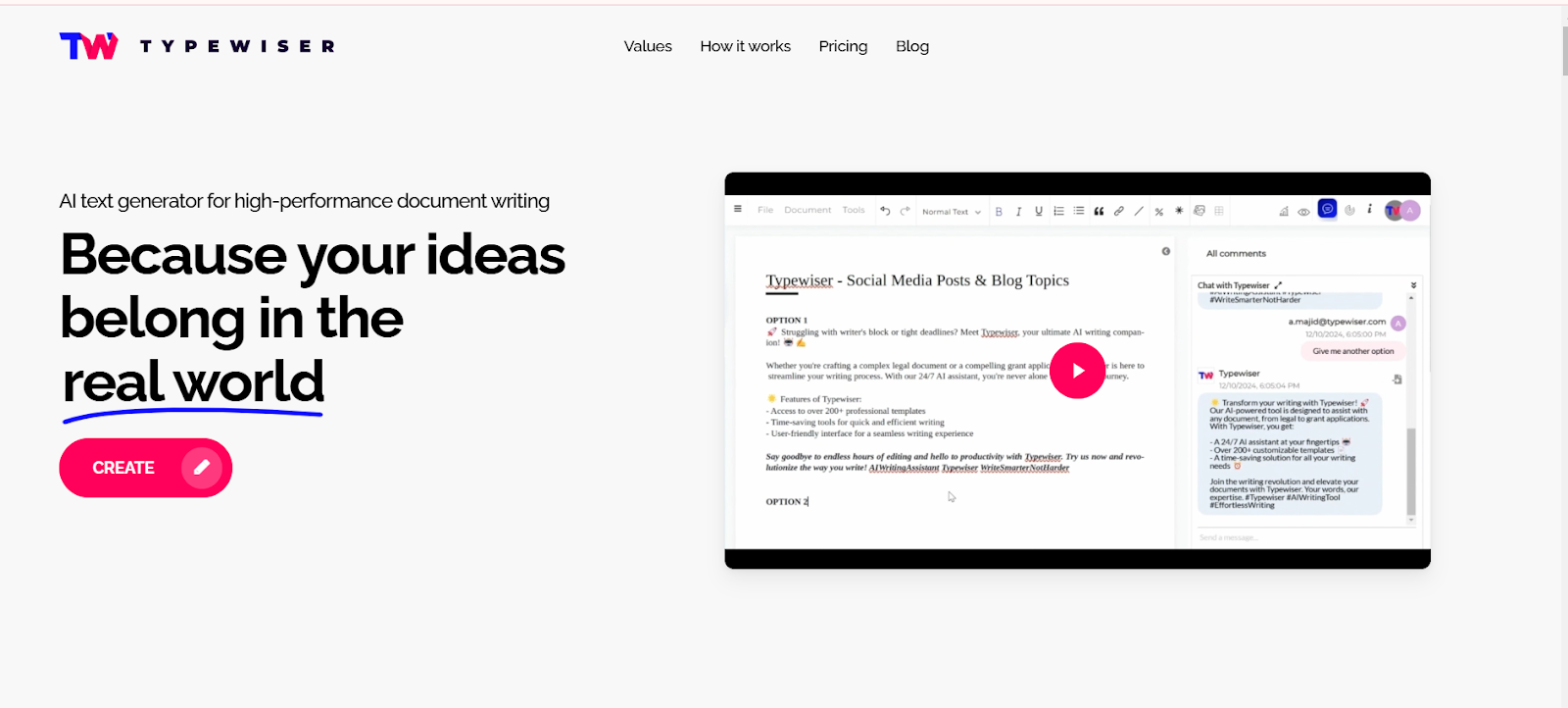
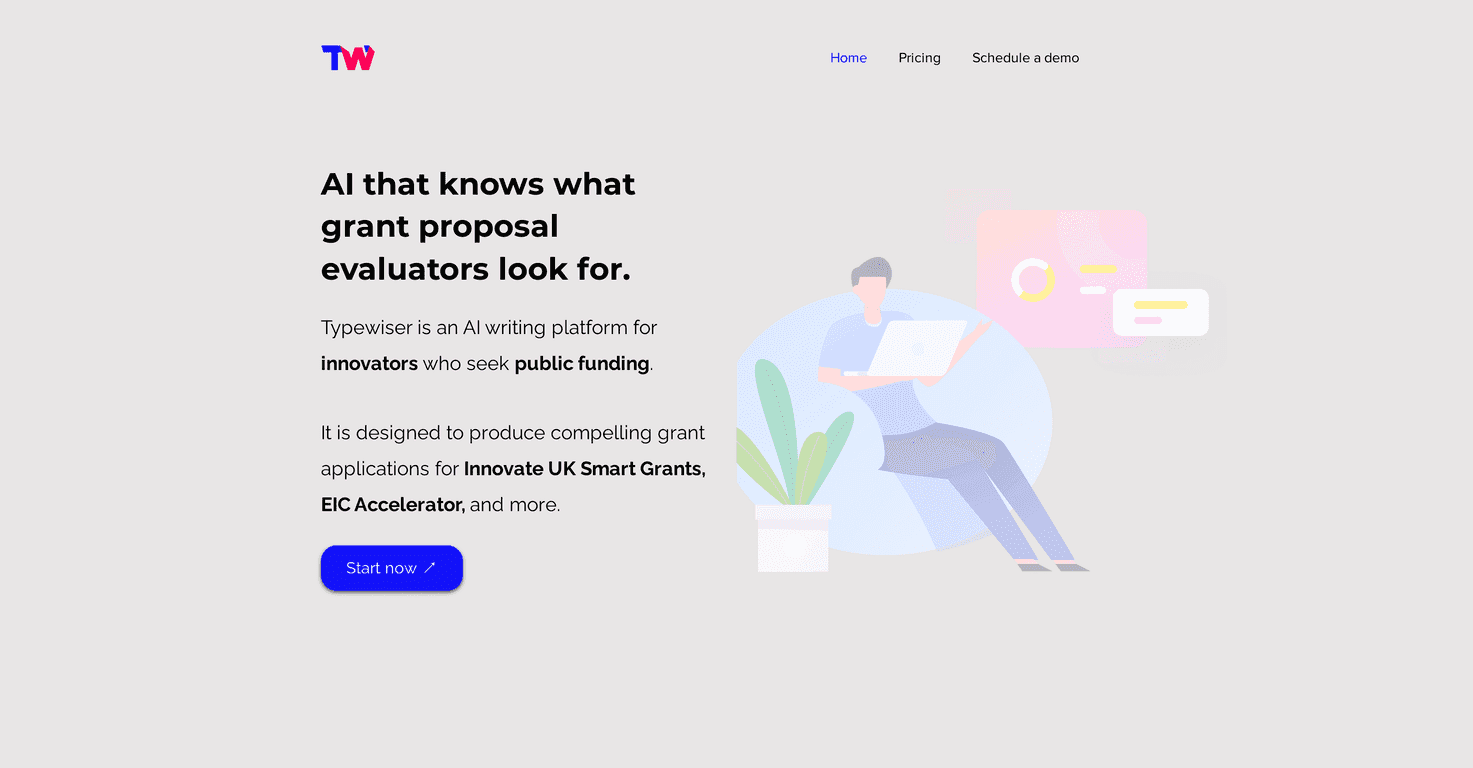
Typewiser is an AI text generator that leans hard into professional document creation—think grant applications, marketing plans, proposals, and other “I need this to look right” writing. It’s not trying to be the most clever conversational assistant. Instead, it gives you a structured starting point with 200+ customizable templates.

In my experience, that structure matters. When you’re writing something like a grant narrative, you don’t just need fluent sentences—you need the right sections, the right tone, and you need to hit specific requirements. Typewiser’s templates are designed to guide that process, which means you spend less time formatting and more time refining.

What I noticed during testing is that the editing flow feels more “document workflow” than “prompt roulette.” You generate, tweak, and keep moving. It’s the difference between spending an hour rewriting paragraphs vs. spending 15–20 minutes polishing what the tool already drafted.

How Typewiser Works (And Why It Doesn’t Feel Like a Single-Model Tool)

Typewiser uses a combination of LLMs and generative AI techniques. The big claim is that it picks the best model for each task instead of relying on one model for everything. That matters because different tasks need different strengths—summarization vs. drafting vs. rewriting for tone, for example.

I can’t see exactly which model it uses behind the scenes, but the output quality felt more consistent than tools that just “always generate from the same brain.” The text reads like it’s been shaped to match the template you picked, not like it’s randomly stitched together.

Still, quick reality check: AI text generators won’t magically make weak source material strong. If your inputs are vague, you’ll get vague output. Typewiser helps you organize and polish, but you’ll still want solid notes, facts, and examples on your side.

Key Features I’d Actually Use

Here’s what Typewiser includes, based on the features listed—and what I’d personally look for if I were choosing an AI tool for professional writing.

Key Features

  1. Personalized Knowledge Library — store your recurring info so you’re not re-explaining your company, services, or background every time.
  2. Domain-Specific Writing — templates and output geared toward professional use cases (not just generic blog-style text).
  3. Smart Notes from Recordings — useful if you dictate ideas or capture meeting notes and want them turned into something structured.
  4. Web Reference Search — helps when you need to pull in context and citations instead of guessing.
  5. Quick Text Customization — you can adjust tone and details without starting over from scratch.
  6. Professional Templates — the real value here: structured documents you can fill in and refine.

What It’s Like to Write With Typewiser (My Testing Notes)

I tested Typewiser by generating a few different document types using templates—mostly things where structure and clarity matter more than “creative writing.” What I noticed:

  • You move faster because you’re not building the outline manually.
  • The draft comes closer to the goal (especially for formal sections like background, objectives, and deliverables).
  • Edits are easier since the text is already organized into the template’s sections.
  • You still need to verify facts. If you’re including stats, dates, or claims, double-check them—don’t blindly trust AI.

Also, a small but important thing: the tool felt less “blank page anxiety.” That might sound minor, but when you’re writing for work, anything that reduces friction is a win.

Pricing Plans (BASIC, PRO, Enterprise)

Typewiser’s pricing is straightforward, and the page clearly spells out what you get for each tier. Here’s the breakdown as listed:

Pricing Plans

BASIC
Generate over 1,000 pages of text monthly for €20/month (billed annually).
Includes all generative and editing features with access to 200+ multi-domain templates.
Comes with 1M tokens, ideal for individuals with moderate content creation needs.

PRO
Produce over 2,000 pages of text monthly for €40/month (billed annually).
Offers all features of the BASIC plan plus 2M tokens and priority customer support.
Perfect for professionals seeking enhanced productivity and quick assistance.

ENTERPRISE
Custom solutions tailored to your team’s needs with scalable options.
Features include custom templates, workflows, dedicated servers, and GPUs.
Comprehensive tech support ensures seamless operations and integration.


Promote Typewiser

Automateed

Free Trial: What I’d Try First

If Typewiser offers a free trial (it does, per the info on the page), I’d use it strategically. Don’t waste time generating random paragraphs. Try a real workflow:

  • Pick one template you actually need this month (proposal, grant, marketing plan, etc.).
  • Paste in your notes or rough bullets and see how well it structures them.
  • Use any “smart notes from recordings” option if you already collect meeting audio.
  • Check the output against your requirements. Does it hit the sections you need?
  • Make sure you can customize quickly without starting over.

That’s how you’ll know if it’s saving you time—or just producing text you’ll still have to redo.

My Honest Take: Where Typewiser Shines (And Where It Doesn’t)

Typewiser shines when you want professional writing that’s organized from the start. The templates and editing support are the difference-maker. If you’re repeatedly writing similar documents, the personalized knowledge approach can help you stay consistent.

Where it can fall short (like any AI tool) is when you don’t provide enough input. Garbage in, garbage out still applies. Also, you’ll want to review anything that includes numbers, claims, or references—AI can draft quickly, but it can’t replace your judgment.

Overall though, if you’re looking for an AI text generator that’s built around document creation—not just a chat box—Typewiser is worth a real look. I didn’t feel like I was fighting the tool. I felt like it was helping me move forward.

Stefan

Stefan

Stefan is the founder of Automateed. A content creator at heart, swimming through SAAS waters, and trying to make new AI apps available to fellow entrepreneurs.

Related Posts

kundenspezifische druckerfabrik in china featured image

Kundenspezifische Druckerfabrik in China: Top 10 Hersteller 2026

Entdecken Sie die führenden kundenspezifischen Druckerfabriken in China 2026. Erfahren Sie, wie Sie die beste Fabrik wählen und von maßgeschneiderten Drucklösungen profitieren.

Stefan
book cover design size featured image

Book Cover Design Size: The Ultimate Guide for 2026

Discover the latest standards and best practices for book cover design size in 2026. Learn how to choose the right dimensions for print and eBooks to boost sales.

Stefan
readfrom.net safe featured image

readfrom.net Safe: Is This Pirate Book Site Legit or Scam?

Discover if readfrom.net is safe and legit in 2026. Learn about safety scores, piracy risks, and how to browse securely. Get expert tips now!

Stefan

Create Your AI Book in 10 Minutes