Table of Contents
Color plays a crucial role in design, often making or breaking a visual concept. Have you ever struggled to find the right color to match your creative idea? Text2Color for Canva is here to change that. This innovative tool allows you to describe colors in words and transforms them into stunning visuals, effortlessly enhancing your design experience.
Text2Color Review
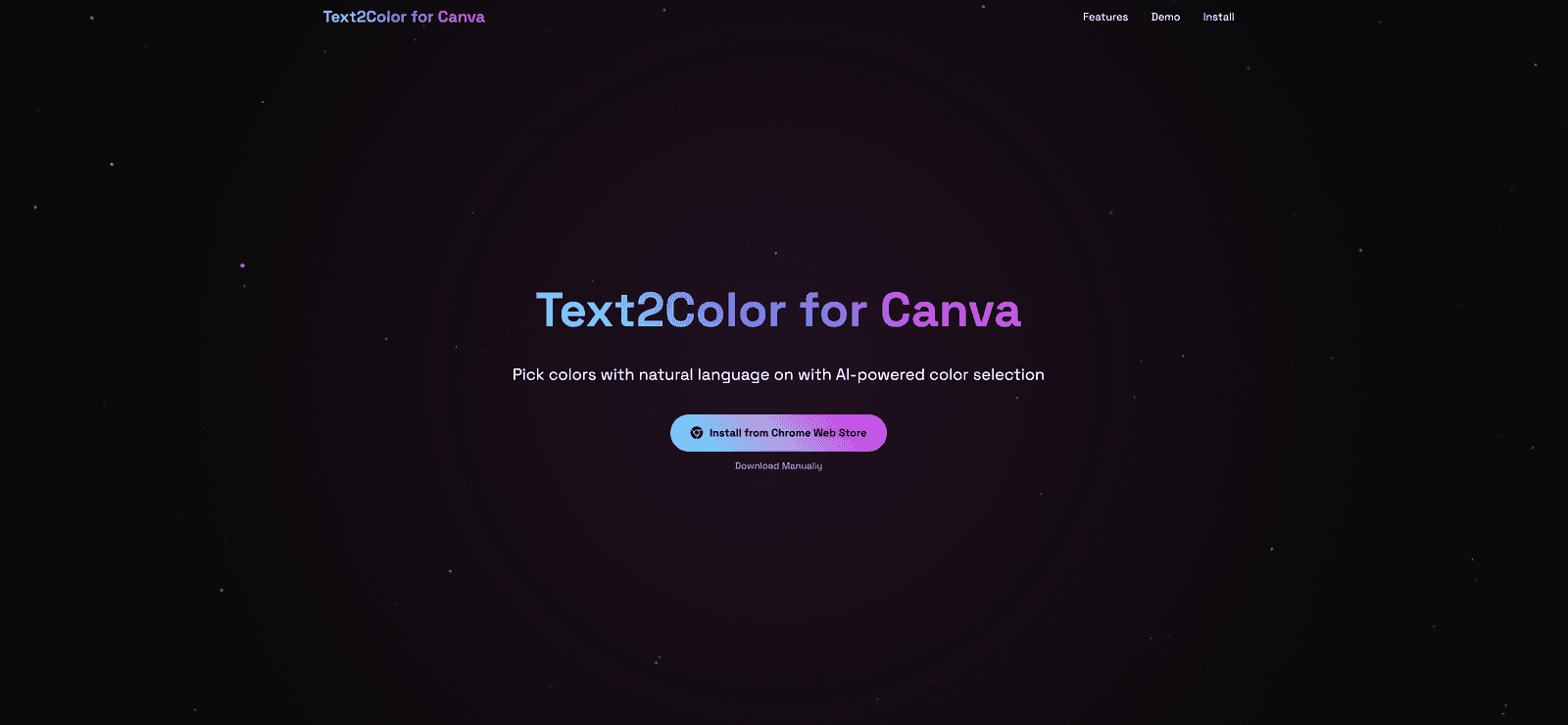
Text2Color for Canva is an AI-powered extension that makes color selection a breeze. Imagine being able to simply type a color description and have it generated for you almost instantly! This user-friendly tool integrates smoothly into the Canva platform, providing designers with more time to focus on creativity rather than spending hours picking colors. Whether you want a vibrant sunset orange or a calming ocean blue, Text2Color can deliver it with just a few keystrokes. It’s a game changer for anyone who enjoys creating within Canva, allowing creativity to flourish as AI does the heavy lifting.
Key Features
- AI Color Magic that turns words into vivid colors
- Lightning-fast generation of colors
- Seamless integration with Canva for easy access
Pros and Cons
Pros
- Quick and efficient color generation
- User-friendly interface that integrates directly with Canva
- Innovative use of AI to enhance creative processes
Cons
- Requires an API key for use, which may be a barrier for some users
- Limited to the Canva platform, which may not appeal to users of other design software
Pricing Plans
Text2Color for Canva can be installed via the Chrome Web Store or downloaded manually. While specific pricing details are not mentioned, users must obtain an API key from the official Text2Color website, suggesting potential costs for sustained use beyond a free tier.
Wrap up
In conclusion, Text2Color for Canva is a remarkable tool that empowers designers to effortlessly find and create stunning color palettes. Its combination of AI technology and a user-friendly interface unlocks a new level of creativity. While the requirement for an API key and the limitation to Canva may pose challenges for some, those who embrace this tool will likely find that it enhances their design workflows and brings their visions to life.
Promote Text2Color