Table of Contents
If your team lives in Slack (like most of mine do), waiting on a data request ticket is painfully slow. I’ve been there—someone asks a simple question, it turns into “can you pull a report?” and suddenly you’re juggling spreadsheets, screenshots, and follow-ups for days. That’s exactly where Supr Analyst tries to help.
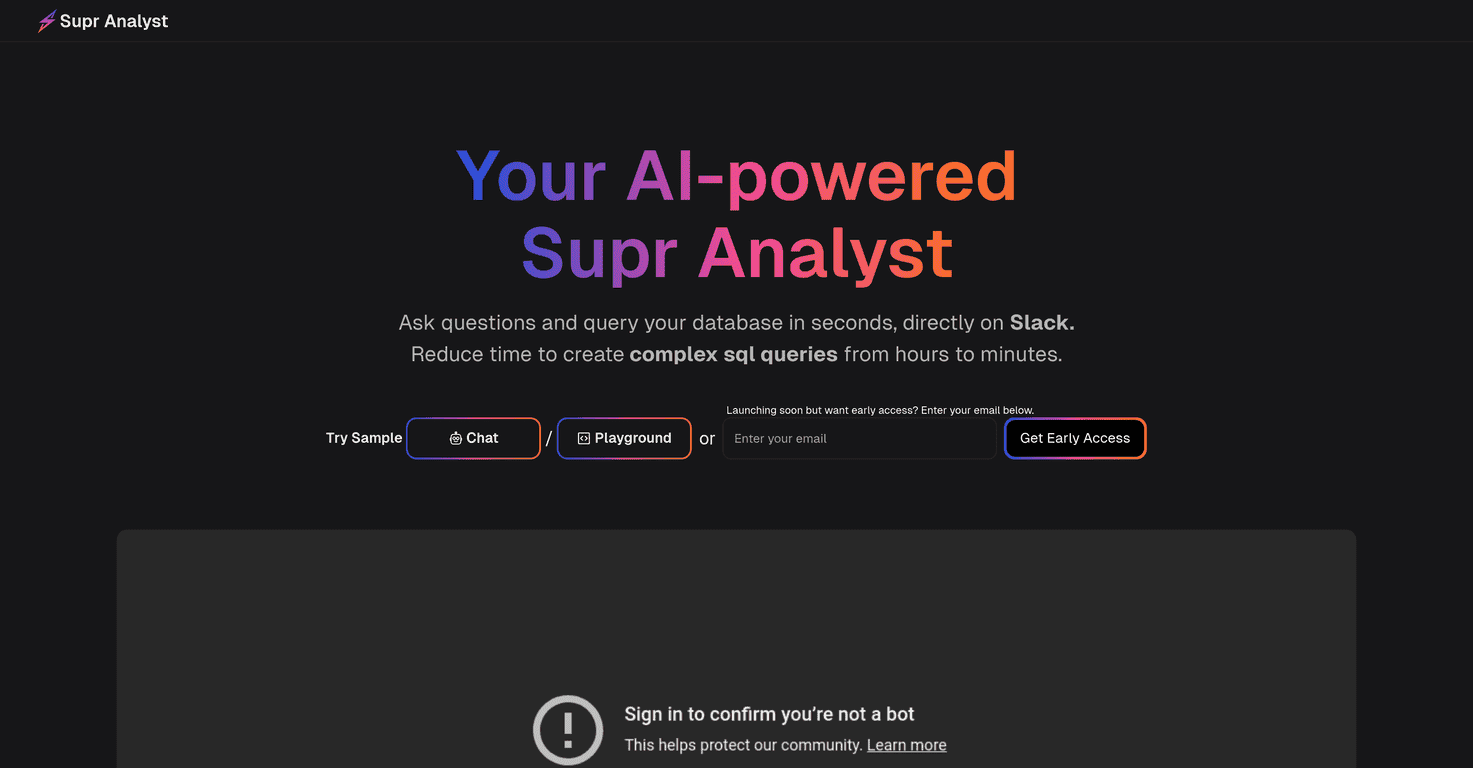
Supr Analyst connects data analytics directly into Slack. Instead of switching tools or writing SQL from scratch every time, you ask questions about your dataset right in the chat. The interesting part is how it uses AI to turn those questions into SQL logic, then brings the results back to the conversation—so the whole team can see what’s going on and iterate together.
In my experience, the biggest win isn’t just “AI makes queries.” It’s the workflow: questions, answers, and follow-ups happening where the team already communicates. And yes, it includes a SQL Playground so you can build and refine queries without feeling totally locked into natural language.
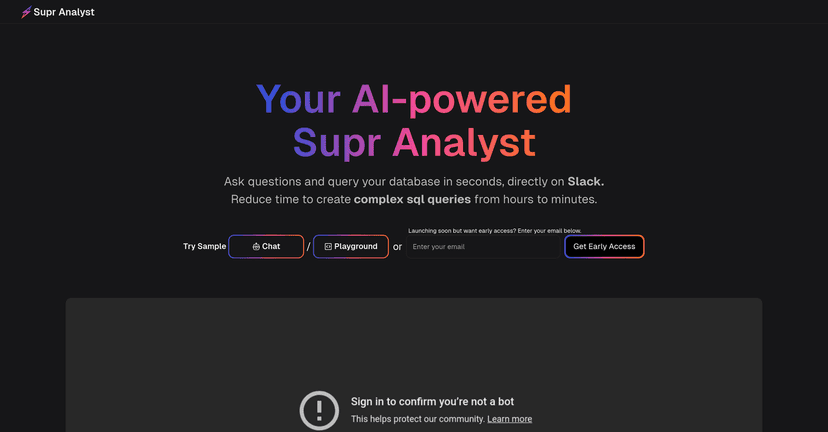
Supr Analyst Review
Here’s the simple pitch: Supr Analyst lets you ask data questions in Slack, and it responds with insights (and underlying SQL) instead of making you wait for someone to run a query. That matters because a lot of “analytics work” is really just answering the same few questions over and over: What changed? Why did it change? How does this segment compare?
What I noticed is how natural the back-and-forth feels when the output lands in the thread. For example, you might start with something like “How many active users did we have last week?” Then someone replies, “Okay, split that by region,” and suddenly you’re iterating without leaving Slack or recreating the query from scratch.
Supr Analyst also has a SQL Playground, which I like because it gives you a place to refine queries when AI doesn’t nail the first version. Natural language is great—until it isn’t. Having a hands-on query space helps you keep control.
Key Features
- Instant data insights from ad hoc questions — Ask quick “what’s going on?” questions without building a full dashboard first.
- Real-time answers delivered in Slack — Results show up directly in the channel/thread, so the conversation keeps moving.
- Seamless team collaboration — Multiple people can ask follow-ups and validate what the data is saying.
- Ad hoc analysis for diverse questions — From simple counts to more complex breakdowns, it’s built for exploration.
- SQL Playground for generating and optimizing queries — You can tweak and improve queries instead of treating AI output as final.
- Contextual improvements for better AI responses — The more context you provide (and the more your workflow stays consistent), the better the responses tend to be.
- Easy setup with integrated AI support — The goal is to reduce friction so teams actually use it.
- Robust data security measures — At least in concept, it’s positioned for teams that can’t just toss data into any tool.
Pros and Cons
Pros
- Slack-first analytics — This is the standout. If your team already uses Slack daily, the “where the work happens” advantage is real.
- AI-assisted SQL creation — It helps reduce the blank-page problem. Even when you don’t fully trust the first query, it gives you a strong starting point.
- Thread-based collaboration — I like that insights don’t get buried in a separate dashboard link. People can ask “why” right in the same place.
- Security-focused positioning — It’s designed with real business use in mind, not just demos.
Cons
- Early access means rough edges — If you’re sensitive to bugs or workflow interruptions, early-stage tools can be frustrating.
- Pricing and feature details aren’t fully spelled out yet — When I’m evaluating a tool, I want clarity: what’s included, what’s limited, and what breaks once you scale.
- AI still needs guardrails — This is common across AI analytics tools: sometimes the query interpretation misses the intent. That’s where the SQL Playground (and your own judgment) matters.
Pricing Plans
Since Supr Analyst is still in early access, pricing and full plan details may not be publicly finalized. What you can do right now is sign up on their site to request an invitation or updates as they roll out new features and pricing.
If you’re doing an internal rollout, I’d recommend you ask for specifics early—things like usage limits, supported data sources, and what “early access” includes for your team’s use case. It’ll save you time later.
Wrap up
Overall, Supr Analyst looks promising—especially for teams that want analytics inside Slack instead of treating data as a separate world. The combination of AI-assisted SQL, a SQL Playground, and collaboration in the same chat where work happens is a strong foundation.
That said, because it’s early access, I wouldn’t roll it out as your only analytics layer on day one. Test it with a couple of real questions your team asks weekly, see how often the AI output matches your intent, and confirm the security/setup details fit your environment.
If you want faster answers and fewer back-and-forth messages, Supr Analyst is worth keeping on your radar as it grows.
Promote Supr Analyst