Table of Contents
If you’ve ever stared at a pile of notes and thought, “Okay… but how do I actually remember this?” you’re going to get why I like tools like SuperStudentAI. It’s an AI study assistant that takes what you already wrote (your own notes) and turns it into something you can practice with—quizzes, prompts, and a chat-style helper when you get stuck.
What really stood out to me is the vibe. The interface feels more like a quick, scroll-and-learn experience than a stiff “study dashboard.” I’m not saying it’ll replace deep studying—nothing will—but it does make it easier to start. And if you’ve ever procrastinated because studying feels boring, you know the hardest part is getting going.

SuperStudentAI Review (What It’s Like to Use)
Here’s the simple idea: you feed SuperStudentAI your notes, and it turns them into practice questions. In my experience, that’s the part that matters most. Lots of “study apps” just give you generic content. This one tries to stay closer to your exact material, which is huge when exam questions are basically “your class notes, just reworded.”
When I tested it, I noticed two things right away:
- Quizzes felt tied to the notes instead of random internet facts. That made it easier to spot what I already knew vs. what I was weak on.
- The chat assistant is actually useful mid-study. If you miss a question, you can ask why, or ask for a simpler explanation, and keep moving instead of getting stuck for 20 minutes.
One more thing: the “fun companion” angle isn’t just marketing. If you’re someone who needs momentum, the interactive format helps. You’re not just reading and rereading. You’re answering, checking yourself, and moving on.
Key Features I’d Pay Attention To
- AI-generated quizzes from your personal notes
The core feature. The quizzes are meant to reflect what you’ve provided, so you can practice the exact concepts you’re studying instead of starting from scratch. - Material organization for a more structured study flow
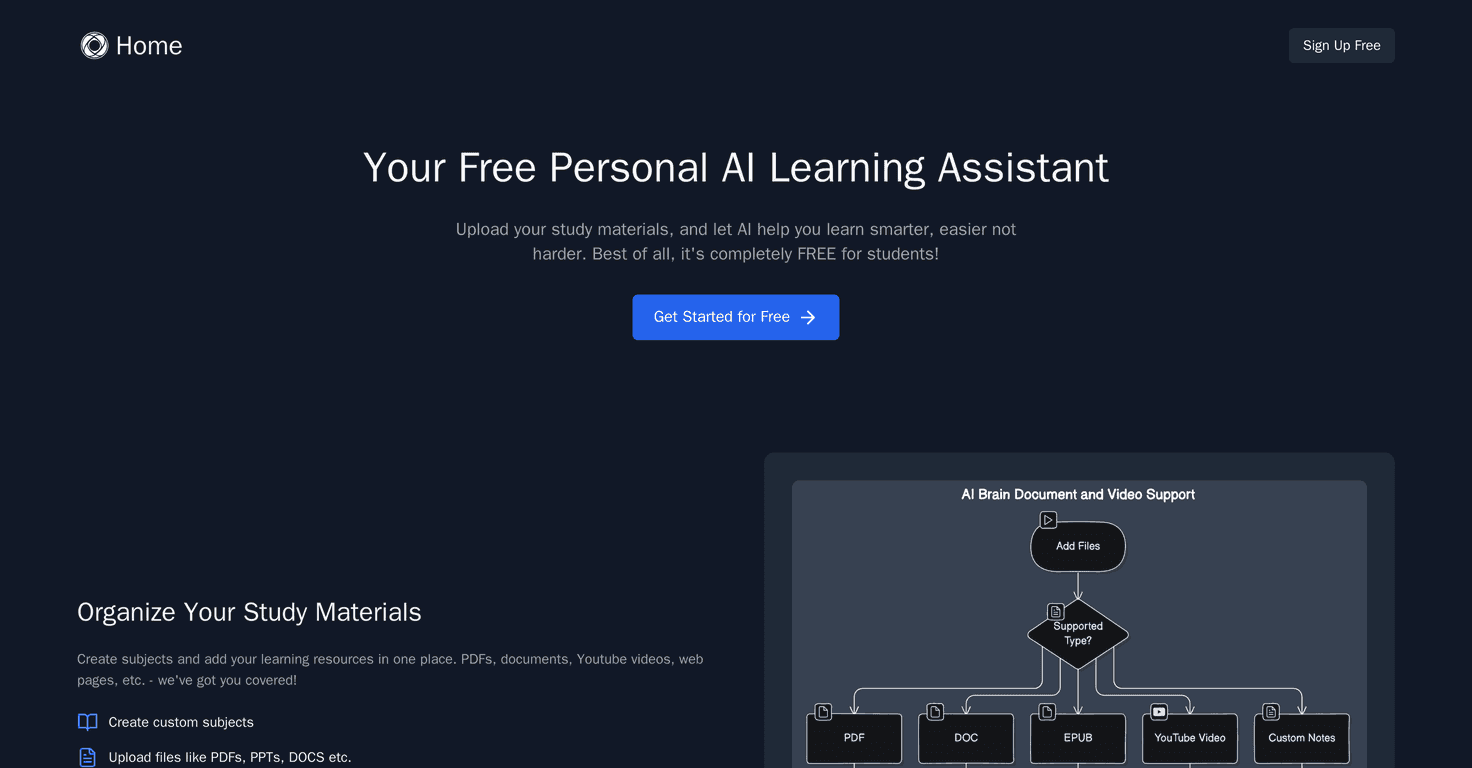
I like when a study tool helps you keep topics separated. It makes review sessions less chaotic. You don’t want to mix everything together when you’re trying to improve fast. - Intelligent chat assistance for questions
This is where SuperStudentAI can save time. When you don’t understand a concept, you can ask for clarification without digging through multiple sources. - Interactive, engaging interface
This is the “TikTok-style” vibe mentioned in the pitch—short, engaging interactions that make studying feel lighter. It’s not magic, but it helps with consistency.
Pros and Cons (Realistic Expectations)
Pros
- Free access for all users
If you’re testing it for a class, you don’t have to worry about paywalls blocking your progress. - Study sessions feel less painful
The interactive format helps you stay engaged. I found it easier to do “one more set” instead of quitting after a single quiz. - Quizzes are customizable based on your learning material
That note-to-quiz connection matters. It makes practice feel relevant, not generic.
Cons
- Not much clarity on limits or advanced options
When I looked for detailed info (like what formats are best, how it handles very long notes, or what “advanced” means), it wasn’t super specific. That’s a small annoyance if you like to plan your study workflow. - You’ll want a stable internet connection
It’s an online AI tool, so if your connection is spotty, expect delays. Offline studying isn’t the point here. - AI can’t replace knowing the “why”
Quizzes are great for recall, but if you only practice questions without understanding the underlying concepts, you’ll hit a ceiling. I’d still recommend pairing it with your textbook/lectures.
Pricing Plans
SuperStudentAI is 100% free to use, and you can access its features without paying. If you’re looking for a low-risk way to try AI studying, that’s honestly the biggest selling point.
How I’d Use It for Better Results (Quick Tips)
If you want this to actually help you on exam day, here’s how I’d approach it:
- Start with messy notes, not “perfect” notes. The goal is coverage, not aesthetics. If your notes have headings, definitions, and examples, that’s already enough.
- Do short quiz sessions (like 10–15 minutes) instead of one long grind. I noticed it’s easier to stay focused when you’re not forcing yourself through fatigue.
- After you miss a question, ask “why” and then rewrite the answer in your own words. That last step is what turns AI explanations into real memory.
- Use it for targeted review. If you have a weak topic, don’t just reread everything—generate quizzes for that specific section.
And yeah, if your notes are super brief or vague, the quizzes may feel more generic. Garbage in, garbage out—AI can only work with what you give it.
Wrap up
SuperStudentAI is a solid option if you want a study tool that feels engaging and actually helps you practice. The free pricing makes it easy to try, and the note-based quizzes + chat support are the combo I’d look for when I’m trying to improve recall fast. Just don’t treat it like a replacement for understanding—use it to practice, then fill in gaps with your course materials.