Table of Contents
I’ve been testing SuperPodcast.ai for turning study notes into something I can “listen to” instead of just rereading. And honestly? It’s one of those tools that feels simple on the surface, but it changes how you actually engage with your materials. If you’ve ever caught yourself zoning out while reading a paper, you’ll probably like the idea here: upload a document, and get an interactive podcast-style conversation you can jump into.
SuperPodcast Review: What It’s Like to Use
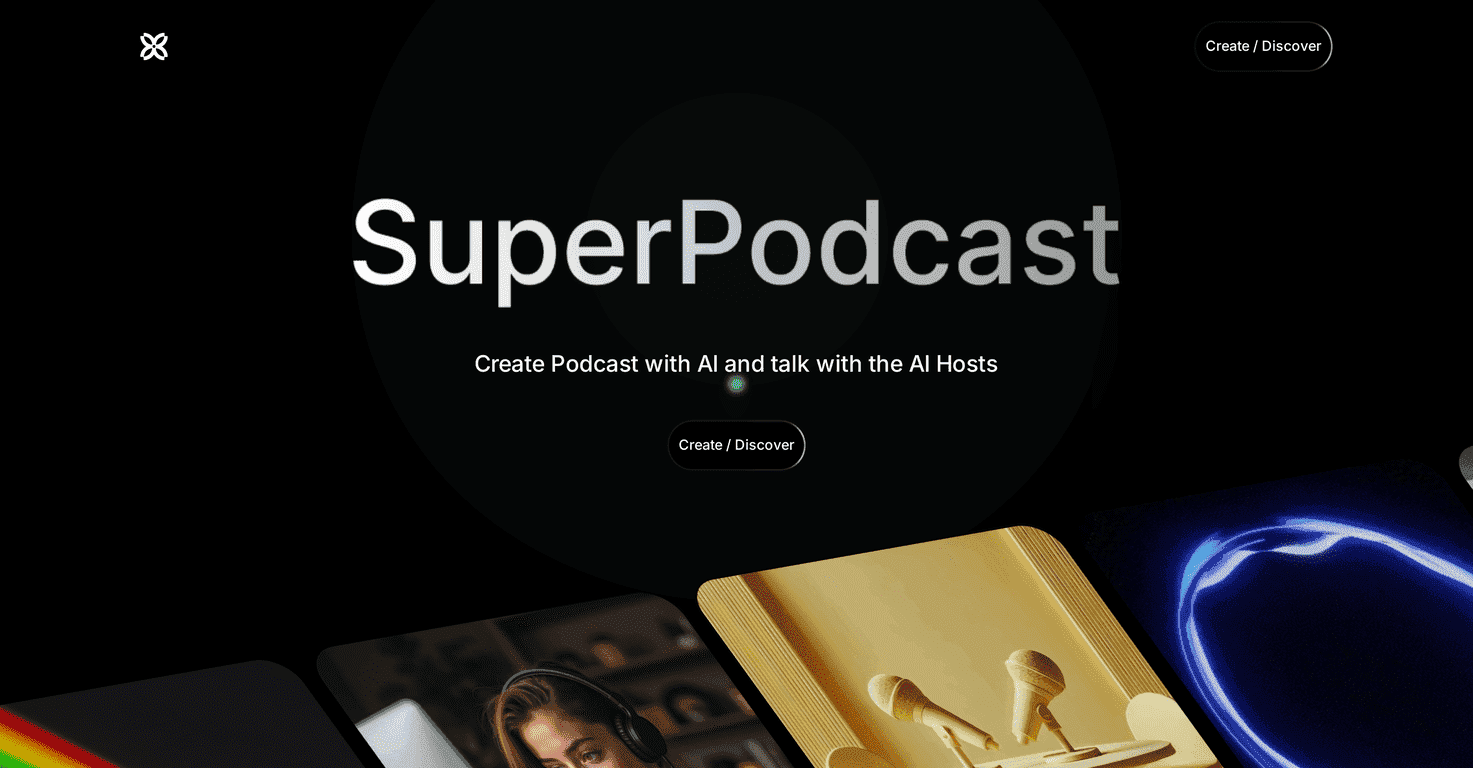
The basic promise is pretty clear: you take a document and turn it into an interactive podcast. Not just a one-way “readout,” but more like an AI host conversation where you can ask questions and keep the discussion going.
In my experience, the biggest win is motivation. When I’m studying, I tend to either (1) skim too fast or (2) get stuck rereading the same paragraph. Switching to an audio, conversation-style format helps me stay engaged longer—especially for topics that are dense or repetitive.
That said, the quality isn’t magic. If your uploaded document is messy, poorly structured, or full of typos, the AI can only work with what it’s given. I noticed the output is much more coherent when the source material has clear headings and short sections.
Key Features (and the ones I actually used)
- Document-to-podcast transformation for study materials, notes, and other text you want to “listen through.”
- Interactive AI hosts so it’s not just narration—you can steer the conversation and keep asking follow-ups.
- Podcast creation customization so you can tailor how the discussion feels (what you focus on, how it’s presented, etc.).
- Broad document support across different topics (useful if you’re bouncing between classes or subjects).
- Multilingual support, including English and Spanish—helpful if you’re studying in more than one language.
- Public podcast discovery so you can explore community-made content instead of starting from scratch every time.
- Future mobile app mentioned for better on-the-go access (more on this in the cons).
- Chat-style engagement that makes it feel more like a learning session than a static audio file.
What I noticed about the “interactive” part
Interactive features are great—until you hit the limits. I found that if I asked very broad questions, the AI sometimes responded in a general way. But when I got specific (like “Explain this section in simpler terms” or “What’s the main argument here?”), the conversation tightened up and felt more useful.
So yeah, it’s interactive, but you’ll get better results with better prompts. That’s not a dealbreaker—it just means you’ll want to use it like a study tool, not like a magic button.
A quick real-world tip
- Before uploading, skim your document and make sure key terms and headings are present. Even adding a few bolded section titles helps.
- After it generates, ask for summaries per section. Then ask “What would I be tested on?”—it’s a simple way to turn content into exam-style thinking.
- Don’t rely on it for final facts if you’re using it for anything high-stakes. I still cross-check important definitions against the source or a textbook.
Pros and Cons (my honest take)
Pros
- Easy to use—it’s straightforward to turn a document into a podcast without a ton of setup.
- Engagement is higher than plain reading. I actually stuck with it longer when the content was presented as a conversation.
- Free access—SuperPodcast is available for free, which makes it easy to test without committing.
- Works across different document types (at least for typical study materials and text-based content).
- Podcast-style learning helps retention for people who learn better through audio and discussion.
Cons
- Output quality depends on your document. Garbage in, garbage out—especially with formatting and clarity.
- Limited by AI capabilities. Sometimes it can be vague if you ask vague questions, or it may not capture nuance the way a human tutor would.
- No mobile app yet. If you want to listen while commuting, you’ll be stuck with the web experience for now.
Pricing Plans: Is SuperPodcast really free?
From what’s currently available, SuperPodcast is free. That means you can generate podcasts without paying, customize the content, and interact with AI hosts at no cost. It also supports English and Spanish, includes access to community-created podcasts, and has plans for a future mobile app.
If you’re comparing it to other “AI audio” tools, this is honestly the biggest selling point. The moment there’s a paid tier, I’d be curious to see what features get locked—because right now, it’s easy to experiment with different subjects and document styles.
Wrap up
SuperPodcast.ai is a fun, genuinely useful way to turn text into an interactive listening experience. If you learn better through discussion (or you just want to stop rereading the same notes), it’s worth trying—especially since it’s free.
Just go in with realistic expectations: the AI is only as good as your source document, and you’ll get better results when you ask focused questions. When you do that, though, it can make study time feel less like homework and more like an actual conversation.
Promote SuperPodcast