Table of Contents
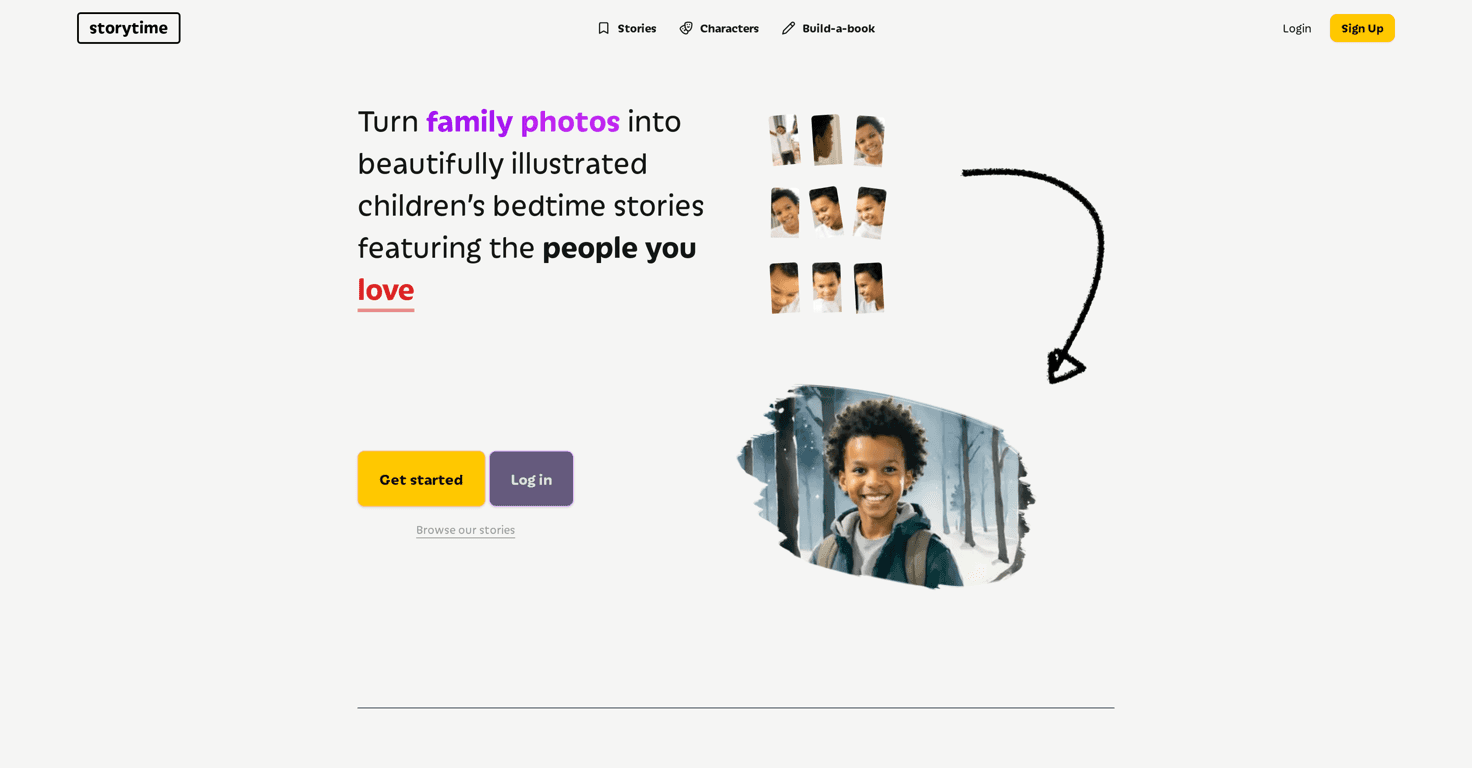
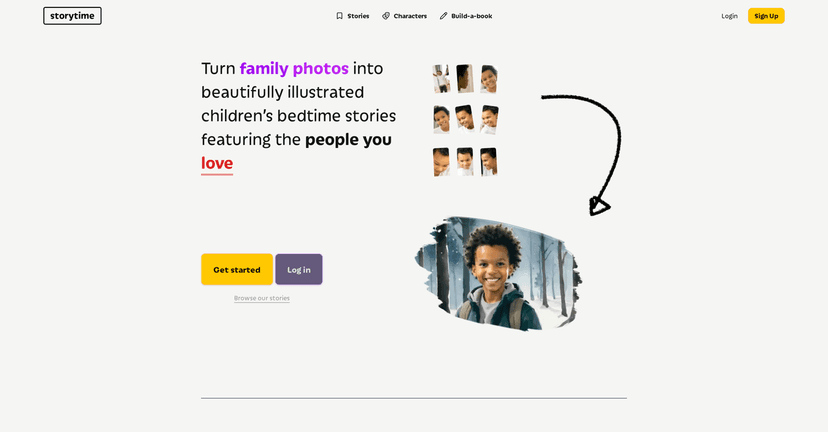
Storytime is one of those rare apps that actually feels like it was made for real family life—not just another “content” tool. The basic idea is simple: you upload family photos, and Storytime turns them into personalized bedtime stories where your child (and the people you care about) show up as characters.
In my experience, that’s where the magic starts. Bedtime is already a routine, but adding a story that’s clearly “about us” makes it way easier to get kids interested. And honestly, if you’ve ever tried to read the same generic bedtime book for the 400th night in a row, you know why that matters.
Storytime review: what it’s like to make a personalized bedtime story
Storytime is basically a “choose your photos, pick a story, and generate” setup. The platform leans into personalization by letting you upload family photos so your kid can see familiar faces in the illustrations. That’s the core feature, and it’s the one that kept pulling me back in.
What I noticed right away is that it’s designed to feel easy to use before you’re even fully awake at night. You’re not wrestling with complicated design tools. Instead, you’re focused on story selection and getting the characters set up with the photos you want.
And yes, it’s fun. The first time you see your child’s face turned into a story character, it gets a real reaction. Even kids who normally don’t care about bedtime will sit through “one more chapter” when the story is clearly theirs.
One thing to keep in mind: the quality of the generated characters depends a lot on the photos you upload. If the image is clear (good lighting, face visible, not too blurry), the result tends to look more like what you expect. If you use a dark or low-resolution photo, you may get illustrations that feel a little off. That’s not a dealbreaker—just something I’d plan for.
Key features that actually matter
- Personalized children’s stories using family photos. Upload pictures and have them turned into characters so the story feels personal.
- A library of stories you can customize. You don’t have to start from scratch every time, which is a big win when you’re short on time.
- Image upload options to generate characters. This is the heart of the experience—your photos become part of the illustrations.
- Printed hardcover editions. If you want something tangible for the shelf, Storytime supports ordering a hardcover version of your personalized story.
- Custom story creation with generative AI. You can create stories tailored to the moment—like a special trip, a new sibling, or a “bravery” theme.
- Browsing options for popular stories. When you don’t want to think too hard, it’s nice to have examples other users are enjoying.
Pros and Cons (the honest version)
Pros
- It’s genuinely memorable. Personalized stories land differently than generic ones. My kids were way more engaged once the characters looked like us.
- Family bonding, not just “content.” You end up talking about the story—“Wait, that’s you!”—which naturally extends the bedtime routine in a good way.
- Hardcover editions for offline reading. If you like turning digital stories into something you can keep, this is a solid option.
- Illustrations generated from your photos. That photo-to-character step is the feature you’ll actually notice every time you open the story.
- User-friendly flow. The process doesn’t feel like a complicated editor. It’s more “make and enjoy” than “tweak and optimize.”
Cons
- Customization details can feel limited. Some editing and deeper customization may not be as robust as you’d hope, especially if you’re expecting full control like a graphic design tool.
- Pricing info isn’t super clear upfront. If you’re trying to budget, you might need to check the site directly or contact support to understand costs for personalized stories and printed editions.
- Image generation can show a “pending” status. Depending on timing, you may not get results instantly. It’s worth starting earlier than you think—don’t wait until the kid is already in bed.
Pricing Plans: what I’d check before you commit
At the time of writing, the available info doesn’t spell out specific pricing numbers for Storytime’s personalized stories or printed hardcover editions. That’s pretty common with tools like this, but it’s still frustrating when you want to know what you’ll actually pay.
Here’s what I’d do in practice: visit the official Storytime website and look for the pricing page or checkout details. If you don’t see it clearly, contact their customer service and ask two direct questions:
- How much does personalization cost? (And is it per story, per month, or tied to a subscription?)
- What does the hardcover edition cost? Including shipping and any extra fees.
That way, you won’t be surprised later. Nobody wants bedtime magic to come with a surprise bill.
Wrap up
Overall, Storytime is a fun, heartfelt way to make bedtime feel more personal. The photo-to-character concept is the big draw, and when it works well (which it usually does with clear images), the results feel like something your family will actually talk about.
Just go in knowing there may be some limits on customization and that pricing details aren’t always obvious from the outside. If you want a new “bedtime routine” idea that isn’t just another generic book, Storytime is absolutely worth a look.