LIFETIME DEAL — LIMITED TIME
Get Lifetime AccessLimited-time — price increases soon ⏳
AI Tools

Hedra AI review – Create Realistic Videos Effortlessly

Updated: April 20, 2026
5 min read

Table of Contents

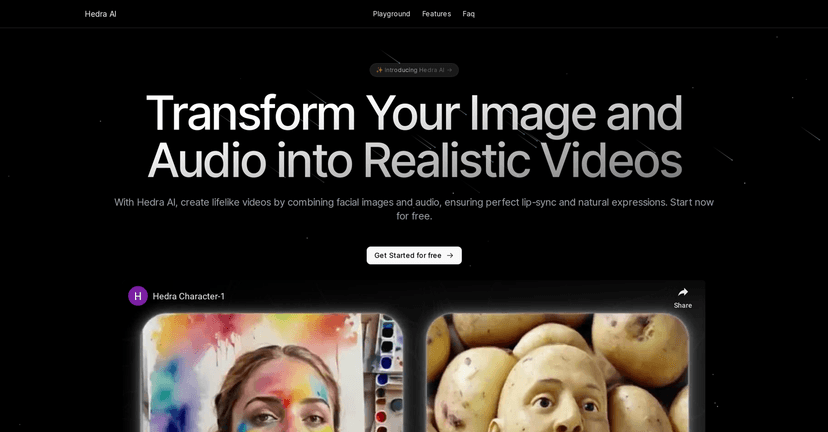
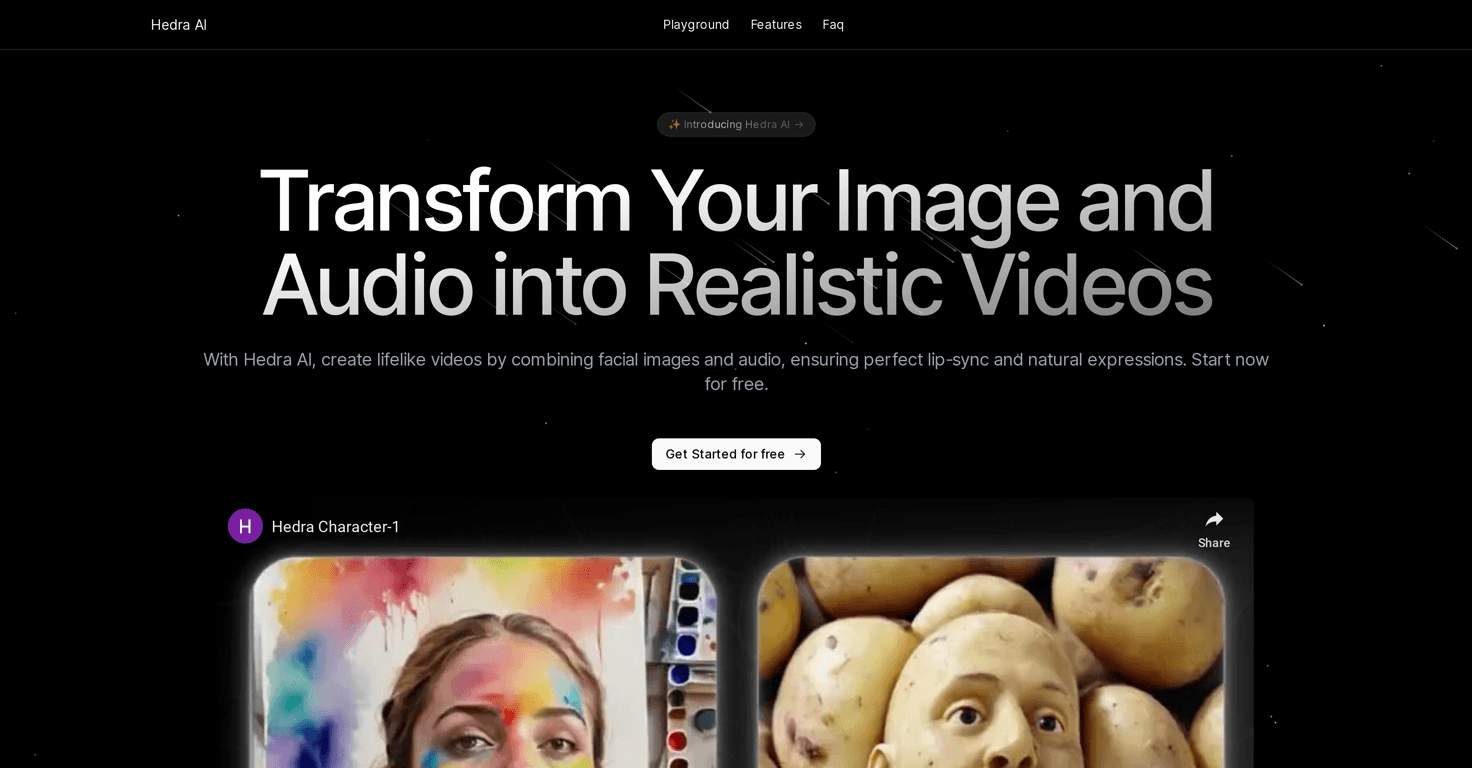
Hedra AI is one of those tools that immediately makes you think, “Wait… it can do that from just an image and audio?” That’s basically the whole pitch: you upload a facial image, add a voice track, and it generates an animated video that looks a lot more lifelike than I expected.

In my experience, the biggest wow-factor isn’t just the motion—it’s how the lip-sync and facial behavior give the impression of a real person talking. And if you’ve ever tried to make talking-head videos with generic animation tools, you already know how hard it is to get it to feel natural. This one seems built to solve that exact problem.

So, let me walk you through what I noticed using Hedra AI, what’s genuinely useful, and where I think you’ll hit limitations.

Hedra AI tool interface

Hedra AI review: what it’s really like to make a talking avatar

Let me be straight with you: the first time you try Hedra AI, you’ll probably test it with something simple—one image, one short script, one voice clip. That’s what I did, and it helped me quickly spot what matters.

What stood out most was how the animation holds together. The lip-sync doesn’t feel “robotic” in the way some cheaper tools do. Instead, the mouth movement matches the audio closely enough that you stop thinking about the tech and start thinking about the message.

It’s also the kind of tool that’s easy to use for quick projects. I can see it working well for:

  • Localized video intros (same character, different languages)
  • Explainer content where you don’t want to hire on-camera talent
  • Social posts or short ads that need a human-like presence fast

That said, you’ll still want to pay attention to inputs. Garbage in, garbage out—especially for facial clarity and audio quality. More on that below.

Key features that actually matter

Here are the features I found most useful (and not just “marketing buzzwords”):

  • Multilingual Lip-Sync: This is one of Hedra AI’s strongest selling points. I tested it with voice audio in different languages, and the lip motion stayed aligned well enough that it didn’t feel off to me. If you’re making content for multiple regions, this saves a ton of time versus rebuilding the whole video from scratch.
  • Controllable Eye Blinking: Eye behavior is a big deal for realism. When the eyes blink naturally, the avatar feels more human. I noticed blinking and subtle eye movement help the video “breathe” instead of looking like a static face wearing a mask.
  • Dynamic Video Driving: This one matters if you want emotion and expression, not just mouth movement. The platform can use facial movement from videos and apply it to the generated output, which helps the character look more expressive. In practice, this makes dialogue feel less stiff.
  • High-definition output: Hedra AI emphasizes quality, and the results I saw looked sharp enough for typical social and web use. If you’re planning to publish in 1080p or similar formats, you’ll likely be satisfied without needing extra heavy processing.

Pros and cons (my honest take)

Every tool has trade-offs. Here’s how Hedra AI felt to me after testing it with a few different inputs.

Pros:

  • Realistic lip-sync: The mouth movement matches the audio closely, which is the #1 thing people notice in talking-avatar videos.
  • Multilingual support: Great if you’re localizing content and want the same character across languages.
  • Eye blinking helps realism: It’s a small detail, but it makes a big difference in whether the video feels “alive.”
  • Good output quality: The generated videos look polished for everyday use, especially for short-form content.

Cons:

  • Input quality matters: If your source image is low-res, poorly lit, or shot at an awkward angle, the results won’t look as convincing. Same with audio—noisy or clipped voice tracks can throw off the final animation.
  • There’s a learning curve: It’s not complicated, but you’ll want a bit of time to understand which settings/input choices produce the best results. My first attempt looked decent, but my second run was noticeably better once I tightened up the inputs.

Pricing plans: free trial first, then decide

Hedra AI includes a “Get Started for Free” option. I like that approach because you can test the workflow end-to-end—upload, generate, review, and see if the output matches what you’re aiming for—before you pay.

If you want the exact details for each paid tier, you’ll need to check the Hedra AI website’s pricing section. Pricing can change, and I don’t want to guess and waste your time.

Wrap up

Overall, I think Hedra AI is a solid option if your goal is realistic video avatars without spending days on editing or production. The multilingual lip-sync and eye blinking are the two features that make the output feel convincing, and that’s what most people actually care about when they watch these videos.

Just don’t skip the basics: use a clear, well-lit image and clean audio, and you’ll get way better results. If you’re ready to create talking avatar content quickly, Hedra AI is definitely worth a try—especially since you can start with the free option first.

Stefan

Stefan

Stefan is the founder of Automateed. A content creator at heart, swimming through SAAS waters, and trying to make new AI apps available to fellow entrepreneurs.

Related Posts

self published books that made it big featured image

Self Published Books That Made It Big: Success Stories & Tips

Discover how self-published books achieved massive success in 2026. Learn from top authors, key strategies, and industry insights to boost your publishing journey.

Stefan
diy publication featured image

DIY Publication: Top 10 Most Searched Strategies for 2026

Discover the best DIY publication tips, tools, and trends for 2026. Learn how to publish, design, and promote your content independently today!

Stefan
kundenspezifische druckerfabrik in china featured image

Kundenspezifische Druckerfabrik in China: Top 10 Hersteller 2026

Entdecken Sie die führenden kundenspezifischen Druckerfabriken in China 2026. Erfahren Sie, wie Sie die beste Fabrik wählen und von maßgeschneiderten Drucklösungen profitieren.

Stefan

Create Your AI Book in 10 Minutes