Table of Contents
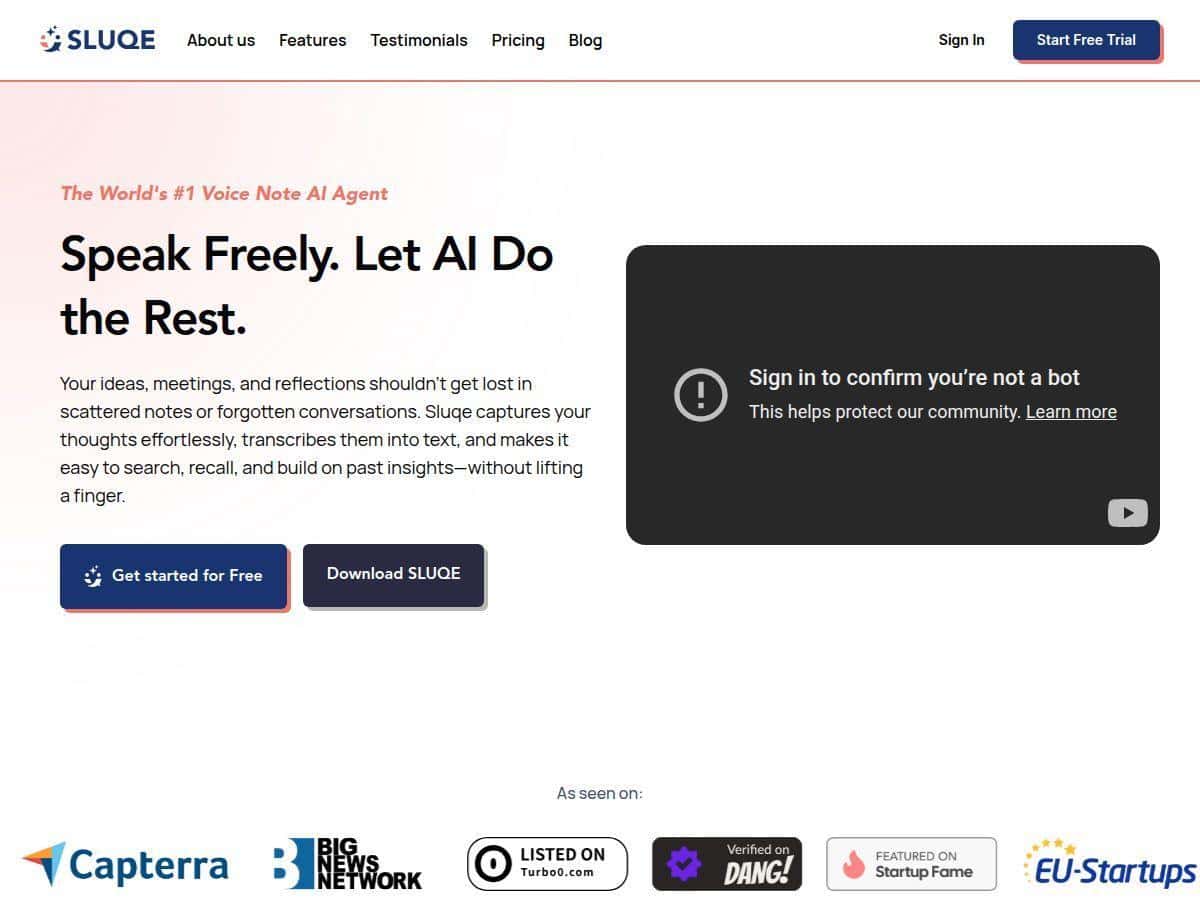
I’ve been trying to cut down on the “I’ll remember this later” problem, so I gave Sluqe a real test. My main goal was simple: record voice notes fast, have them turn into clean text, and then actually be able to find the important bits later without digging through a pile of recordings.
For this review, I used the mobile app on my iPhone (iOS 17)—recorded a few short voice notes over a couple of days, then searched them using normal questions (like I’d actually type them). What I noticed right away is that Sluqe doesn’t make you jump through hoops before you can start. Hit record, talk, stop. Done.
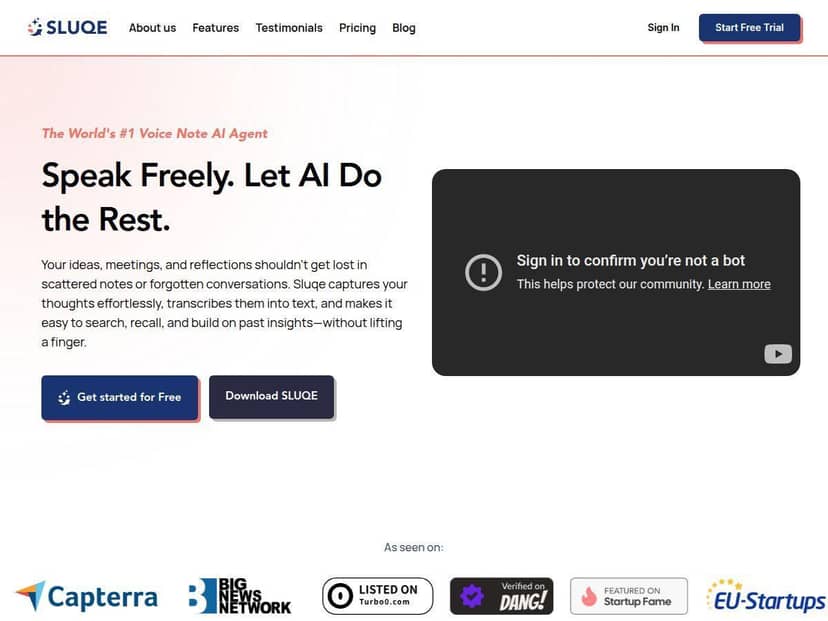
Sluqe Review
Let me start with how it actually feels to use. The recording flow is straightforward: I opened the app, tapped record, spoke naturally (a mix of normal sentences and a couple of “um” moments), and stopped. Then I waited for transcription.
Transcription speed + accuracy (what I saw): For short notes (roughly 20–60 seconds), transcription came back quickly—fast enough that I wasn’t tempted to switch apps while waiting. The text was mostly clean, with punctuation that made it readable. I did notice the usual AI transcription quirks: if I mumbled through a name or spoke quickly, a word or two sometimes came back wrong. It wasn’t a disaster, but it did mean I occasionally skimmed and corrected a detail.
Example of what I recorded: One note was basically a planning dump: “Call Dana about the Q3 report. Ask if the numbers changed since last week. Also, schedule a demo for Thursday afternoon. If that doesn’t work, push to Friday morning.”
Example of what I got back: The transcription turned that into readable sentences, and the “organization” part did a lot of the work for me. Instead of me hunting through the paragraph, I could see the key parts grouped into things like decisions and action items. That’s the real value for me—voice notes are messy by nature, and Sluqe tries to clean them up immediately.
Search (this is where I tested it): I tried searching in natural language, like:
- “What did I say about Thursday demo?”
- “Show me the action items from my Q3 report note.”
- “When should I call Dana?”
In my experience, the search results were relevant without me needing to remember exact keywords. Still, if your note is super vague (“we should do stuff soon”), there’s only so much the AI can do. Garbage in, garbage out—just with better structure afterward.
Also, one practical thing: Sluqe felt most reliable when I had a stable internet connection. On weaker connections, processing could take longer, and I didn’t get the same “instant” vibe.
Key Features
- Voice recording + automatic transcription
This is the core feature. I used it for quick notes while multitasking, and the transcription came back readable for everyday speech. If you speak clearly and keep sentences reasonably short, accuracy is noticeably better. If you go full stream-of-consciousness, expect minor errors that you may want to skim for. - Natural language search
Instead of searching by keywords, I could type questions like “what are my action items?” and “when is the demo?” It’s not magic—if the note doesn’t contain those concepts, it can’t invent them—but it does save time compared to scrolling through recordings. - Automatic organization into takeaways, decisions, and action items
This is where Sluqe felt the most “assistant-like.” My notes were grouped into categories instead of staying as a raw transcript. For anyone who records lots of meetings, ideas, or to-do thoughts, that structure matters. - Mobile apps (iOS and Android)
I tested on iOS and found the interface clean and quick. The workflow is built for capturing ideas on the go rather than writing everything manually. - AI insights
I’m using “insights” more as “helpful summaries and framing.” In practice, that meant turning a chunk of speech into something I could scan. It’s not a replacement for reading carefully, but it reduces the time between recording and understanding.
Pros and Cons
Pros
- Fast, simple recording flow — I didn’t feel slowed down before capturing the note.
- Search works with normal language — I didn’t have to remember exact terms to find relevant notes.
- Organization reduces manual cleanup — I could jump straight to action items/decisions instead of rereading everything.
- Cross-platform convenience — mobile-first makes it easier to capture ideas immediately.
- Free trial window is generous — “free until November 31, 2025” is a nice testing runway (assuming the terms stay the same).
Cons
- Edits may still be needed — if you speak quickly or include proper nouns/names, transcription can mishear a word or two.
- Free plan limits can matter — if you record a lot or use the chat/messages heavily, you’ll hit caps sooner than you think.
- Internet dependence — full functionality felt tied to having a solid connection, especially during processing.
- Not ideal for highly casual “mumble notes” — the more unclear your audio, the more you’ll rely on skimming and correcting.
Pricing Plans
Here’s how Sluqe is laid out based on what I saw: there’s a Pro plan that’s free until November 31, 2025, then it’s $19.99/month after that. Pro includes 50 hours of voice notes and 500 chat messages monthly, plus mobile app access.
In plain terms, 50 hours sounds huge, but it depends on your recording habits. If you do:
- ~10 minutes a day of voice notes, that’s about 3.3 hours/month—well under the cap.
- ~1 hour a day, that’s about 30 hours/month—still within 50, but you’ll get closer.
The “500 chat messages” part is also something to watch. If you’re using the chat feature to summarize, reframe, or ask follow-up questions, you can burn through that faster than you’d expect. I’d treat chat messages like “extra processing,” not like unlimited Q&A.
If you’re a heavy user, there’s an Unlimited plan for $49.99/month, which removes the caps on voice notes and messages. For people recording meetings all day, that’s the real reason to upgrade.
Quick privacy + reliability check (what I’d want to know)
I couldn’t confirm every backend detail (like exactly where audio is stored or who processes transcription) from the information provided here, so I recommend you check Sluqe’s privacy policy and account settings before uploading anything sensitive. In general, if a service offers transcription and AI features, you should assume your audio/text is handled by systems that can process it to generate transcripts and summaries.
What I suggest doing in the first 10 minutes:
- Look for options related to deleting recordings and removing transcripts.
- Check if there’s a download/export option (handy if you want your notes locally).
- Test with one non-sensitive note first—just to see how accurate and fast it is on your voice and accent.
That way, you’ll know whether it’s trustworthy for your actual use case—before you dump important stuff into it.
Wrap up
Sluqe is strongest when you want voice notes that turn into something you can skim and search later. In my testing, transcription was good enough for everyday use, and the automatic organization made it easier to spot action items without doing everything manually.
If you mostly record quick thoughts, meeting takeaways, or “to-do” ideas on your phone, it’s worth your attention. If you need fully accurate transcription for complex names, or you don’t want anything dependent on internet processing, you may still want to keep a backup workflow.
If you’re on the fence, run a simple checklist: record one note, search for it using a question, and see if the action items/decisions match what you intended. If that works for you, you’ll probably feel the time savings immediately.