Table of Contents
In a world where time is of the essence, SciSummary v1.2.0 emerges as the perfect solution for busy researchers and students alike. This AI-powered summarization tool promises to make digesting complex scientific articles faster and easier than ever before. With its user-friendly interface and powerful features, SciSummary is designed to streamline research without sacrificing quality. Let’s explore what this innovative tool has to offer!
SciSummary v1.2.0 Review
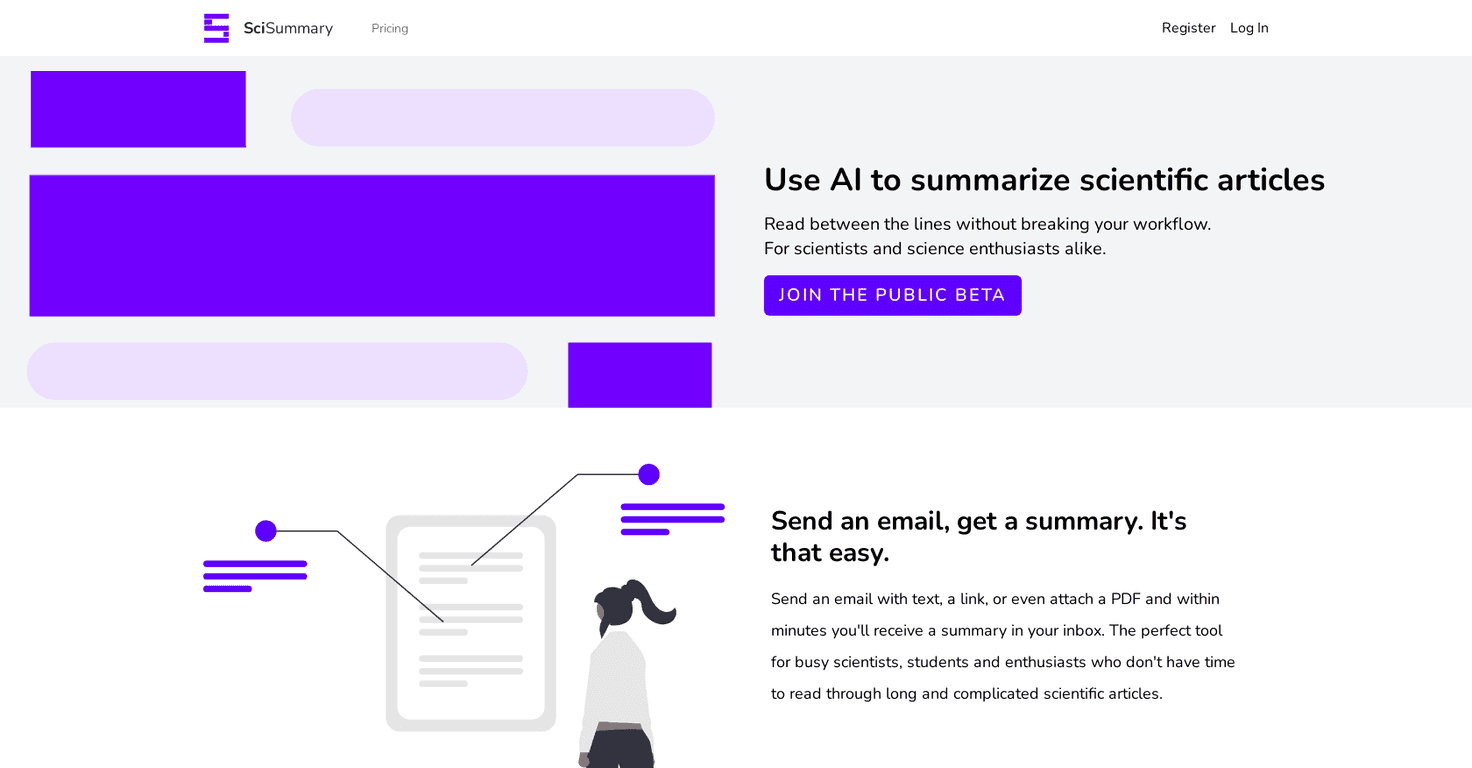
SciSummary v1.2.0 is an AI-driven tool tailored specifically for researchers, students, and anyone interested in scientific literature. It takes lengthy articles and condenses them into manageable summaries, allowing you to grasp the essential points without having to wade through pages of text. The integration of GPT-3.5 and GPT-4 technologies enhances its ability to deliver accurate and insightful summaries, even analyzing figures and tables.
The platform allows users to upload documents or send them via email, making it remarkably convenient. Imagine being able to summarize articles of up to 200,000 words! Plus, with unlimited searches and chat messages, you can dive deep into your research without restrictions. Nevertheless, while the AI is impressive, it may stumble on highly specialized jargon in certain fields. Overall, SciSummary v1.2.0 stands out as an efficient tool that caters to the needs of today’s fast-paced academic environment.
Key Features
- AI-driven summarization of articles
- Email summary sending and document uploading
- Summarize texts up to 200,000 words
- Unlimited article searches and chat messages
- AI analysis for figures and tables
- Import references for easy summarization
- Utilizes GPT-3.5 and GPT-4
Pros and Cons
Pros
- Time-efficient and easy to use
- Great for busy scientists and students
- Free trial with extensive student discounts
- Unlimited plan available for extensive use
- Trusted by numerous major US universities
Cons
- Free tier limited in features
- AI may misinterpret specific jargon
Pricing Plans
SciSummary offers a variety of pricing plans. The Student Plan is free for the first month, allowing unlimited summaries and AI features. The Free Trial lasts for 7 days, summarizing up to 30,000 words. For those needing unlimited access, the Unlimited Summaries Plan is available for $6.99/month or $34.99/year.
Wrap up
In conclusion, SciSummary v1.2.0 is a fantastic tool for anyone involved in the research process, enabling users to quickly grasp critical information from lengthy scientific texts. Although it has some limitations, its advantages far outweigh them, making it a worthwhile investment for students and researchers alike. If you’re looking for a smarter way to navigate scientific literature, give SciSummary a try!
Promote SciSummary v1.2.0