Table of Contents
Are you tired of spending countless hours sifting through articles, videos, and documents? Well, you’re not alone. Many people struggle with information overload and yearn for a solution that saves time and enhances productivity. Enter ReadPartner, an innovative AI tool designed to automate content summarization and make your life easier. In this ReadPartner review, we’ll explore its key features, pros, cons, and pricing plans to help you decide if it’s the right fit for you.
ReadPartner Review
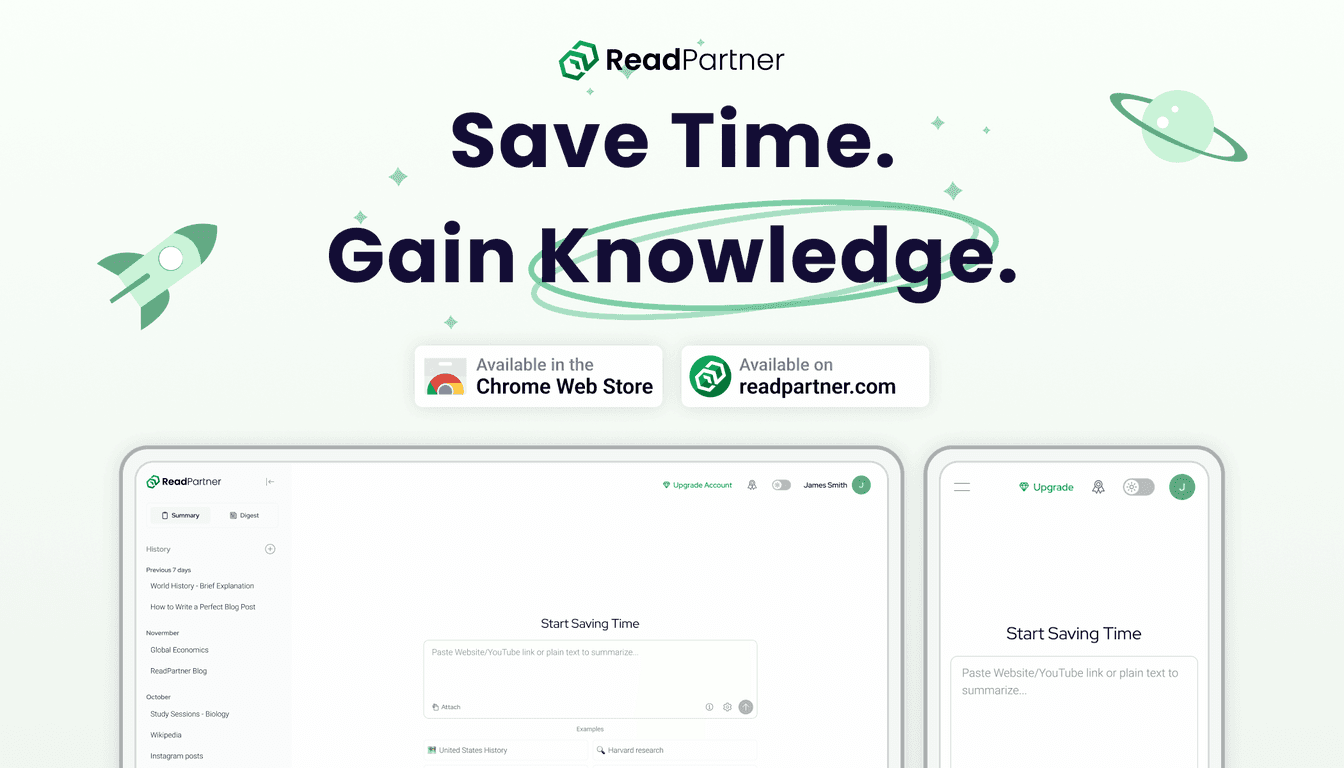
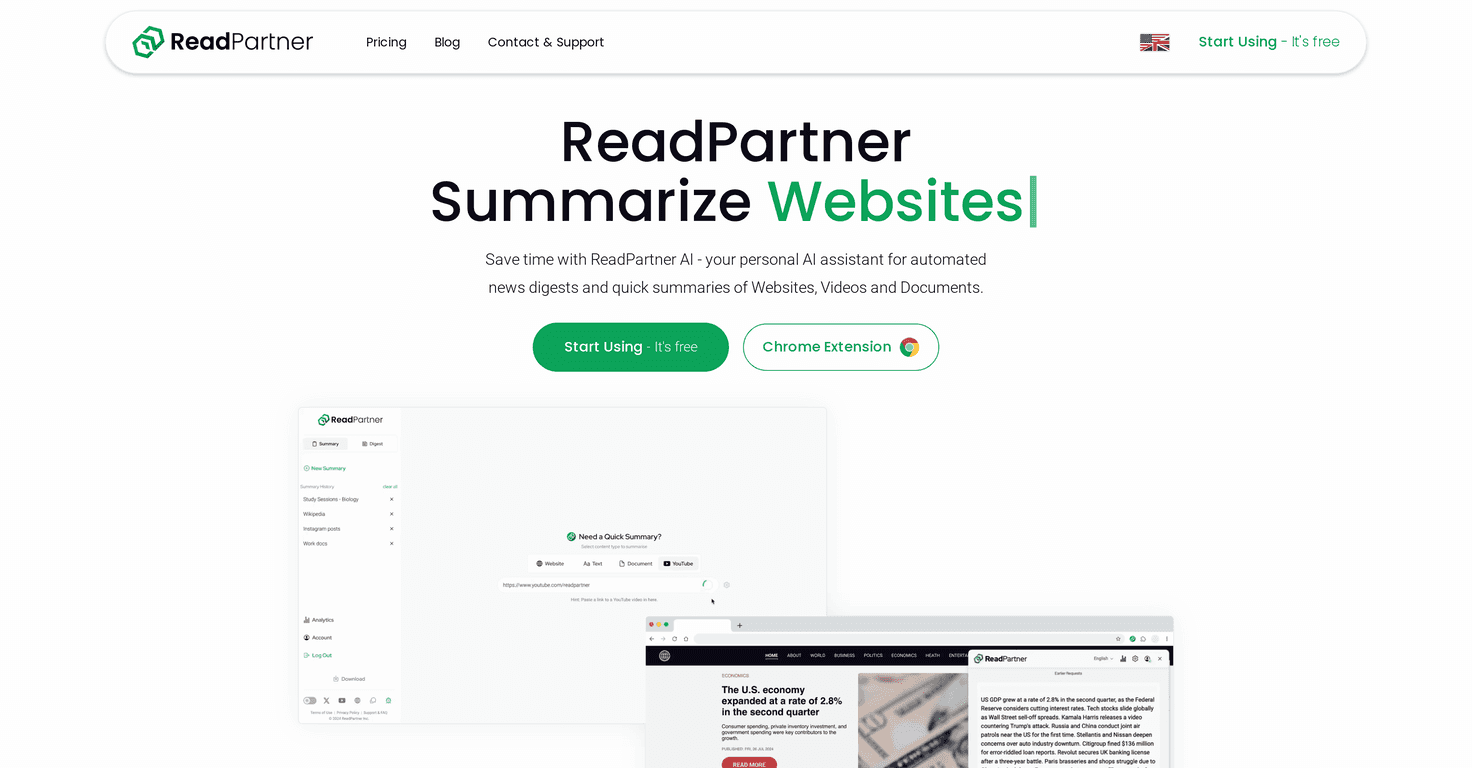
ReadPartner is a powerful AI-driven tool that streamlines the way we consume information. Whether you’re a student facing a mountain of research or a professional reading through endless reports, ReadPartner offers a quick and efficient way to summarize content from websites, documents, videos, and news articles. The app’s user-friendly interface and multi-language support make it accessible for users around the globe.
One of the standout features is the custom automated news digests. You can easily receive tailored news summaries straight to your email or messaging apps. This ensures that you only get the information that matters to you, all in a matter of moments. The integration of user analytics also means you can easily track your summary history and better understand your consumption habits.
Moreover, the handy browser extension for Chrome allows for instant access to summarization features right from the web page you’re browsing. This is perfect for those who often conduct research or need quick insights on the fly.
Key Features
- Summarization Capabilities for various content types
- Multi-language Support for a broader audience
- Custom Automated News Digests delivered to your preferred channel
- User Analytics for tracking summary usage and history
- Convenient Browser Extension for quick access
Pros and Cons
Pros
- Free tier available for users to try core features
- User-friendly interface accessible on multiple devices
- Significantly enhances productivity by reducing information consumption time
- Ability to create personalized news digests and summaries
- Multilingual capabilities increase usability for non-English speakers
Cons
- Limited features available on the free tier – premium plans are needed for full access
- Some users may find it takes time to customize settings
Pricing Plans
ReadPartner offers a range of pricing plans to fit different needs. The Free option gives you limited access to core features, while the Standard plan is priced at $7.49/month, or $89.88 if billed annually (which saves you $66). For those who want more advanced features, the Pro plan costs $16.99/month or $203.88 when billed annually (saving you $156). There are also monthly options with slightly higher rates for those who prefer not to commit long-term.
Wrap up
In conclusion, ReadPartner stands out as a highly effective tool for anyone looking to manage their information consumption more efficiently. Whether you’re a student, a professional, or simply someone curious about the latest news, this AI-powered summarization tool can significantly enhance your productivity and make consuming content easier. With its competitive pricing plans and user-friendly features, it’s definitely worth considering for your personal or professional needs.
Promote Automateed