Table of Contents
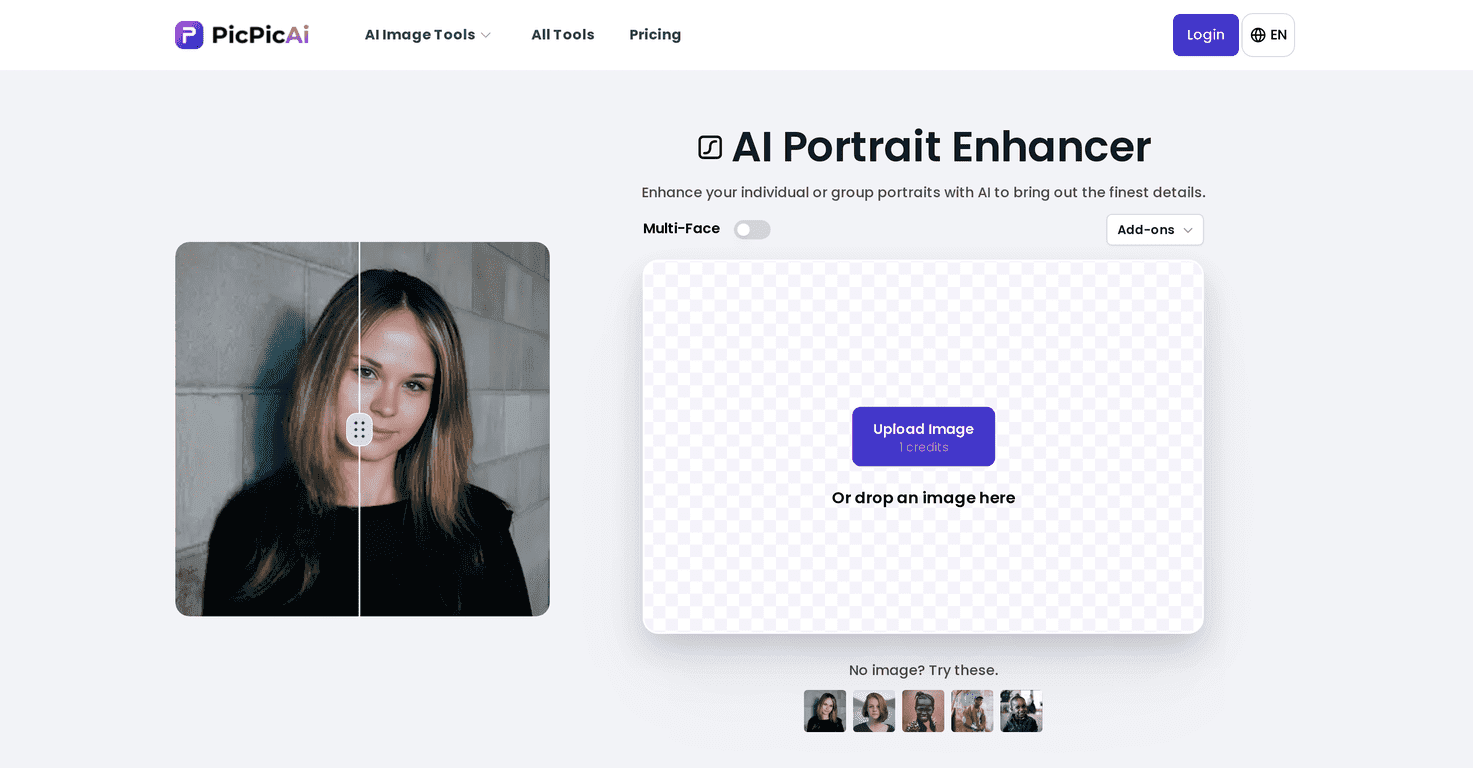
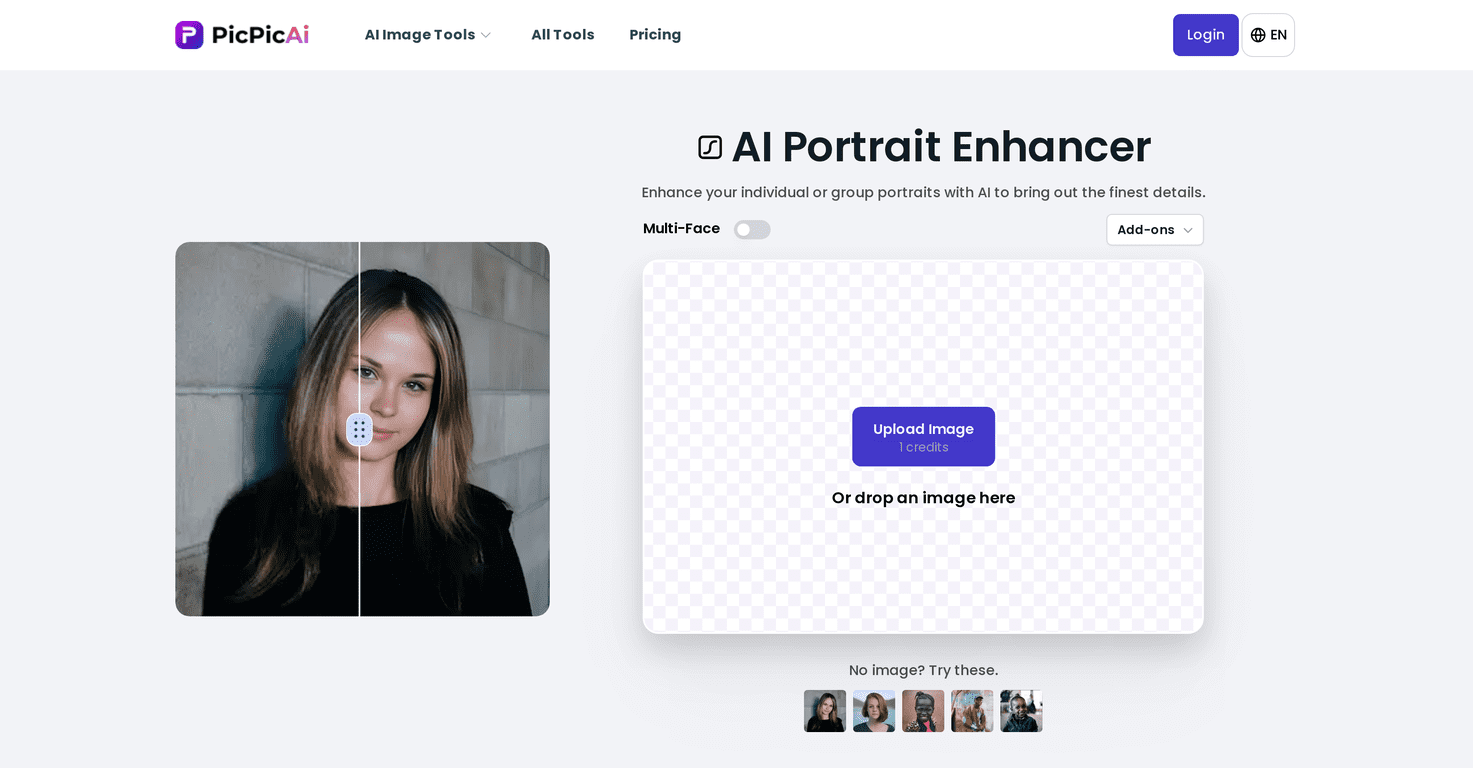
If your portrait photos look a little flat—soft focus, dull colors, or faces that just don’t pop—PicPicAI is the kind of tool I actually like using. I tested it on a few older pictures and what surprised me most was how quickly it made the images feel “finished” without turning them into something plastic-looking. You upload, click enhance, and it focuses on facial details first, which is exactly what most people want from a portrait enhancer.
PicPicAI Review: What It Does (and What I Noticed)
PicPicAI is a portrait-focused AI enhancer that aims to make faces look clearer and more detailed with minimal effort. I didn’t have to tweak sliders or mess with settings like I usually do in traditional editors. You just upload (or drag and drop) your photo, and it enhances the portrait automatically.
One feature I found genuinely useful: it supports multi-face images. That matters more than people think. I tried it with a group photo where everyone was close together, and it enhanced the faces without me having to crop and process them one by one. If you’ve ever done a “family photo cleanup” session, you know how time-consuming that gets.
It also includes add-ons like a Background Remover and Colorize Photos. I like having those options because they help you do more than just “make it sharper.” For example, if you’re working with an older photo that’s a little washed out, colorize can completely change how the image feels. And background removal is handy if you want cleaner portraits for profiles or simple design work.
If you want to try it, you can start here: PicPicAI.
Key Features That Matter for Portraits
- AI-driven portrait enhancement — It’s built to improve facial detail first, not just general image sharpening.
- Multi-face support — Great for family/group portraits where multiple faces need the same treatment.
- Simple upload workflow — Drag-and-drop or upload. No complicated steps to find “the right” setting.
- Background Remover — Lets you isolate subjects when you want a cleaner portrait look.
- Colorize Photos — Useful for older black-and-white photos when you want them to feel more modern.
Pros and Cons (Realistic Take)
Pros
- Easy to use: In my experience, it’s the kind of tool you can hand to someone who “doesn’t do photo editing” and they’ll still get a decent result.
- Faces look more defined: The enhancements typically make eyes/skin texture look clearer without needing manual retouching.
- Works well on group shots: Multi-face processing saved me time versus cropping each person separately.
- Add-ons add flexibility: Background removal and colorization are the two features I’d actually reach for, depending on the photo.
Cons
- Internet-dependent: Since it’s an online tool, you’ll need a stable connection. If your upload takes forever, your whole workflow slows down.
- Basic enhancement is limited without extras: If you want more creative control (specific lighting changes, heavy style effects), you may find the “one-click” approach a bit constrained.
Pricing Plans (Credits + Where to Check)
PicPicAI uses a credit system. When you register, new users get 5 free credits, which is enough to test the enhancer and see if it matches what you want from your portraits. After that, you’ll need to check the current credit/pricing options on their site.
For the latest pricing details, head to the Pricing section on the PicPicAI website.
Wrap up
For anyone who wants better-looking portraits without spending hours editing, I think PicPicAI is worth trying—especially if you deal with group photos or older images. The big win for me was the multi-face support and the fact that it feels genuinely simple: upload, enhance, download. Just keep in mind it’s internet-based, and if you’re the type who wants tons of creative control, you might outgrow the “click-to-improve” style pretty quickly.
If you’re ready to make your portraits look sharper and more polished, give it a shot with those 5 free credits and see how it handles your photos.
Promote PicPicAI