Table of Contents
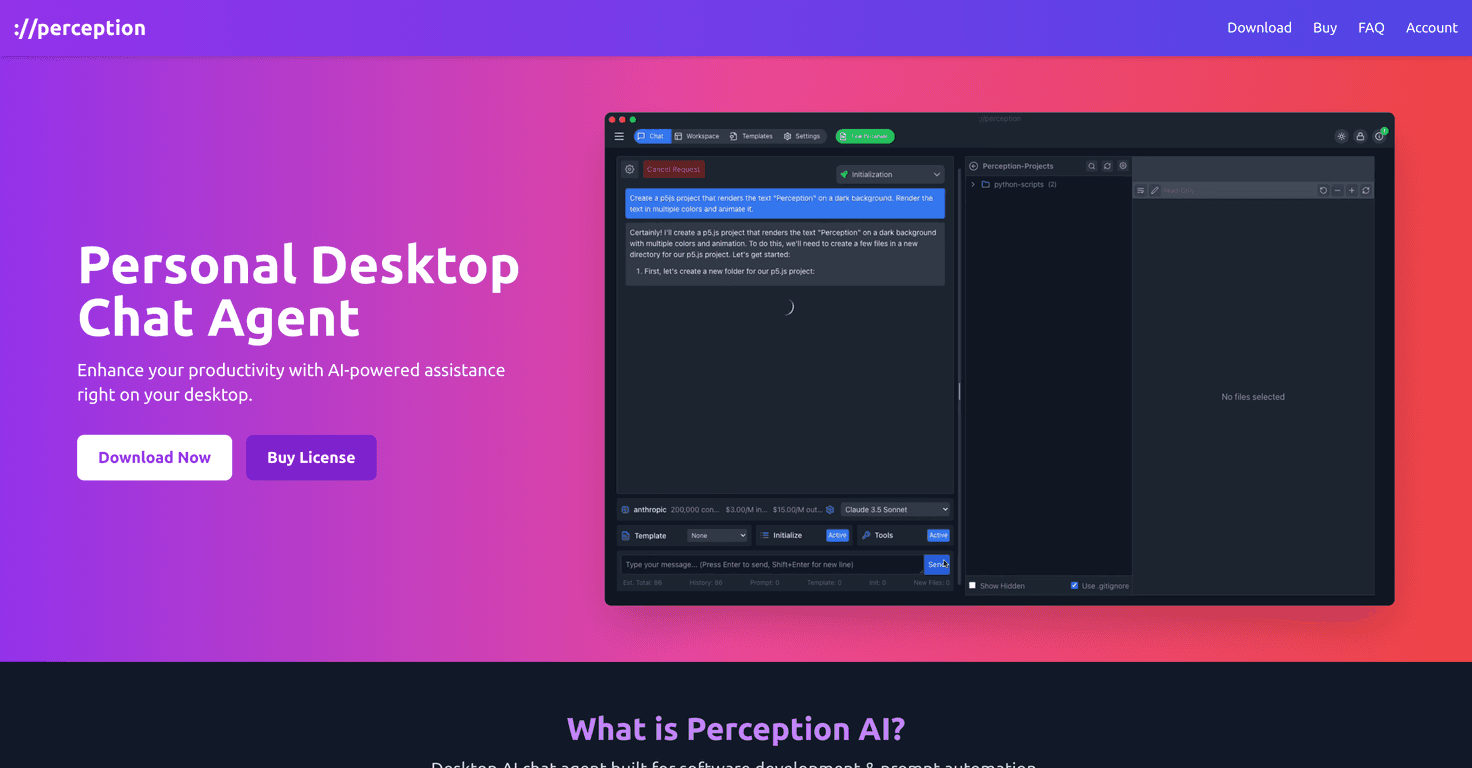
I’ve been using AI assistants for coding for a while, and what I care about most is simple: will it actually help me write better code faster, or does it just generate words that look right? Perception AI is a desktop chat agent built for developers, and after spending time with it, I can say it’s aimed at the “real work” side of development—prompting, iterating, and keeping context—rather than being just another generic chatbot.
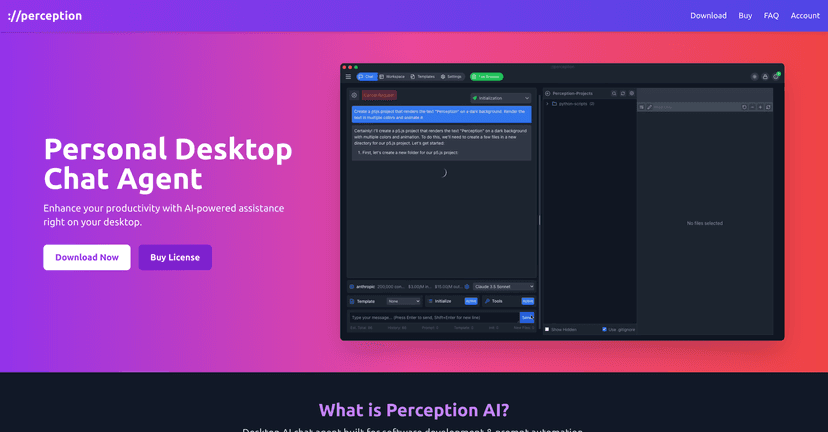
Perception AI Review: What It’s Like for Real Coding
Perception AI is positioned as a desktop chat agent for software developers, using large language models (LLMs) to help with coding and prompt-driven automation. One thing I liked right away is that it can work with both local LLMs and multiple LLM APIs. That matters because not everyone wants to send everything to the cloud—and if you’ve got a machine that can run a model locally, you can keep a tighter grip on latency and privacy.
In my experience, the biggest day-to-day win is the chat history. I’m constantly coming back to the same problem—whether it’s a tricky regex, a failing unit test, or a refactor that “almost” works. Having the conversation trail right there makes it easier to pick up where I left off instead of rewriting context from scratch every time. When you’re in the middle of a longer debugging session, that’s not a minor feature. It’s the difference between “I’ll fix this later” and actually finishing it.
Now, let’s be honest—AI tools aren’t magic. The quality of Perception AI’s output will depend heavily on the LLM you’re using and how the integrations behave. I noticed that when the model/integration combo isn’t ideal, you can get slower responses or answers that feel a bit less reliable. It’s not always the app’s fault, but it does affect the experience.
Also, because it’s a desktop tool, you’ll need a compatible desktop environment to get the best results. If you’re mostly working in a lightweight setup or expect something that runs everywhere instantly, you might have to think about your system requirements first.
Key Features That Matter (Not Just Buzzwords)
- Automated prompt handling tailored for software development
- Integration with LLM APIs (so you’re not locked into one model)
- Ability to utilize local LLMs (handy if you prefer on-device inference)
- Supports AI-assisted coding (code suggestions, explanations, refactors)
- AI chat history functionality (so you can revisit what you already tried)
- Designed with productivity for software engineering in mind (less “random chat,” more task flow)
Pros and Cons From My Usage
Pros
- Improves coding efficiency when you prompt it well (especially for debugging and rewriting functions)
- Local operation can feel faster and more responsive depending on your setup
- Multiple LLM API integrations give you flexibility if you want to switch models
- Works for more than just coding—data analysis questions are handled in the same chat flow
Cons
- Output quality and speed can vary based on the LLM integration and model choice
- It’s desktop-focused, so you’ll need a compatible desktop environment to use it comfortably
Pricing Plans: What I Found
I didn’t see specific pricing details included in the information I reviewed here. For the most accurate and up-to-date pricing, I’d check the official Perception AI website directly.
Wrap up
Perception AI feels like it’s built for developers who actually work on problems over multiple sessions. The chat history alone is the kind of feature I notice immediately because it saves time and helps you stay consistent. If you like the idea of switching between local LLMs and API-based models, this desktop setup could fit your workflow nicely.
That said, don’t expect every response to be flawless. The integration quality and the specific LLM you pick can make a noticeable difference. Still, if you’re looking for an AI assistant that’s more “coding companion” than “random chatbot,” Perception AI is worth a look.
Promote Perception AI