Table of Contents
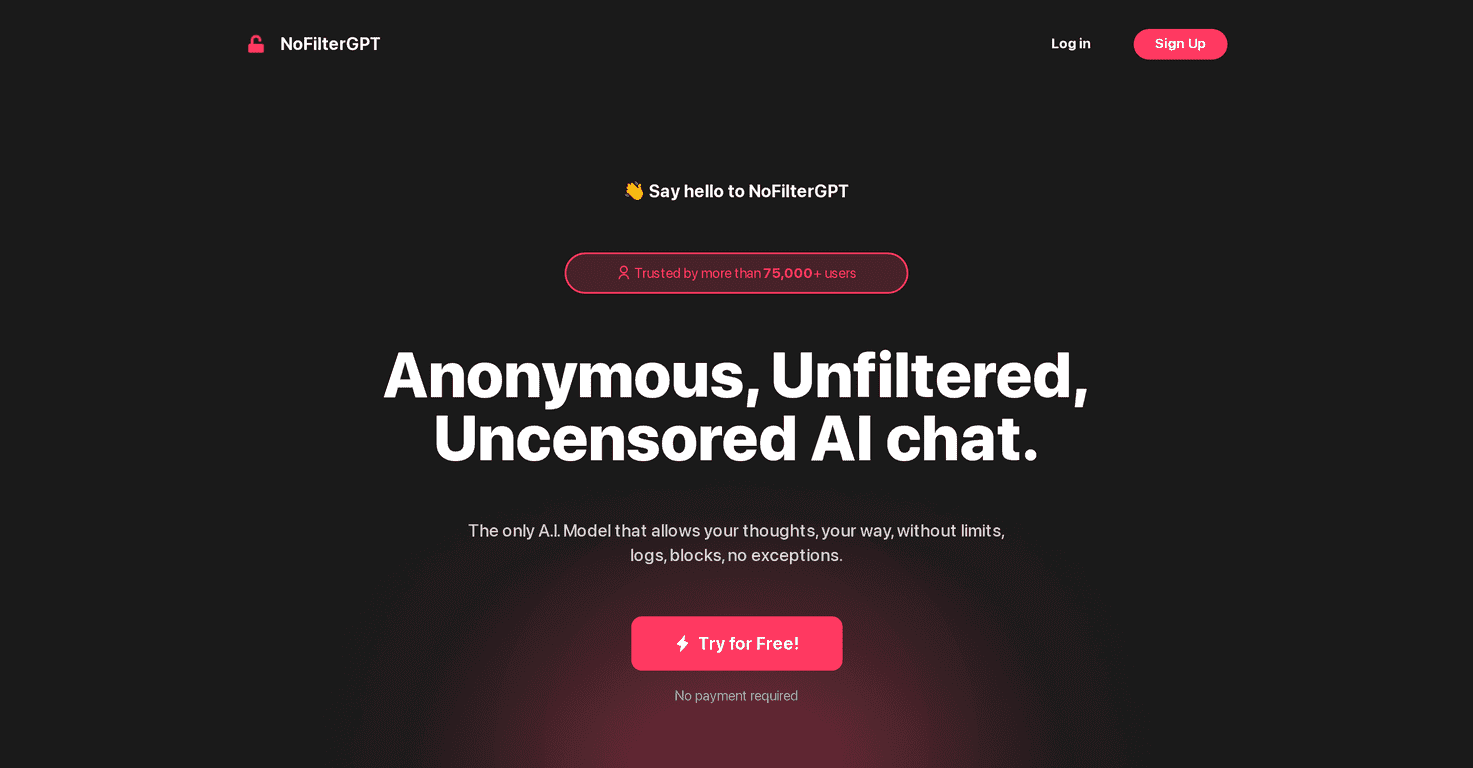
I’ve tried a lot of “private” chat tools that quietly log more than they admit, so when I came across NoFilterGPT, I was honestly curious. The big pitch is simple: anonymous, unfiltered conversations where your messages don’t hang around. And yeah, that’s exactly the kind of thing I look for when I want to think out loud without feeling like I’m being monitored.
After spending time with it, what stood out to me most wasn’t just the marketing—it was the overall vibe. You can ask more freely than you’d expect from a typical AI chat, and the interface feels built for quick back-and-forth rather than “polite” responses that keep steering you away from certain topics.
NoFilterGPT Review
Let me put it this way: I don’t always want an AI that “plays it safe.” Sometimes I want direct brainstorming. Sometimes I want to vent and still get something useful back. NoFilterGPT is designed around that idea—anonymous, unfiltered conversations—so the experience feels more like talking to a smart person than reading a corporate help article.
On the privacy side, the platform claims encrypted and purged messages, plus no conversation logs. That’s the part that matters to me. If I’m going to type something personal (even just “I’m stressed about X”), I want to trust that it won’t be sitting around later. NoFilterGPT also emphasizes ephemeral chats, which is a big reason people gravitate toward it.
Another thing I noticed: the multilingual support is actually practical. I tested a few prompts in different languages and the responses stayed coherent instead of falling apart into awkward translations. If you’re bilingual (or just prefer to think in your native language), that’s a real win.
And for developers: the API access is where this becomes more than just a chat website. If you’re building an app and you want an “unfiltered” style assistant (or at least one that’s less restrictive than mainstream options), having an API is a big deal. I don’t love building from scratch, so the existence of an API option is honestly encouraging.
Of course, no tool is perfect. The free tier has limits, and if you expect unlimited “traditional AI assistant” behavior, you might be surprised by how the experience is shaped around privacy and unfiltered output.
Key Features
- Anonymous Chat: You can jump in without the usual identity baggage.
- No Conversation Logs: The platform’s positioning is that your chats aren’t saved for later review.
- Encryption (AES Techniques): Encryption is part of the privacy story, and it’s the kind of detail I look for.
- Local Operations without Internet Queries: This is the claim that helps reduce exposure—worth paying attention to if you’re privacy-focused.
- No Filtering or Censorship: This is the core “NoFilter” promise. In practice, it means you’ll get fewer detours and more direct answers.
- Multilingual Support: Better for real-world users who don’t always think in English.
- API Access for Developers: Lets you integrate the assistant into your own products.
- Future Features: The roadmap mentions things like real-time data and image analysis—those are the kinds of upgrades people usually ask for.
Pros and Cons
Pros
- Feels genuinely anonymous: The experience is built for people who don’t want to overthink what they’re typing.
- Privacy-forward design: Encryption + no retention is exactly what I want when I’m using a chat for personal or sensitive brainstorming.
- Free access to test it: You can try it before committing. In my experience, that matters because “unfiltered” is a specific style—you need to see if it matches your preferences.
- Multilingual support: Makes it usable beyond one language audience.
- Developer-friendly: If you’re building something, the API option makes NoFilterGPT more flexible than a basic web-only chat.
Cons
- Free version limits: There are restrictions on messages per day, and responses can be shorter. The first time I hit a limit, it was a reminder that the free tier is for sampling—not heavy daily use.
- Not for everyone: If you want a “traditional AI assistant” that’s always cautious, structured, and polished, this might feel too blunt or too permissive.
- Roadmap items aren’t here yet: Features like real-time data and image analysis may be coming, but if you need them today, you’ll have to choose another setup for now.
Pricing Plans
NoFilterGPT keeps it simple. There’s a Basic Plan that’s free, but you’ll get limited messages and shorter responses while you test the waters. I’d treat the free tier like a demo: great for quick prompts, not great if you’re trying to write long-form drafts or run daily workflows.
The Professional Plan is $5.80 per month. With that, you get customizable GPT tone, near-unlimited chats, and access to the latest features and the API. If you’re using it regularly—especially for writing, brainstorming, or building—this is the tier that makes more sense.
One practical tip: if you’re deciding between free and paid, think about your usage style. If you’re doing a couple sessions per week, Basic might be fine. If you’re chatting multiple times a day or building an integration, Professional is the more realistic option.
Wrap up
Overall, I like what NoFilterGPT is going for. It’s one of the clearer options if your priority is privacy and unfiltered conversation, and it doesn’t feel like it’s constantly trying to “teach you a lesson” with every reply. Just go in with the right expectations: the free plan is limited, and the tone won’t be for people who want ultra-safe, traditional assistant behavior.
If you want a chat tool that feels more honest and less constrained, NoFilterGPT is definitely worth your time—especially if you’re the type who prefers to think out loud without worrying where your messages might end up.