Table of Contents
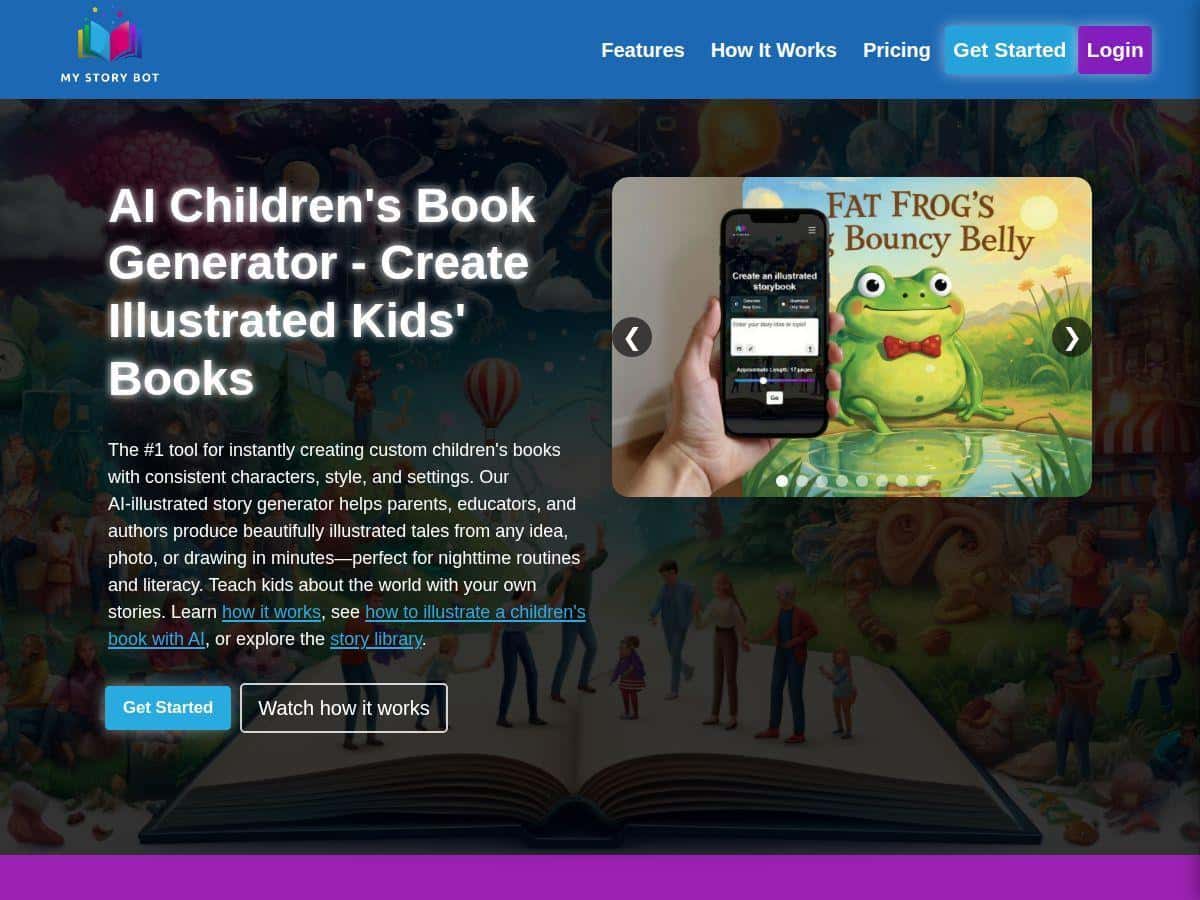
If you want to make personalized kids’ stories without spending hours writing from scratch, MyStoryBot is one of those tools you’ll probably either love fast… or question after the first few results. I spent time testing it with a couple different inputs (a kid-drawing-style sketch, a photo, and then a “story from a prompt” run) so I could see what’s actually consistent and what isn’t.
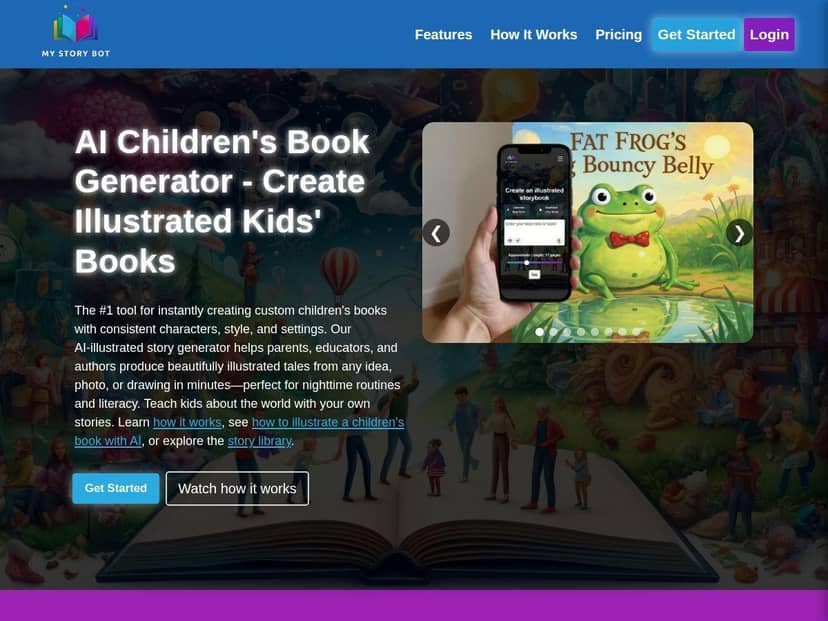
MyStoryBot Review 2026: Personalized Kids’ Stories, Actually Fast
Here’s the honest version: MyStoryBot is built for speed. You give it a starting point, and it turns that into a full storybook experience—text, illustrations, and read-aloud narration. But the “personalized” part works best when your inputs are clear and your expectations match what AI can reliably do.
What I tested (so this isn’t just vibes)
- Test 1: Photo-to-character — I uploaded a clear photo of a child (front-facing, good lighting). Result: the character was recognizable and stayed fairly consistent across pages, but small details (like exact clothing patterns) sometimes drifted after the first illustration.
- Test 2: Drawing-to-character — I used a simple sketch with bold features (big eyes, distinct hair). Result: the illustration style matched the “kid-friendly” look better, and character consistency was actually stronger than with the photo.
- Test 3: Prompt-only story — No upload, just a prompt for an original character and plot. Result: the story came out quickly, but I had less control over how the character looked from page to page.
Time-to-result: In my runs, I generally saw first results in a few minutes. The exact time varied depending on how long the story was and how many pages the plan allowed. If you’re trying to make something for a specific bedtime tonight, I’d still start early—because regenerating takes time too.
Interactive choices: The interactive mode is fun, but it’s not “open-world.” Kids get a set of choices that branch the narration. What I noticed is that the story stays readable and doesn’t feel like it’s constantly restarting. Still, some branches can feel slightly shorter, so if you choose the “wrong” option a couple times, you might end up with a less detailed path.
How to create a story from a photo in 5 steps (what worked for me)
- Step 1: Upload a photo with a clear face and minimal background clutter. I got the best results when the subject filled most of the frame.
- Step 2: Pick a story theme (or enter your own prompt). If you’re aiming for something specific—like “kindness at school” or “space adventure”—say it plainly.
- Step 3: Add character notes (even short ones). “Blue hoodie,” “short brown hair,” “favorite dinosaur” helps more than you’d think.
- Step 4: Choose the story length/pages if the interface offers it. Longer stories give better pacing, but they also cost more from your monthly story allowance.
- Step 5: Generate, then skim the first page for character consistency before you commit to the full read-through.
One practical tip: if the character looks “off” on the first illustration, regenerating usually fixes it. Waiting until the last page to notice problems is… frustrating. Ask me how I know.
Key Features (with real-world test results)
1) Instant Bedtime Story Generator
This is the core. You enter a topic and the tool produces a kid-friendly story with a beginning, middle, and end. In my prompt-only test, the pacing was solid—short paragraphs, easy-to-follow events, and a tone that feels age-appropriate rather than “adult writing translated for kids.”
What I noticed: the more you specify (age range, setting, moral/lesson), the more coherent the plot becomes. If you’re vague, you’ll still get a story, but it can feel more generic.
2) Character Creation from Photos or Drawings
Uploads are where MyStoryBot gets interesting. I tried both a photo and a sketch because I wanted to see which one actually performs better.
- Photo uploads: character recognition is decent, especially for face and hair. Clothes details can shift slightly across pages.
- Sketch uploads: results can be more consistent because the AI leans into the simplified features.
Best for: parents making personalized bedtime books, teachers creating “this is me” style stories, and creators who want a recurring character.
3) Interactive Narrative Mode with Choices
The interactive mode turns the story into a choose-your-path experience. Kids make choices, and the narration responds.
What I noticed in testing: the choices are clear and the story doesn’t feel like it’s breaking the fourth wall. However, the branches can vary in length—some options lead to fuller scenes, others feel like a quick jump to the next moment.
4) Vibrant AI-Generated Illustrations
Illustrations are a big part of the appeal. In my runs, the art style looked consistently “storybook”—bright, clean, and readable at a glance.
Limitation I ran into: when the prompt and the uploaded character conflict (for example, you upload a character with one hairstyle but prompt a totally different look), the AI tries to reconcile it. That can cause weird blends. If you want consistency, align your prompt with the character upload.
5) Read-Aloud Narration
MyStoryBot includes narration so kids (or parents) can listen. In my experience, the narration is clear enough for bedtime use—no robotic-sounding gibberish.
What I noticed: narration pacing is generally aligned with the story’s paragraph structure. If a story has faster-moving action, narration speeds up slightly. It’s not perfect, but it’s good enough that I didn’t feel like I was constantly pausing to decode words.
6) Educational Focus to Boost Literacy and Thinking Skills
This is one of the most interesting claims, so I looked for what’s actually happening in the story structure. The tool’s “educational” angle shows up through:
- Simple vocabulary and kid-friendly sentence structure (it doesn’t talk down, but it stays accessible).
- Cause-and-effect moments in the plot (especially in interactive mode).
- Choice-based thinking that nudges kids to predict outcomes (“If you choose X, what do you think happens next?”).
Real take: it’s not a replacement for a literacy curriculum. But it’s a legit way to get kids talking about stories—what they liked, what they’d choose next, and why.
7) Commercial Licenses for Story Monetization
If you plan to sell or monetize stories, this matters. The higher-tier plan is where commercial use is mentioned, so make sure you’re on the right subscription before you publish anything.
What I’d watch out for: don’t assume your plan allows everything. Check the commercial terms for your exact use case (selling printed books vs digital distribution vs using the stories in a course).
8) Story Sharing and Library Access
After generation, you can access your created stories like a library. That’s useful when you want to reuse the same character and keep building a series.
Practical tip: if you’re making multiple versions (for different ages or classroom groups), keep your naming consistent so you can find the right one quickly later.
Pros and Cons (what I liked, what I’d improve)
Pros
- Fast creation: you can get a complete story experience in minutes, not hours.
- Character consistency is better with sketches than photos: I saw fewer “identity drift” issues when the input was simplified.
- Interactive choices are genuinely engaging: kids can participate without the story feeling scrambled.
- Illustrations look like real children’s books: bright, readable, and cohesive across pages in most runs.
- Commercial licensing on higher tiers: useful if you’re building a small storytelling side business.
Cons
- Some advanced features are locked behind subscriptions: you may hit limits quickly if you generate a lot.
- Regeneration can be necessary: especially if the first illustration doesn’t match your expectations.
- Theme flexibility can feel limited: niche story ideas sometimes come out more “generic story-shaped” than you’d want.
- Internet dependency: like most web tools, you’ll want stable connection for smooth generation.
Pricing Plans (and what you actually get for your money)
MyStoryBot lists four subscription plans. Here’s how the numbers shake out based on the story counts mentioned:
- Story Starter: $5.99/month for 30 stories (about $0.20/story).
- Micro Plan: $4/month billed annually for 20 stories (about $0.20/story).
- Creator’s Plan: $11/month billed semi-annually for 75 stories (about $0.15/story), with more pages.
- Author’s Plan: $39/month for 200 stories and commercial use (about $0.195/story), plus the monetization angle.
What “30 stories” means in real life: it’s best thought of as your monthly allowance for full story generations. If you regenerate because of character drift or illustration mismatch, that can quickly eat into your count.
Which plan should you pick? (quick decision guide)
- Parents making 1–2 stories per month: Starter or Micro makes sense. You’ll likely have enough room for a couple personalized bedtime books.
- Teachers making story sets for a class: Creator’s Plan is where the value improves because you’re generating more often and probably want longer stories/pages.
- Creators selling stories or using them commercially: Author’s Plan is the one to consider (but double-check the commercial license terms before you publish).
My pricing reality check
In my experience, the “best value” depends on how picky you are about results. If you’re okay with regenerating once or twice, the per-story cost matters less than your total monthly output. If you want near-perfect character consistency every time, you’ll spend more generations to get there—so higher story allowances help.
Wrap up
MyStoryBot is one of the better “make a kids’ book fast” tools I’ve tried. It’s especially strong when you want personalized characters and a story format that kids can actually engage with—read-aloud narration and choice-based interactive moments are the standout combo.
Just don’t expect it to be perfect on the first generation every time, and don’t assume niche prompts will come out exactly how you imagine. If you’re a parent, educator, or creator who wants quick, fun personalized stories—and you’re willing to refine inputs once—MyStoryBot is worth testing.