Table of Contents
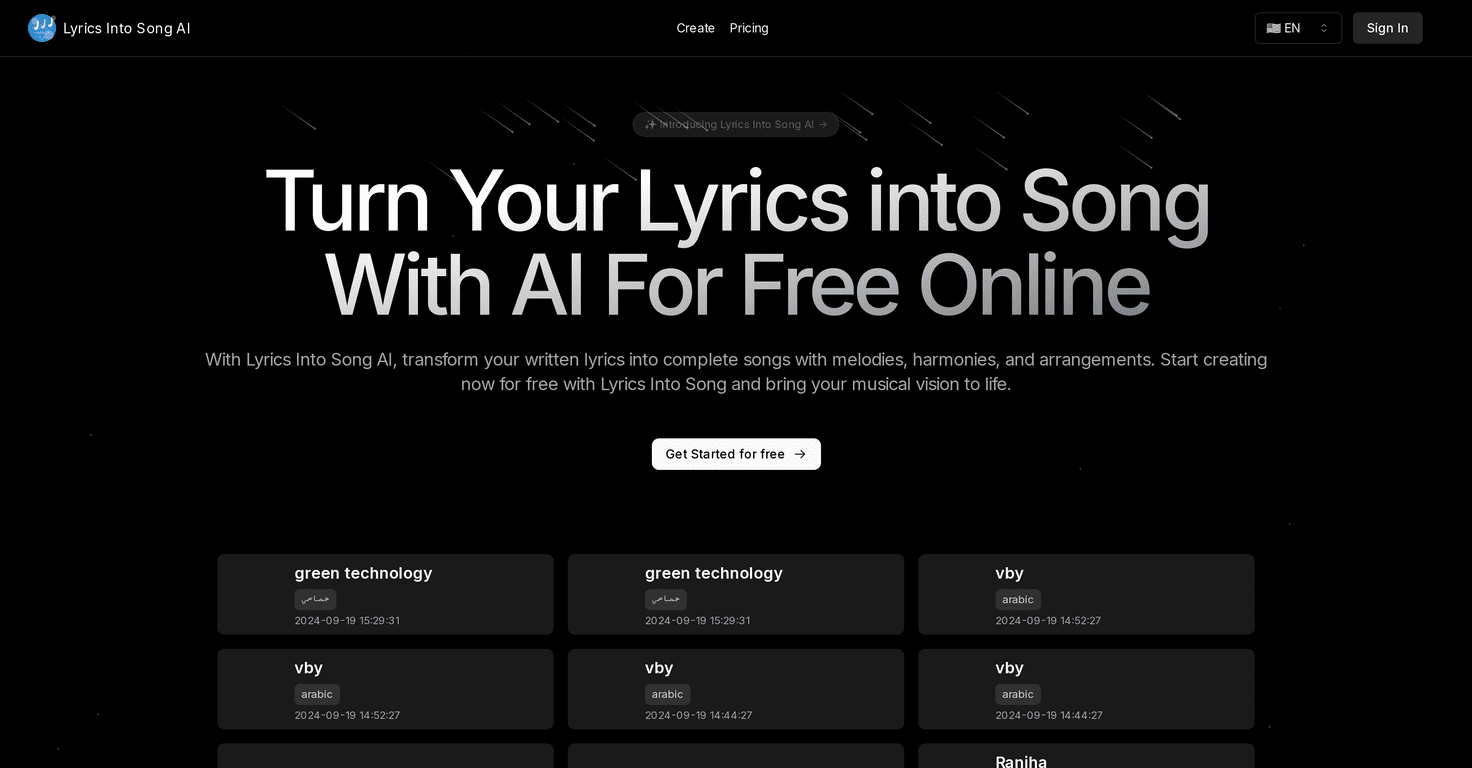
If you’ve got lyrics sitting in a Notes app somewhere, but you can’t quite hear the melody in your head, Lyrics Into Song AI is worth trying. I tested it with a few short verses and a couple of chorus-style lines, and what surprised me most was how quickly it can turn “words on a page” into something that actually sounds like a song. No music theory degree required. You just feed it lyrics and let the tool do the heavy lifting.
In this Lyrics Into Song AI review, I’m going to walk through what it does well, where it can feel a bit limited, and how the pricing stacks up if you’re planning to use it more than once or twice.
Lyrics Into Song AI Review: What It Actually Does
Here’s the simplest way I can describe it: Lyrics Into Song AI takes your lyrics and helps generate a full song concept—melody first, then arrangement, and finally vocals. It’s built for people who write words but don’t want to spend hours figuring out chords, BPM, and instrumentation before they can even hear how the idea might sound.
What I noticed right away is that it’s pretty forgiving. I didn’t have to format everything perfectly. I tried a verse + chorus setup, and the output felt structured enough that I could tell where the “song parts” were supposed to go. Still, if your lyrics are super short, you may get a more “demo-ish” result rather than a track that feels like a finished release. That’s not a dealbreaker—just something I’d expect.
Also, the vocal synthesis is the part that makes it feel real. When the voice matches the rhythm and syllables well, it’s genuinely fun. When it doesn’t, it can sound a little robotic. But honestly? That’s true with most lyric-to-music tools right now.
Key Features
- Lyric to Melody Conversion: Generates a melody that tries to match your phrasing. In my tests, clearer line breaks (verse/chorus) tended to produce more usable melodic phrasing.
- Multi-Genre Composition: You can generate songs across styles like pop, rock, and classical. I liked having options because my lyrics sometimes work better in a different genre than I initially imagined.
- Arrangement and Instrumentation: Adds harmonies and instruments so the result doesn’t sound like a bare melody. This is where the “demo” starts turning into something closer to a track.
- Vocal Synthesis: Provides AI-generated voices to sing your lyrics. I tried a couple of voice styles and found that some fit certain lyrics better—especially when the lyrics have consistent syllable lengths.
If you’re new to this kind of tool, here’s a practical tip I learned quickly: don’t paste your entire poem and hope for the best. Start with a verse and a short chorus. Keep it tight. You’ll usually get a cleaner melody and vocals that sound more intentional.
Pros and Cons
Pros
- Free to use for basic features: Great for testing ideas before you commit money.
- Easy, quick workflow: I didn’t get stuck in settings menus for too long. It’s built for speed.
- Multiple musical styles: Being able to switch genres helps when you’re still figuring out the “vibe” of your lyrics.
- AI vocals add a lot of realism: When it nails the rhythm, it’s genuinely impressive and makes the lyrics feel alive.
Cons
- Free plan limits and slower generation: If you’re trying to iterate fast (like 5–10 versions), the free tier can feel a bit restrictive.
- Wait times can happen: Depending on demand, you might notice delays between generations.
- Not every lyric will fit perfectly: Some lines may get awkward phrasing in the melody or vocals, especially if your lyrics have irregular meter.
Pricing Plans
Lyrics Into Song AI offers a Free Plan for basic access, then paid tiers if you want more output and faster usage. The pricing listed for the plans is:
- Free Plan: Basic access (good for testing)
- Basic Plan: $8.25/month
- Standard Plan: $24.91/month
- Pro Plan: $41.58/month (for higher volume usage)
In my experience, the jump from free to paid is only “worth it” if you’re actively writing and generating multiple takes. If you’re just experimenting once in a while, the free tier might be enough to get the creative juices flowing.
Wrap it up
So, is Lyrics Into Song AI actually useful? Yeah—it is, especially if you want to hear your lyrics as a song without building everything from scratch. The interface is straightforward, the genre options are fun, and the vocals are the feature that makes the biggest difference when you’re trying to move from “words” to “music.”
Just go in knowing it’s still a tool—not a magic wand. You’ll probably want to tweak your lyrics a little, generate a couple versions, and pick the one that feels most natural. If you do that, it can save you a ton of time and help you get to the fun part faster: writing the next line.