Table of Contents
I’ve been testing a bunch of lyric video tools lately, and LyricEdits is one of the few that actually felt “ready to use” without me fighting settings for an hour.
Here’s what I did (so you can judge the results honestly): I used it on Chrome on Windows (desktop), uploaded a 3:12 MP3 track (roughly 7–9MB), and generated a lyric video with the default auto-sync workflow. I kept the default lyric font styling at first, then tweaked it to a darker font color and a simple background so I could see how responsive the editor felt. For export, I picked the social layout option (the one designed for TikTok/Instagram style framing) and used the standard export quality setting.
What surprised me? The transcription + syncing was fast, and the preview updated quickly enough that I didn’t feel like I was waiting around. I did notice a couple of lyric timing hiccups on a line that had a long instrumental gap, but overall it was close enough that I could clean it up without starting from scratch.
LyricEdits Review (2026): What I Tested, What Worked, What Didn’t
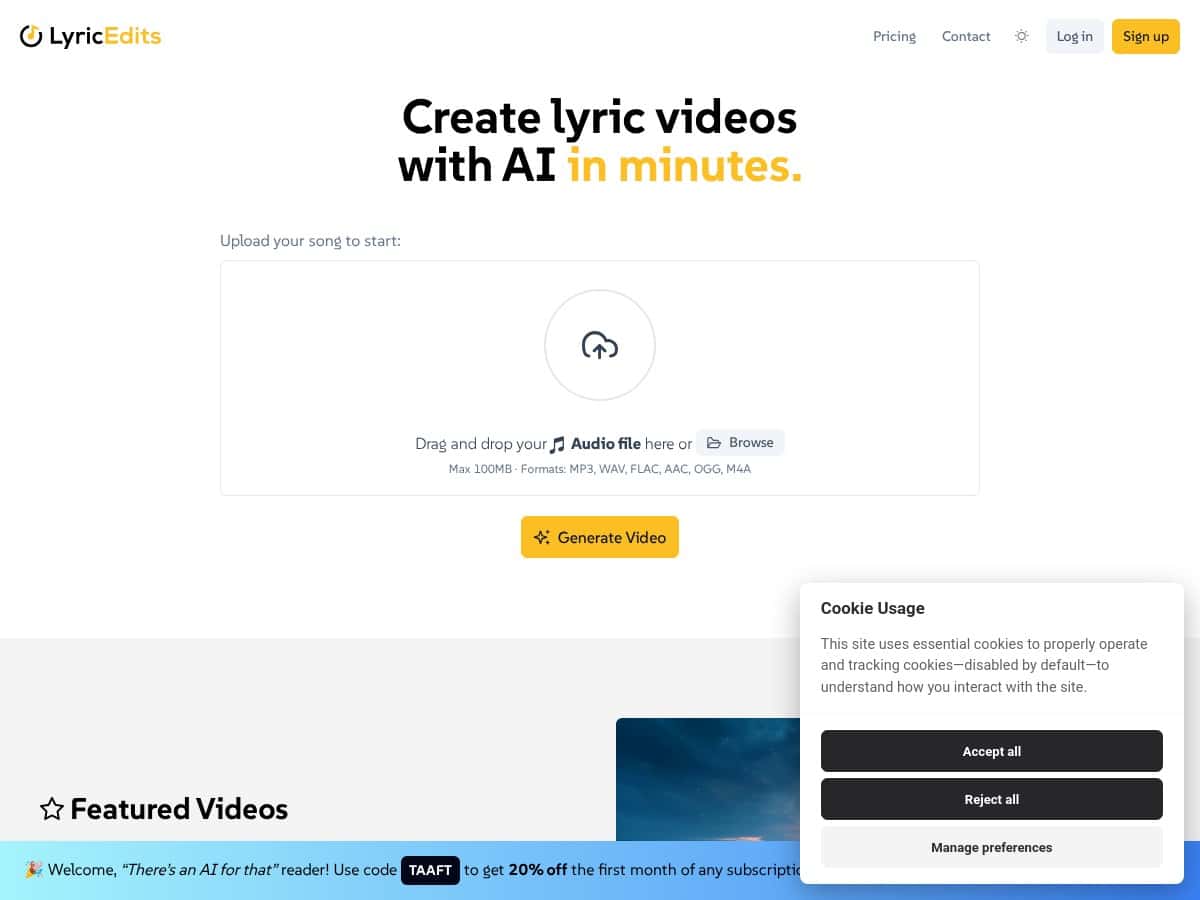
LyricEdits is built for people who want a lyric video without learning editing software. That’s the promise, and honestly—it’s pretty close. I’m not a pro editor, and I didn’t have to learn a bunch of timeline tricks to get a clean result.
After uploading my audio, I went through the same workflow most creators will use:
- Step 1: Upload an audio file (I tested MP3 first).
- Step 2: Let the AI transcribe and auto-sync lyrics.
- Step 3: Use the real-time preview to adjust font style, font color, and background.
- Step 4: Export using a social-friendly preset (TikTok/Instagram style framing).
In my experience, the “real-time” part matters. I could change colors and instantly see how the lyrics looked against the background, instead of waiting for a full render every time. And yes—no video editing skills required. But you still have to sanity-check timing and punctuation, because AI transcription isn’t perfect.
Here are a few concrete things I tested so this isn’t just vibes:
- MP3 (3:12, ~7–9MB): Transcription completed quickly, and the lyrics were mostly aligned. I saw one line drift slightly during a longer instrumental break, but it was easy to correct.
- WAV (short test clip, ~2–3 minutes): Sync felt comparable to MP3. No weird formatting issues.
- M4A (music-style audio, under the limit): It accepted the upload fine and exported properly—no “unsupported file” errors.
Also, the output looked “social-ready.” The typography was clear, and the framing was consistent with what you’d expect for platforms like TikTok and Instagram. If you’re planning to post regularly, that consistency is a big deal.
Key Features That Actually Matter (Not Just Marketing)
- AI-Powered Automatic Lyric Transcription and Syncing
- Real-Time Customization for Fonts, Colors, and Backgrounds
- Export Formats for YouTube, TikTok, Instagram, and Facebook
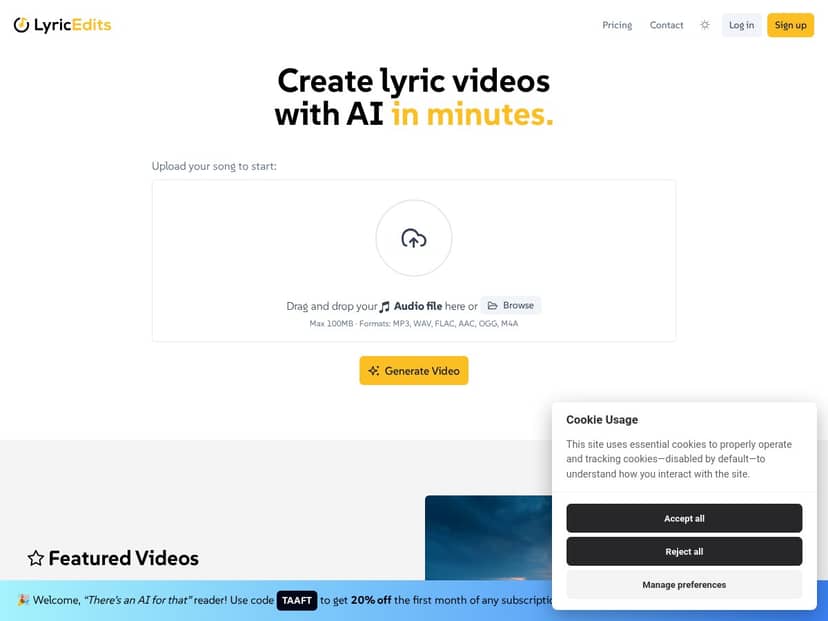
- Audio Upload Support (up to 100MB)
- Option to Export for Further Editing in Professional Software
- Commercial and Personal Use Options
Pros and Cons (Based on Real Exports)
Pros
- Super straightforward workflow: I didn’t need tutorials to get from upload → synced lyrics → export. The interface is simple, and the preview helps you avoid guesswork.
- Fast turnaround for lyric videos: For a ~3-minute song, the process felt quick enough that I could generate multiple versions (different font/background styles) in one sitting.
- Customization is actually usable: Changing font color and background wasn’t buried in menus. In my test, the preview updates made it easy to pick something that’s readable on mobile.
- Good for social posts: The export presets are built for common platforms, so you’re not manually resizing your video after the fact.
- Beginner-friendly: If you can upload a file and pick a style, you can make something that looks professional.
Cons
- Trial/export limitations: In my testing, free trial outputs aren’t meant for commercial use. That matters if you plan to run ads, monetize, or publish under a brand campaign.
- 100MB upload limit can be annoying: If you work with long tracks, high-bitrate audio, or want multiple takes, you may need to convert/compress first.
- Permissions can be a real issue: If you’re uploading songs that you don’t own or don’t have rights to, the platform expects you to handle permissions appropriately. If you don’t have the rights, you shouldn’t proceed commercially (and you’ll likely run into restrictions depending on the plan and intended use).
- Paid plans are required for commercial-rights style usage: If you want watermark-free results and broader commercial usage, you’ll need a paid subscription.
Pricing Plans: What You’ll Pay (and What You Get)
LyricEdits does have a free trial, but it’s limited—mainly when it comes to commercial use. If you’re just testing the workflow for personal projects, it’s a decent way to see whether the transcription/sync quality matches your expectations.
For full access, the paid plans are where things open up. In my experience, the big differences you’ll care about are:
- Commercial rights: Trial exports are restricted; paid plans are the route if you want to use videos commercially.
- Watermark status: Paid options are positioned for watermark-free output (trial-style exports typically include limitations).
- Export quality / advanced options: Higher-tier plans are designed for creators who want more control and better deliverables.
Pricing note: I don’t want to guess numbers and accidentally mislead you. The platform’s pricing can change, and the only safe way to keep this accurate is to check their current plan page directly. If you want, I can also help you compare plans based on your use case—personal covers vs. label releases vs. client work.
For the latest plan pricing and what each tier includes, use their official page: LyricEdits.
Wrap up: Should You Use LyricEdits?
If you want lyric videos fast and you don’t want to learn editing software, LyricEdits is one of the more practical options I’ve tried. The best part is the workflow: upload audio, let it transcribe/sync, tweak the look, export.
Who should buy it? Creators who post consistently (music artists, DJs, small labels, content marketers) and anyone who needs lyric videos that look good on mobile without spending hours in a timeline editor.
Who should be cautious? If you’re planning to use outputs commercially, don’t assume the trial is good to go. Also, if your uploads are often big (or you’re working with long tracks), the 100MB limit might force you to convert/compress first.
Bottom line: it’s easy, it’s quick, and the results are solid—just make sure your plan matches how you intend to publish.