Table of Contents
If you’re a content creator or a solopreneur, you already know the real problem isn’t “having ideas.” It’s getting everything out the door on time. Between drafting posts, turning topics into blog content, and trying to stay consistent on LinkedIn and Twitter, it’s easy to fall behind. That’s why I checked out Luppa AI—to see if it actually makes the day-to-day easier or if it’s just another tool that sounds good on paper.

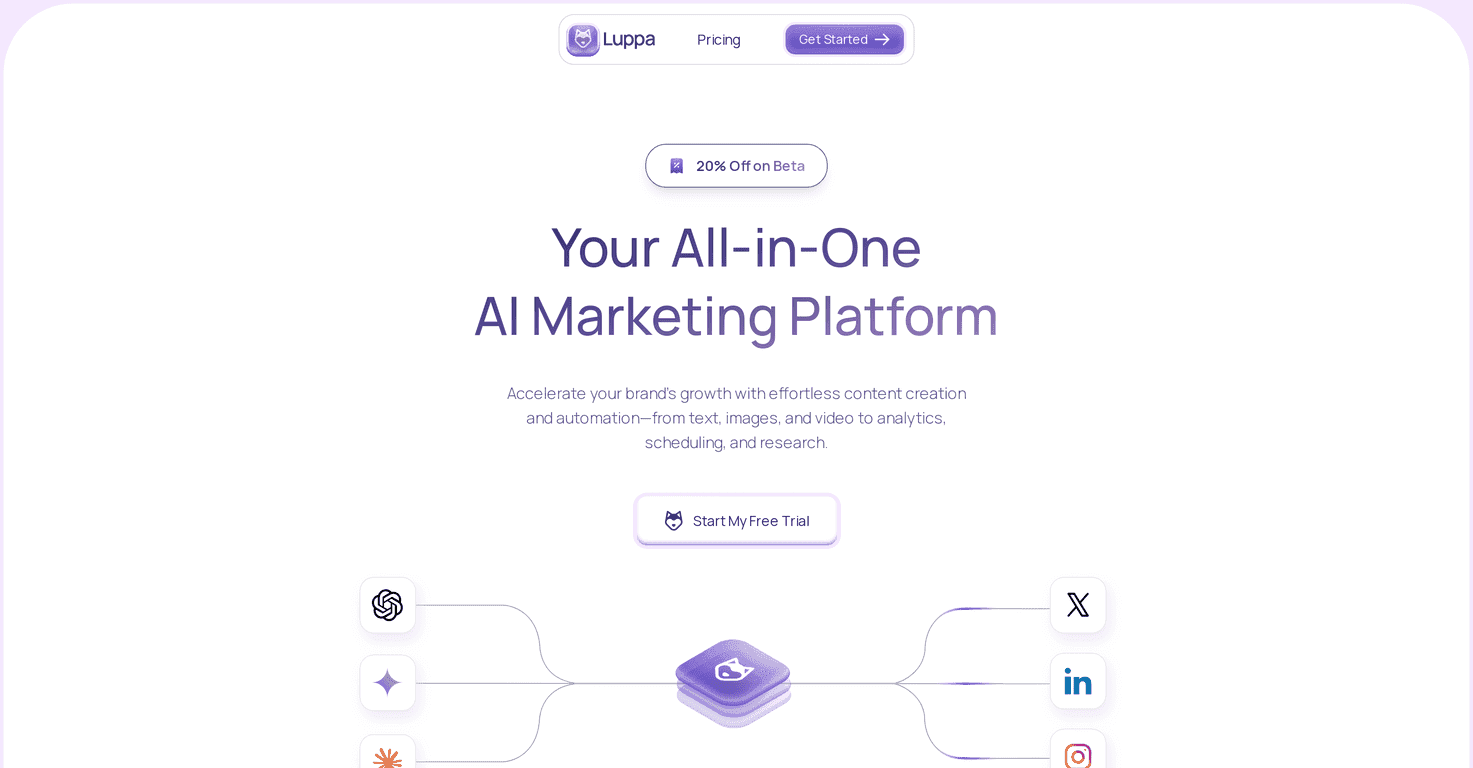
At a high level, Luppa AI is built to pull a bunch of marketing tasks into one place. In my experience, that matters more than people think—when you’re juggling multiple tabs (writer tools here, schedulers there, SEO helpers somewhere else), you lose momentum. Luppa AI aims to help you create, schedule, and analyze content without bouncing between platforms.
One of the first things I noticed is the scheduling and posting workflow. You can line up content for LinkedIn and Twitter so you’re not trying to remember to post at the last second. It also leans into SEO blog article generation and content repurposing, which is exactly what I want when I’ve already got one “main” idea and I’m trying to stretch it across formats.
That said, I don’t want to oversell it. Some features are still coming—specifically image generation. If you’re expecting to generate visuals right away, you might feel a bit stuck. But if your priority is written content, scheduling, and repurposing, Luppa AI looks pretty solid for small teams and solo creators who want consistency without a huge marketing stack.
Luppa AI Review: Does It Actually Help You Publish More?
Luppa AI is aimed at people who want to boost their marketing output without turning it into a second full-time job. The interface is pretty straightforward, and I didn’t feel like I needed a marketing degree to get going. If you’re not technical, that’s a big deal. The whole point is to help you create content (text and SEO-focused pieces) and then move it into a schedule so you’re not constantly “starting over” every day.
What I liked most is the way it handles the stuff that usually eats time: planning, repurposing, and posting.
For example, instead of writing one long post and hoping it performs, you can generate or repurpose content and then schedule it for your social channels. Luppa AI focuses on LinkedIn and Twitter (X), and the scheduling flow is designed so you can keep your presence consistent without manually posting each time.
It also supports SEO blog article generation. In practice, that means you can take a topic and turn it into something blog-ready, then reuse that work for social posts. That “one idea, multiple formats” approach is what most creators are trying to do anyway—you’re just doing it with less friction.
Now, the honest part: image generation isn’t available yet. If your content strategy depends on creating custom images inside the tool, you’ll need to use another workflow for visuals until that feature lands. I get why they’d prioritize writing/scheduling first, but it’s still worth calling out.
Key Features I’d Actually Use
- Automated content scheduling and posting (so you’re not posting manually every day)
- Unlimited posts for LinkedIn and tweets for Twitter (great if you’re aiming for daily or near-daily consistency)
- SEO blog article generation (helpful when you want content that can rank, not just “social updates”)
- Repurposing tools for existing content (turn one topic into multiple posts without rewriting from scratch)
- Upcoming image generation capability (promising, but not available yet)
- Intuitive creation flow for on-brand content (less time wrestling with settings, more time publishing)
What the workflow feels like day-to-day
Here’s how I’d describe it: you start with a content idea, generate or repurpose it into the formats you need, then schedule it. The biggest win is that it reduces the “blank page” moment. Instead of scrambling right before posting, you can batch content and set a plan. That’s especially useful if you’re juggling client work or you only have an hour or two at a time.
And if you’re the type who forgets to post (no judgment—I've been there), scheduling is the difference between “I meant to” and “it went out.”
Pros and Cons (Real Talk)
Pros
- All-in-one marketing workflow: creation + scheduling + repurposing in a single place.
- Saves time for small businesses and solo creators (less context switching between tools).
- Helps you maintain a consistent brand voice, especially when you’re repurposing the same themes.
- 7-day free trial available without a credit card (I like that because you can actually test it, not just “click around”).
- Clear pricing structure, with annual discounts if you want to commit.
Cons
- Image generation is still upcoming, so you can’t rely on Luppa AI for visuals right now.
- Probably not built for very large enterprises that need heavy customization, complex approval flows, or advanced team governance.
Pricing Plans: What You Pay and What You Get
Luppa AI has two main tiers. The Pro Plan is listed at $50/month, or $39/month if you pay annually. With Pro, you get things like unlimited LinkedIn posts, automated scheduling, 20 SEO blog articles, and repurposing tools. If you’re actively posting and also trying to build SEO content, that mix makes sense.
The Enterprise Plan is custom priced. It includes everything in the Pro Plan, plus add-ons like hosted models and multiple workspaces. If you’re a larger team, that could matter a lot—but for most solo creators, Pro is likely the more practical starting point.
Wrap up
So, is Luppa AI worth it? In my opinion, it’s one of the cleaner “creator-focused” marketing tools because it focuses on what most people actually struggle with: consistency, repurposing, and getting content scheduled instead of stalled. The free trial makes it easy to test whether the workflow fits your style, and the feature set (especially SEO blog generation + social scheduling) is aligned with how creators publish today.
If you need image generation right away, you may want to wait or plan a separate visual workflow. But if your main goal is getting more content out with less hassle, Luppa AI is a pretty compelling option.