Table of Contents
If you’ve ever had to wrestle with JSON schemas—especially when you’re trying to get an API response to match a specific structure—you already know how annoying it can get. One missing field, one wrong type, and suddenly your whole integration is throwing errors.
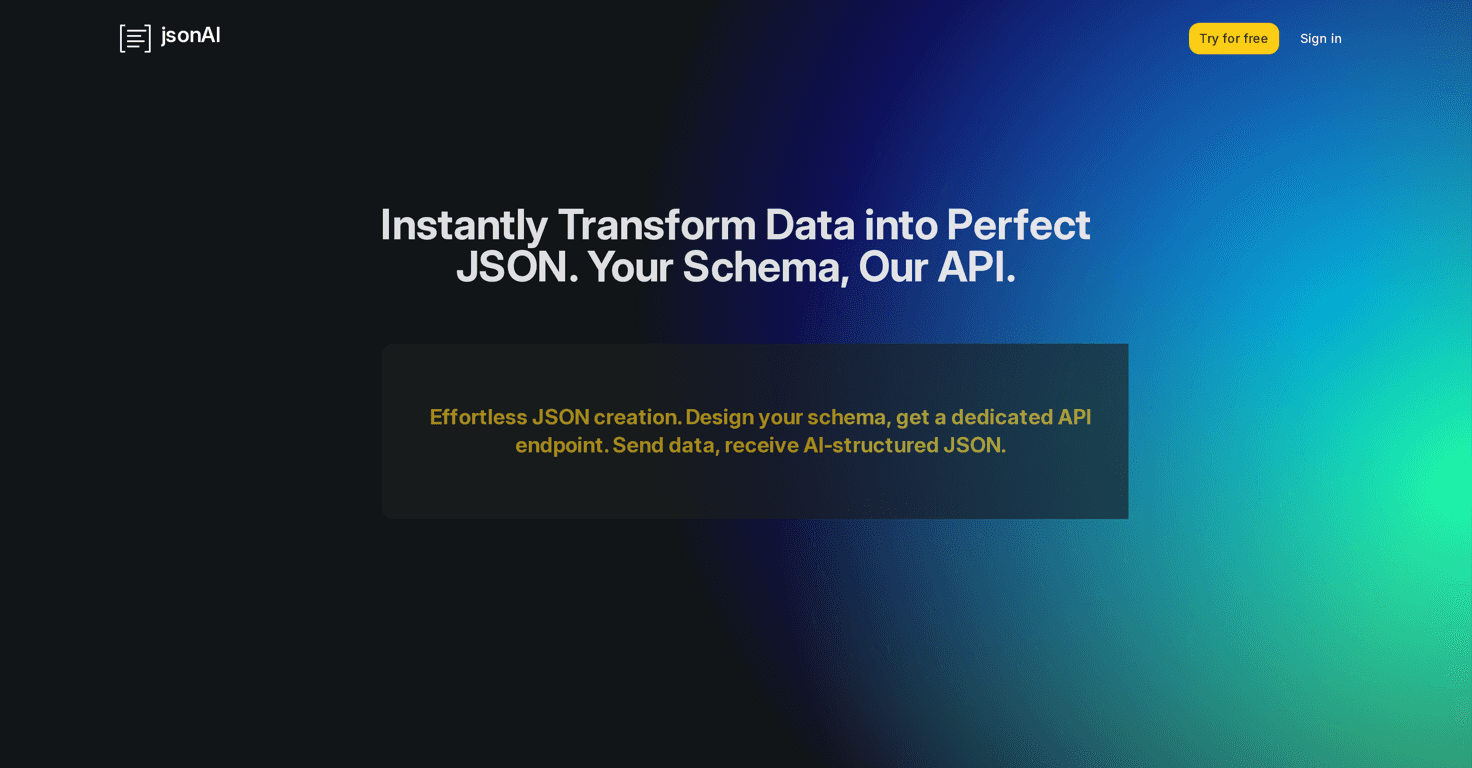
That’s why I ended up testing jsonAI (jsonAi.cloud). The pitch is simple: help you define JSON schemas and then use them as API endpoints, with AI generating responses that follow your schema. In practice, it’s one of those tools that makes the “schema → test → reuse” loop feel a lot less painful.
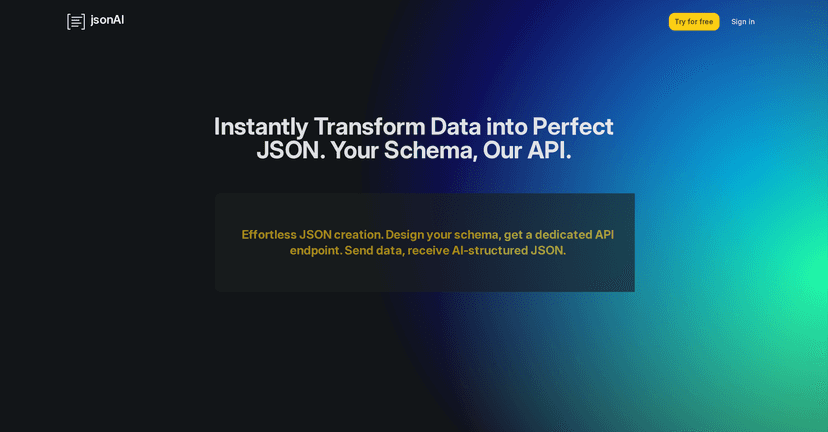
jsonAI Review
Let me break down what I actually liked (and what I didn’t) after using jsonAi.cloud for a real schema task. I wasn’t just trying to generate “some JSON”—I wanted something that looked like what an API consumer expects: consistent fields, correct types, and nested objects that don’t randomly change shape.
The core idea is that jsonAi.cloud helps you define a JSON schema with details like title, type, and description. That part matters more than people think. When you’re building an endpoint for downstream systems, the schema isn’t just documentation—it’s your contract.
What stood out immediately is how it handles complex schemas. I tried a nested structure (think something like a “user” object that contains “profile” and “addresses”). Instead of feeling like I was fighting a blank text editor, I could build it step-by-step: top-level fields first, then nested objects, then the custom bits.
Then there’s the testing workflow. This is where I felt the biggest time savings. The platform includes a testing JSON area where you can input sample data and validate against your schema. In my experience, this catches mistakes faster than manually reasoning about the schema and hoping the output matches.
For example, if your schema says something like “age” is a number but your sample input is a string, you should see it fail right away. And if you’ve got required fields, it helps you notice when a field is missing before you ship an integration.
Once the schema looks good, you can save it as an API endpoint. That’s a big deal because it turns “schema authoring” into something you can actually reuse. Instead of regenerating everything every time, you’ve got an endpoint you can call and expect the response to follow your structure.
Is it perfect? Not automatically. If you build a very loose schema (or forget to define required fields), the output can still be “technically valid” while not being what your UI or service really needs. But that’s not really a jsonAI problem—it’s the same reality with any schema-driven workflow.
Key Features
- Schema Definition for custom JSON schemas
- Creation of complex schemas with nested objects
- Testing JSON with real-time feedback
- Saving schemas as API endpoints
Pros and Cons
Pros
- It’s genuinely easy to build schemas without feeling like you need to memorize every schema nuance up front.
- Nested objects are handled well, so you can model real-world payloads instead of just toy examples.
- Real-time testing helps you catch type/structure issues before you rely on the endpoint in production.
- Free trial is available, and I like that you can test the workflow without immediately committing.
Cons
- Token limitations on the free plan can slow you down if you’re iterating heavily (which, let’s be honest, you usually will).
- There’s still a learning curve if you’re new to JSON schemas. You’ll need a basic understanding of types, required fields, and nested structures.
Pricing Plans
jsonAi.cloud includes a free plan with limited usage and tokens. If you’re doing more than a couple of schema experiments, you’ll likely want one of the paid tiers for additional tokens and features. The exact numbers are listed on their plans page, so it’s worth checking there for the most up-to-date details.
One practical bonus: you can get started without a credit card, which makes it easier to test the tool with your own schema instead of guessing whether it’ll fit your needs.
Wrap up
Overall, I think jsonAi.cloud is a strong option if you want a smoother path from JSON schema creation to schema-tested outputs and then to reusable API endpoints. It’s not just “generate JSON and hope”—the testing step and endpoint saving are what make it feel useful in real projects.
If you’re building integrations, generating structured responses, or just tired of breaking things with tiny schema mistakes, it’s definitely worth giving a try.