Table of Contents
We’ve all been there—staring at a blank page, a half-finished design, or an empty “ideas” doc and thinking, “Why is my brain suddenly offline?” I’ve used a bunch of idea tools over the years, and most of them either feel too generic or they ask for way more effort than they’re worth.
That’s why I tried the Idea Generator. It’s a simple web-based app built for people who need fresh concepts fast. You type a prompt, it spits out ideas, and you can keep going until something clicks. No complicated setup. No “create an account first” runaround (at least in the way I used it).
In my experience, the biggest win here is speed. I can go from “I have nothing” to a usable starting point in seconds. And the tool also lets you save favorites, which sounds small, but it matters when you’re bouncing between prompts and trying not to lose the good stuff.
Idea Generator Review
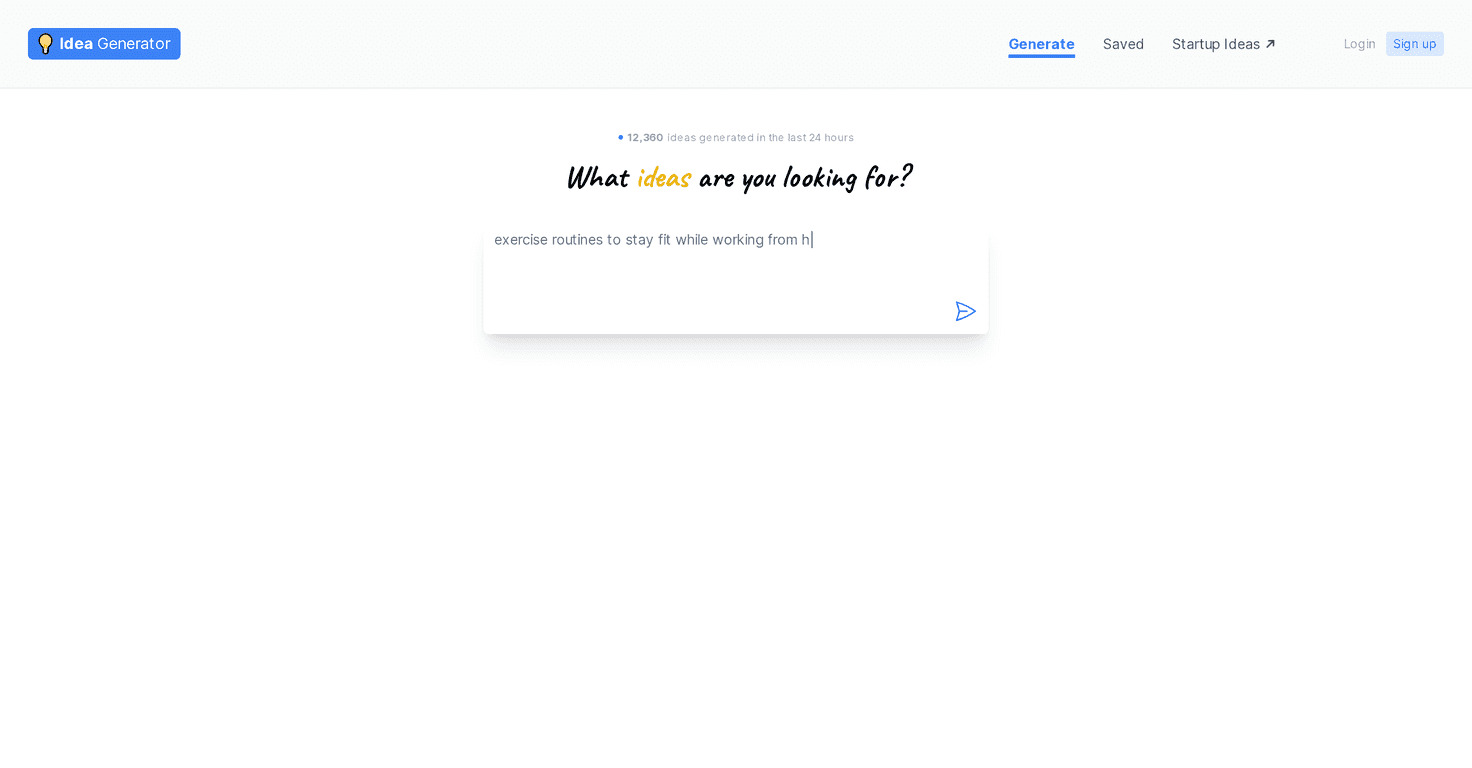
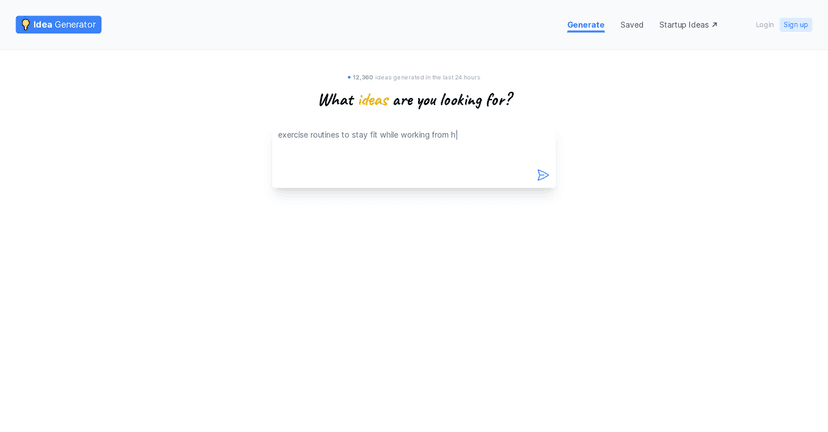
The Idea Generator is designed for people who want ideas on demand—no fancy workflow required. When you open it, you’re basically looking at one main job: enter a prompt and get results back right away.
Here’s how I used it: I started with a pretty plain prompt like “blog post ideas for a fitness beginner.” Then I tried a slightly more specific one: “beginner-friendly strength training ideas for busy people (no gym).” What I noticed is that the second prompt produced ideas that felt more aligned with the audience I had in mind. Same tool, better direction. So yeah—prompt quality matters.
After generating results, I also liked the idea-saving part. I don’t always know instantly what I’ll use, so having a way to keep favorites helps. It’s the difference between “cool, I saw that once” and “I can actually come back to it later.”
One more thing: the interface feels lightweight. I didn’t have to fight menus or hunt for settings. If you just want to brainstorm and move on, this works well.
Key Features
- Unlimited Idea Generation
You can keep generating without hitting a hard stop. In practice, that’s helpful when you’re iterating prompts—like switching from “marketing ideas” to “social media campaign ideas” and seeing what changes. - User-Friendly Interface
It’s straightforward. Type prompt → generate → review ideas. No learning curve that steals your creative momentum. - Accessibility
Because it’s web-based, you don’t have to install anything. I tested it in a browser and it felt easy to jump in and out of. - Storage for Ideas
The ability to save favorites is a real quality-of-life feature. When you’re generating dozens of options, you need a way to not lose the best ones.
Pros and Cons
Pros
- Free to use
If you’re just testing the waters or you want brainstorming help without spending money, this is a strong starting point. - Fast and easy
I didn’t feel slowed down by the tool. It’s built for quick output, not a complicated “process.” - Lots of variety
When you change your prompt, the ideas generally shift with it. That’s useful when you’re trying to avoid repeating the same angles. - Idea saving helps
Being able to store favorites means you can come back later—especially if you’re working in batches (like 30 ideas today, refine 5 tomorrow).
Cons
- The ideas aren’t always “ready to publish”
Some suggestions are more like starting points than finished concepts. If you’re expecting polished outputs every time, you’ll probably be disappointed. - Prompt dependence is real
If your prompt is vague, you’ll get vague ideas. In my tests, adding constraints (audience, format, tone, limitations) improved results noticeably. - Free version may feel basic
Some people might want more structured templates, deeper filters, or extra tools for organizing and refining ideas. The free experience is simple—sometimes that’s a plus, sometimes it’s limiting.
Pricing Plans
The Idea Generator is available for free. No subscription prompts that pop up mid-session, no “surprise” paywalls I ran into during normal use. If you’re looking for inspiration on a budget (or you just don’t want to commit yet), that’s a big deal.
That said, since it’s free, it’s also worth keeping expectations realistic. You’re getting a straightforward idea generator—not a full creative suite with advanced editing and workflow tools.
Wrap up
Overall, I think the Idea Generator is a solid option when you need momentum. It’s quick, it’s easy to use, and the unlimited idea generation paired with idea saving makes it practical for real brainstorming sessions. Will every idea be a winner? No. But that’s not the point. The point is getting you unstuck, and in that respect, it does its job well.
Promote Idea Generator




